Window Menu
Asset Transformer Studio Window menu reference
Read time 1 minuteLast updated 9 hours ago
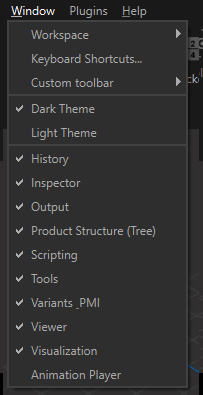
The Windows menu allows you to customize and arrange the workspace (window layout), and manage keyboard shortcuts.
From this menu, the user can set the windows to be displayed in the UI, among:
- History
- Inspector
- Output
- Plugin Editor
- Product Structure (Tree)
- Scripting
- Tools
- Variants & PMI
- Viewer
- Visualization
- Animation Player
Customize the Workspace
Asset Transformer Studio user interface is entirely customizable.
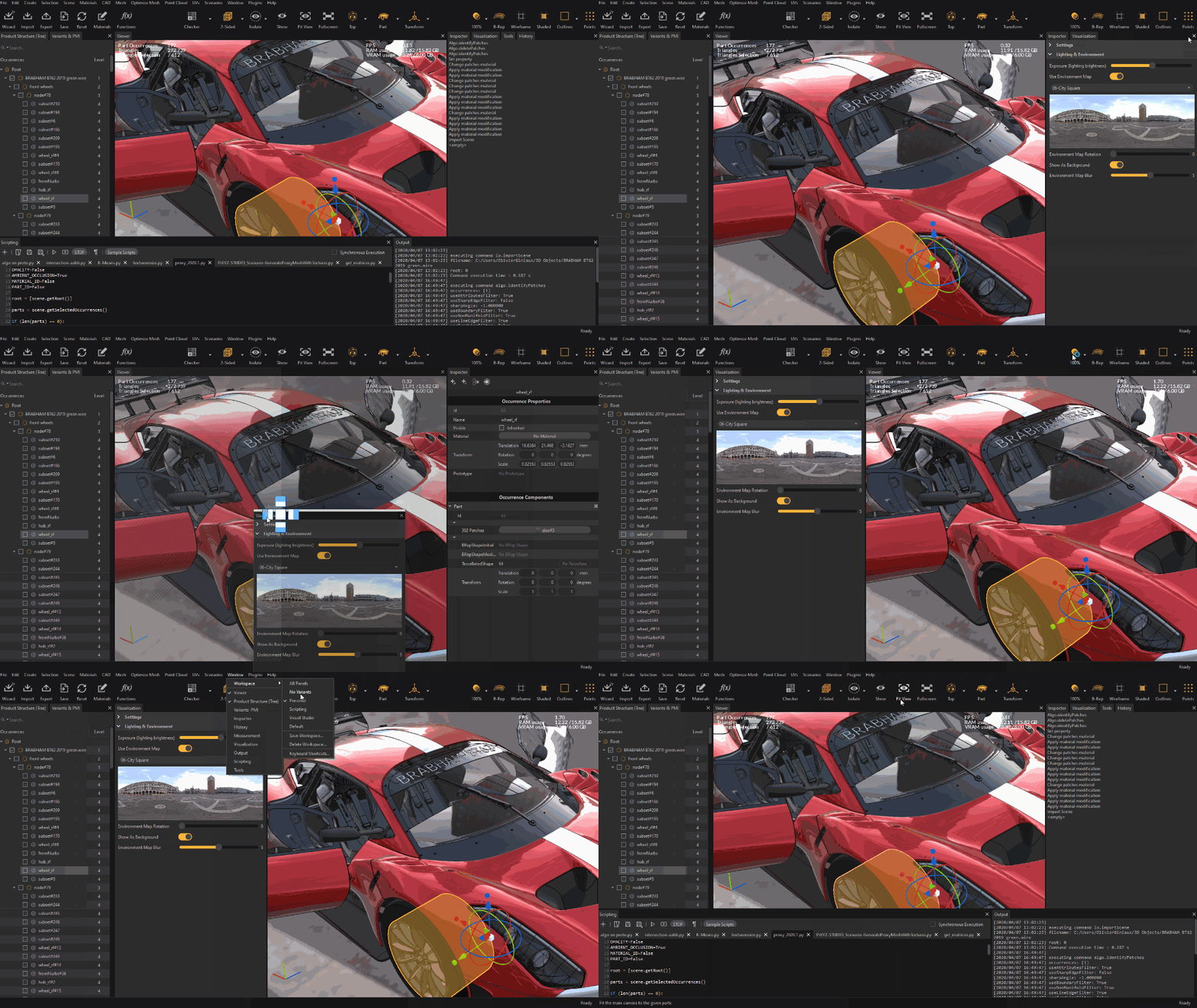
In particular, a smart docking system gives the user more flexibility to create their preferred workspace and be more efficient: