Function List
How to access and use the Function List in Asset Transformer Studio
Read time 1 minuteLast updated a day ago
Asset Transformer Studio's standard UI exposes the most powerful and commonly used features.
However, more than 120 functions are available in the API for Python scripting, and also for interactive data preparation in the UI.
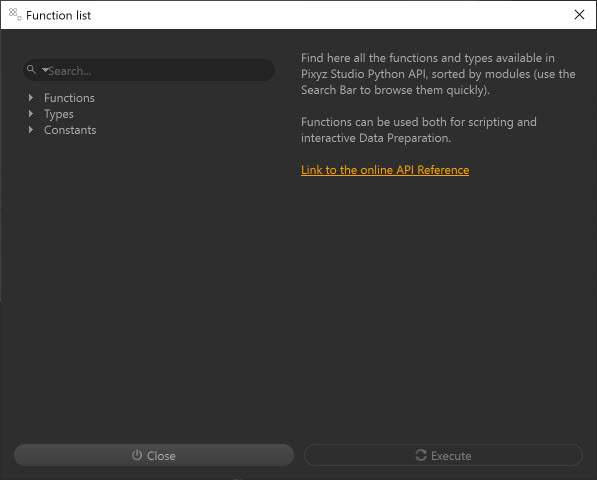
To access the full Function List, go to Edit menu > Function List (F12) or click the following icon from the Main Toolbar:

Use the and the left panel to browse through all algorithms, sorted by categories/modules (, , …) depending on their nature.
Search baralgoCADcoreFor more information regarding algorithms, go to the API Reference.