Sample Parallel Processing
That third sample introduces the concepts of paralell processing and leverages UI (User Interface) concepts for 3D transformations monitoring.
Read time 1 minuteLast updated 7 months ago
Sample #3 - Folder Watcher ... and beyond
GitHub That third sample introduces the concepts of paralell processing and leverages UI (User Interface) concepts for 3D transformations monitoring. Pending available Pixyz SDK available licenses on and propeperly setup infrastructure, that data pipeline will allow you to run multiple transformation jobs and monitor their execution through a python-based UI.What to do?
Simply configure your Pixyz Python environment and download the GitHub sample folder on your machine. Then execute thepython/Windows/ParallelProcessing/parallel_processing_main.py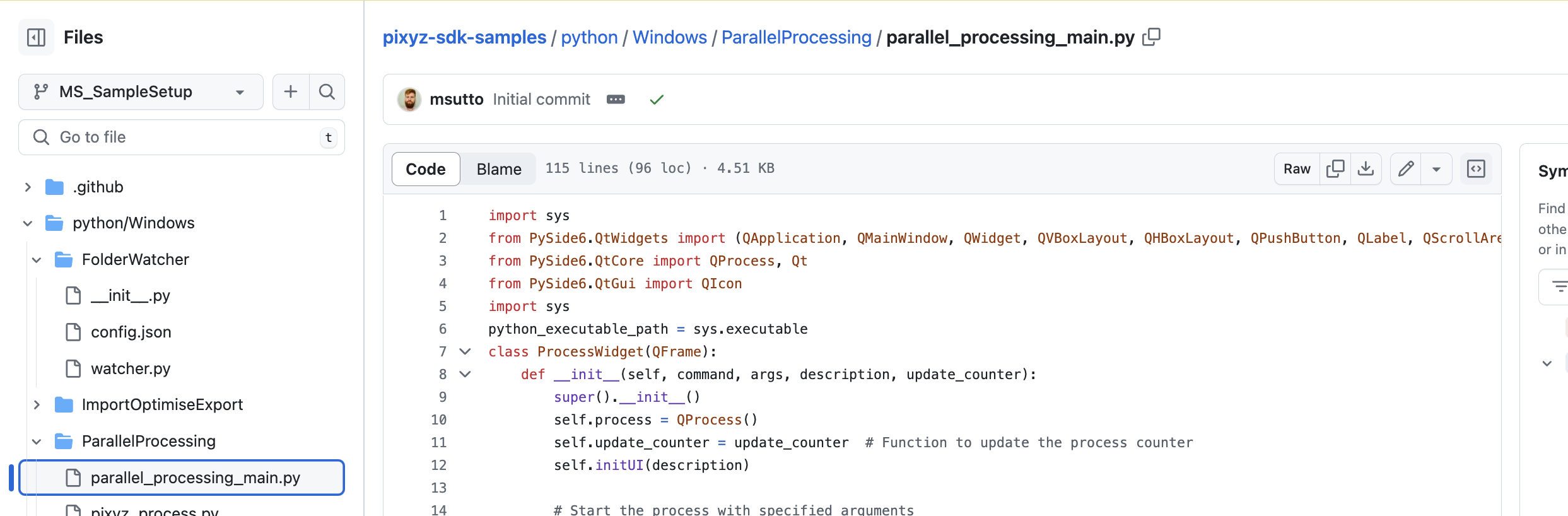
What it does?
That sample script will:- configure and initialize your Pixyz SDK python instance
- connect to an existing Pixyz Flexlm license server (IP adress/hostname and port must be set as per your existing licensing setup)
- initiate a python-based UI allowing you to trigger and monitor 3D asset transormations performed by Pixyz SDK, according to the the process.
python/Windows/ImportOptimiseExport/import_optimise_export.py - export locally all processed models with the extension
_new.glb