Merge UV islands (affine)
Use this feature to merge UV islands on a 3D model using affine transformations, enabling precise adjustments like scaling, rotation, and translation to optimize the UV layout for texturing.
Read time 2 minutesLast updated 9 months ago
API function: algo.mergeUVIslandsAffine
This function reduce the number of UV islands by merging UVs of neighbor patches when it is possible.
Unlike algo.mergeUVIslandsRelaxed, this method will only apply affine transformation to the UV island, so its main target is model with hard surfaces.
In doing so, it needs to find the possible ways of linking patches together. The weights can be used to control this order.
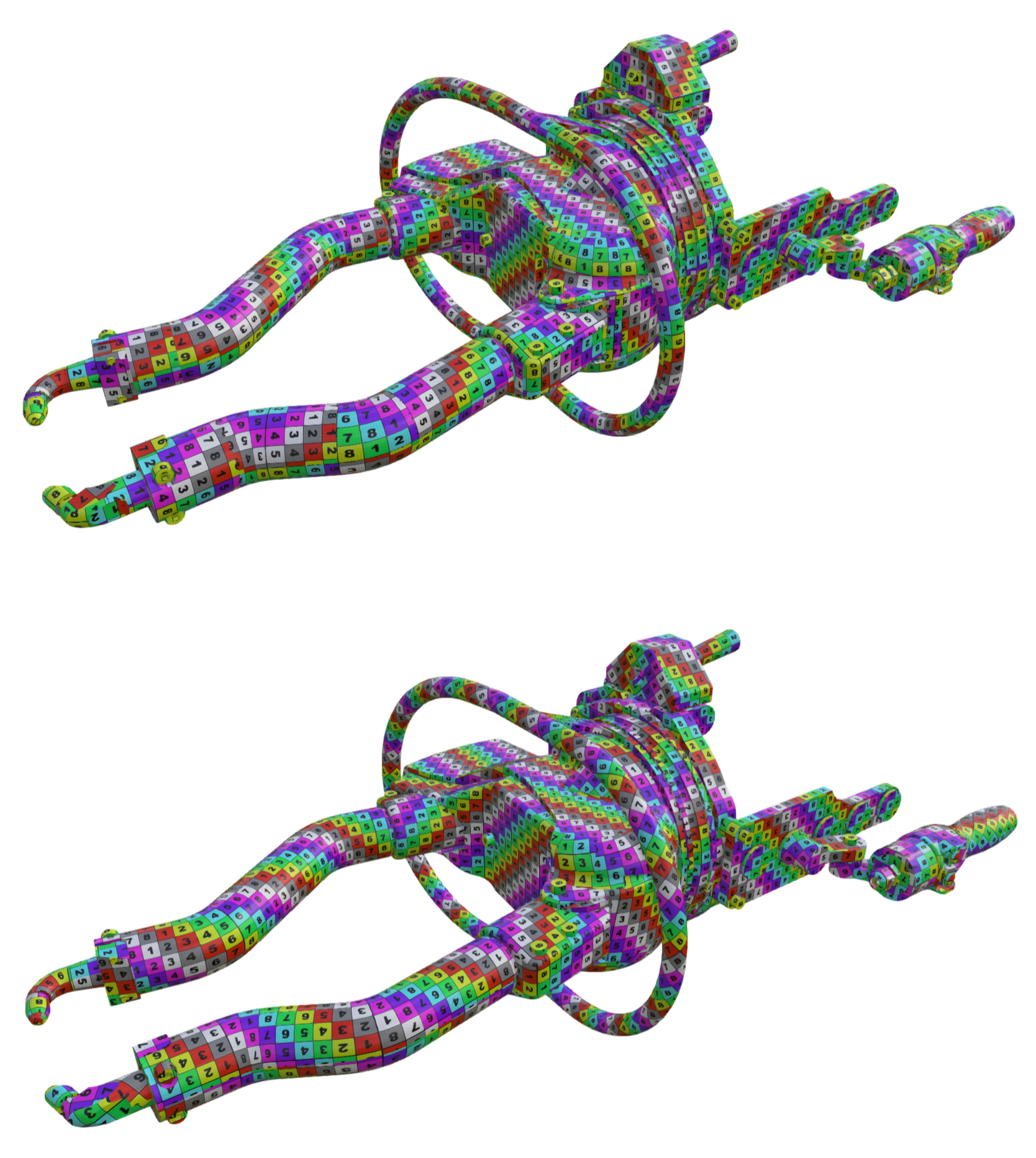
This example shows a model before (top) and after (bottom) processing. Notice the UV modifications on the arms of the model:
Parameters
Occurrences
Select occurrences on which to merge the UV islands.
Channel
UV channel on which to merge the UV islands.
Scale weights
This parameter allows to give some more or less importance to the variations of the scale needed to perform the transform. It means that increasing the value will make patches with the same scale merge together first.
Max scale variation factor
This parameter fixes a maximum scale variation for the UV of each patch. It will forbid mergings that will change the scale above this value.
Curvature weights
This parameter will do the same than scale weights but based on the curvature of the line (set of edges) along the patches to merge. Using this with a higher value will increase the probability of merging along flat sides.
Use polygons weights and use vertices weights
These parameters are intended to take into accounts some weights precomputed on polygons or vertices. These can for instance be obtained from the visibility using algo.createVisibilityInformation followed by algo.transferVisibilityToPolygonalWeight. With this, the goal is in general to have the UV seams in less visible parts of the model. Another possibility for these weights is to paint in another software to better guide the algorithm later on.
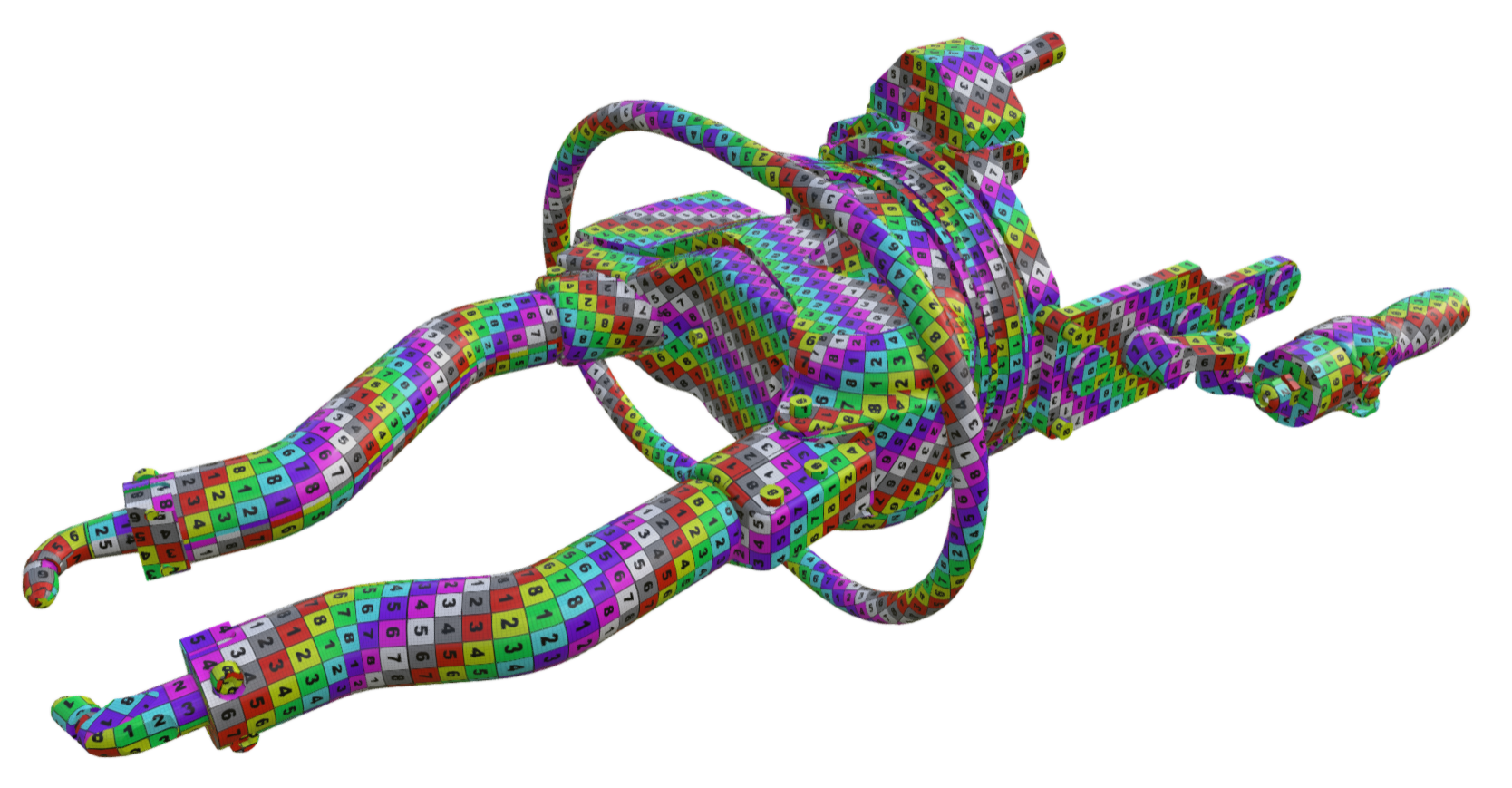
For instance, when using polygon weights based on the visibility, we obtain seams in places that are less visible, like here, where seams are located on the inside of the arms (compared to the outside on the first image):
Allowed transformations
Here, you have to choose the most complex type of transformation you want the algorithm to be able to use, between TRSOnly and TRSAndSkew (using the enum algo.TransformationType).
TRSOnly: Only applies Translation, Rotation and Scale to the UVs
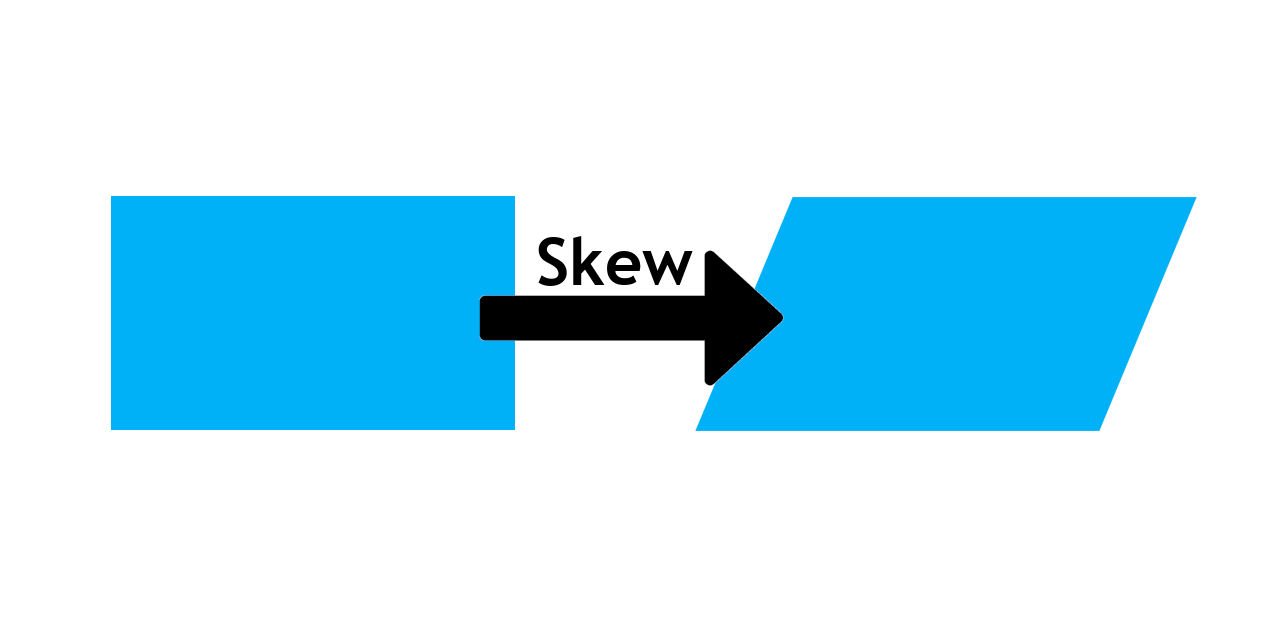
TRSAndSkew: Also allow to apply a skew transform (see image below)
Allow UV inversion
Having this parameter checked means that UVs can be inverted, meaning that the applied textures can be mirrored if it allows for some more mergings.
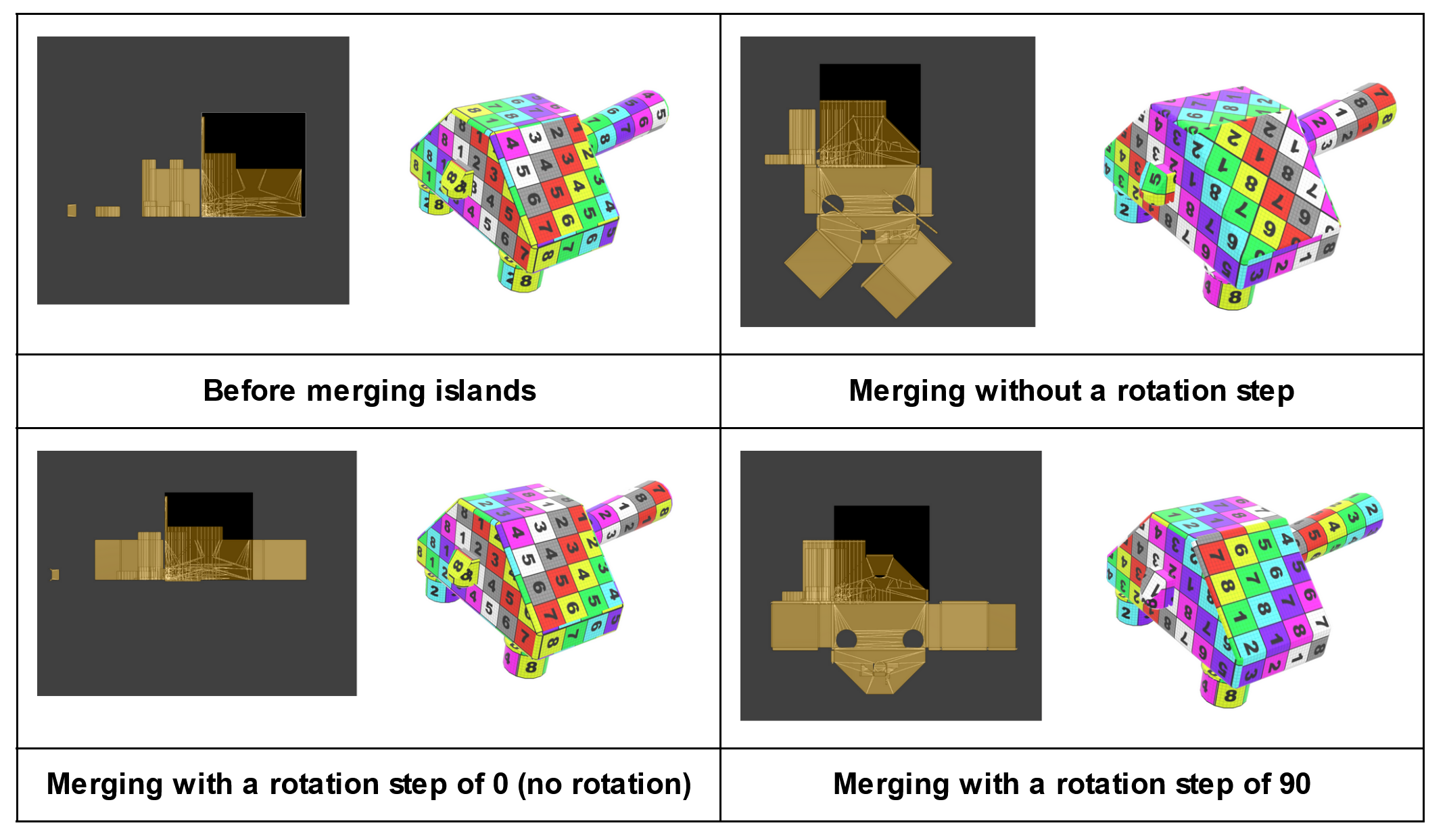
Rotation step
This parameter allows UV to rotate by multiples of this angle in degrees. -1 is used when no restriction is in place, and 0 or a value superior or equal to 360 for no rotation.