Importing RVM Files
Learn how to import RVM files in Pixyz, handle metadata, and optimize large 3D assets for conversion to other formats.
Read time 1 minuteLast updated 9 months ago
RVM is a 3D format broadly used to exchange data in the energy, oil, and gas industries. For example, it is used as a bridge between Aveva PDMS and Autodesk Navisworks.
RVM files are usually very large assets with hundreds of thousand parts which can be very demanding for your hardware.
RVM files imported in Pixyz can then be optimized using all available features before being converted/exported into a more commonly used format (FBX, glTF, USD…).
How To
To import metadata from *.att files, the *.rvm and *.att files must share the same name and be located in the same folder.
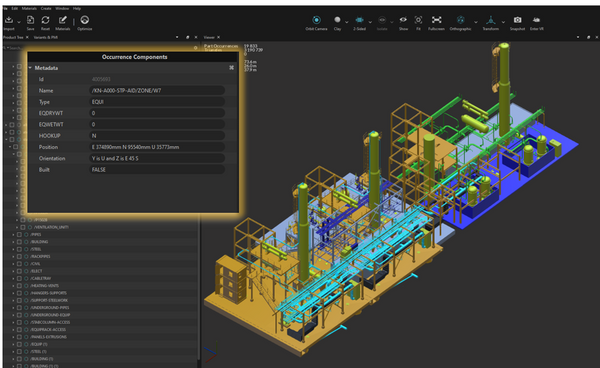
General information on RVM
An *.rvm file can contain both tessellated geometries (meshes) and BREP geometries (CAD surfaces) (see CAD vs Mesh). BREP geometries need to be tessellated by using the Tessellate function. Consider using the Repair CAD function first might be required in order to obtain properly connected meshes.