認識されないプロジェクトエラー
Resolve unrecognized project errors in Unity Build Automation and configure project paths correctly.
読み終わるまでの所要時間 2 分最終更新 1年前
事象
ビルドが以下のエラーで失敗します。
[error] Error: unrecognized project! Please check your app configuration - if this is a Unity application, We expect your "Project Subdirectory" to be set to the path which directly contains the ProjectSettings and Assets directories. For a native app, this should be set to the path which directly contains the project file (.xcodeproj, project.properties, etc).
原因
Unity Build Automation は Unity プロジェクトのビルドのみをサポートします。このエラーの最も一般的な原因は、 フォルダーと フォルダーが、ソースコードリポジトリまたはリポジトリ内の Unity Build Automation のターゲットフォルダーのサブディレクトリにある場合です。
ProjectSettingsAssets解決方法
プロジェクトが Unity プロジェクトであるもののサブディレクトリにある場合は、新しいターゲットを作成し、プロジェクトのサブディレクトリパスの名前を定義できます。これにより、Unity Build Automation はビルドする必要があるプロジェクトのこのサブディレクトリの外観を確認します。
Unity Dashboard でターゲットを変更するには、次の手順に従います。
- Build Automation > Configurations (設定) を選択します。
- 編集するビルドの Edit (編集) ボタンを選択します。
- Basic settings (基本設定) タブでターゲットを編集します。
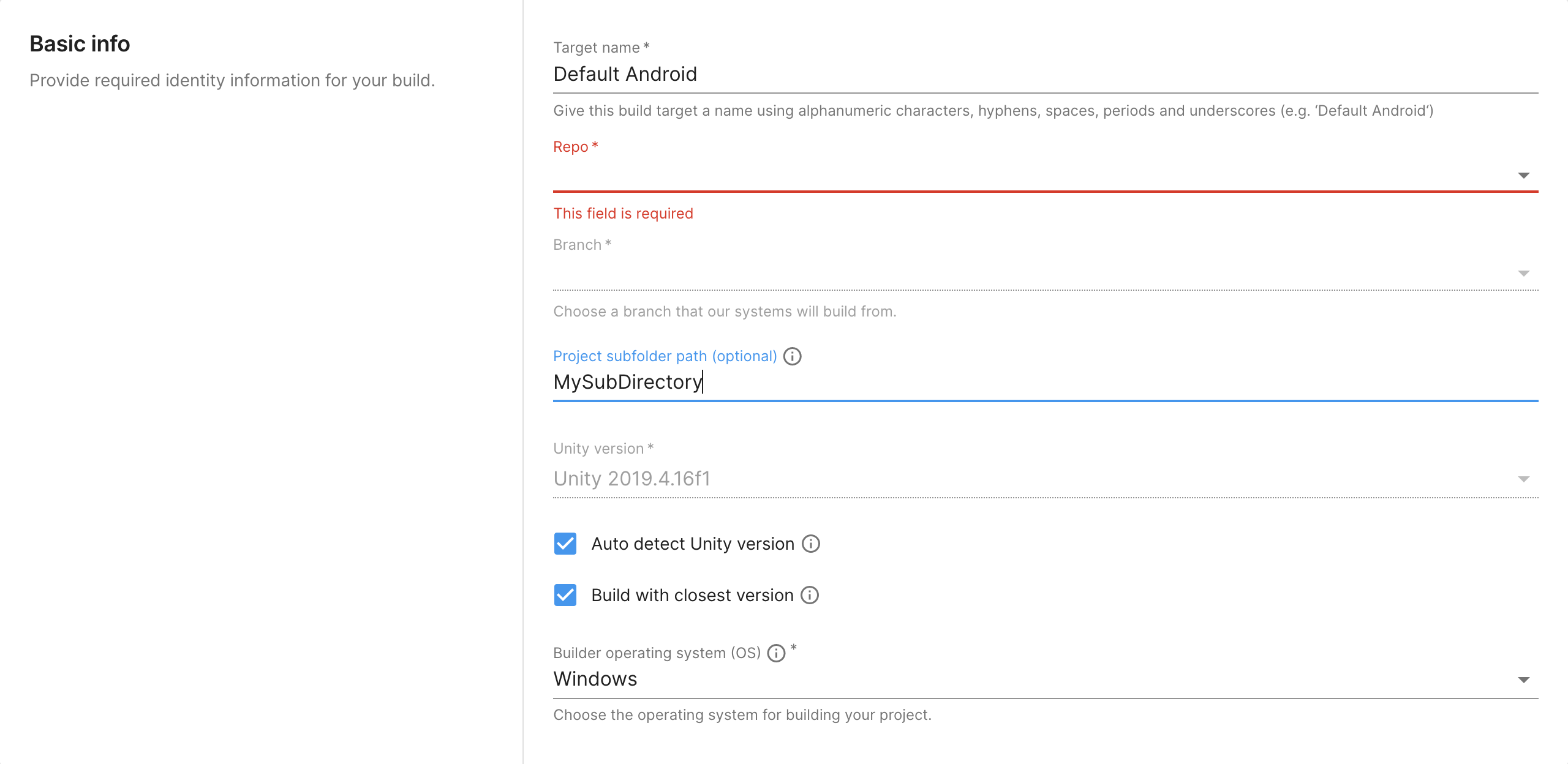
UBA - プロジェクトのサブディレクトリ
追加リソース
- Unity Build Automation の今後については、Unity DevOps ロードマップ を参照してください。