Importing ReCap Files
How to import Autodesk ReCap .rcp and .rcs files in Asset Transformer Studio
Read time 1 minuteLast updated 9 hours ago
Importing a ReCap file (*.rcp or *.rcs file) in Asset Transformer Studio requires Autodesk ReCap to be installed (with a valid license) on the same computer on which Asset Transformer Studio is running.
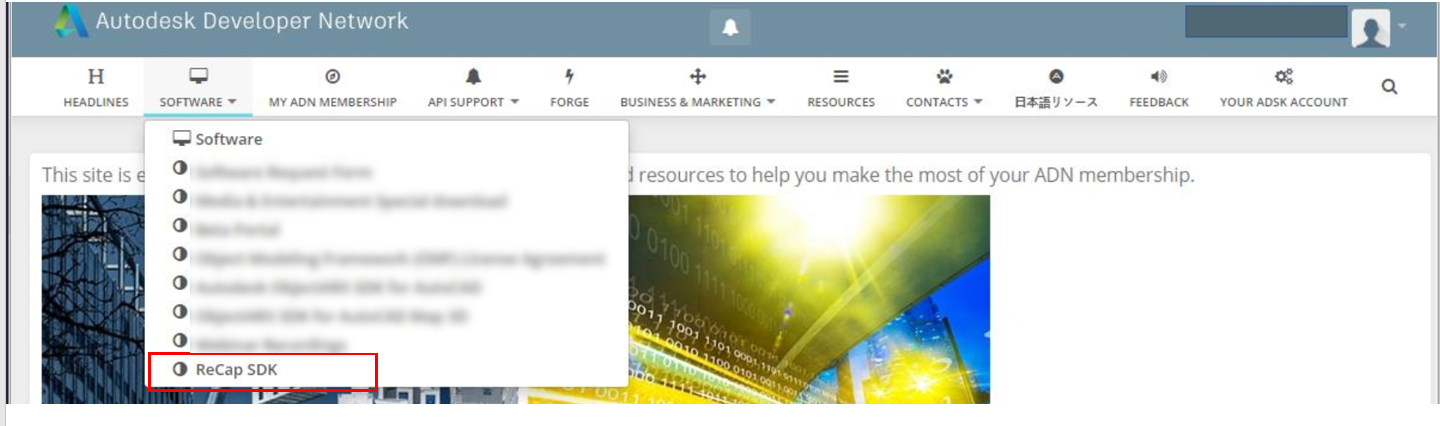
Download ReCap SDK
Download the ReCapSDK v20.1.1 from the Autodesk Developer Network website, with a valid Autodesk developer account.
Configuring Asset Transformer Studio
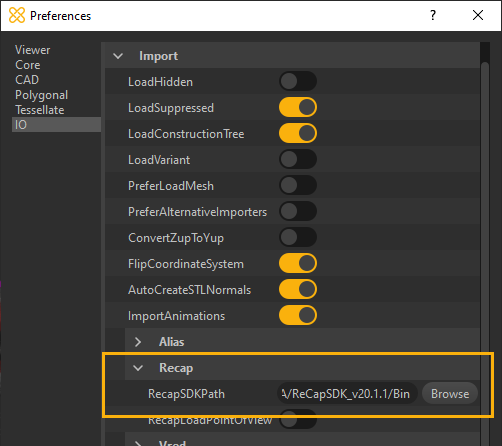
To start importing *.rcp and *.rcs files in Asset Transformer Studio, the software needs to be configured first from the menu Preferences:
- Press
or go to Edit menu > Preferences >F9>IO>ImportRecap- Set the
parameter to target theReCapSDKpathfolder contained in the folder that you unzipped at the previous step.Bin
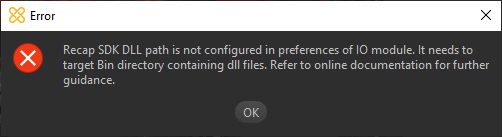
If the path is not properly configured, Asset Transformer Studio will prompt the following error message:
Additional parameter
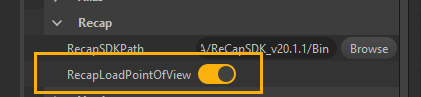
Set the parameter to 'True' if you wish to load the Points of View (spheres + 360° textures) contained in a ReCap project (providing they exist).
RecapLoadPointOfViewAlong with the Points of View, scanner's characteristics are retrieved as metadata information.