XML File
How to define a plugin user interface using an XML file in Asset Transformer Studio
Read time 2 minutesLast updated 12 hours ago
User Interface creation
A plugin user interface is defined in an XML file. Here is a basic example:
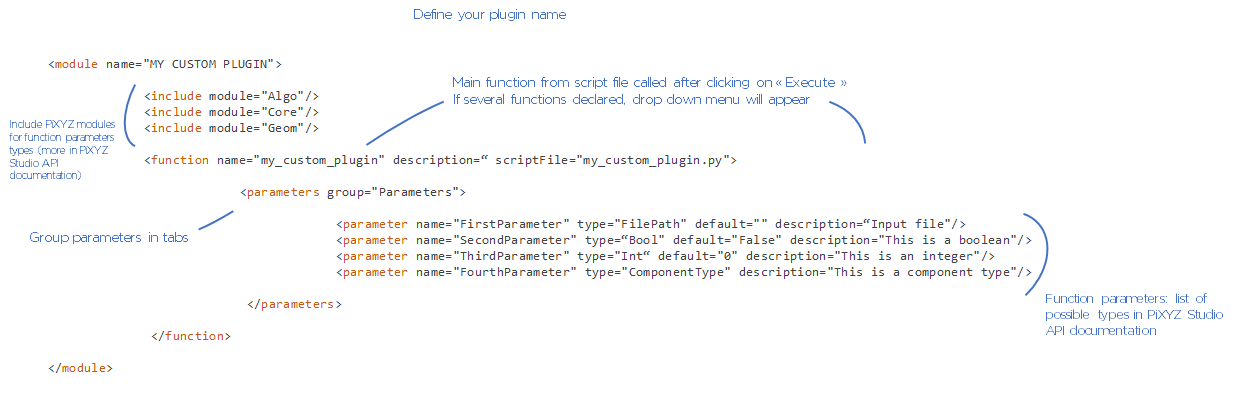
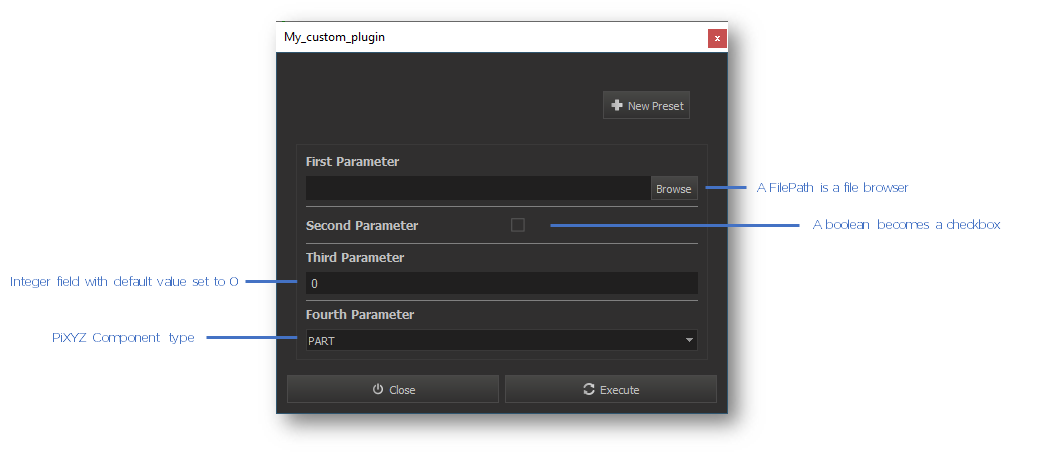
More about Types
Parameter types
Please refer to the API Reference or the Function List to find all the parameter types available in the Python API, and to see a preview of the associated GUI widget.
Structures
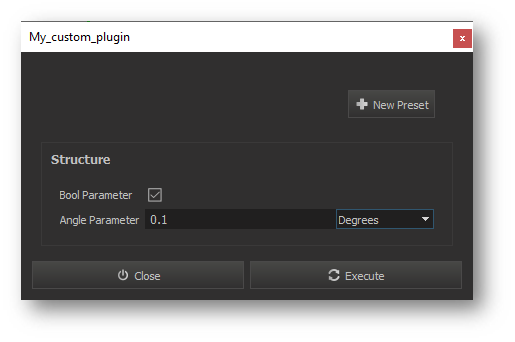
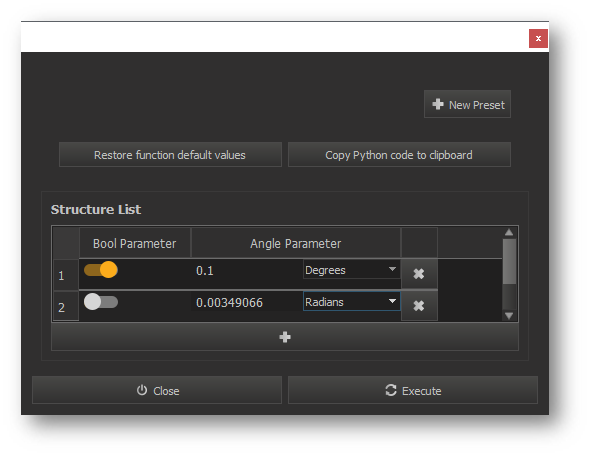
Declare your own structured types using the and keywords:
decltypestruct<decltype name="Structure"> <struct> <field name="BoolParameter" type="Bool" default="True"/> <field name="AngleParameter" type="Angle" default="0.1"/> </struct> </decltype> … <parameter name="Structure" type="Structure" description=""/>
Lists
Some types also exist as lists (e.g. and ). Declare your own lists of structured types using the and keywords:
StringStringListdecltypelist<decltype name="Structure"> <struct> <field name="BoolParameter" type="Bool" default="True"/> <field name="AngleParameter" type="Angle" default="0.1"/> </struct> </decltype> … <decltype name="StructureList"> <list type ="Structure"/> </decltype> … <parameter name="structureList" type="StructureList" description=""/>
Enumerators
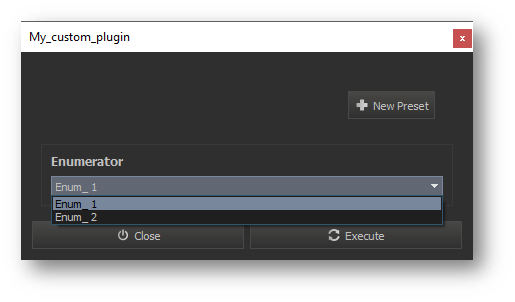
Declare Enumerator types using the keyword. Enumerators take the form of dropdown menus:
enum<decltype name="Enumerator"> <enum type="Int"> <value name="Enum_1" value="1"/> <value name="Enum_2" value="2"/> </enum> </decltype> … <parameter name="Enumerator" type="Enumerator" description=""/>
Selectors
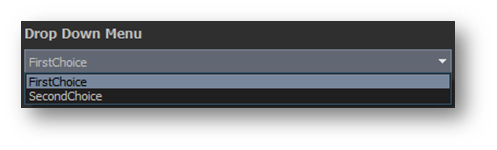
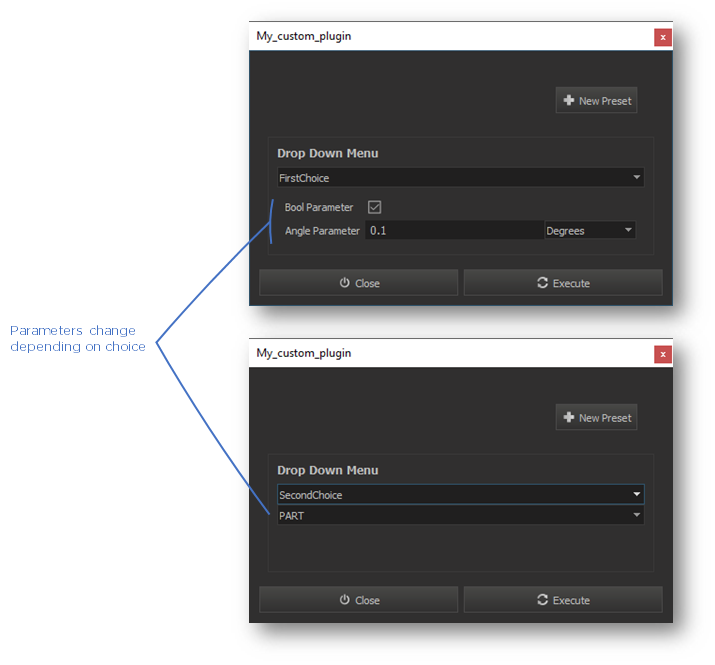
Use the select keyword to create dropdown selection menus giving inputs choice:
<decltype name="DropDownMenu">
    <select>
      <type name="FirstChoice" type="Structure"/>
      <type name="SecondChoice" type="ComponentType"/>
    </select>
</decltype>
…
<parameter name="dropDownMenu" type="DropDown" description=""/>
Advanced use cases
-
Optional parameters:
optional="True"<parameter name="OptionalParameter" type="OutputDirectoryPath" optional="True" description=""/> -
Disabled parameters:
disableValue="-1"<parameter name="DisabledValue" type="Int" disableValue="-1" description=""/>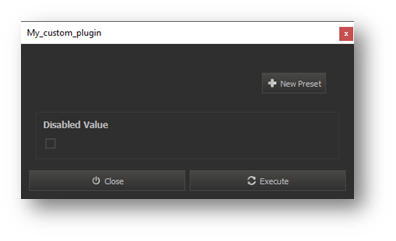
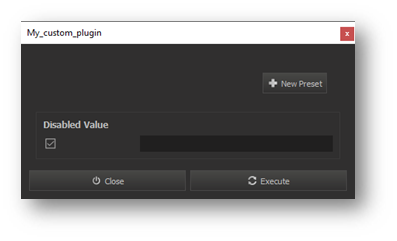
-
Customizetype so it browses only specified formats:
FilePath<decltype name="InputFilePath" type="FilePath" attributes="extensions:*.pxz"/> … <parameter name="input" type="InputFilePath" description=""/>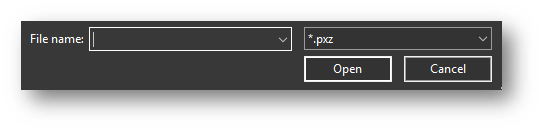
-
Selectableparameters (input filled with current scene selection):
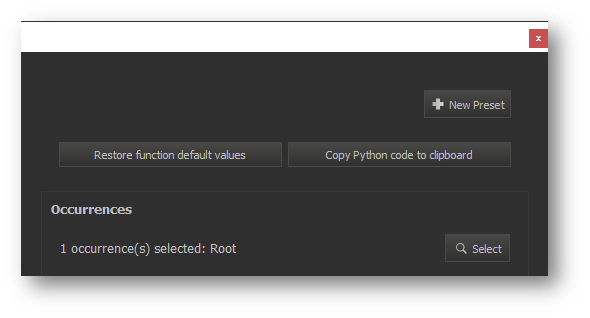
OccurrenceListselection="true"<parameter name="occurrences" type="OccurrenceList" selection="true"/>