Running a Plugin
How to run a plugin in Asset Transformer Studio
Read time 1 minuteLast updated 13 hours ago
To run a plugin, there are two possibilities:
Plugins Menu
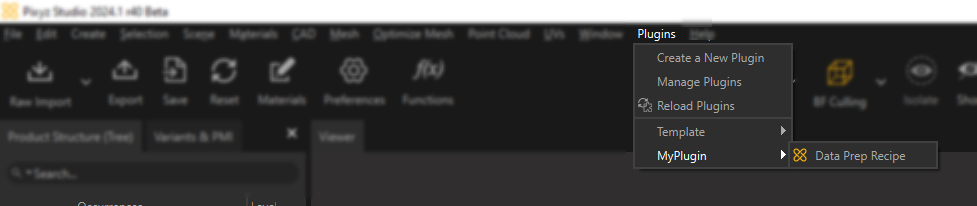
From the Plugins menu, each plugin loaded in Asset Transformer Studio is displayed in a submenu named as the plugin (module). From that submenu, choose the plugin function you wish to run:
Toolbar
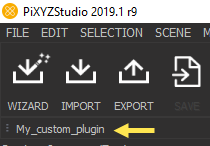
A plugin can also be run through a shortcut.
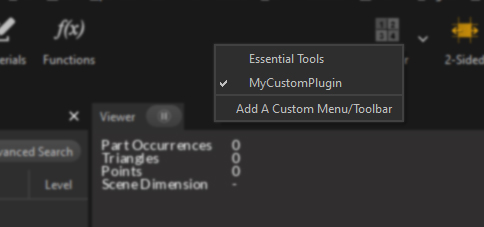
It can be added to the user interface by right-clicking the Main Toolbar, and selecting it in the list (see Custom Menu/Toolbar):