SuperAwesome 集成
使用 Unity LevelPlay 在 Flutter 应用程序中将 SuperAwesome 设置为广告网络,包括帐户创建、app 注册、放置/位置设置和 SDK 集成。
阅读时间1 分钟最后更新于 1 个月前
先决条件
SuperAwesome Network 支持奖励广告服务、插页式和横幅广告服务。
支持的横幅大小为:Banner、MREC 和 Leaderboards。您可以使用“Smart”横幅大大小支持横幅和排行榜。
SuperAwesome 所需的最低 Xcode 版本 14.3+
步骤 1.创建 SuperAwesome 帐户
- 要在 SuperAwesome Network 中创建帐户,请联系
步骤 2.在 SuperAwesome Network 中创建应用程序
按照以下步骤创建 SuperAwesome 应用程序:
-
在 SuperAwesome 帐户中转到应用程序和站点
-
选择 Create(创建)
-
填充所有配置并保存应用程序
-
创建至少一个放置/位置
-
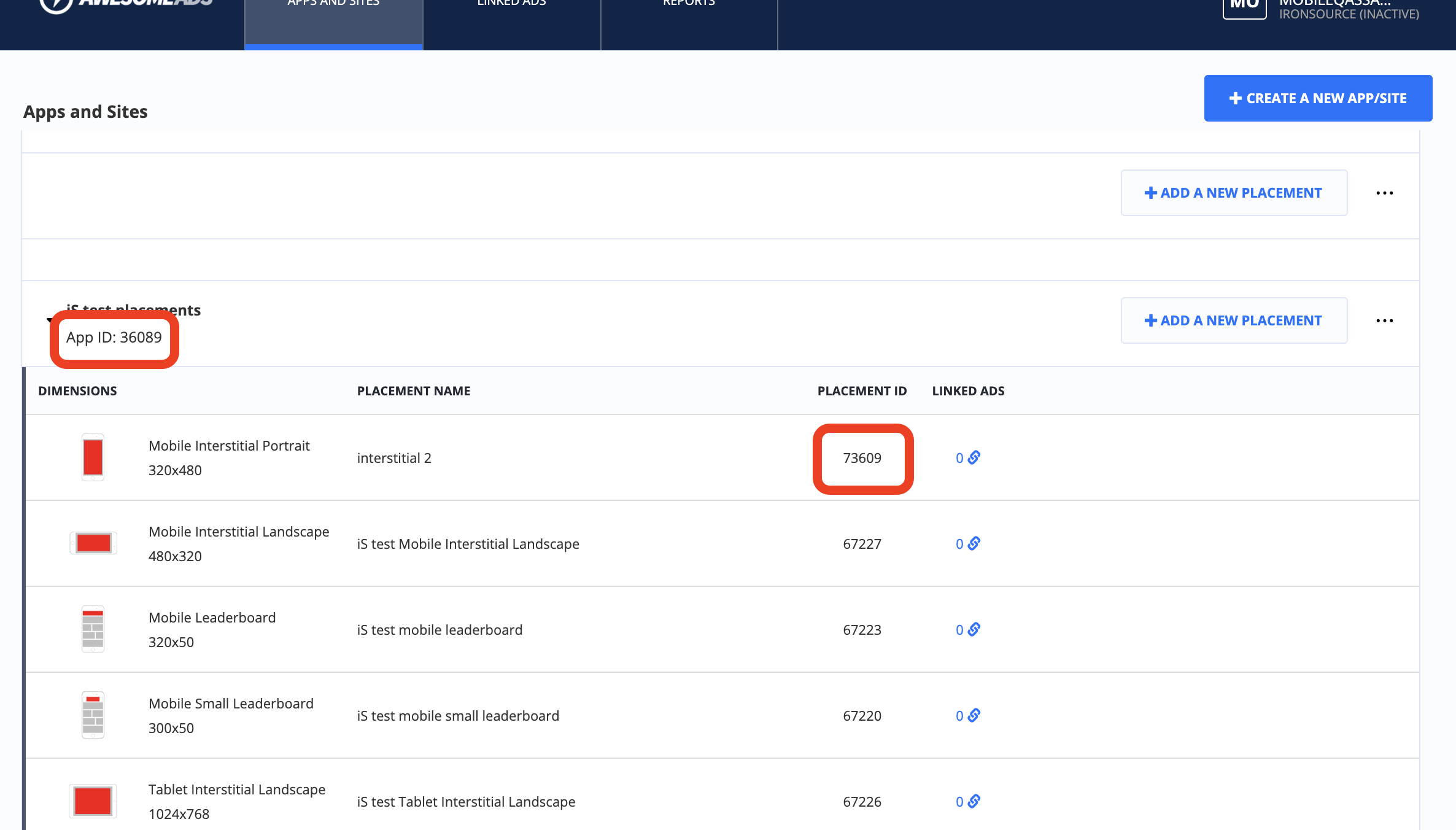
获取所有基本凭据:
- app ID
- 放置/位置 ID
-
- app key - 联系您的 SuperAwesome 帐户经理
步骤 3.激活 SuperAwesome Network
在 ironSource 平台中,访问 SDK Networks 设置以将 SuperAwesome 参数配置到您的 LevelPlay 帐户中。
-
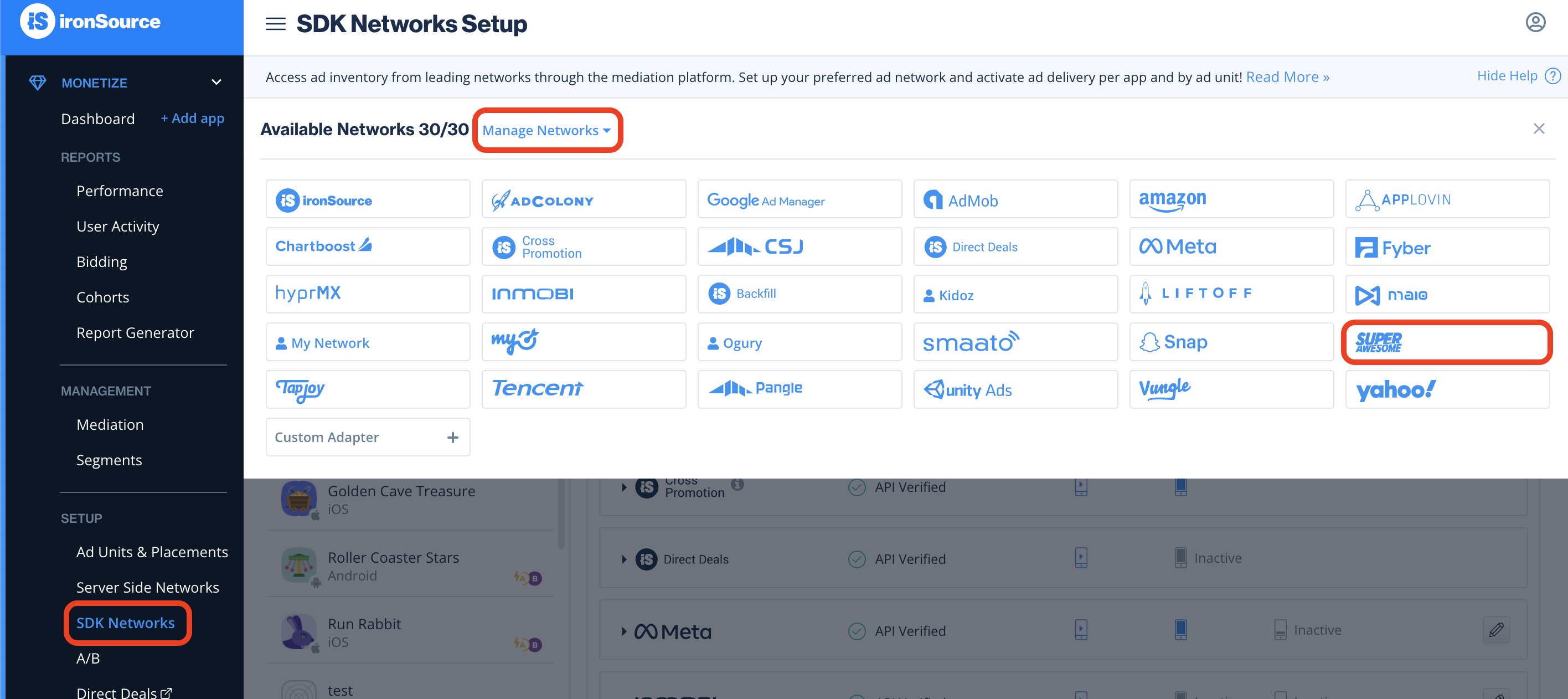
获得上述凭据后,登录 LevelPlay 帐户,然后选择 Monetize > Setup > SDK Networks。
-
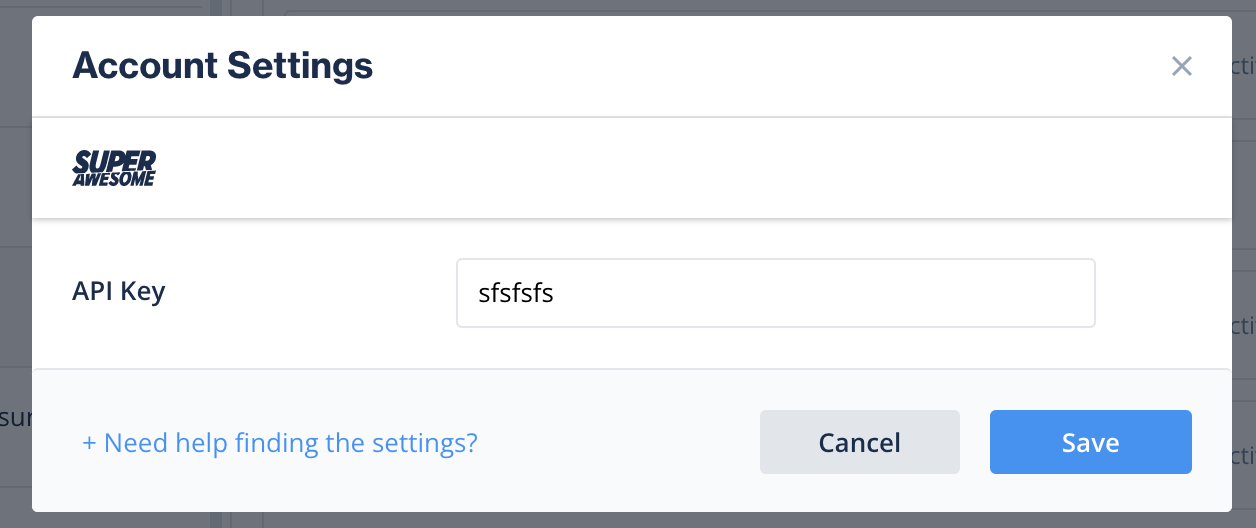
从 Available Networks 的表中选择 SuperAwesome,然后选择 Activate。插入所有凭据,然后选择 保存。
-
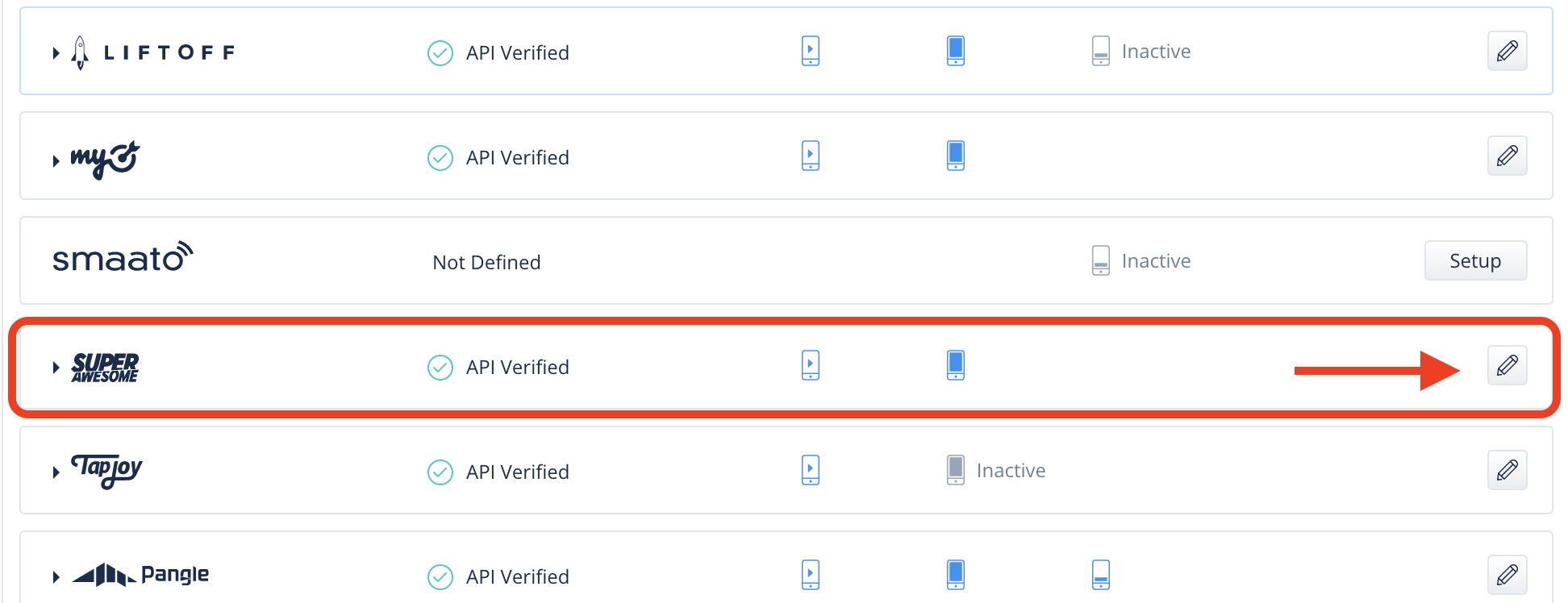
从广告网络列表中选择 SuperAwesome,然后选择 Setup。
-
输入您的 SuperAwesome app ID 和放置/位置 ID。将状态设置为 激活 并选择 保存。
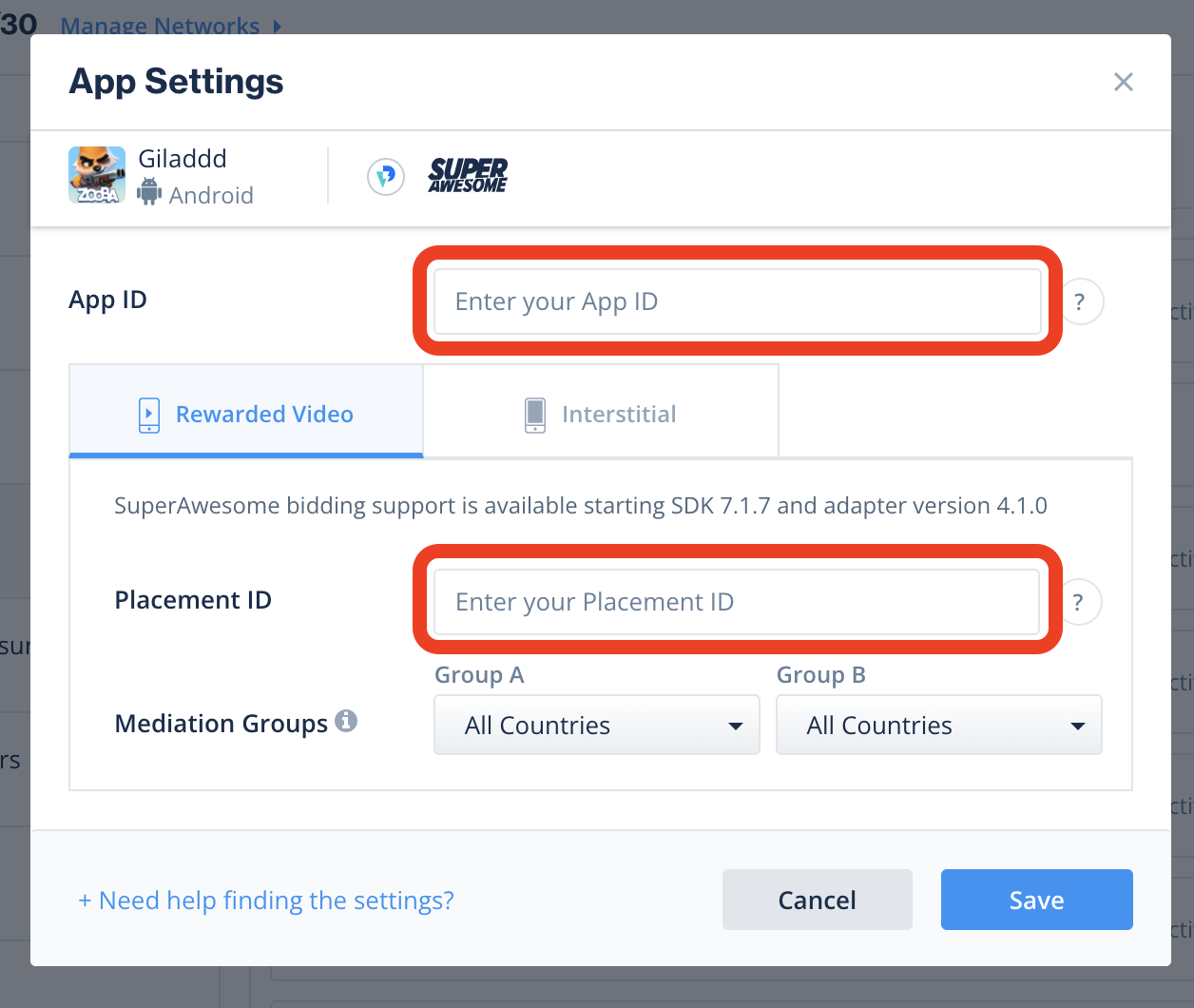
在 Setup(设置)后台上,您将看到 SuperAwesome(超级棒)列为“激活聚合”。
步骤 4.将 SuperAwesome 适配器添加到构建中
您现在可以在应用程序中提供 SuperAwesome。
要通过 Unity LevelPlay 利用其他广告网络,请集成适配器并按照我们的集成指南进行操作。