Documentation

​
​

Development

User Acquisition

Monetization

Industry

Asset Transformer SDK

2026.1

Supported
​

User Manual

Python API

C# API

Changelog

Discussions

Asset Transformer SDK

2026.1

Supported
​

​
​
Get started
  • System requirements
  • Licensing
  • Setup
  • Migrate from Scenario Processor
Framework
  • Framework
  • Preferences
Input/output files
  • Supported formats
  • Import files
  • Export files
  • Export textures
  • CAD vs Mesh
Scene
  • Product structure
  • Occurrence
  • Component
  • Material
  • Image
Algorithms
  • CAD
  • Healing
  • Optimization
  • Combine and bake
  • Reconstruction
    • Proxy mesh
    • Dual contouring
    • Retopologize
    • Decompose into convex meshes
    • Explode into connected subsets
    • Create occlusion meshes
  • UVs
Viewer
  • Viewer
Pixyz UI
  • Setup
  • Overview
  • Create a custom UI
Guidelines
  • Data preparation
  • Process point clouds
Debug and diagnose
  • Log files
  • Debug best practices
Other
  • Samples
  • Glossary
  1. Asset Transformer SDK (ex Pixyz)

ExplodeConnectedMeshes

Separate each connected component into a separate occurrence
Read time 1 minute
Last updated 9 months ago

API function: algo.explodeConnectedMeshes.
Each occurrence is subdivided in one occurrence per surfacic connected subset (
polygons
) + one for the non-surfacic elements (
lines
and
points
).

Outcome

A list of N (+1 if there are non-surfacic elements, ie, lines or points) occurrences, where N is the number of surfacic connected subsets in the parent occurrence.
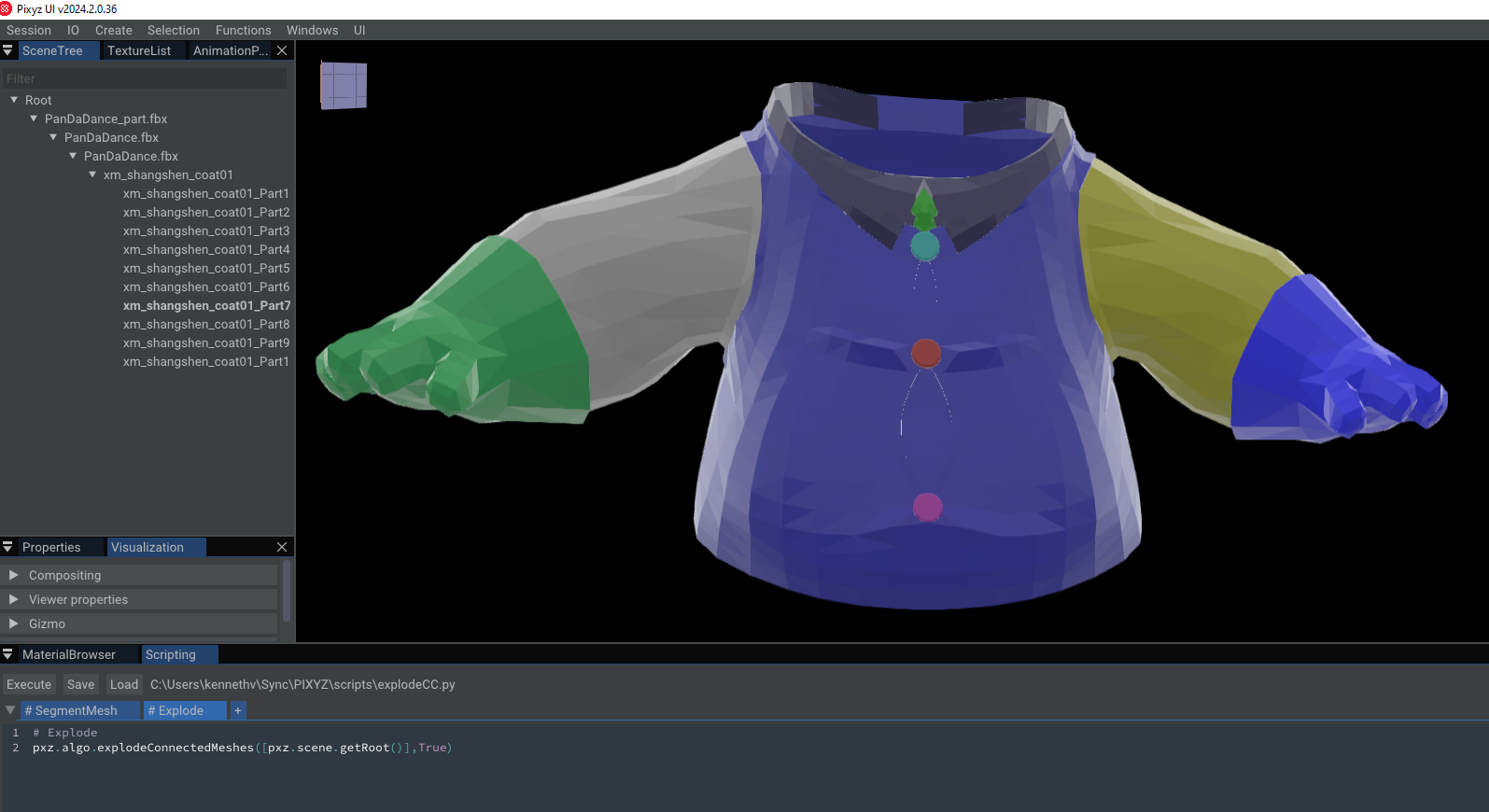
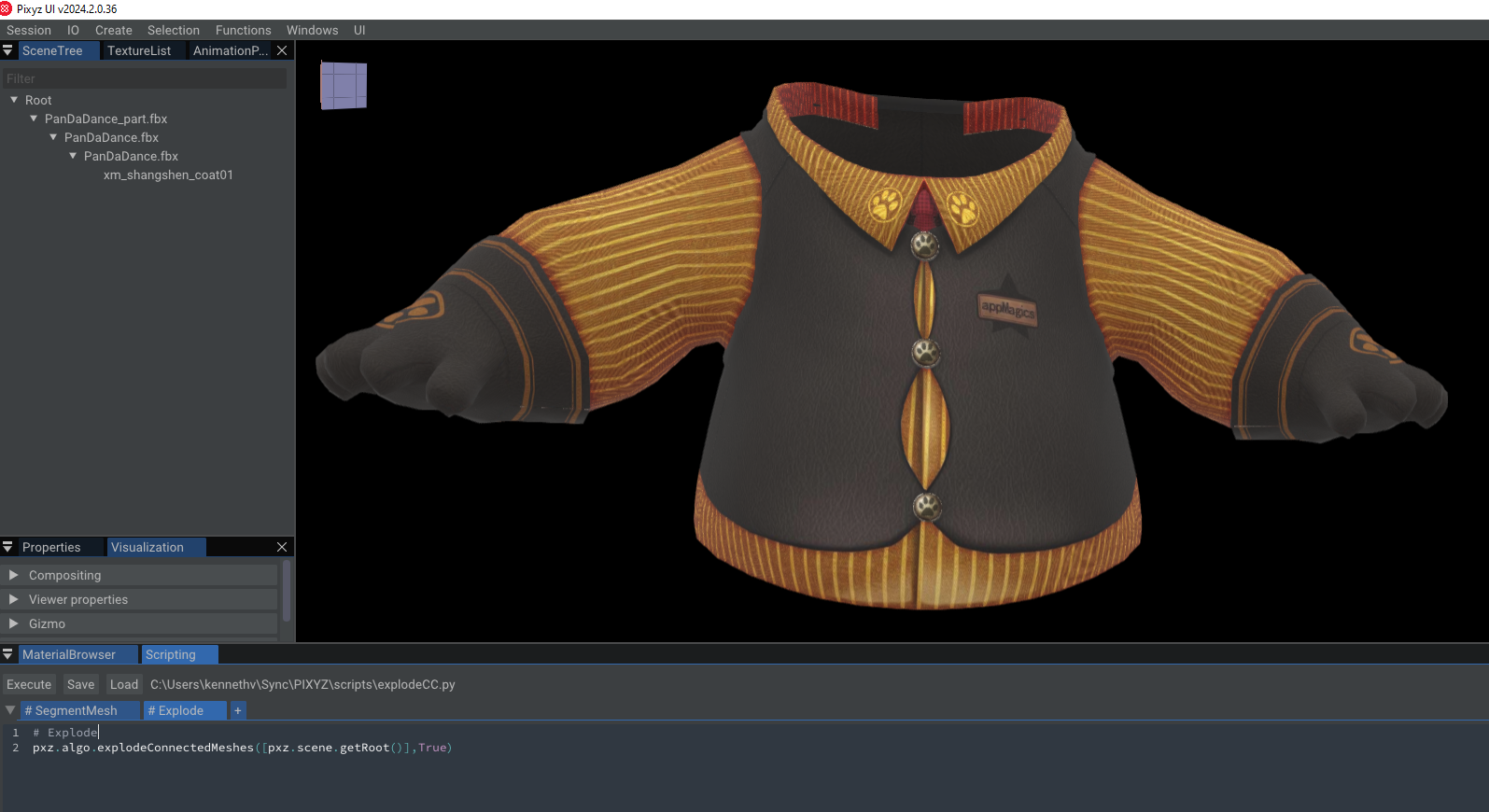
The following images visualize one color per connected component in the PixyzUI before (first image) and after (second image) a call to algo.explodeConnectedMeshes:
Segment Mesh Surface
The scene treeview on the left also shows that a component has been subdivided into 10 new ones.
Important
The last image was computed for this documentation only, the algorithm does not add any identifiers or colors to individual connected components by default.

Parameters

bool explodeNonManifoldEdges

There's a single parameter to this algorithm. It determines how non-manifold edges (i.e., edges with more than two adjacent polygons) should be handled.
When
explodeNonManifoldEdges==True
, then non-manifold edges are considered to be a border of a connected component. In that case, each polygon adjacent to the non-manifold edge is considered to reside in a different connected components (unless they are connected via a sequence of manifold edges and polygons elsewhere).
When
explodeNonManifoldEdges==False
, then the polygons connecting at the non-manifold edge are considered to belong to the same connected component.

Copyright © 2026 Unity Technologies
LegalPrivacy PolicyCookiesDocumentation Terms of UseDo Not Sell or Share My Personal InformationYour Privacy Choices (Cookie Settings)

"Unity", Unity logos, and other Unity trademarks are trademarks or registered trademarks of Unity Technologies or its affiliates in the U.S and elsewhere (more info here). Other names or brands are trademarks of their respective owners.

Some pages are machine-translated for convenience, and may contain inaccuracies. In the event of conflicting information, the English version is authoritative.

  • On this page
    • Outcome

    • Parameters

      • bool explodeNonManifoldEdges


Report a problem with this page