Configure stateful Audiences
Create custom stateful audiences in Analytics and use them in Game Overrides for targeted gameplay.
Read time 1 minuteLast updated 5 months ago
To create custom stateful Audiences, go to Analytics > Audiences, and select Create Audience.
Give your Audience a name and description. Use rules paired with operators to define your Audience.
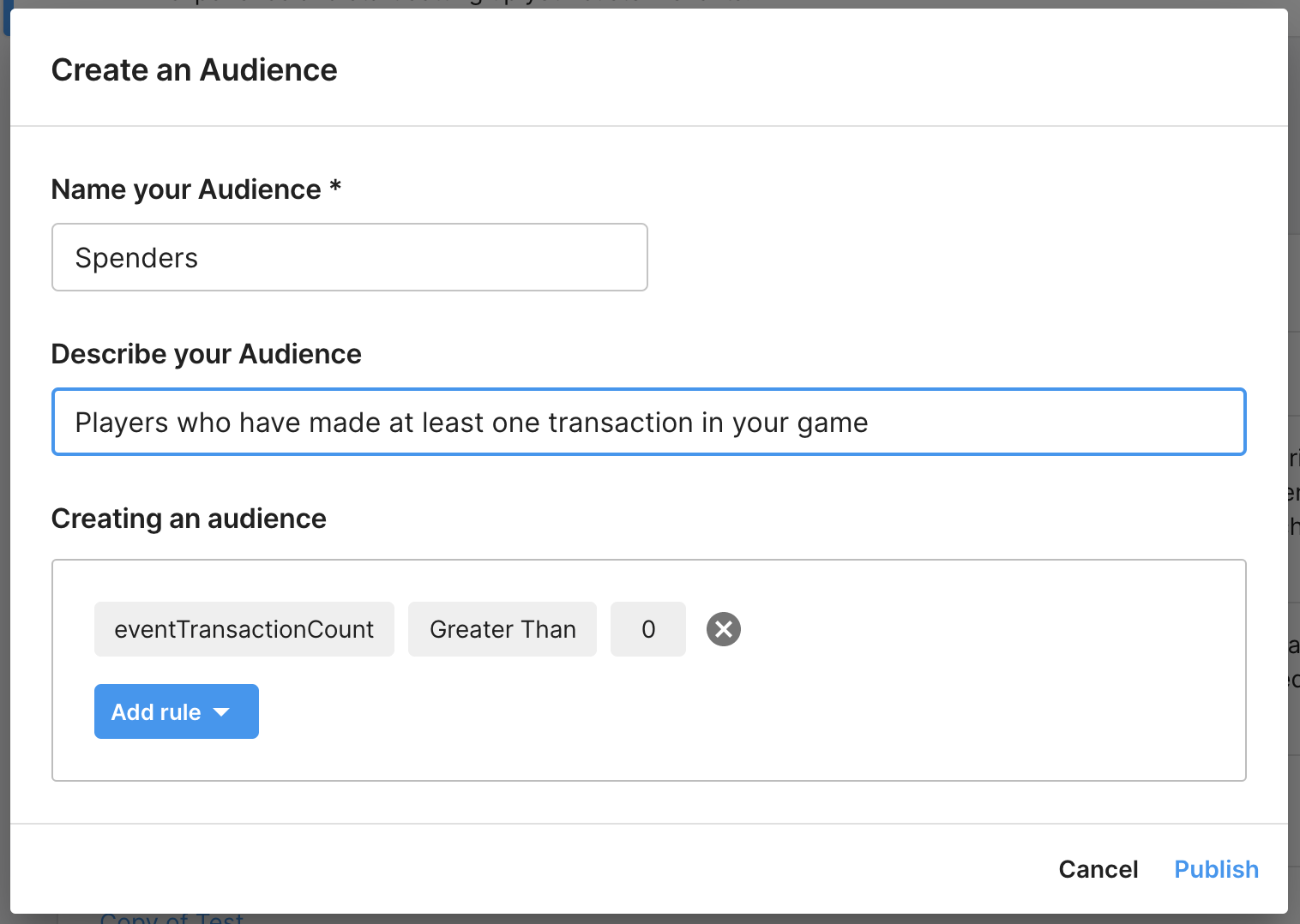
To use your Audience in a Game Override:
- In the Unity Dashboard, go to Development > Products.
- Select Game Overrides.
- Select the More (⋮) menu next to your Game Override and select Edit.
- Select the Targeting tab.
- Select Audiences and choose your Audience from the list. You can choose more than one Audience for your Game Override.
- Select Next and select Finish.