Plugin for Bamboo
Integrate Bamboo with Unity Version Control for your CI/CD pipeline.
읽는 시간 2분최근 업데이트: 일 년 전
How to install the UVCS plugin for Bamboo
- Copy the Plastic SCM JAR file to
<UVCS install directory>/client/plugins/bambooplugin/<bamboo-plugin.jar>.<Bamboo server installation directory>/atlassian-bamboo/WEB-INF/lib - Restart the Bamboo service.
- UVCS (Plastic SCM) is available now in the Source Repository combo:
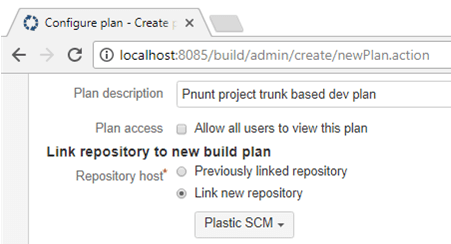
How to install
Plastic SCM configuration and Bamboo service account
The Bamboo plugin internally uses the UVCS command line client. So, the user running the Bamboo service must have a valid Plastic SCM client configuration. There are two options:
Option A
Change the user account:
- Change the user that runs the service from "System" to another user account (Windows).
- Then, open a command line shell with the desired user account and type or
plastic --configure.clconfigureclient - Follow the steps in the wizard to specify a server and user credentials.
Option B
If you don't want to change the user running the Bamboo service, an alternative configuration is:
- Create empty and
client.conffiles in the UVCS client installation directory located here:plastic.workspaces- Windows:
c:\Program Files\Plastic SCM5\client - Linux:
/opt/plasticscm5/client - MacOS:
/Applications/PlasticSCM.app/Contents/MonoBundle
- Windows:
- Configure the client by running or
plastic --configure.clconfigureclient - Follow the steps in the wizard to specify a server and user credentials.
Plan branch filtering
Branches can be filtered in two ways:
- Specifying an attribute name and value pair as follows: . For example: status=validated which means that only the branches with an attribute named status with the value validated will be sent to Bamboo to create a plan branch.
attribute_name=attribute_value
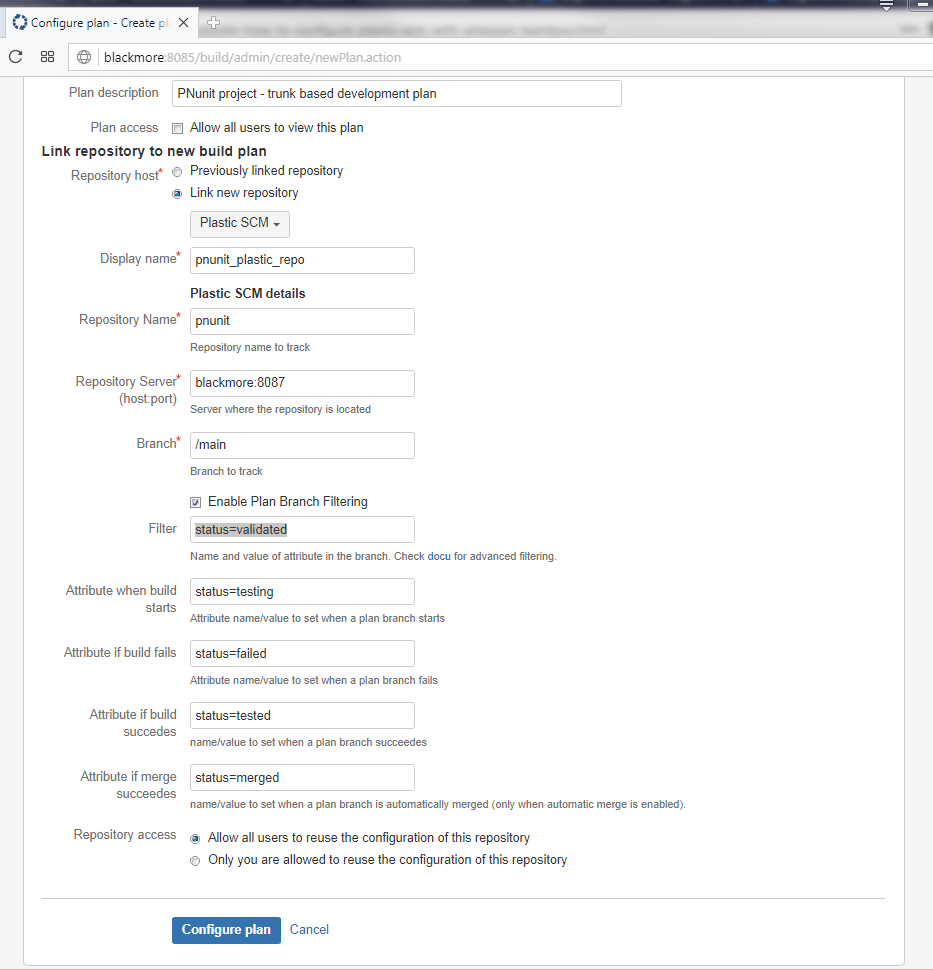
Plan branch filtering
- Specifying a complex query valid for command (which is the underlying plastic command executed to retrieve the candidate branches). It is not mandatory to specify a plastic attribute in this mode. Two examples below:
cm find branch
where owner!='john_snow' and date > '3/2/2018'where attribute='stage' and attrvalue='done' and name like 'JIRA-%'