시작하기
Install and set up the Authentication Software Development Kit for Unreal Engine.
읽는 시간 3분최근 업데이트: 8달 전
Unreal Engine용 Authentication SDK는 Unreal Engine용 Unity Gaming Services SDK 플러그인의 일부입니다. Unreal Engine에서 Unity Authentication을 사용하려면 먼저 Unity Gaming Services SDK를 설치해야 합니다.
요구 사항 파악
Unreal Engine용 Authentication SDK 플러그인은 Unreal Engine 버전 4.27~5.3을 지원합니다.
Authentication SDK 다운로드
Unreal Engine Marketplace 웹사이트
-
Unreal Engine Marketplace에 로그인합니다.
-

Unity Gaming Services SDK for Unreal Engine Marketplace 페이지
-
Open in Launcher를 선택합니다.
-
Epic Games Launcher의 4단계로 건너뜁니다.
Epic Games Launcher
- Epic Games Launcher에 로그인합니다.
- Epic Games Launcher에서 Unity Gaming Services SDK for Unreal Engine을 검색합니다.
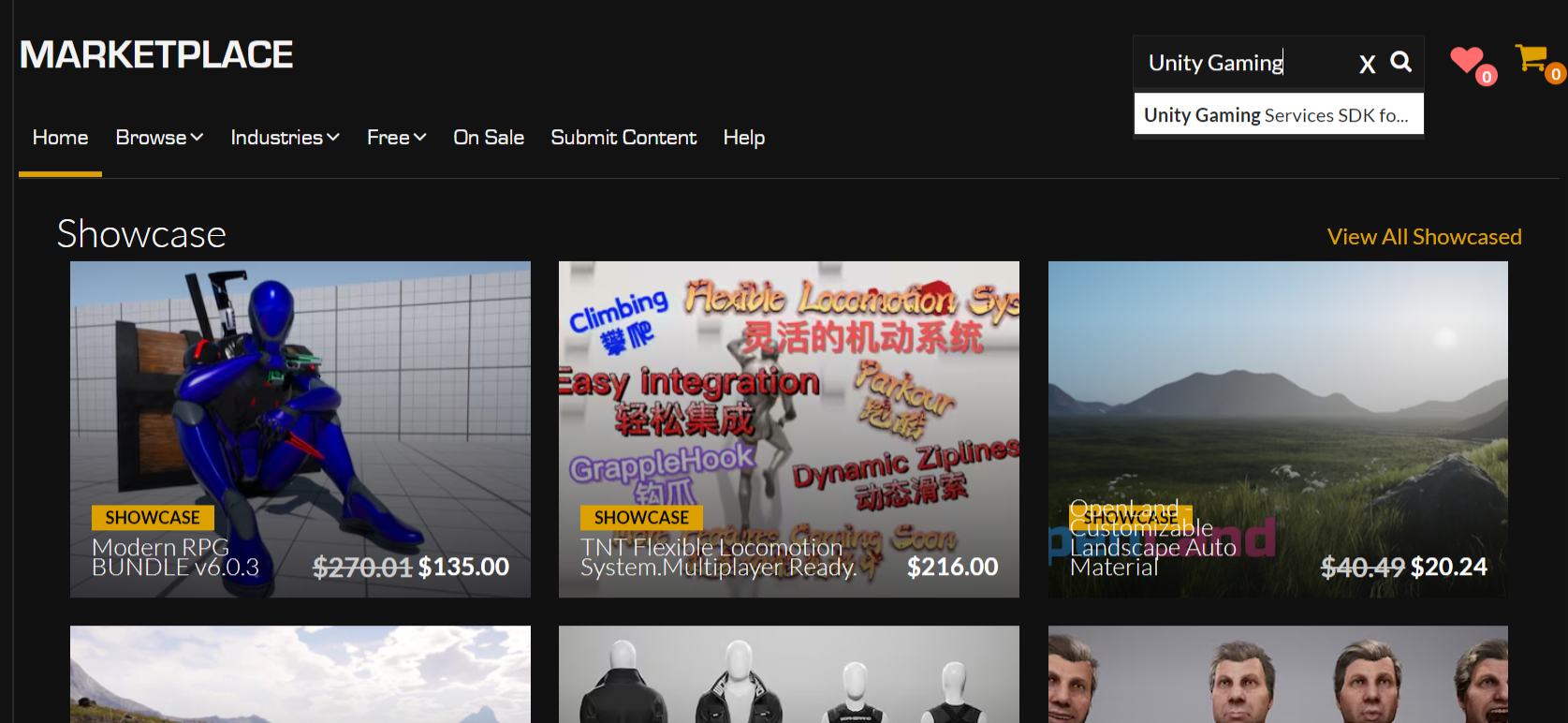
Unity Gaming Services SDK for Unreal Engine 검색
- Unity Gaming Services SDK for Unreal Engine 페이지에 액세스하여 Free를 선택합니다.

Unity Gaming Services SDK for Unreal Engine Launcher 페이지
- Epic Games Launcher에서 Install to Engine을 선택합니다.
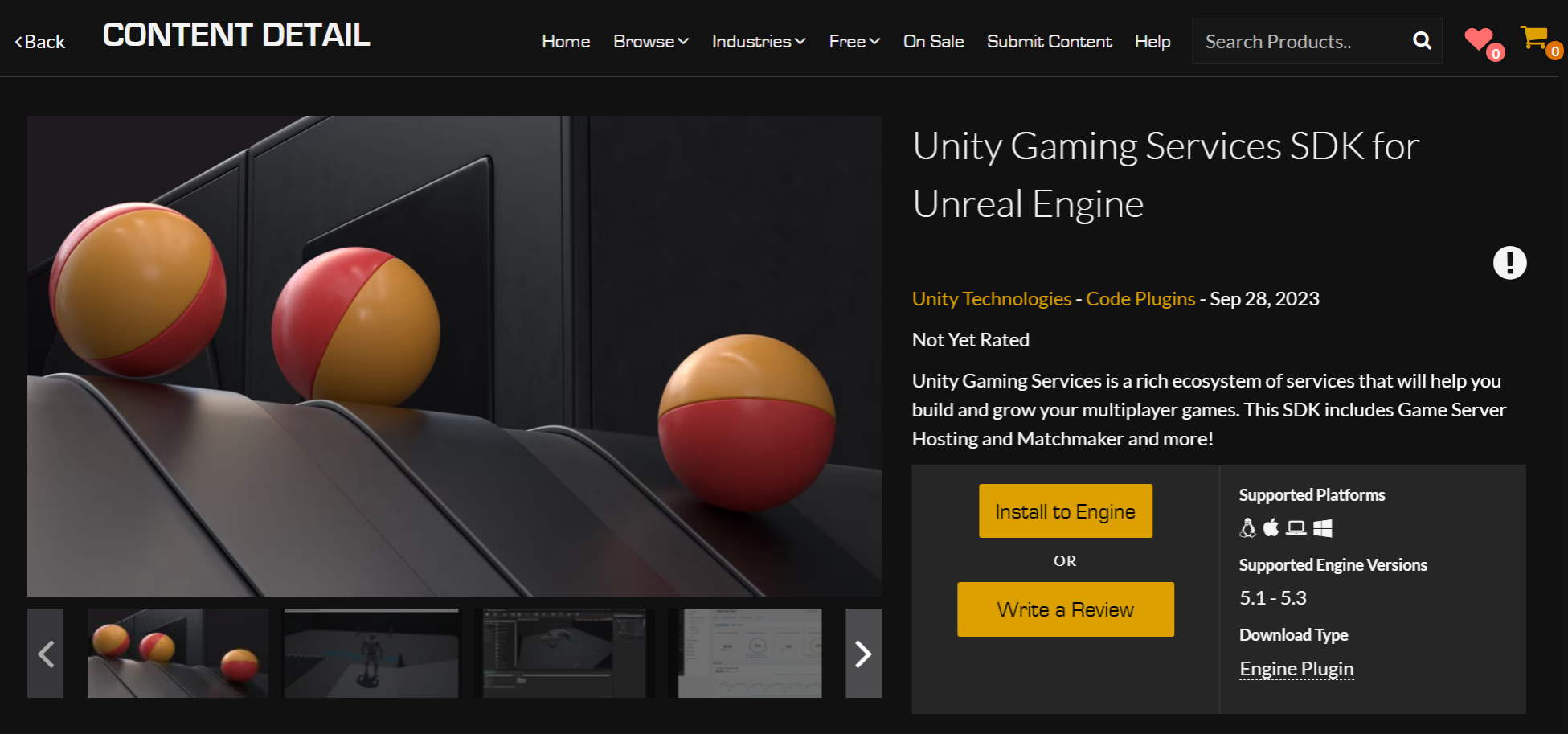
Unity Gaming Services SDK for Unreal Engine Install 버튼
- 새 프로젝트 또는 기존 프로젝트를 엽니다.
- Plugins 창으로 이동하여 Unity Gaming Services SDK for Unreal Engine 옆의 확인란을 선택합니다.

Unity Gaming Services SDK for Unreal Engine Plugins 창
- Unreal Engine을 다시 시작합니다.
Authentication SDK 구성
Authentication SDK를 사용하려면 먼저 Unity Gaming Services에 가입하고 프로젝트를 등록해야 합니다.
UGS에 가입합니다
Unity 계정이 없으면 계정을 만들고 새 프로젝트를 만든 후 Unity Gaming Services에 가입합니다.
- Unity Dashboard에 로그인합니다.
- 측면 패널에서 Explore Services를 선택합니다.
- 상단 배너에서 Sign Up을 선택한 후 표시되는 지침을 따릅니다.
프로젝트 연결
- Unity Dashboard에 로그인합니다.
- 헤더의 프로젝트 이름 옆에 있는 톱니바퀴 아이콘을 선택하여 프로젝트의 설정에 액세스합니다.
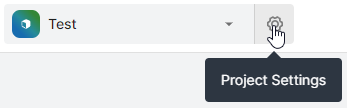
프로젝트 설정 톱니바퀴 아이콘
- General > Project Details에 Project ID 필드가 있습니다. 이 값을 복사합니다.
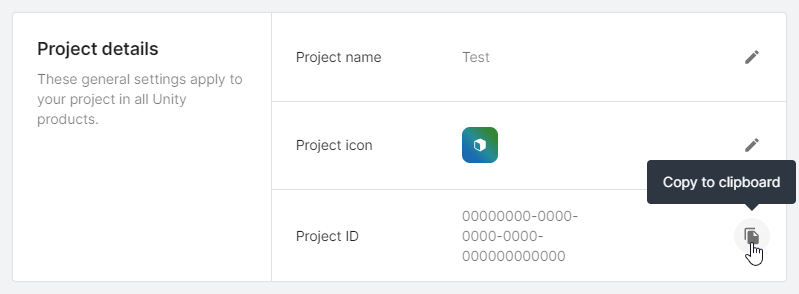
Project ID의 Copy 버튼
- Unreal Engine 에디터에서 Edit > Project Settings > Plugins > Unity Authentication > Unity Project Settings로 이동합니다.
- 복사한 값을 Unity Project ID 필드에 붙여넣습니다.
- Unity 환경 이름을 검색합니다. 이 파라미터는 Authentication SDK가 상호 작용할 특정 환경을 지정하는 선택적 파라미터입니다.
- Unity Dashboard에서 Environments > Your Environments로 이동하고 사용하려는 환경을 선택하고 이름을 복사합니다. 이는 환경에 사용하는 식별자입니다.
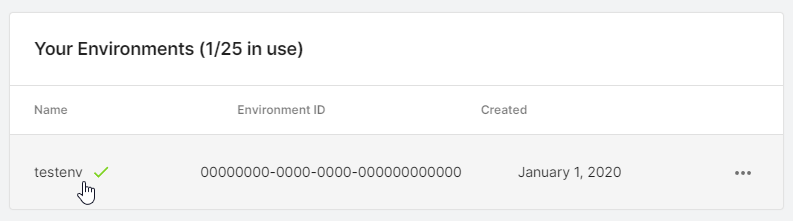
Unity Dashboard의 환경 목록입니다.
- Unreal Engine 에디터에서 Edit > Project Settings > Plugins > Unity Authentication > Unity Project Settings로 이동합니다.
- 복사한 값을 Unity Project Name 필드에 붙여넣습니다.
두 필드를 모두 복사한 후 Unreal 에디터의 프로젝트 설정은 다음과 같습니다.
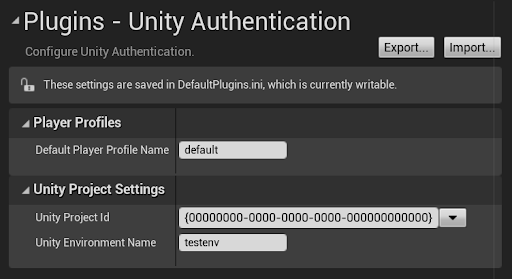
Unity Authentication 플러그인
Default Player Profile Name 필드에서는 기본 Authentication 플레이어 프로필에 다른 이름을 지정할 수 있습니다. 이 필드는 그대로 두거나 필요에 따라 사용자 지정하면 됩니다.
인증 SDK 내의 플레이어 프로필에 대해 자세히 알아보려면 플레이어 프로필을 참고하십시오.
다음 단계
두 연동 중 하나를 진행합니다