Multiple cameras in URP
Set up and use more than one camera in a scene to use in a camera stack, a split screen effect, or post-processing.
Read time 1 minuteLast updated a month ago
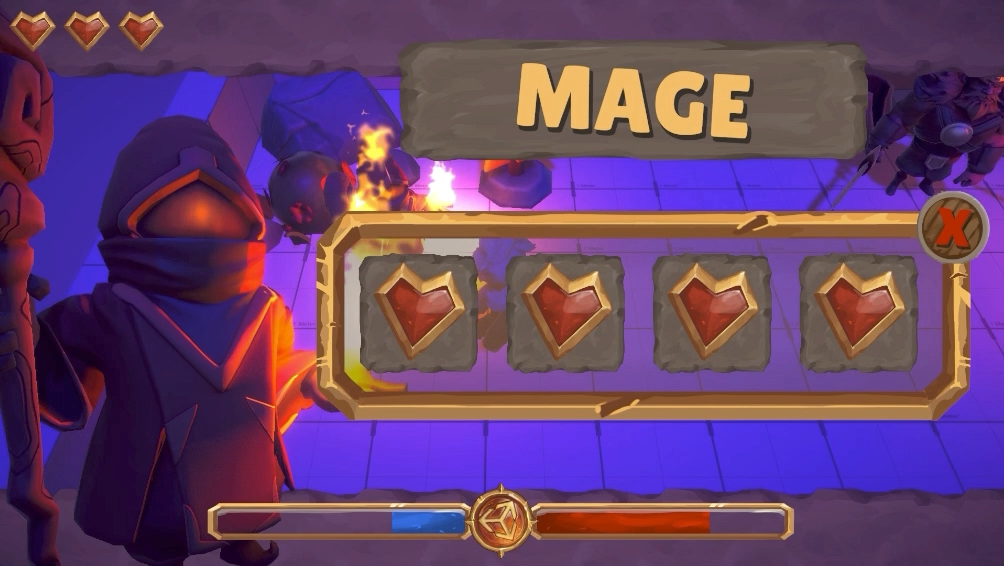
An example of the effect camera stacking can produce in URP
Resources and approaches for using multiple cameras to work with multiple camera outputs and targets in the Universal Render Pipeline (URP).
Page | Description |
|---|---|
| Camera stacking | Learn about the fundamental concepts of camera stacking. |
| Set up a camera stack | Stack cameras to layer the outputs of multiple cameras into a single combined output. |
| Add and remove cameras in a camera stack | Add, remove, and reorder cameras within a camera stack. |
| Set up split-screen rendering | Render multiple camera outputs to a single render target to create effects such as split screen rendering. |
| Apply different post processing effects to separate cameras | Apply different post-processing setups to individual cameas within a scene. |
| Render a camera's output to a Render Texture | Render to a Render Texture to create effects such as in-game CCTV monitors. |
| Create a render request | Trigger a camera to render to a Render Texture outside of URP rendering loop. |