Player reports and incidents
Review player reports and the incidents they generated in the platform.
Read time 1 minuteLast updated 2 days ago
Moderators can browse player reports and review incidents to find a session to analyze and take action on. The sessions page lists all results from processed sessions and includes two tabs, one for active sessions and one for resolved sessions. The active tab shows all live results, while the resolved tab shows all analyzed and resolved sessions.
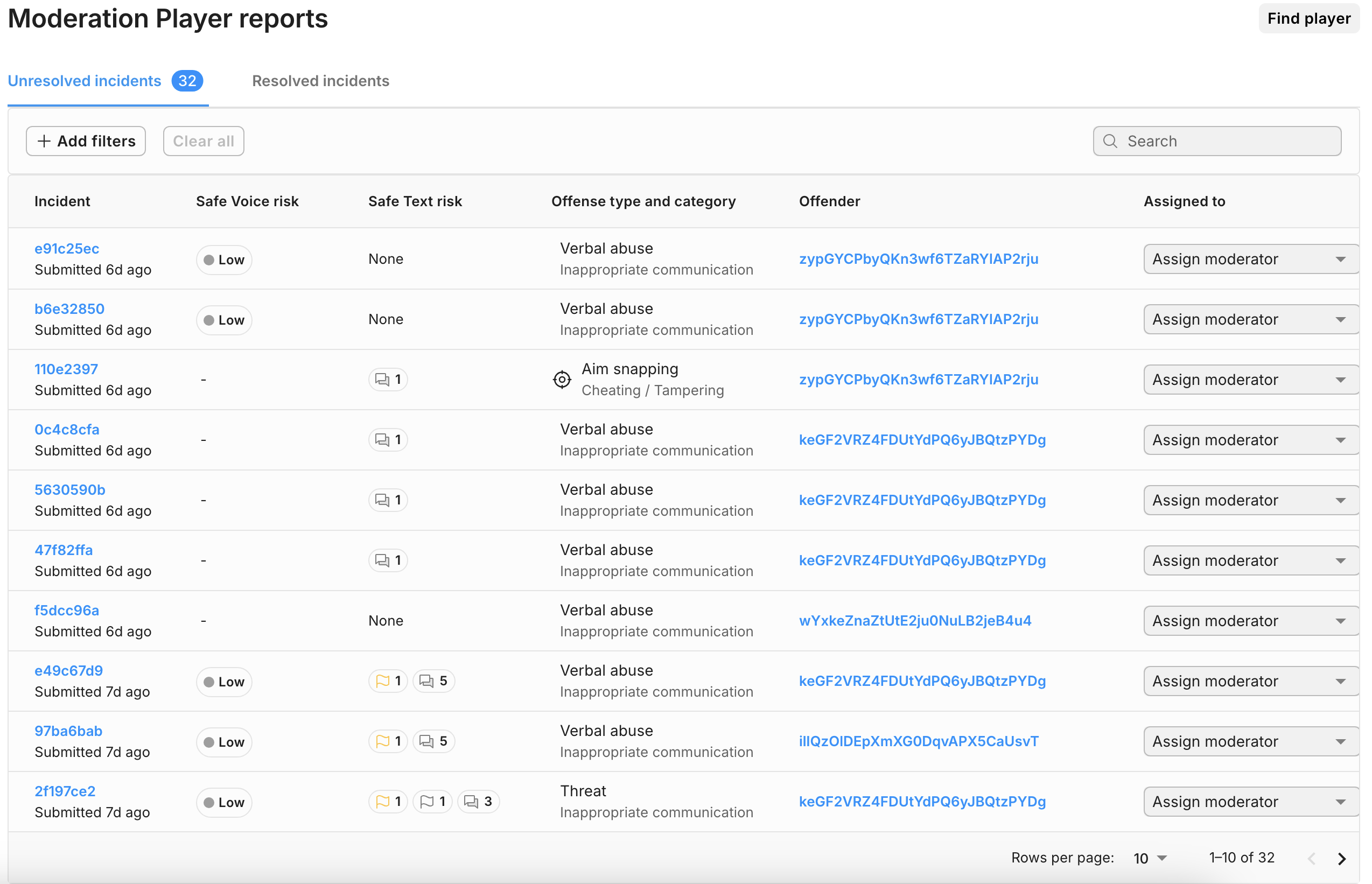
Column name | Description |
|---|---|
| Session ID | A unique identifier corresponding to a session. |
| Type | The event type responsible for the audio session processing: report, sample, or unknown. |
| Overall risk | A score of Low, Medium or High, depending on the overall risk level in the session. |
| Toxicity (Optional) | A score of Low, Medium or High, depending on how much toxicity the session contains. This score only appears if the administrator has enabled it. |
| Audio disruption (Optional) | A score of Low, Medium or High, depending on how much audio disruption the session contains. This score only appears if the administrator has enabled it. |
| Custom score (Optional) | A score of Low, Medium or High depending on how content was detected and the custom scores’ policy decided by the administrator. Your administrator will provide the name of the score alongside the scoring policy. This score only appears if an administrator has defined it. |
| Players | The number of players in the session. |
| Vulnerable | The number of vulnerable players who have indicators of belonging to an at-risk group in the session. |
| Duration | Length of the session in minutes and seconds. |
| Created | Date and time of the session creation. |