Search incidents
Search and filter moderation incidents by player, date, status, or severity.
Read time 1 minuteLast updated 22 days ago
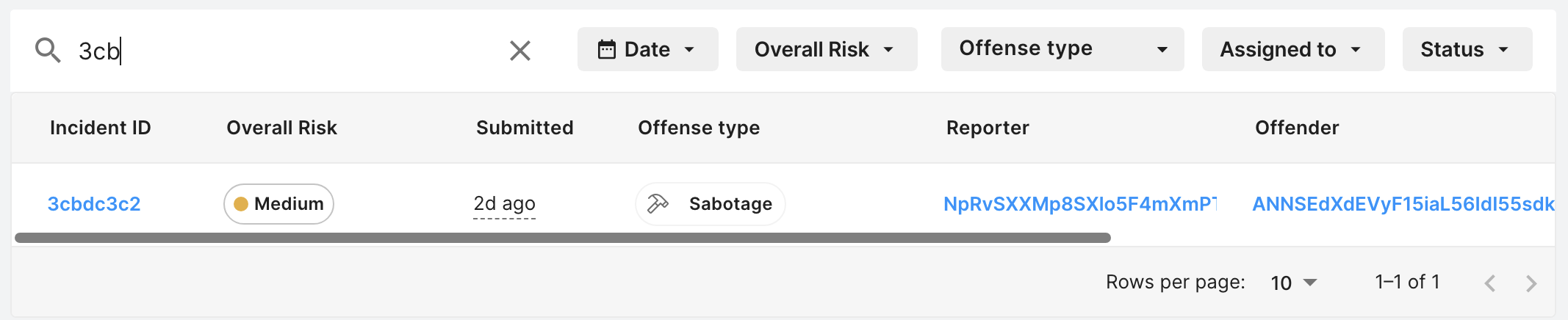
You can search through incident reports by incident ID or player ID using the search bar on the Incident reports dashboard. The player IDs are IDs found in the Reporter and Offender fields.
- Go to Vivox > Safe Text > Moderation queue.
- Type into the search bar.
Filter incidents
You can filter incident reports from the Incident reports dashboard. The available filters include:- Date
- Risk
- Offense type (Only applicable for Player Reports.)
- Assigned to
- Status
- Source type
