Delete player audio tracks
Remove player audio recordings from storage after review.
Read time 1 minuteLast updated 2 days ago
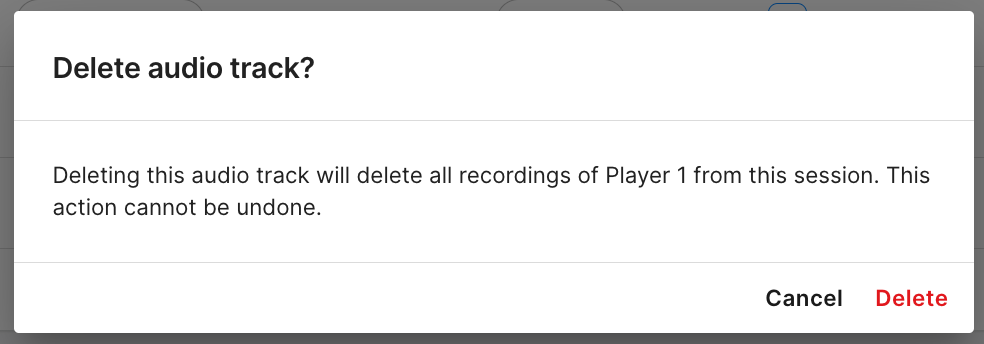
Sometimes you might need to delete an audio track. Be it for legal, privacy, policy or other reasons. Moderators can delete the audio track file for a player within a session. To delete a player’s audio track:
- Find the player row in the Audio Session Details table.
- Select the menu button, and then select Delete.