Report Builder settings menu reference
Configure Unity Ads' Report Builder data cube settings to tailor your campaign analysis
Read time 1 minuteLast updated 2 days ago
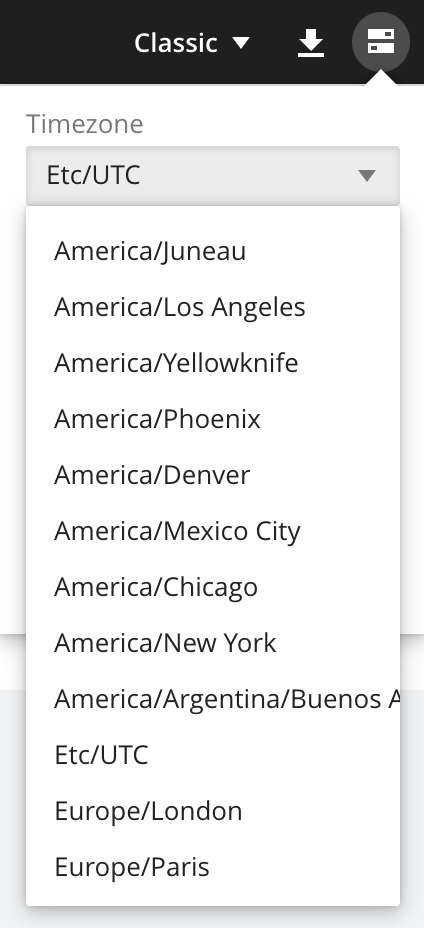
You can customize the timezone used in your reports. The default timezone is Coordinated Universal Time (UTC). To change the timezone, do the following:
- Select the settings icon in the top corner of the dashboard.
- From the Timezone dropdown, select your preferred timezone.