搜索事件
Search and filter moderation incidents by player, date, status, or severity.
阅读时间1 分钟最后更新于 20 天前
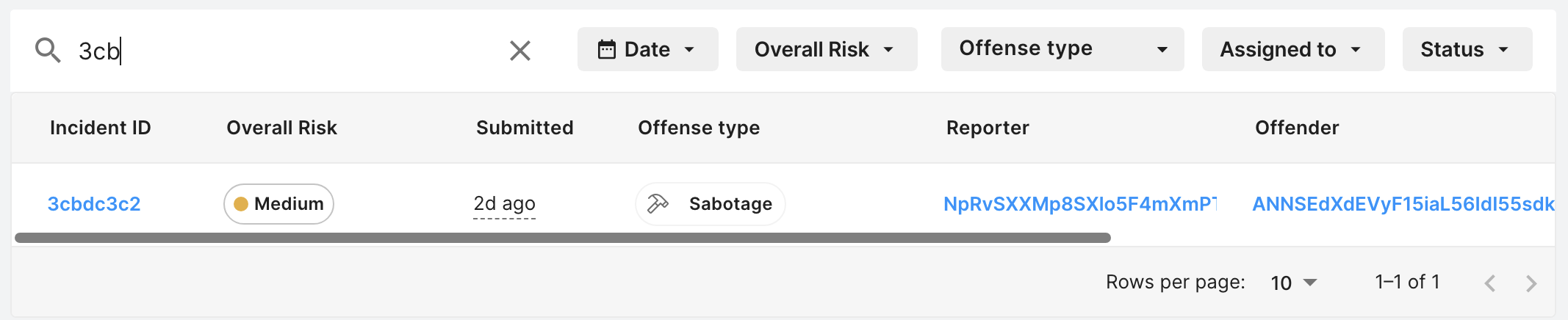
您可以使用 Incident reports(事件举报)后台上的搜索栏按事件 ID 或玩家 ID 搜索事件举报。玩家 ID 是在 Reporter(举报者)和 Offender(违规者)字段中显示的 ID。
- 选择 Vivox > Safe Voice & Safe Text(Safe Voice 和 Safe Text)> Player reports(玩家举报)。
- 在搜索栏中输入内容。
对事件排序
您可以使用箭头图标按支持的列对事件举报进行排序。只能使用 Safe Voice Risk(风险)列进行排序。
过滤事件
您可以从 Incident reports(事件举报)后台过滤事件举报。可用的过滤器包括:- Date(日期)
- Overall Risk(总体风险)
- Offense type(违规类型)
- Assignee(被分派人)
- 状态
