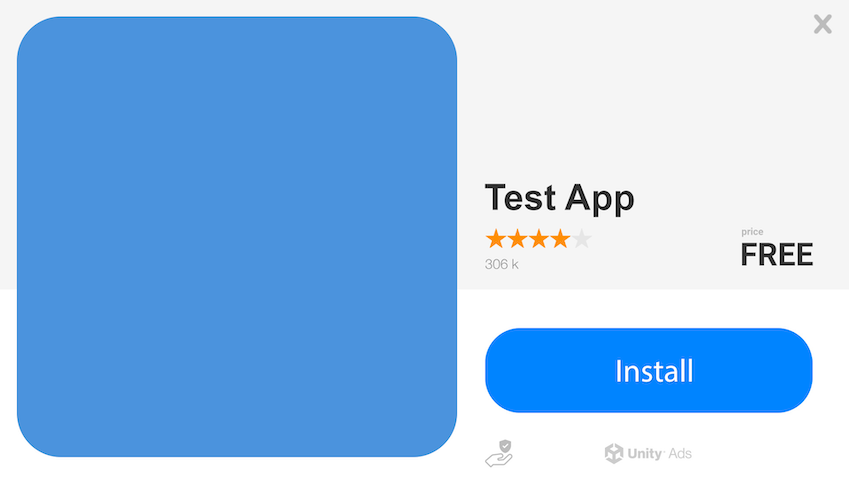
Review the requirements for image end card creatives with Unity User Acquisition.
Read time 1 minuteLast updated 8 days ago
The default end card is a non-playable image.
Image end card specifications
Refer to the following specifications for your end card image files.
Use this table to verify that your image file is the correct size and format.
Specification
Details
File format
JPG, PNG, or GIF
File size
5 MB
Use the following dimensions for image end cards. The recommended best practice is to use square end cards.
End card type
Resolution
Ratio
Square end cards (Default)
800 × 800
1:1
Landscape end cards
800 × 600
4:3
Portrait end cards
600 × 800
3:4
Note
Dynamic cropping might occur when using landscape and portrait images to account for different device sizes. To avoid losing critical information, allow a 100-pixel buffer from the top and bottom edges of portrait images, and left and right edges for landscape images.
Note
The Apple App Store has unique rules for creatives. To adhere to Apple requirements, only depict the Apple App Store logo in creatives for iOS apps. Refer to Apple's marketing guidelines for more information.
Image end card template
Refer to the following example of a static end card using the correct image dimensions: