Creative specifications
Review the requirements for ad creatives with Unity User Acquisition.
Read time 6 minutesLast updated 3 months ago
Creatives are the individual assets or your ad. Review the following sections for specifications and requirements for each creative type:
Video
Video ads use in-game video through an embedded webview to market an app. While an ad only requires one video, uploading a video for each type of screen orientation (landscape and portrait) yields better optimization. When a creative contains both, Unity's valuation algorithm selects the best orientation to display. Note that with Unity, all video ads must also include an end card.
Video creative specifications
Video creatives must adhere to the following specifications:
- 60 s or less
- H.264-encoded MP4 format
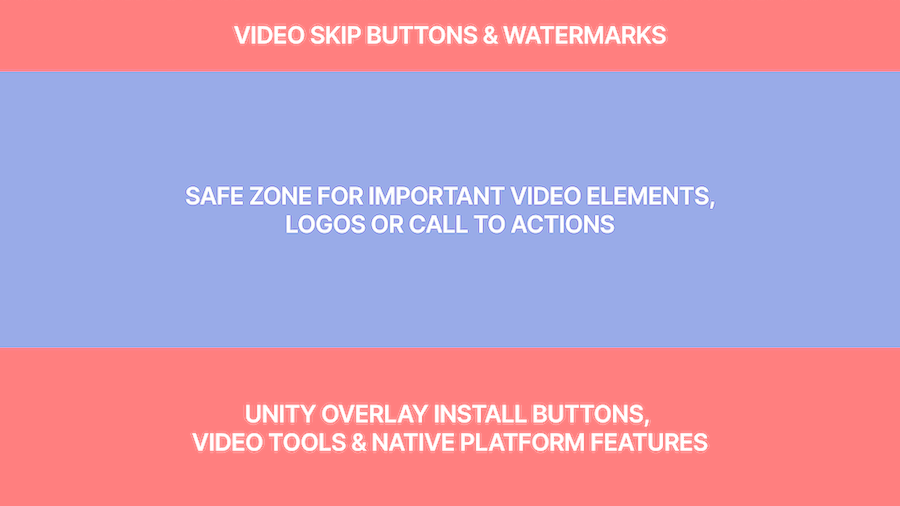
- 16:9 pixel ratio for landscape videos, or 9:16 pixel ratio for portrait videos
- Recommended file size is 10 MB. Maximum file size is 100 MB. Videos are re-encoded to be work with various bitrates. The final video shown will be optimized for the user's available network speed and cache settings.
- Apple only: Due to Apple requirements, only depict the Apple app store logo. Refer to Apple's marketing guidelines for more information.
Video creative templates
Refer to the following templates to ensure that the Unity overlay items don't obstruct important content in your videos.
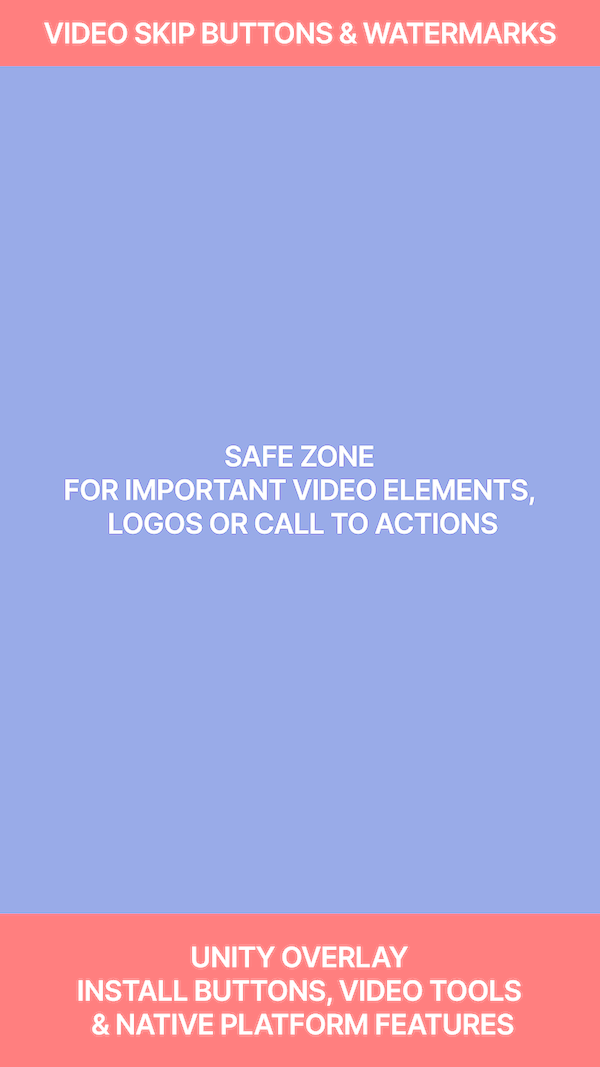
Portrait video overlay guide
Playable
Playable ads allow users to play an interactive demo of your game.
Playable specifications
Playable creatives must meet the following specifications:
-
Contained in a single HTML index file (), with no links to other files or folders.
index.html -
An inlined, minified file (optimized for machine-reading by removing empty spaces).
-
Under 5 MB.
-
Compliant with the Mobile Rich Media Ad Interface Definitions (MRAID) 3.0 specifications.
In addition, Unity requires the following for playables:
- Advertisements must be contained in a single HTML file, with all assets inlined.
- Android games must use Android version 4.4 or higher.
- iOS games must use iOS version 9.0 or higher.
- Ads must not block the close button or any other container UI elements in a way that prevents users from closing the ad.
- Ads must support both portrait and landscape orientations.
- Ads must not need any network requests (XHR), but analytic calls to collect player interaction data are permitted if they don't contain personal data (such as user or device identifiers) and otherwise comply with all applicable laws and platform policies.
- Ads must not automatically (for instance, without explicit user action or a call-to-action) redirect to the app store.
- Ad call-to-actions msut link directly to the app store using mraid.open.
- Ads must wait for the MRAID event before starting playable content.
viewableChange
MRAID examples
To redirect a user on click, use the method with the URL string for your game's app store page. Refer to the following platform-specific examples of :
mraid.openmraid.opencase "iOS":mraid.open("https://itunes.apple.com/us/yourgame?mt=8");
Initialization example
Consider the following example of how to initialize the playable ad:
// Wait for the SDK to become ready: function Start() { if (mraid.getState()==='loading') { // If the SDK is still loading, add a listener for the 'ready' event: mraid.addEventListener('ready', onSdkReady); // Otherwise, if the SDK is ready, execute your function: } else { onSdkReady(); }}// Implement a function that shows the ad when it first renders:function onSdkReady() { // The viewableChange event fires if the ad container's viewability status changes. // Add a listener for the viewabilityChange event, to handle pausing and resuming: mraid.addEventListener('viewableChange',viewableChangeHandler); // The isViewable method returns whether the ad container is viewable on the screen. if (mraid.isViewable()) { // If the ad container is visible, play the ad: showMyAd(); }}// Implement a function for executing the ad:function showMyAd() { // Insert code for showing your playable ad. }// Implement a function that handles pausing and resuming the ad based on visibility:function viewableChangeHandler(viewable) { if(viewable) { // If the ad is viewable, show the ad: showMyAd(); } else { // If not, pause the ad. }}
End card
The default end card is a non-playable image.
Image end card specifications
Refer to the following specifications for your end card image files.
Use this table to verify that your image file is the correct size and format.
Specification | Details |
|---|---|
| File format | JPG, PNG, or GIF |
| File size | 5 MB |
Image end card template
Refer to the following example of a static end card using the correct image dimensions:
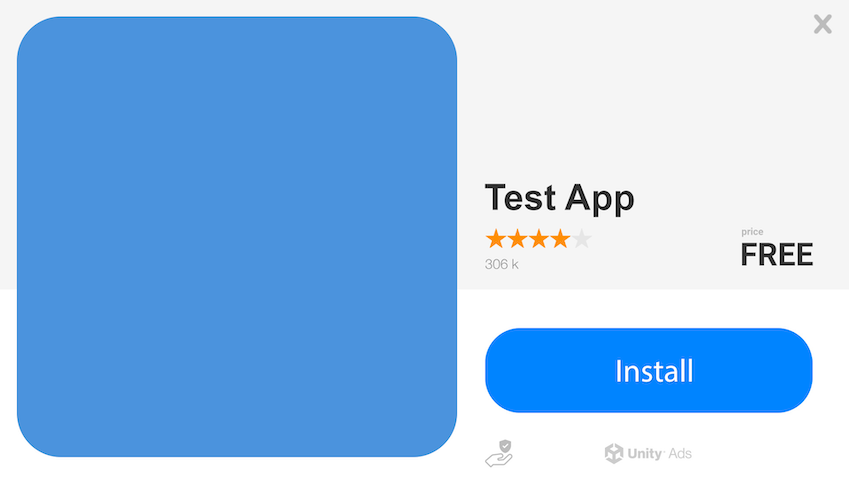
Image end card example
Playable end card specifications
Interactive playable end cards add a layer of engagement at the end of a regular 15 to 60 s video ad.
- A single, inline, and responsive HTML file up to 5 MB.
- Respect state.
isViewable - Playable can start along with video.
- A call-to-action (CTA) button, leading to the Play store or App store.
- Adherence to MRAID 3.0 specifications.
- Minified file (optimized for machine-reading by removing empty spaces).
- End cards for both portrait and landscape screen orientation.
Apple specifications
The Apple App Store has unique rules for creatives. To adhere to Apple requirements, only depict the Apple app store logo. Refer to Apple's marketing guidelines for more information.