Create a custom template
Create a custom Hub template from an existing project, with optional source control integration.
Read time 1 minuteLast updated 2 months ago
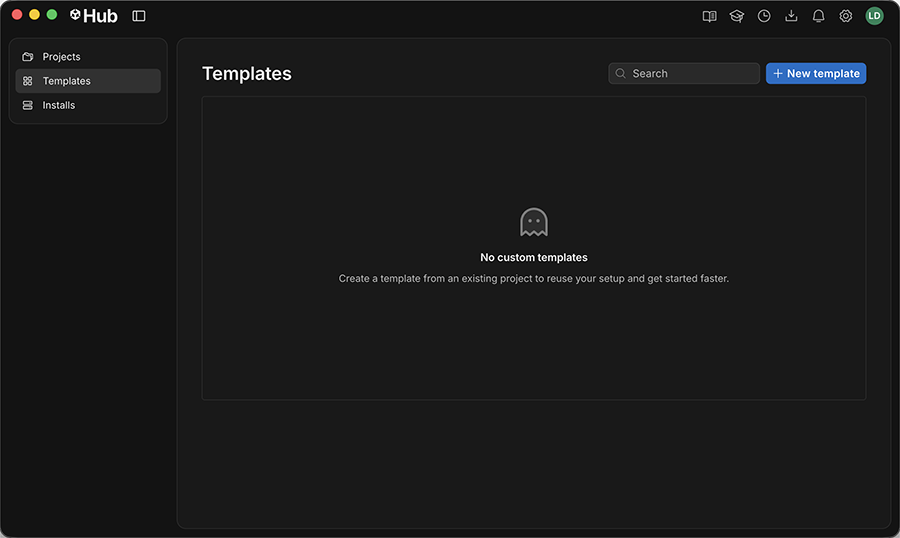
A custom template is a packaged version of a project that you can reuse when you create a project in the Hub. The Templates window contains your custom templates. Use it to create a custom template based on your own project.
Compatibility
Custom templates are compatible with the following Hub and Unity Editor versions:
- Unity Hub 3.20.0 or later
- Any supported Unity Editor version.
Create a custom template
To create a new template:
- In the Templates window, select New template and choose the project to base this template on.
- Enter a name, description, and version number for this template.
- To use the Project Settings from the project in this template, select Keep Project Settings.
- Optionally set up source control for this template. To learn more, refer to Create a source control repository for a project.
- Select Create.
After you create the template, it appears in the Templates window and is available when you create a project from a template.