Use arrays
Use arrays to store multiple values.
Read time 1 minuteLast updated a month ago
An array is a collection of values or references of the same type. You can add, remove, and reorder elements in an array, and edit their values.
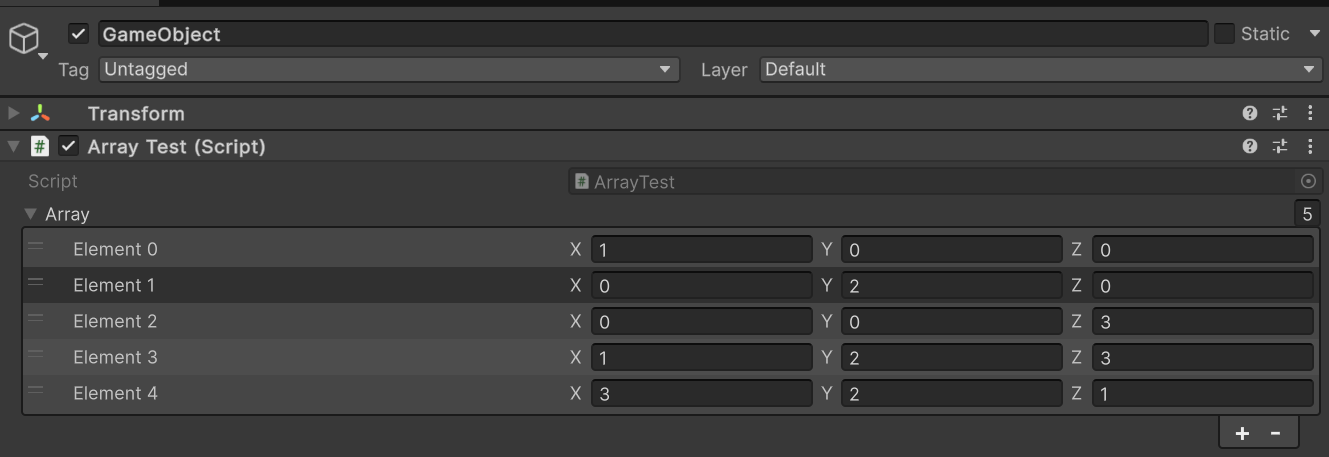
A vector array of five elements with X, Y, and Z fields for each element.
You can add and remove elements one at a time with the + and - buttons.
Some arrays have a Size field. You can use this field to add or remove multiple elements at once:
- To add elements to the end of the array with the same values as the last element, increase the Size value.
- To remove elements from the end of the array, decrease the Size value.
To rearrange elements, drag the element headers up or down.