Scene Settings window reference
Use the Scene Settings window to change the settings of the skybox.
阅读时间1 分钟最后更新于 6 个月前
To access this window, on the Hierarchy panel, select Scene Settings.
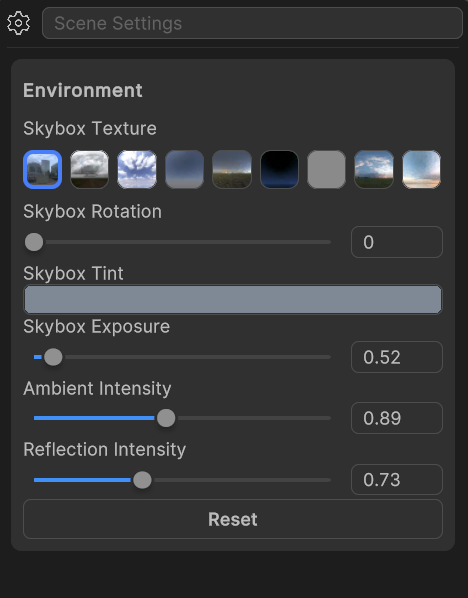
A screenshot of the Scene Settings window with the skybox settings.
Environment settings
The Environment settings contain the following options for your skybox:
Property | Description |
|---|---|
| Skybox Texture | Select an image from the group of thumbnails to display on the skybox. |
| Skybox Rotation | Change the position of the texture on the skybox. |
| Skybox Tint | Change the color of the skybox texture. |
| Skybox Exposure | Increase or decrease the skybox brightness to match your scene’s lighting. |
| Ambient Intensity | Control how much ambient light the skybox contributes to objects in the scene. |
| Reflection Intensity | Adjust how much the skybox's lighting impacts reflective materials. |
| Reset | Change the skybox settings back to the original settings. |