기술 자료

지원

LevelPlay SDK - iOS

Integration Helper for iOS

Utilize the Integration Helper to confirm successful integration of the LevelPlay SDK and additional adapters, ensuring all dependencies and configurations are correct.
읽는 시간 1분최근 업데이트: 4일 전

Use the Integration Helper to verify successful integration of the LevelPlay SDK and any additional adapters.
  • Configuration Validation: Checks key settings in the iOS Info.plist to ensure they are correctly set up.
  • Version Compatibility Check: Indicates the compatibility between the SDK and adapter versions.
  • Dependency Verification: Ensures all required dependencies and frameworks are added for various mediated ad networks.

Integration Helper Method

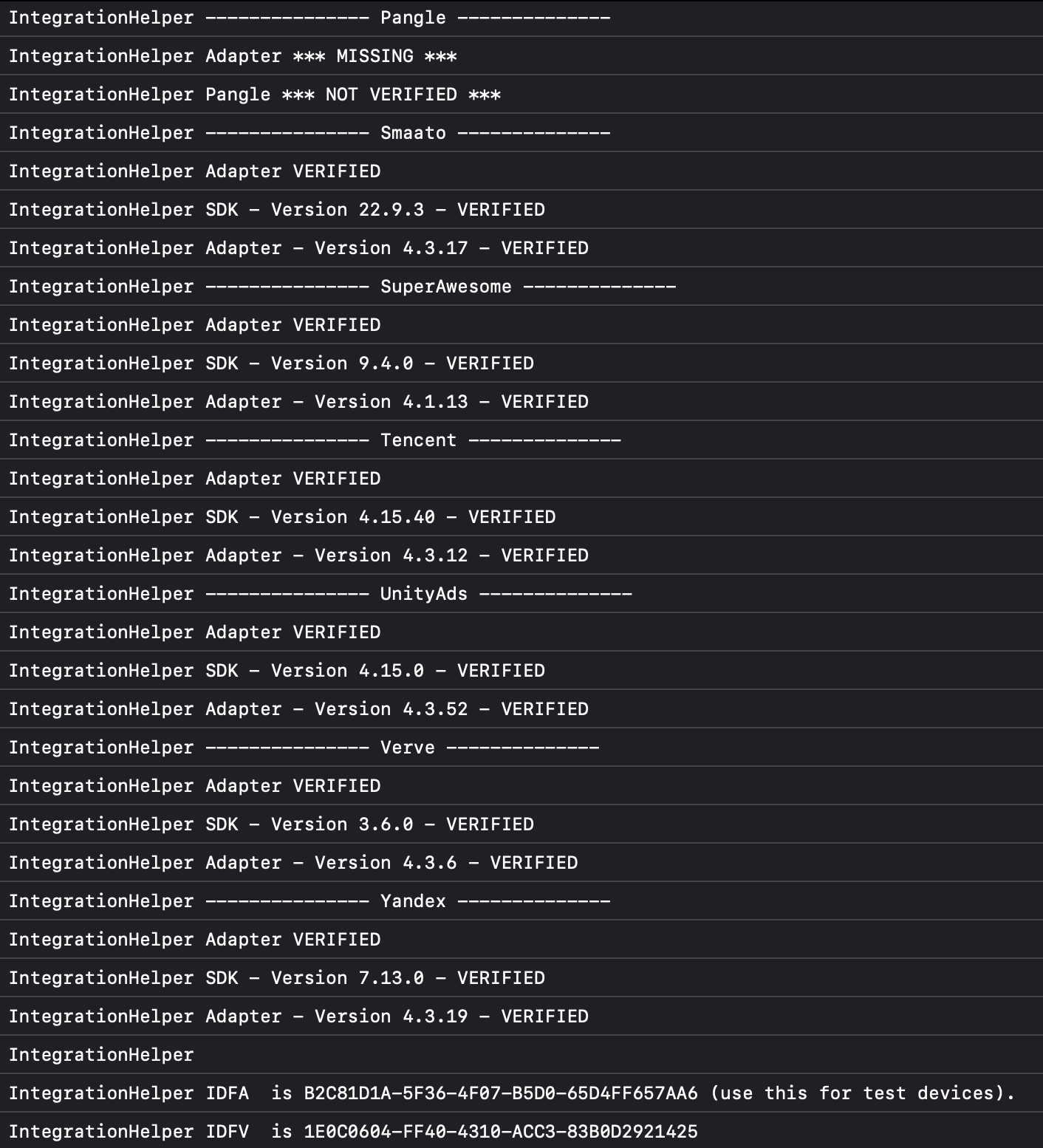
After you have finished your integration, call the following function and confirm that all networks you have implemented are marked as VERIFIED:
[LevelPlay validateIntegration];
중요
After you've successfully verified your integration, ensure that you remove the integration helper from your code.

Device Advertising ID

You can retrieve your IDFA at the bottom of the log after you call the method. For details, refer to the following example. Output example: The Integration Helper tool reviews everything, including ad networks you might have intentionally chosen not to include in your application. These will appear as MISSING and there is no reason for concern. In the event that the ad network’s integration has not been completed successfully, it will be marked as NOT VERIFIED.