Transfer ad revenue funds
Transfer revenue earnings from your Unity Ads Monetization account to your User Acquisition advertising account.
Read time 1 minuteLast updated 2 months ago
You can allocate a portion of your ad revenue from the Unity Monetization Dashboard into your advertising budget in the User Acquisition dashboard.
To transfer revenue from the Monetization dashboard, do the following:
- Go to Setup > Finance in the secondary navigation menu and select Transfer funds.
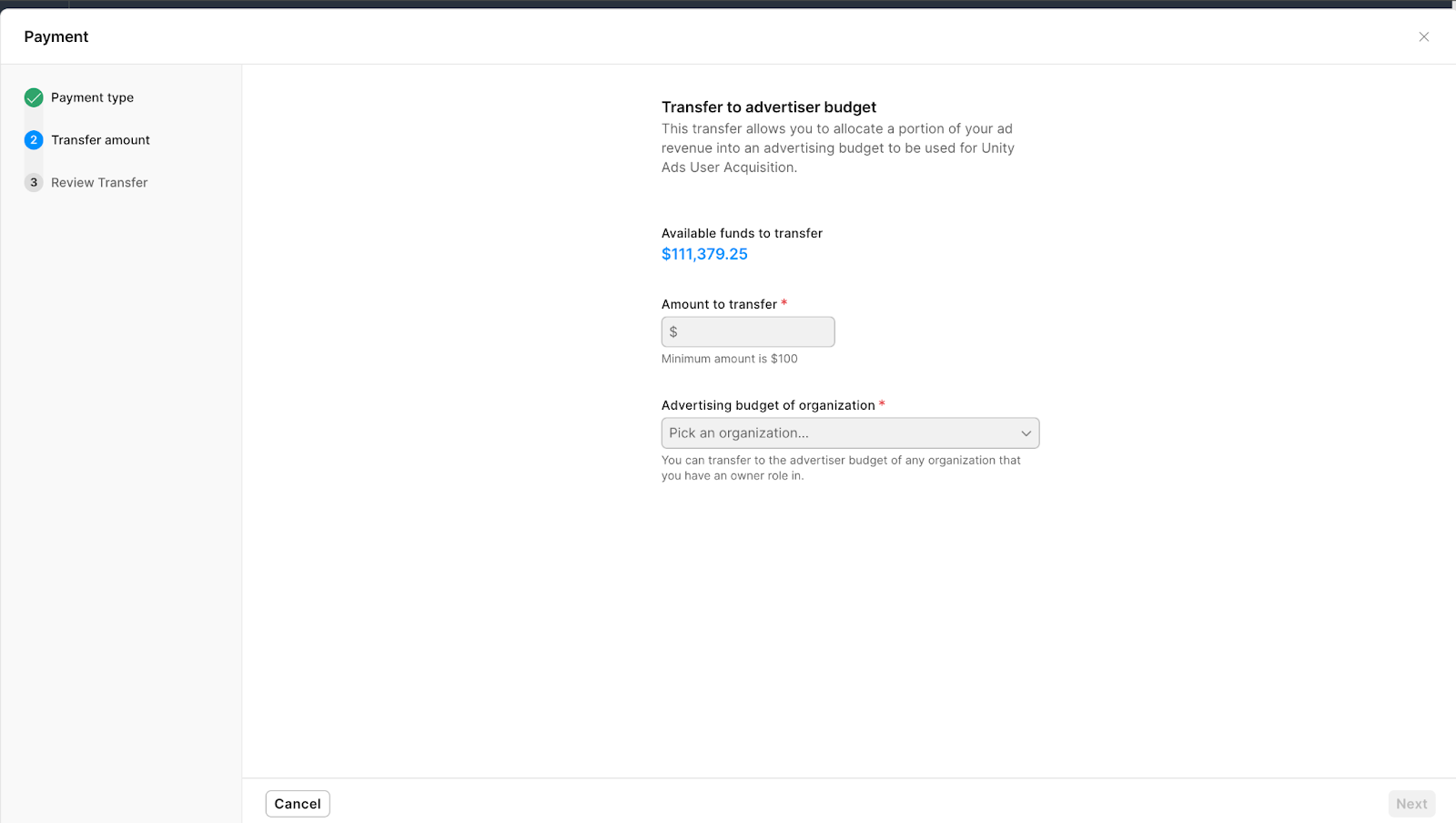
- In the Transfer to advertiser budget dialog, enter the amount you want to transfer. Select the organization you want to transfer funds to and select Next.
- Review the transfer details before enabling the I agree to the terms of service checkbox to acknowledge that the transfer is final and can't be reversed.
- Select Request transfer to submit the request.
Transfers to an advertising budget will be available in your advertiser account within 24 hours. For questions, contact Unity Ads Support.