Unity Pipeline package
Control the Unity Editor through a local HTTP API to automate builds, tests, and development workflows.
読み終わるまでの所要時間 2 分最終更新 25日前
Use the Unity Pipeline package to control the Unity Editor remotely through a local HTTP API. Use it to integrate the Unity Editor with CI/CD pipelines, automate testing and development workflows, and execute custom commands from the Unity CLI.
Prerequisites
Before you start, make sure you meet the following prerequisite:
- Install the Unity Editor version 6.0 or later
- Install the Unity CLI
Install Unity Pipeline package
To install the Unity Pipeline package:
- Close and reopen your terminal after you install the Unity CLI.
- Open your project in the Unity Editor.
- Open a Terminal window (macOS) or Powershell (Windows).
- Run to sign in.
unity auth login - Run to install the Unity Pipeline package and its dependencies. By default, the command targets the current directory or the running Editor instance.
unity pipeline install - Return to the Unity Editor and wait for the project to recompile with the new Unity Pipeline package
- In the terminal, run to verify the installation.
unity pipeline list
Verify that Pipeline: Installed appears, as shown in the following screenshot.
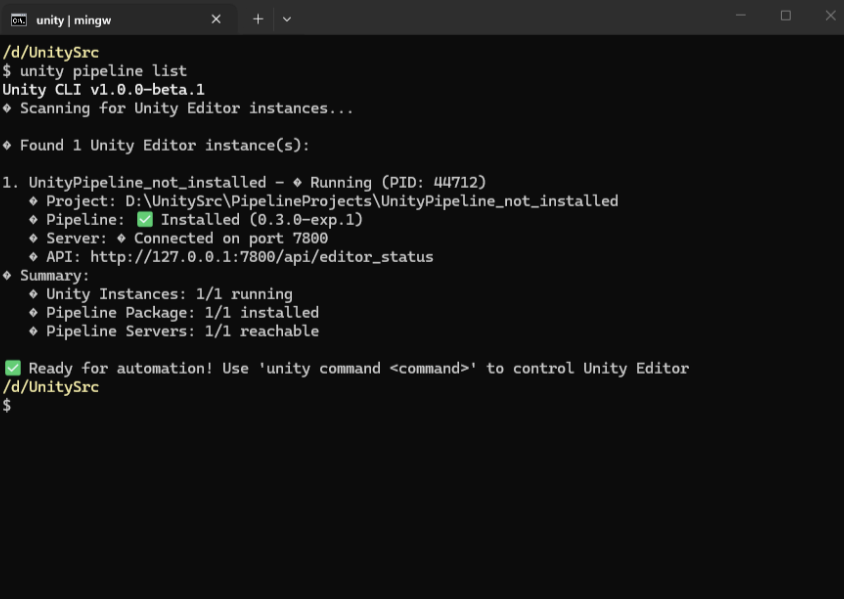
Unity Pipeline package is successfully installed
Connect to a running Unity Editor
After you install the Unity Pipeline package, connect to a running Unity Editor to view the available commands.
- To automatically discover a Unity project from the current directory, run .
unity command - If you have more than one Unity Editor instance open, run to connect to a specific Unity project.
unity command --project-path=<path-to-your-project>
You can now view the available commands.
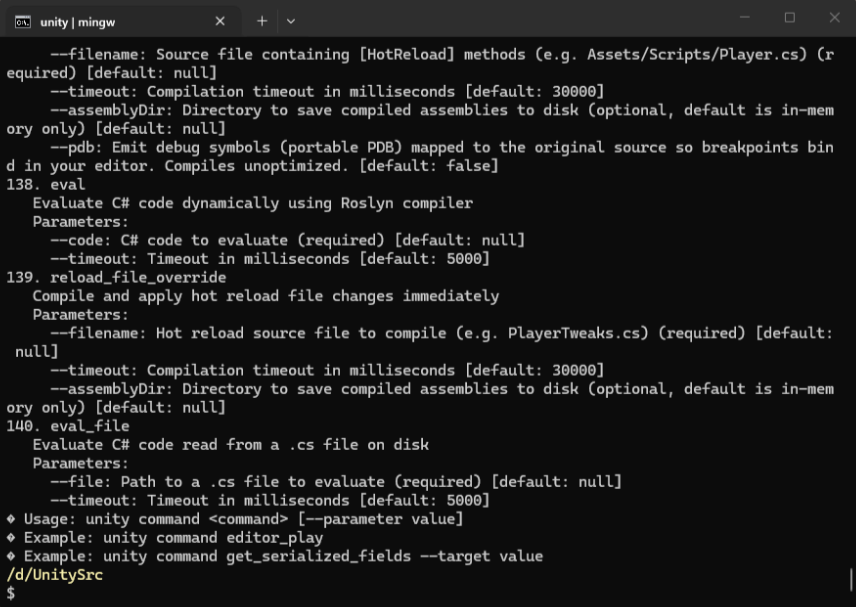
Pipeline command list