Introduction to the Asset Store
The Asset Store contains a library of free and commercial assets that Unity Technologies and members of the community create.
Read time 2 minutesLast updated 3 months ago
The Asset Store contains a library of free and commercial assets that Unity Technologies and members of the community create. A wide variety of assets are available, including textures, models, animations, entire examples, tutorials, and extensions for the Unity Editor.
project
?
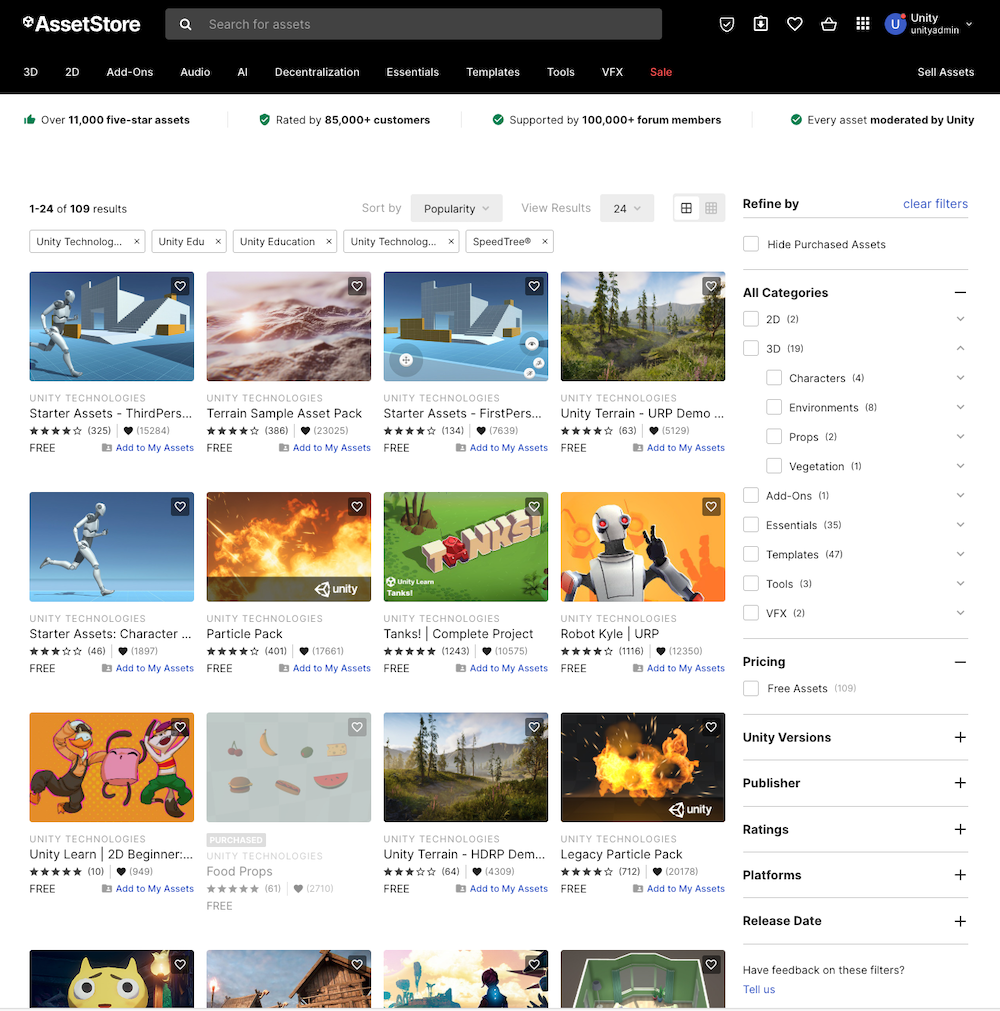
Unity's Asset Store, with a selection of assets by Unity displayed
Access the Asset Store
You can access the Asset Store website at https://assetstore.unity.com/.
In Unity 6.0 and later, you can open the Asset Store website in the Unity Editor from the Asset Store dropdown in the . You can also use this dropdown to open your downloaded assets in the Manager Window.
toolbar
?
Package
?
In all supported versions of Unity, you can search for your purchased and downloaded Asset Store packages in the Package Manager window.
Asset Store package types
Asset Store packages are collections of files and data from Unity projects, or elements of projects. An type is either a or an ( format). When you add an Asset Store package to your project, the Unity Package Manager unpacks the package and maintains its directory structure and metadata about assets. This metadata includes information such as import settings and links to other assets.
Asset Store package
?
UPM package
?
asset package
?
.unitypackageBoth package types have their advantages, as follows:
- Asset packages: Best for one-off imports or sharing assets without setting up a package registry and requires fast one-off iterations. It is suited for content assets such as 3D models and UI elements that end players will interact with. For more information about asset packages, refer to Distribute assets as packages.
- Unity Package Manager (UPM) packages (currently in beta testing): Can be versioned, and excluded from source control. Use UPM when you need , dependency management, or plan to maintain the package across multiple projects. For more information about UPM packages, refer to Introduction to packages.version control
?
For more information, refer to Package types, and Introduction to publishing Asset Store packages.