Interrupting a Process
How to interrupt a running process in Asset Transformer Studio
読み終わるまでの所要時間 1 分最終更新 2ヶ月前
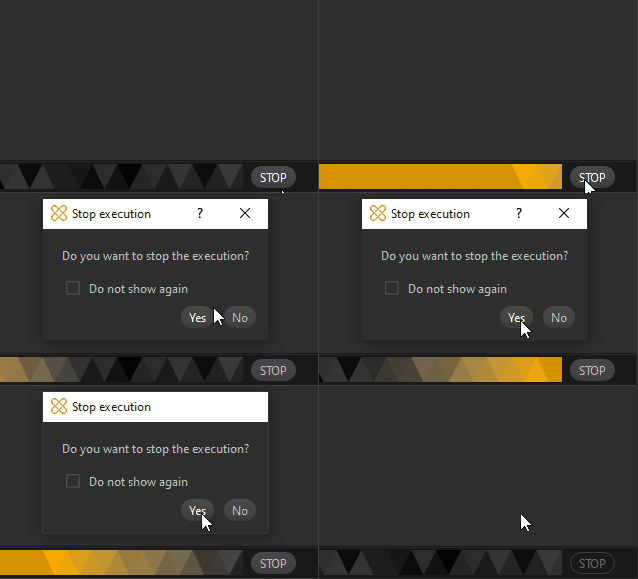
A button is available in the interface, allowing you to interrupt the execution of a function.
STOPWhen preparing a model interactively in Asset Transformer Studio, some functions can take a long time to execute, especially when dealing with large models.
The user may wish to stop the execution of a function, because it is taking too long, or because they wish to change the parameters of the function before executing it again.
It is especially useful for time-consuming functions that are complex to parameterize and require step-by-step fine-tuning — like Remove Occluded Geometries (Advanced), Orient Faces (Advanced), or functions executing baking.
How To
From the bottom right corner of the user interface, click the button to interrupt a process.
STOPA dialog box is then prompted asking you if you wish to confirm the interruption, choose or :
YesNo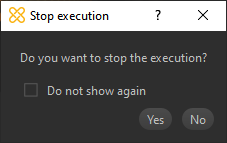
Enable the option if you wish to stop being asked to confirm the interruption.
Do not show again