Variants and PMI
Using the Variants and PMI panel in Asset Transformer Studio
読み終わるまでの所要時間 1 分最終更新 2ヶ月前
The Variants & PMI panel is where variants, and views inherited from PMI can be managed.
Variants
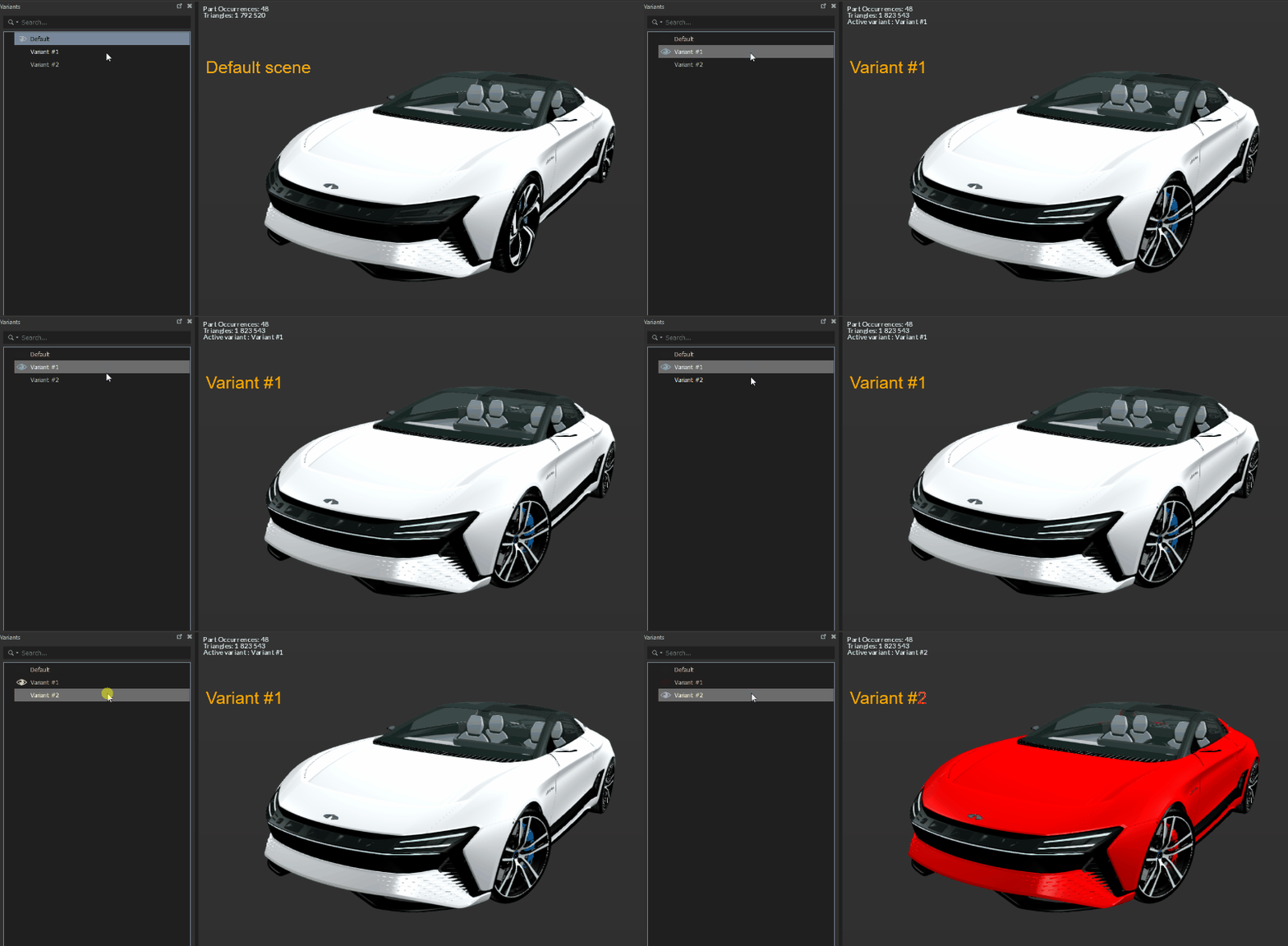
Create and display variants of the default scene, by saving the scene state regarding occurrences' position, visibility and material assignment.
PMI
PMI included in some CAD files (see the Supported File Formats) can be imported within Asset Transformer Studio if necessary.
When PMI are imported, a folder is available in the Variants & PMI panel, where they can be used.
PMI