Product Structure (Tree)
Using the Product Structure panel in Asset Transformer Studio
読み終わるまでの所要時間 1 分最終更新 2ヶ月前
The Product Structure (Tree) panel is positioned by default at the left side of the GUI.
From there, the user can view the scene occurrences organized in a hierarchy, and interact with them.
Interacting with the Product Structure
The Product Structure offers direct interaction possibilities to the user, among:
- Expand/collapse the tree
- Select Occurrences
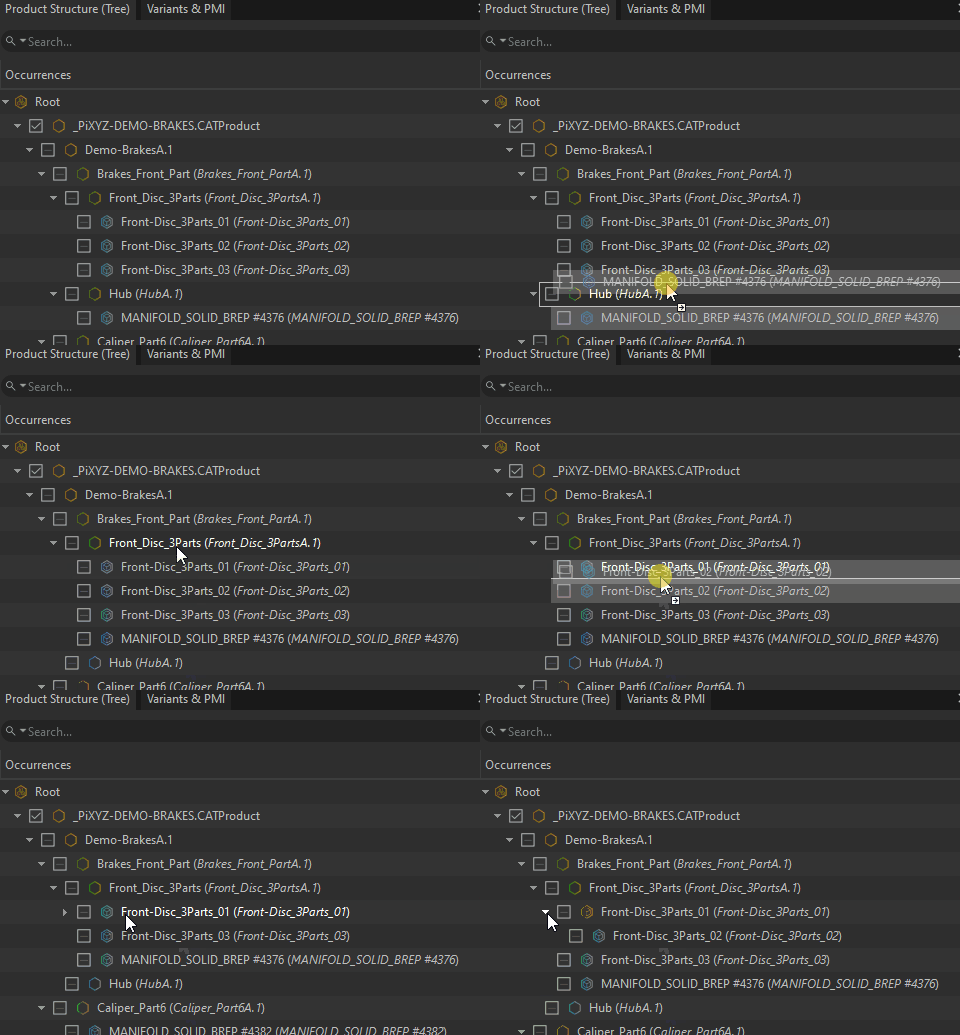
- Move occurrences in the tree to change the way it is organized
- Search for occurrences
- Change occurrences visibility
Using the Product Structure
To learn how to:
- Use the Product Structure contextual (right-click) menus, see the Product Structure Right-click Menus topic
- Customize the Product Structure, see the Customizing the Product Structure topic
Tooltip
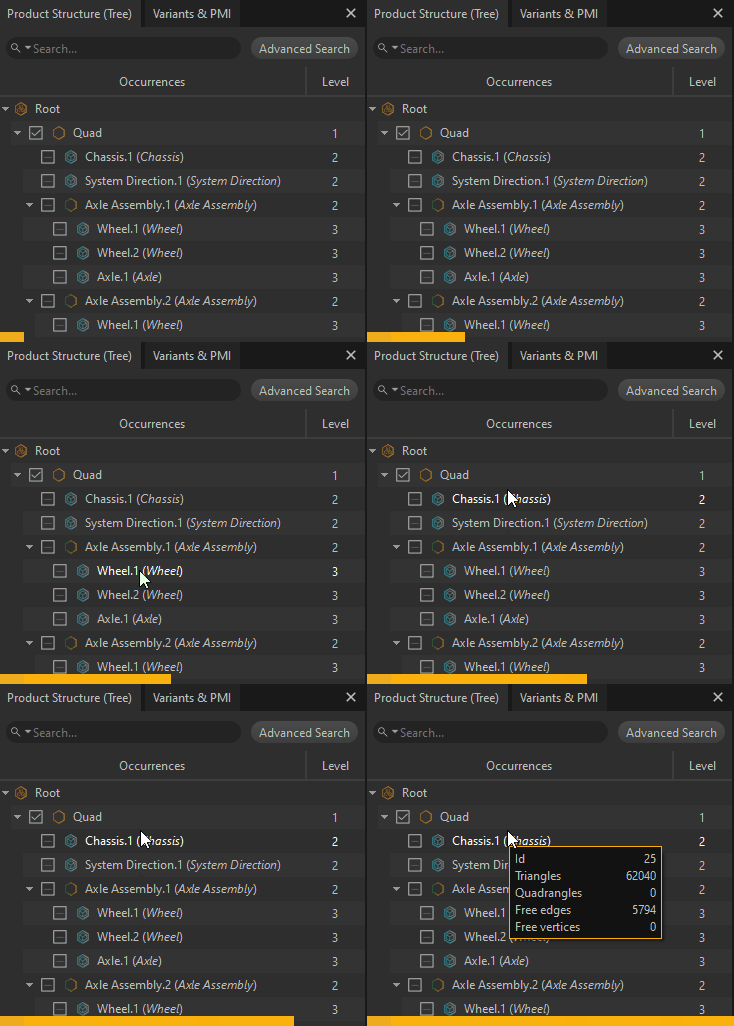
When hovering with the mouse an occurrence in the Product Structure, a tooltip appears showing some information:
- The occurrence ID
- Statistics about the mesh contained in the occurrence, if applicable (meaning if the occurrence is a Part containing a mesh)