---
title: 8.x release notes for 2019
product: Unity Version Control
canonical: https://docs.unity.com/en-us/unity-version-control/release-notes/8/2019
last_updated: 2026-11-04
generated_at: 2026-11-22T19:03:58.517Z
locale: en-us
---
# 8.x release notes for 2019
> Review the 2019 release notes for version 8 of Unity Version Control.
This page contains the Unity Version Control 8.x releases published in 2019, organized from newest to oldest. For other years, refer to [8.x release notes](../8).
## 8.0.16.3868
> **Note:**
>
> **Public** | 2019-12-27
### New
#### Windows - Gluon
Windows - Gluon: Incoming changes: The tool now converts pending changes into checkouts before calculating the incoming changes. This allows detecting the files in conflict with your current changes.
#### Unity 3D plugin - Gluon
Unity 3D plugin - Gluon: Incoming changes: the 'Incoming changes" view is now complete! It allows you to solve file conflicts when there are new changes in conflict.
The "Resolve Conflicts..." context menu is now enabled. Now it is possible to resolve conflicts in assets individually.
An asset will be in "conflict" state when you have local changes in an asset, and somebody else created a new revision of the same asset in the repository on the same branch you are working on.
REMARK: Only available in Gluon mode!
**Screenshot:**
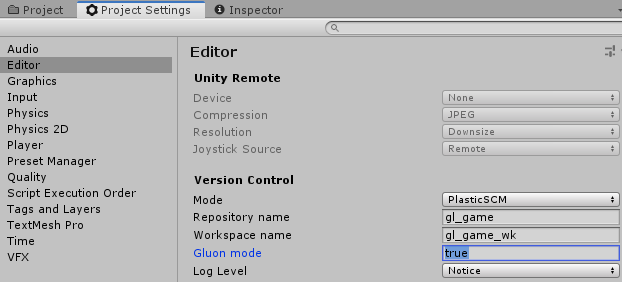
Screenshots below:
**Screenshot:**
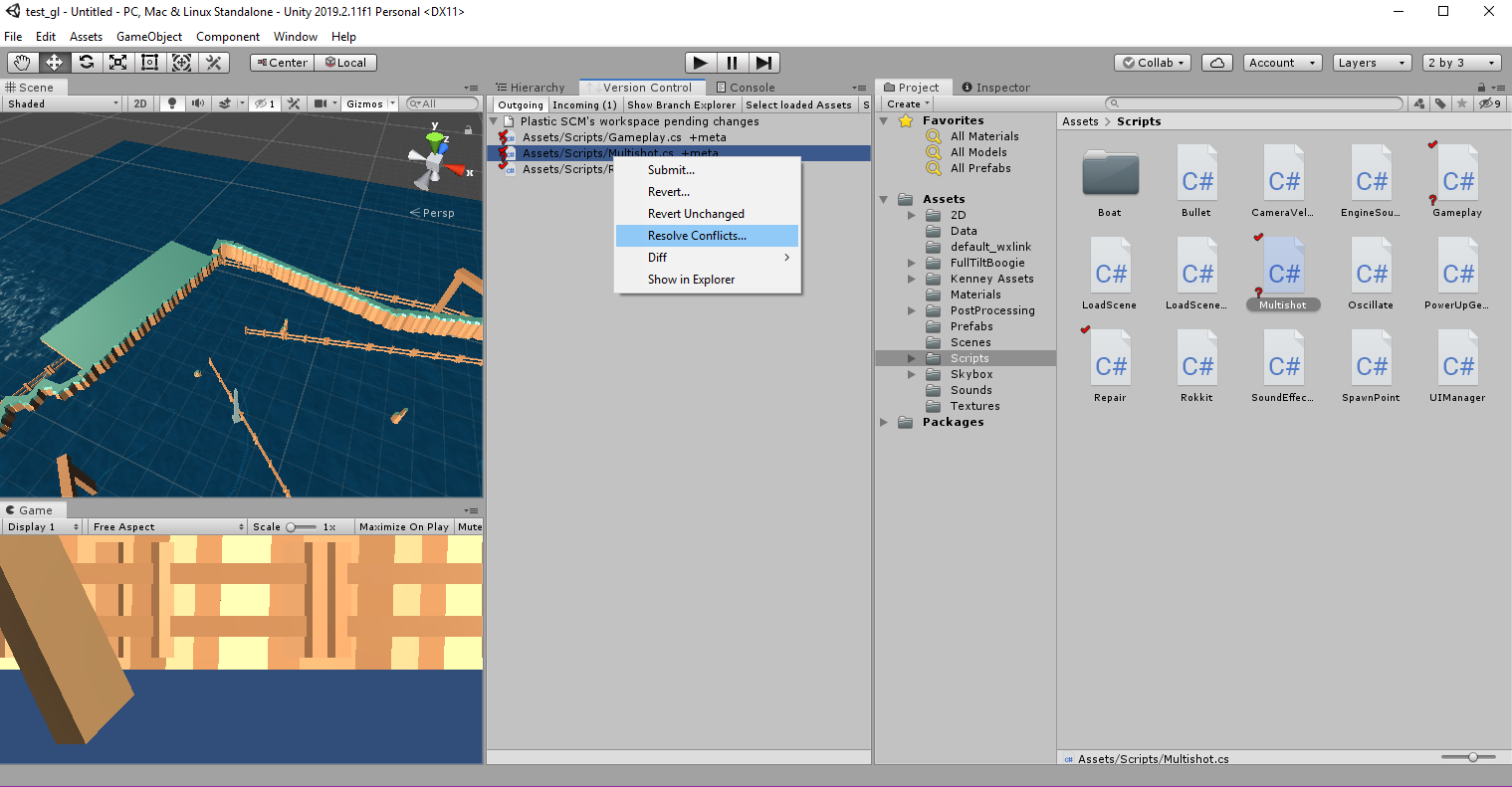
**Screenshot:**
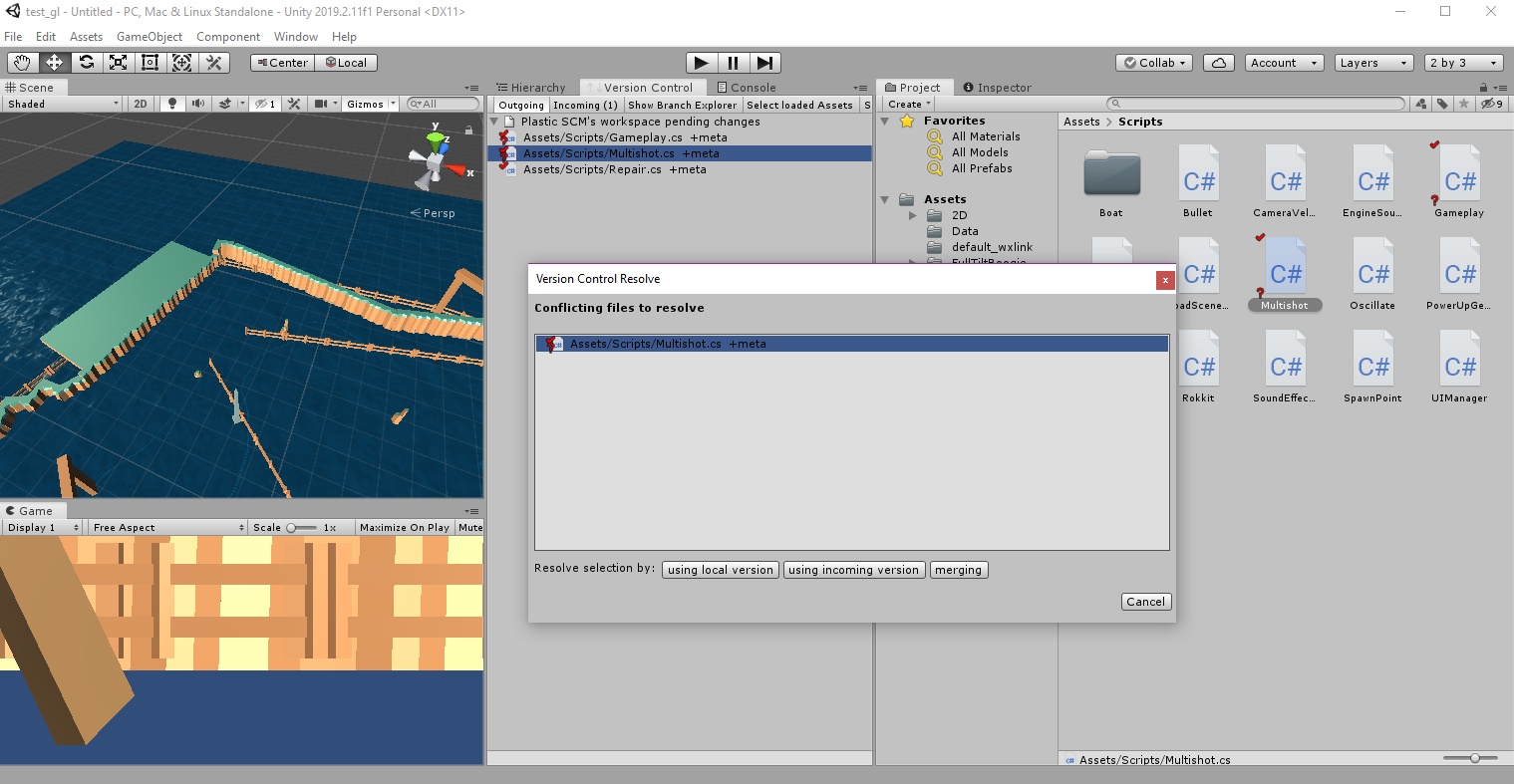
**Screenshot:**
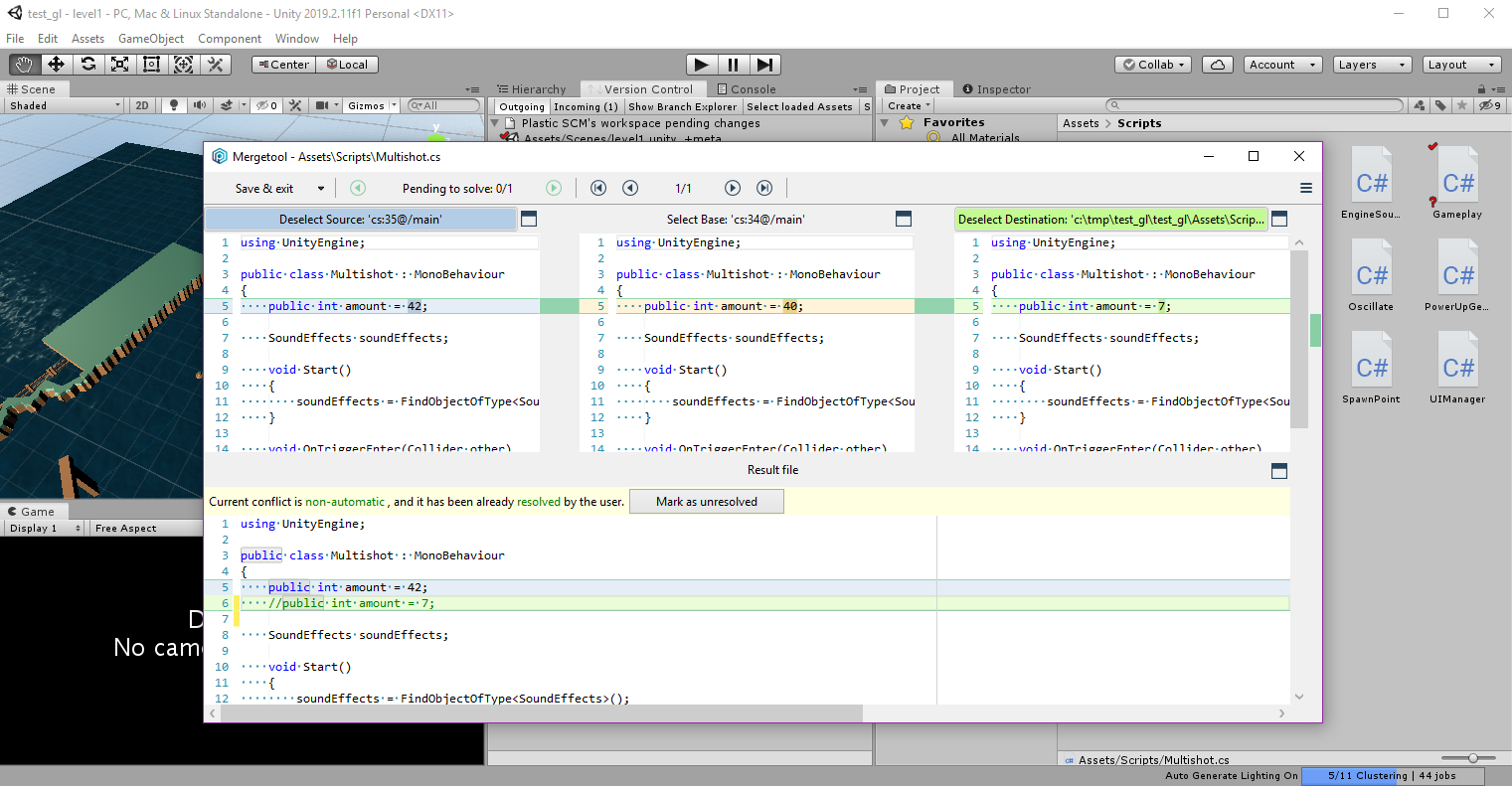
This feature is experimental. You need to manually activate it by adding the following line to the client.conf configuration file.
On Windows, it is at `%LocalAppData%\plastic4\client.conf`:
```text
yes
```
#### Command line client
Command line client: Improved the `cm find` examples by adding some missing double-quotes to avoid errors when running the command on macOS and Linux.
### Bug
#### All platforms - Plastic
All platforms - Plastic: The Incoming Changes operation sometimes left writable Xlinks as checked-out. This issue affected only Xlinks that pointed to a different changeset but without changes inside.
How did it happen? Let's assume that our workspace is loading the `cs:5` with and we have a xlink at /doc.
1. Add the new file `/doc/new.c` and check it in (`cs:6`).
2. Remove the file `/doc/new.c` and check it in (`cs:7`).
3. Switch to the original changeset `cs:5`.
4. Run the Incoming Changes operation to update the workspace to `cs:7`. Then, the xlink `/doc` appears as checked-out without changes.
Not it is fixed!
#### All platforms - Plastic, Command line client
All platforms - Plastic, Command line client: Fixed the order in some checkin steps that caused issues when a `before-checkin` trigger modified files in the workspace.
If this `before-checkin` trigger modified files in the workspace, these files were incorrectly detected as modified only AFTER the checkin.
This is because the workspace metadata got calculated before trigger execution, when it should be done just after it, in order to consider possible content changes.
***
## 8.0.16.3859
> **Note:**
>
> **Public** | 2019-12-20
### New
#### macOS - Plastic
macOS - Plastic: The Code Review is finally available for macOS users!
We still have some things to implement, but you can start using it in your day to day.
You can access the code reviews from the sidebar.
Creating a code review is as easy as one-two-three. Just right click a branch, and select "New Code Review for this branch...". It also works for changesets, both from the Branch Explorer and from the Query views.
Once you open a new code review, you will see the following warning in the window:
**Screenshot:**
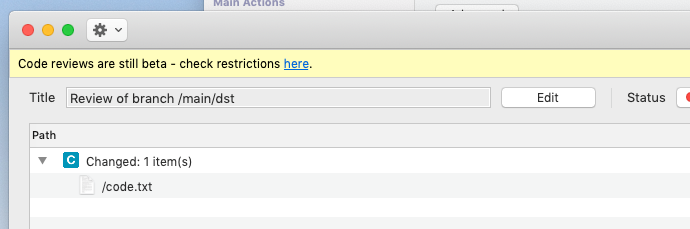
It reminds you that the feature is still in beta (so be patient if you find some rough edges!). Clicking the link redirects you to a blogpost where we keep an updated list of the Code Review restrictions in macOS - a list we hope to shorten fast.
Learn all about Code Reviews for macOS here: [Code Review now available for macOS](http://blog.plasticscm.com/2019/12/code-review-for-macos.html).
#### All platforms - Plastic
All platforms - Plastic: A few releases back, we changed the default path of the Branch Explorer configuration file. It is now inside the `.plastic` directory, and it's name is `plastic.branchexplorer` (to match the naming of the rest of the files already there).
Now that the Branch Explorer configuration exists per workspace (instead of a unique file affecting all the workspaces in your machine), it is time for the global Branch Explorer configuration to be per repository server, and then per repository (instead of a unique file affecting all the workspaces in your machine!)
You see, until now the global BrEx configuration gets loaded only from the `allrepos` directory in your default repository server's Global Configuration. This made sense when said configuration affected all of your workspaces - you wouldn't want BrEx configuration coming from other repository server different than your default one (what a mess!) But now it is natural (and possible) to design global configuration per repository.
Bear in mind that in the global BrEx configuration you can only define Filters and Conditional format rules. These filters and format rules are merged with your local ones when the global configuration gets downloaded. You can't still distinguish the origin of each rule though (global or local configuration), so there is still room for improvement.
The search path for the Global BrEx configuration is as follows (to support the legacy location, and the new possibilities). The first configuration file found is the one that will merge with the local one.
```text
let SpecificRepo be the Repository your current workspace is pointing to.
let SpecificRepServer be the Repository Server that hosts SpecificRepo.
let DefaultRepServer be the Repository Server you have configured in client.conf.
Search path goes as follows (to support legacy behavior too!):
1) globalconfig/SpecificRepServer/SpecificRepo [new]
2) globalconfig/SpecificRepServer/allrepos [new]
3) globalconfig/DefaultRepServer/allrepos [legacy]
But we also support the following file names for Branch Explorer
configuration:
- branchexplorer.cfg [legacy Windows]
- branchexplorer.conf [legacy Linux & macOS)
- plastic.branchexplorer [new, all platforms]
The search path goes as follows:
1) New filename, new path
2) Legacy filename, new path
3) Legacy filename, legacy path
With this, the search path is as follows:
1.1) globalconfig/SpecificRepServer/SpecificRepo/plastic.branchexplorer
1.2) globalconfig/SpecificRepServer/SpecificRepo/branchexplorer.conf
1.3) globalconfig/SpecificRepServer/SpecificRepo/branchexplorer.cfg
2.1) globalconfig/SpecificRepServer/allrepos/plastic.branchexplorer
2.2) globalconfig/SpecificRepServer/allrepos/branchexplorer.conf
2.3) globalconfig/SpecificRepServer/allrepos/branchexplorer.cfg
3.1) globalconfig/DefaultRepServer/allrepos/plastic.branchexplorer
3.2) globalconfig/DefaultRepServer/allrepos/branchexplorer.conf
3.3) globalconfig/DefaultRepServer/allrepos/branchexplorer.cfg
```
Until this release, the client looked for the file only in `3.2` and then `3.3`.
We recommend using the new name `plastic.branchexplorer`!
With an specific example, imagine that your current workspace is pointing to `awesomeproject@remoteserver:9095`, but your client is configured against `localhost:8087`. When opening the workspace in a GUI, the Branch Explorer global configuration file search path will be as follows:
```text
globalconfig/remoteserver_9095/awesomeproject/plastic.branchexplorer
globalconfig/remoteserver_9095/awesomeproject/branchexplorer.conf
globalconfig/remoteserver_9095/awesomeproject/branchexplorer.cfg
globalconfig/remoteserver_9095/allrepos/plastic.branchexplorer
globalconfig/remoteserver_9095/allrepos/branchexplorer.conf
globalconfig/remoteserver_9095/allrepos/branchexplorer.cfg
globalconfig/localhost_8087/allrepos/plastic.branchexplorer
globalconfig/localhost_8087/allrepos/branchexplorer.conf
globalconfig/localhost_8087/allrepos/branchexplorer.cfg
```
#### Windows - Gluon
Windows - Gluon: Incoming changes: we improved the check to determine if there are new changes available in order to show the notification bar only when there is any change that can be applied (e.g: the moves which cannot be applied are now filtered).
### Bug
#### Windows - Plastic
Windows - Plastic: Fixed two issues in the new Code Review System:
* .NET files (C#/VB.NET): When navigating to a comment, if the source file had code regions, they were collapsed by default. When this happened, the selected comment was lost.
* .NET files (C#/VB.NET): Sometimes, when navigating to a comment, the source file was not correctly scrolled to the line the comment was inserted. Now it's fixed.
#### All platforms - Command line client
All platforms - Command line client: The Incoming Changes displayed the message "`Merging file 1 of 1: README.txt`" twice for each merged file. The second message should be the merge result, so we changed it accordingly.
If the merge is complete, you'll see this:
```console
Merging file 1 of 1: README.txt
Merged file 1 of 1: README.txt
```
If you cancel the merge (i.e. exit without saving), you'll see this instead:
```console
Merging file 1 of 1: README.txt
Not merged file 1 of 1: README.txt
```
#### All platforms - Gluon
All platforms - Gluon: The update operation could wrongly load a file/directory from a xlink inside its parent xlink. For this to happen, some kind of Plastic internal ids matching was needed (the item id of the revisions loaded by the xlinks should match)
Let's see an example of what could happen.
Having the following structure in the server tree:
```text
/game (xlink)
/game/content/textures (xlink)
/game/content/textures/texture_A.01 (file)
```
After the workspace update, the file '`texture_A.01`' would be loaded under the parent xlink '`/game`' instead of under the proper xlink '`/game/content/textures`'.
```text
/game (xlink)
/game/texture_A.01 (file)
/game/content/textures (xlink)
```
#### All platforms - Gluon
All platforms - Gluon: The updade operation didn't download the new items when they were located directly under the xlink and the xlink was changed. Fixed.
***
## 8.0.16.3841
> **Note:**
>
> **Public** | 2019-12-16
### New
#### All platforms - Plastic, Gluon, Server, command line
All platforms - Plastic, Gluon, Server, command line: Now the socket connect has a default timeout of 3 seconds, to avoid waiting forever on unreachable servers.
Timeouts are good to avoid waiting forever when you have network issues.
Now, if you try to reach an unreachable server that has a valid address, instead of waiting for 20 seconds (on Windows) it will throw an error in 3 secs:
```text
> cm repo list 192.168.221.218:8084
Error: Can't connect to [192.168.221.218:8084] after 3000 ms. To increase the timeout set SocketConnectTimeoutMillisec in client.conf. Configure server.conf if the timeout happens during push/pull
```
\== How to configure ==
Default is 3 seconds, but you can configure it in several ways.
For plasticprotocol (the default) just edit `client.conf` and/or `server.conf` (only if you have timeouts during push/pull) and add a new integer value with the following key:
```text
SocketConnectTimeoutMillisec
```
The value is in milliseconds. If you set it to 0, it will be an infinite timeout.
In case you are using remoting, edit your `remoting.conf` file (valid for client and server) and add `timeoutMilliseconds="4000"` as follows:
```text
channel type="PlasticPipe.Remoting.Tcp.PlasticTcpChannel, plasticpipe" name="normal" timeoutMilliseconds="4000"
```
#### All platforms - Server and all clients
All platforms - Server and all clients: Improved DNS name resolution during socket creation.
We've been working on introducing timeouts during socket connect. After doing that, we detected some issues during internal testing, where some connections timed out when they didn't before.
This was because the BeginConnect we use to do the async is internally doing some wrong stuff with name to IP resolution. Framework code that sometimes doesn't work as expected. Anyway, we introduced some fixes so we now avoid unneeded translations when the name is already an IP, and we also cache resolutions (not needed normally, but when the underlying network has some glitches, and we saw it with VMWares we use, it can happen).
#### Windows - Gluon
Windows - Gluon: Incoming changes: the notification bar for the new 'Incoming changes' view is now available.
When you are working in a single branch with other people, it is common to find they have checked in new changes.
When this happens, Gluon will notify you on the top-right area of the window.
* Scenario 1: You have no pending changes and new changes from other users appear. Gluon will show you a green notification in order to allow you to see the changes in the Incoming Changes view, and update to them.
* Scenario 2: You have pending changes. New changes from other users appear, but they don't affect any of the files you have changed. Gluon again will show you the green notification for the same purpose.
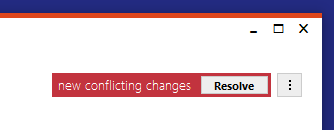
* Scenario 3: You have pending changes. New changes from other users appear, and there are changes in files that you have also changed. In this case you need to merge these changes. Gluon will show you a red notification in order to allow you to see the conflicts in the Incoming Changes view, and resolve them.
This is how the Scenarios 1 and 2 look like:
**Screenshot:**
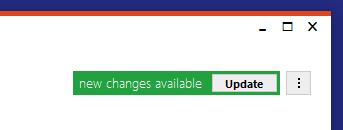
And this is how the Scenario 3 looks like:
**Screenshot:**
You can see it working here:
**Screenshot:**
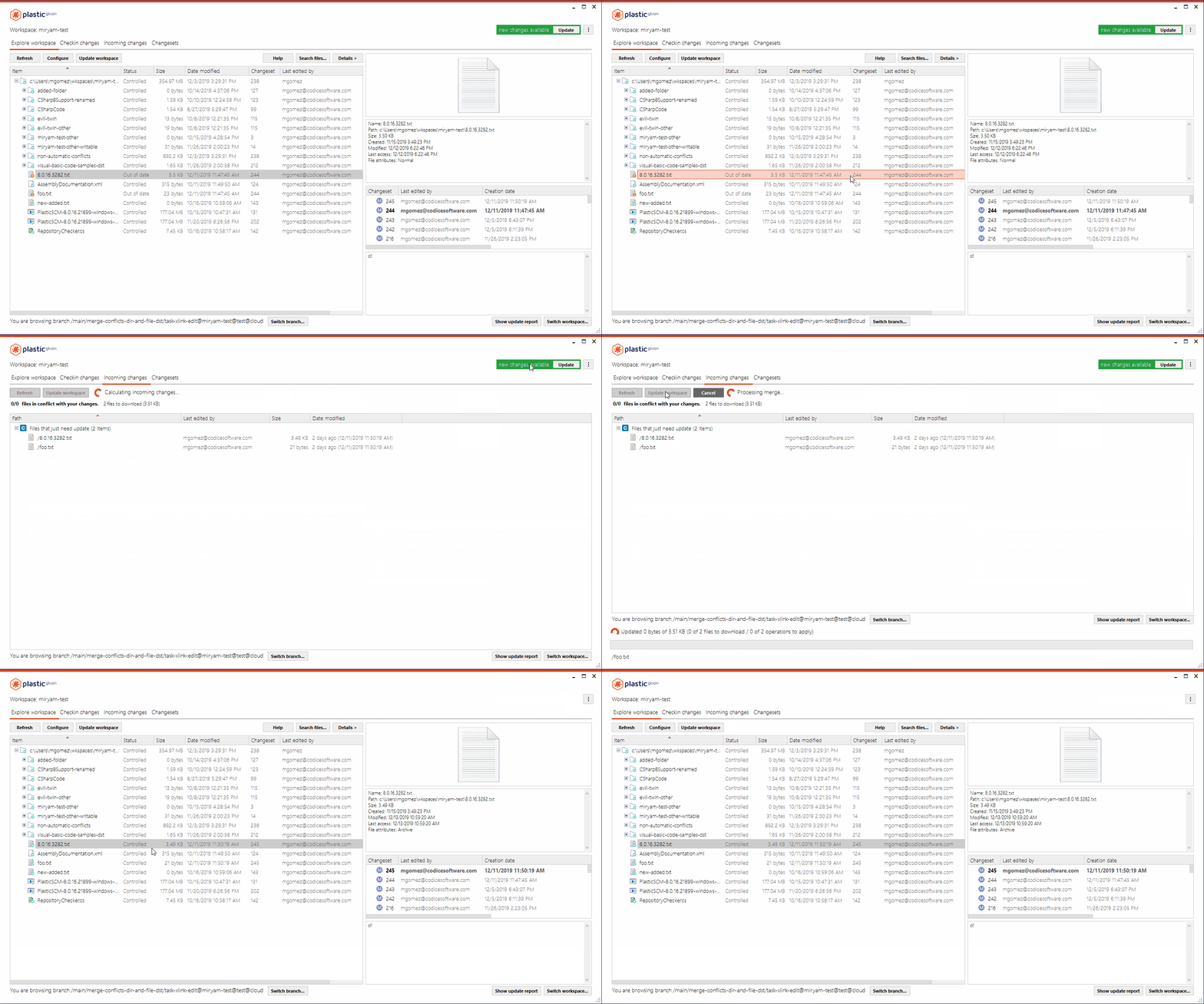
This feature is experimental. You need to manually activate it by adding the following line to the client.conf configuration file.
On Windows, it is at `%LocalAppData%/plastic4` folder:
```text
yes
```
#### Windows - Plastic
Windows - Plastic: Workspace Explorer navigation was slow because every key hit triggered a network call.
Each time you selected a file in the Workspace Explorer, with the mouse or the keys, it wrongly triggered a network call to retrieve the global config and find external actions to add to the context menu.
It happened for branches, labels and changesets too.
We fixed it and now the external tools are only loaded when you switch workspaces, so navigation with keys is smooth again.
#### All platforms - Command line client is now able t…
All platforms - Command line client is now able to do Incoming Changes both with `cm update` and `cm checkin`.
\== How it looks like during update ==
```text
> cm update .
Processing directory conflicts
Processing directory operations
Merging file 1 of 1: README.txt
```
\== What if there is a directory conflict ==
```text
> cm update .
Going to resolve the following conflict:
Divergent move conflict:
Source: Moved from /ConsoleApplication to /ConsoleApp
Destination: Moved from /ConsoleApplication to /ConsApp
Please choose a resolution for this conflict. Which operation do you want to keep?:
0. Skip 1. Destination 2. Source
2
Processing directory conflicts
Processing directory operations
Merging file 1 of 2: README.txt
Merging file 2 of 2: ConsoleApp\AssemblyInfo.cs
```
\== During cm ci --update ==
```text
> cm ci -c "go in" --update
The selected items are about to be checked in. Please wait...
/ Validating checkin data
Processing directory conflicts
Processing directory operations
Merging file 1 of 1: README.txt
Validating checkin data
Uploading file data
Confirming checkin operation
Modified README.txt
Modified ConsoleApp\AssemblyInfo.cs
Created changeset cs:1150@br:/main@quake@localhost:6060 (mount:'/')
```
Remember, the Incoming Changes is an experimental feature. It allows you to get the latest changes from the server, rebasing your pending changes on the process.
To enable this feature, simply add the following line to your client.conf configuration file:
```text
yes
```
### Bug
#### Command line client
Command line client: `cm update` was failing to show the animated progress bar when the selector was pointed at a branch rather than a changeset. For example, when updating a freshly created workspace for an existing repository. This is now fixed.
#### All platforms - Server
All platforms - Server: Fixed a null error during the exclusive checkout (lock) operation. It happened under not very clear conditions when the working branch was not valid (it doesn't appear on the branches view nor in the Branch Explorer).
#### Windows - Plastic
Windows - Plastic: Views that for whatever reason failed to load left the GUI in an inconsistent state. It prevented you to open any other views. You had to restart the GUI and hope that the view initialization error didn't appear again. That's gone for good!
#### Windows - Plastic
Windows - Plastic: Sometimes you got an warning message telling you that the view state coudln't be saved in `guivisualstate.xml`. That usually happened when any of the views failed to load on startup. We protected that issue: views that failed to load simply won't have their status saved.
#### Windows - Plastic
Windows - Plastic: The "Recent workspaces" menu (the one that appears in the top left corner) used to contain the current workspace. That's not really useful, is it? We changed the menu so it will never contain the current workspace. Less noise to worry about!
#### Windows - Plastic
Windows - Plastic: Improved Pending Changes UX. After deleting a file, the view was refreshed and the selection was lost. Now, when a file is deleted, Plastic selects the closest file in the list.
#### All platforms - CLI, Plastic
All platforms - CLI, Plastic: The update operation couldn't download files when there was a directory in the target path. Likewise, the operation wasn't able to create directories when files existed in the target paths. Now it's fixed.
#### Windows - Plastic
Windows - Plastic: The new Code Review now sorts changesets by date when reviewing changeset by changeset. Before this fix, the changesets were sorted by their Changeset Id. This lead to an incongruent changeset list under scenarios involving replication.
When replicating changesets, an older one can have a Changeset Id higher than a newer one. This is because the Id is not replicated - the server assigns the Ids in a "first-in, first-served" fashion. Using the old sorting method, an old changeset could appear after a newer one, making review difficult.
#### Windows - Plastic
Windows - Plastic: The comment text in the code review window never displayed the vertical scroll bars. This was problematic because you wouldn't know you could scroll down unless you tried it out. Now you'll see those scroll bars in the comment text box when the comment text is too long to be displayed in the text box.
#### All platforms - server
All platforms - server: The bundled mergebots couldn't handle submodules. You know, repos named like `mainProject/assets` or `newGame/tools/releaseBuilder`. URIs with encoded parameters (for example, `http://my.plastic.server.net/api/v1/repos/mainProject%2Fassets/branches/main`) aren't allowed by default in .NET Framework 4.0 or older, so the mergebots couldn't retrieve the information they need from the server. We had to walk around that. It's all good now!
#### Windows - Plastic
Windows - Plastic: Fixed merge-to diff menus that we broke in 8.0.16.3749.
Back in 8.0.16.3749 we broke the diff context menus when doing a merge-to.
They are fixed now.
We also cleaned up the old code, and made sure when you do diff src and dst in merge-to, the dst stays on the right, like you would expect. It went to the left before.
#### All platforms - Plastic
All platforms - Plastic: Merge-to does not checkout local changes incorrectly anymore.
When we released [3673](https://www.plasticscm.com/download/releasenotes/8.0.16.3673) we made merge calculation to apply local changes (a.k.a. checkout). But we incorrectly did it for merge-to, which doesn't make sense because your local changes are not involved at all in the merge.
***
## 8.0.16.3816
> **Note:**
>
> **Public** | 2019-12-05
### New
#### Windows, Linux - Plastic
Windows, Linux - Plastic: We made the server combo box on the repository (and Cloud) view wider, so it shows long server address without truncating.
#### All platforms - Plastic
All platforms - Plastic: Did you run into some cryptic error messages such as "find is not supported for object '19'" or "The method CreateCodeReviewComment is not supported"? It's likely coming from your outdated server! It doesn't support the new code review comment, but your shiny, up-to-date client does. We improved that so the client will output readable messages to let you that you need to upgrade your server.
#### Windows - Gluon
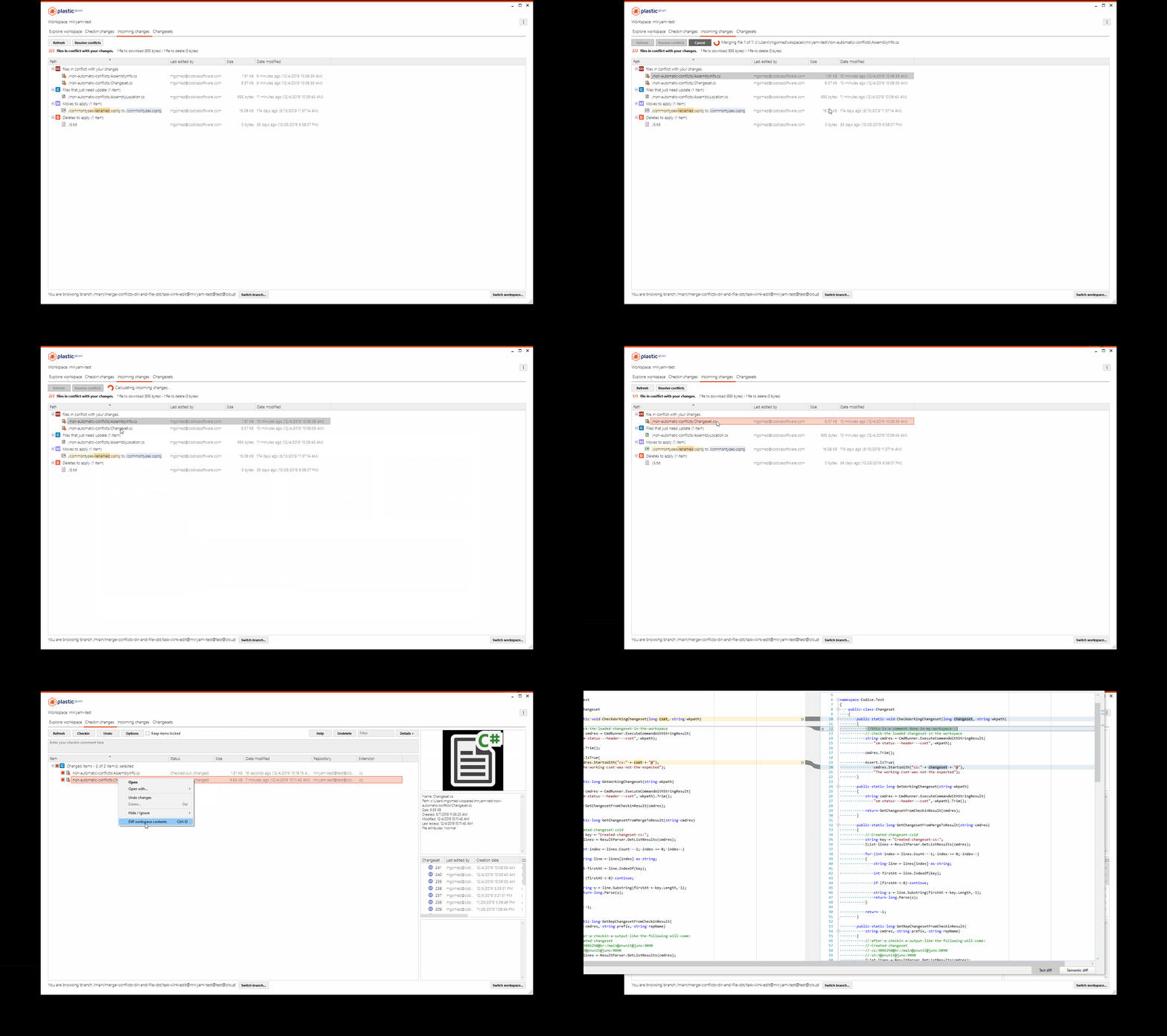
Windows - Gluon: Incoming changes: the context menu for the new 'Incoming changes" view is now available.
It allows you to perform the following operations:
* Merge selected conflicts.
* Merge selected files keeping source.
* Merge selected files keeping destination.
* Diffs yours with incoming.
* Diff incoming changes.
**Screenshot:**
This feature is experimental. You need to manually activate it by adding the following line to the client.conf configuration file.
On Windows, you can find it in `%LocalAppData%\plastic4\client.conf`:
```text
yes
```
#### All platforms, Server
All platforms, Server: We made the server more robust by fixing a couple of potential problems when timeouts happen.
1. Now, if the server detects a timeout while reading a request, it will close the connection. Before this change it kept the connection open and continued reading - which could lead to strange readings and logs. Not critical, but it is better now.
2. The server could abandon connections that could stay idle until the client closed them. Now this is fixed. We are not sure this was ever find in production.
#### All platforms - Plastic & Gluon
All platforms - Plastic & Gluon: Diffing files with an external tool is now faster. This applies to diffing 2 revisions of a file from the item history, file conflicts during a merge...
This boost in performance comes from optimizing server calls. There was one in particular that could take even a few seconds when working with big trees (i.e. more than 100k items) in a server that uses a SQL-based backend. The server doesn't execute those calls anymore in this scenario.
By the way, we recommend you to migrate your SQL backend to our Jet backend! It's really faster and our recommended choice. Take a look at '[The story of Jet: Plastic's super-fast repo storage](http://blog.plasticscm.com/2018/06/story-of-jet-fast-repo-storage.html)'.
#### Windows - Plastic
Windows - Plastic: We improved the 2D revision tree for revisions added in merge sources. Those displayed blank diagrams, not very useful. They'll now load the added revision and its related changes, just like any other revision in the merge!
#### All platforms - Server
All platforms - Server: Socket receive timeout now defaults to 10 seconds.
In case you need to change it: edit `remoting.conf` configuration file located in the server directory and make sure your line looks like this:
```text
channel type="PlasticPipe.Remoting.Tcp.PlasticTcpChannel, plasticpipe" port="8084" name="normal" socketReceiveTimeout="15000"
```
To increase to 15 seconds: `socketReceiveTimeout="15000"`
To make it wait forever: `socketReceiveTimeout="-1"`
We added this to make the server more robust in case of connection problems.
### Bug
#### All platforms - Plastic & Gluon
All platforms - Plastic & Gluon: The embedded diff/content view in the Pending Changes View sometimes failed with the error `Cannot download revision XXX from server: Data cannot read/write to Plastic Cloud. There was an authentication issue...`. The error appeared when you changed the selected change, which triggered the diff/content refresh. It happened if your workspace pointed to a cloud repository and you kept open the Pending Changes View for 1 day or longer.
#### Windows - Plastic Proxy
Windows - Plastic Proxy: When you upgrade the Proxy using the installer, it removes the old version before copying the new one. But it was removing configuration files by mistake too! In particular, `plasticcached.conf`, `plasticcached.remoting.conf`, and `plasticcached.remoting.conf` . This caused losing settings such as the cache size or directory. It is now fixed!
#### All platforms - Server. SQL backends
All platforms - Server. SQL backends: Checkin operations could fail with the error `The object is currently locked...`. It appeared when you or another user interrupted a checkin operation previously (e.g. killing the Plastic client) in the middle of the confirm step. This happened because the server couldn't detect the original operation as abandoned. Now it's fixed.
The same problem could also affect replication operations.
Oh, and by the way, this error only affects server versions 8.0.16.3766 or higher.
#### Windows - Plastic
Windows - Plastic: We disabled the two history-related items in the workspace explorer context menu, applying only to added items. It doesn't make a lot of sense to display the history of items you are about to add, right?
***
## 8.0.16.3799
> **Note:**
>
> **Public** | 2019-12-02
### New
#### Windows - Plastic
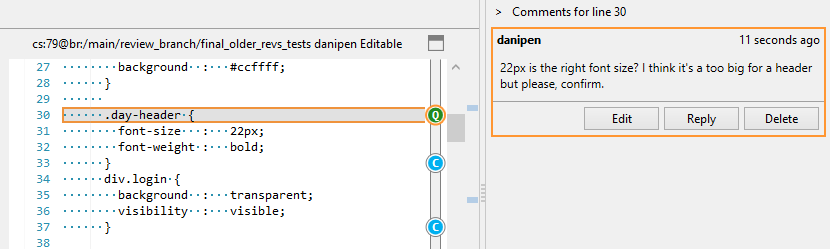
Windows - Plastic: Improved how we draw the selected comments in the new Code Review system.
Now, when you select a comment, the textbox draws a selection mark around the commented lines. Note that at the moment we only support single-line comments, but we'll support multi-line comments soon.
**Screenshot:**
#### Command line client
Command line client: we improved the warning message when an operation can't run because another operation already locked the workspace - it now tells you which operation is locking the workspace.
This is the old message:
```text
The object is currently locked. Try later. Workspace: 'test_wk'.
```
And this is the new one:
```text
An existing merge operation has locked the workspace 'test_wk'. Please wait for the merge operation to finish.
```
#### Windows - Gluon
Windows - Gluon: Incoming changes: the new 'Incoming changes" view is now complete, so it allows you to preview, download and solve file conflicts when there are new changes.
**Screenshot:**
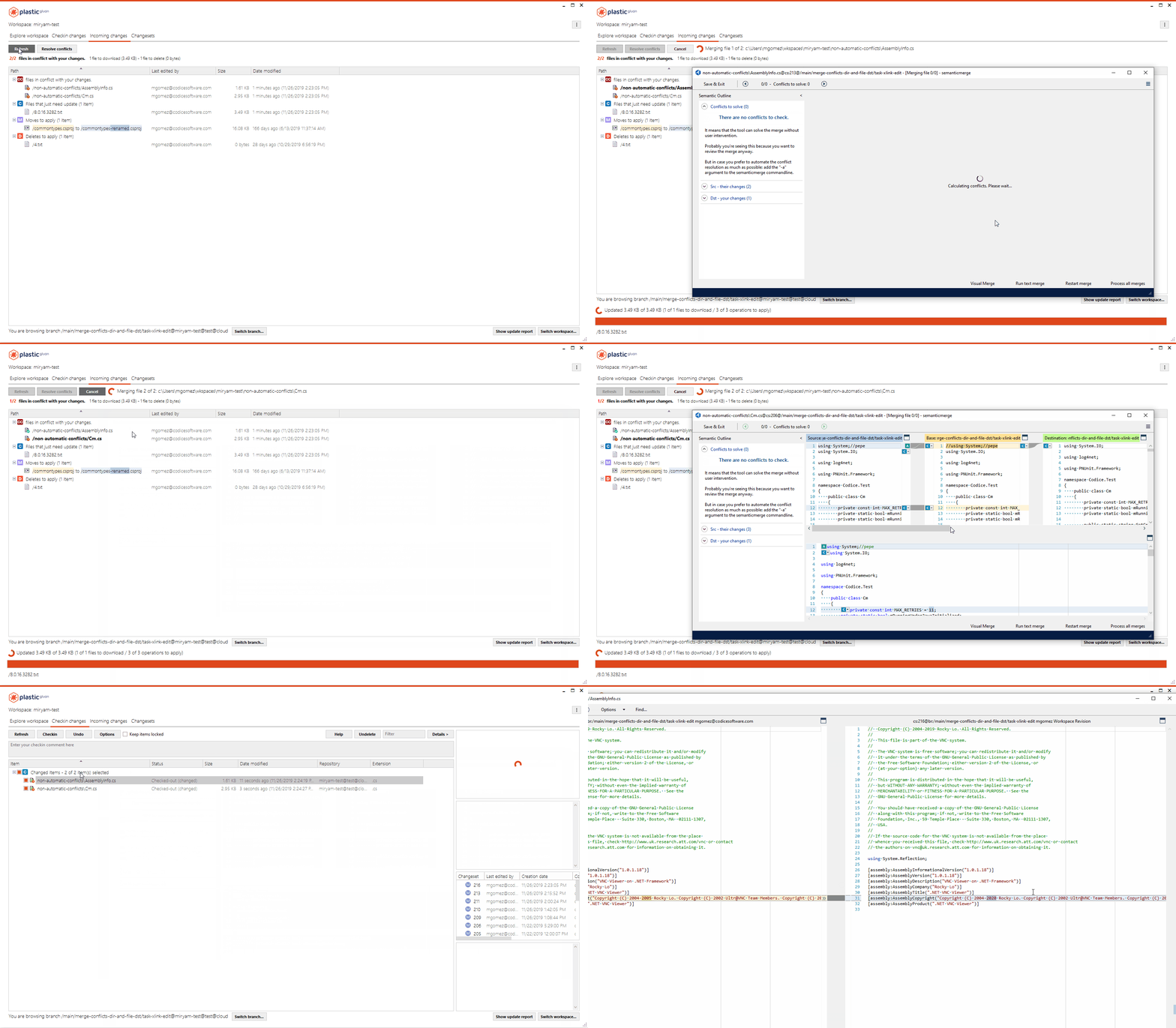
This feature is experimental. You need to manually activate it by adding the following line to the client.conf configuration file.
On Windows, it is at `%LocalAppData%\plastic4` folder:
```text
yes
```
Current limitation:
* There is no notification saying there are new changes available yet.
#### All platforms - Server
All platforms - Server: We added some new extensions to the default lock rules. We also tweaked a little bit the WebAdmin's Lock Rules webpage to better explain how global lock rules apply to repositories.
#### Windows - Plastic
Windows - Plastic: Did you notice that you couldn't display the contents of added/deleted items in a merge preview? Well, this update will put that inconvenience in your rearview mirror. You'll notice that the "Diff ancestor with source contributor" item is now enabled in the merge view for those added/deleted source conflicts. Clicking them will display the revision contents in a new window.
This applies to the Incoming Changes view, too. The menu item title changes: it's "Diff incoming changes" instead.
#### Windows - Plastic
Windows - Plastic: Some customers asked for a way to show the old code review window when opening a code review. This is now possible by adding a `--oldcodereview` argument to the Plastic GUI application:
```text
plastic.exe --oldcodereview
```
### Bug
#### Windows - Gluon
Windows - Gluon: The History and Undelete panel tables didn't have the appropriate styles applied to them. Fixed!
#### All platforms - Client
All platforms - Client: We fixed the error "Can't add an entry with the same name" that could happen in operations that apply local changes. That might be the checkin, undo changes, or explicitly apply the local changes (convert local uncontrolled changes in checkouts).
The issue happened when you locally moved a directory with one of their children checked out, and you locally moved another controlled file in the new destination of that checked out file.
Let's see an example. Add the following structure, each file having different contents:
```text
/dirA
/dirA/file1.txt
/dirA/file2.txt
/dirA/file3.txt
/dirA/file4.txt
/dirA/file5.txt
/dirA/file6.txt
/file.txt
```
Now, checkout file /dirA/file3.txt:
```text
co /dirA/file3.txt
```
Then, rename dirA to dirB outside Plastic. If you're using the Windows command prompt, this is what you'd type:
```text
move dirA dirB
```
After that, take the controlled file /file.txt and move it (using the shell or Explorer, not Plastic) to overwrite /dirB/file3.txt (which used to be /dirA/file3.txt and is checked out):
```text
move /Y file.txt dirB/file3.txt
```
Finally, run a global undo operation:
```text
cm unco --all
```
At this point, the command above failed with the mentioned error "Can't add an entry with the same name".
Please note that this issue happened while the command tried to apply the local changes to convert them to controlled ones. So, the same thing could happen if you right-clicked these changes in the Pending Changes view and clicked "Checkout" in the popup menu.
***
## 8.0.16.3785
> **Note:**
>
> **Public** | 2019-11-28
### New
#### All platforms - SCC Plugin
All platforms - SCC Plugin: Good news! Our SCC plugin now supports logging the checkin results in your configured issue tracker.
This was detected by a customer using PowerBuilder, so we can now proudly say that PB can log the checkins through SCC.
#### Windows - Plastic
Windows - Plastic: increased the default width of the code review window. This way the controls aren't drawn on top of each other.
#### Windows - Plastic
Windows - Plastic: fixed the vertical alignment of the label of the filter on the code review window.
### Bug
#### Windows - Plastic
Windows - Plastic: fixed "unable to cast object" error that appeared when choosing "Only relevant" on the 2D history view.
#### Windows, Linux - Proxy
Windows, Linux - Proxy: Added a few extra protections to the code to avoid deadlocking while downloading data.
We increased the size of the buffer pool we use to download data, because we suspect it can be creating a deadlock. We are not 100% sure but we saw a proxy stalled and so far this is the only reason we can think of.
#### Windows - Visual Studio Package
Windows - Visual Studio Package: Checkin failed when there are NuGet packages outside the solution directory. This could happen with Visual Studio 2019. Now it's fixed.
#### Linux, Windows - Proxy
Linux, Windows - Proxy: Protected the new timers controlling cache clean up from unexpected exceptions.
We detected a bug in our internal proxy when one of the new timers (introduced a few releases ago to support auto-cleanup) threw an exception.
```text
Application: plasticcached.exe
Framework Version: v4.0.30319
Description: The process was terminated due to an unhandled exception.
Exception Info: System.IO.IOException
at System.IO.__Error.WinIOError(Int32, System.String)
at System.IO.File.InternalDelete(System.String, Boolean)
at Codice.CM.PlasticCacheServer.StoreProxyLeastRecentlyUsed.ToDisk(System.String, Codice.CM.PlasticCacheServer.ProxyLeastRecentlyUsed)
at Codice.CM.PlasticCacheServer.CacheSystemRunner.StoreLruToDisk(System.String, Codice.CM.PlasticCacheServer.ProxyLeastRecentlyUsed)
at System.Threading.ExecutionContext.RunInternal(System.Threading.ExecutionContext, System.Threading.ContextCallback, System.Object, Boolean)
at System.Threading.ExecutionContext.Run(System.Threading.ExecutionContext, System.Threading.ContextCallback, System.Object, Boolean)
at System.Threading.TimerQueueTimer.CallCallback()
at System.Threading.TimerQueueTimer.Fire()
at System.Threading.TimerQueue.FireNextTimers()
```
We are more used to threads than timers, and we didn't protect them correctly.
Now it's fixed.
***
## 8.0.16.3772
> **Note:**
>
> **Public** | 2019-11-22
### New
#### Unity 3D plugin
Unity 3D plugin: The plugin now propertly deletes local, private assets.
If you want to know more about this: the underlying Version Control needs to delete private/local assets starting on Unity Editor 2019.X. Older Editor versions are still compatible with this plugin version.
#### Windows - Plastic
Windows - Plastic: We improved the look and feel of the comment icons in the Code Review bar. Hovered or selected comments weren't visible enough. Now you'll notice how comment icons change when you select them or you hover the mouse cursor over them: they'll grow larger and get a thicker, double-lined border.
This is the aspect it has:
**Screenshot:**
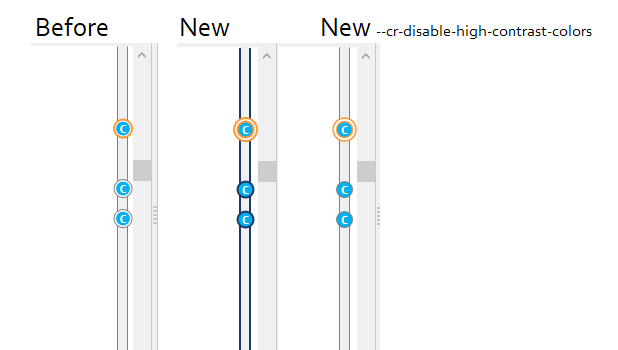
As you can see, you can disable this starting Plastic GUI with the `--cr-disable-high-contrast-colors` flag:
```console
> plastic.exe --cr-disable-high-contrast-colors
```
#### Windows - Gluon
Windows - Gluon: Incoming changes: There's a new view called "Incoming Changes". It previews what Gluon needs to download.
This new view will eventually allow you to preview, download, and solve file conflicts when there are new changes.
Right now this feature only does the first stage: previewing. To see its power in action, stay tuned for upcoming releases!
**Screenshot:**
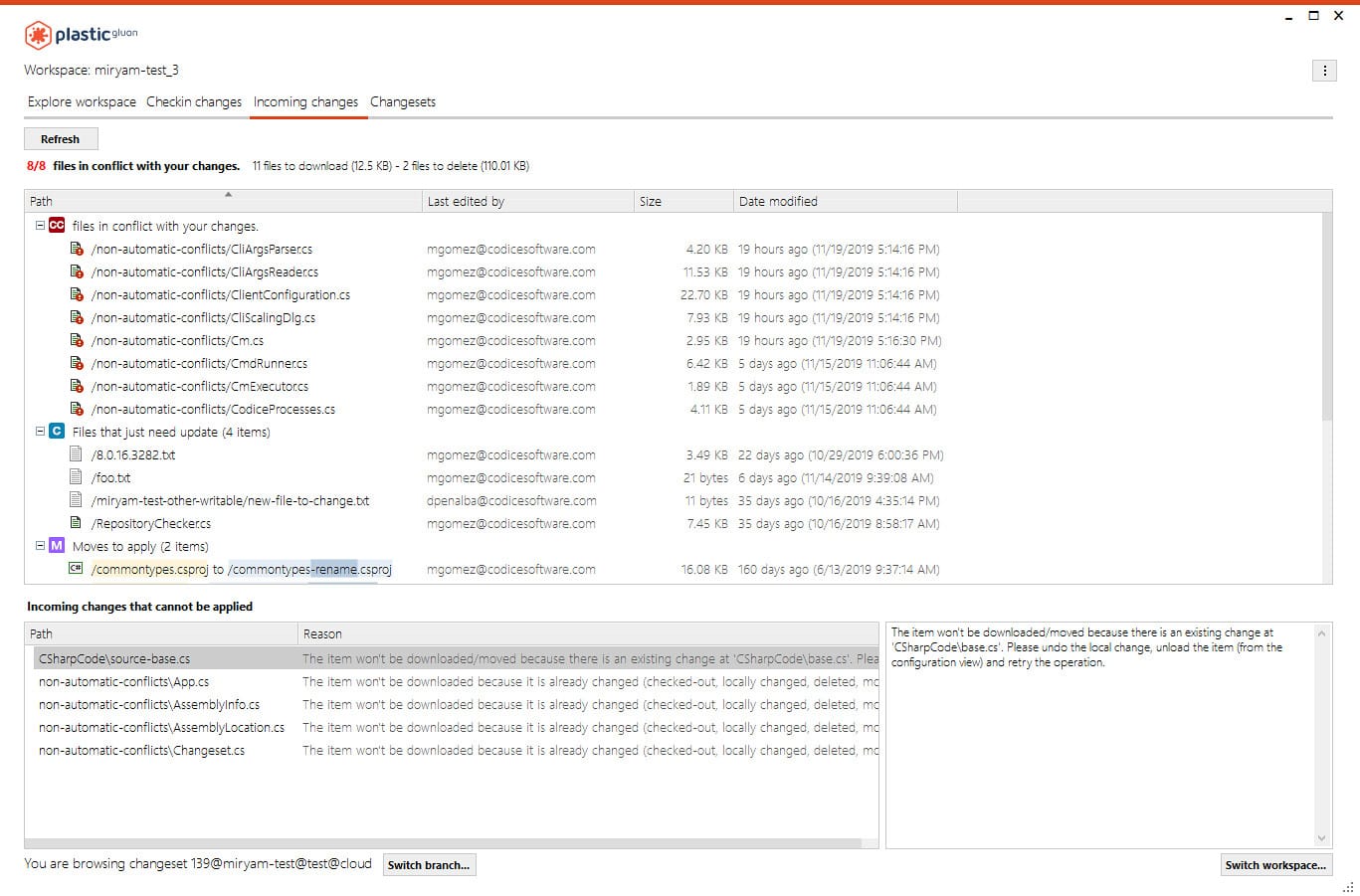
This feature is experimental. You need to manually activate it by adding the following line to the `client.conf` configuration file. On Windows, it is at `%LocalAppData%\plastic4` folder:
```text
yes
```
#### Windows - Plastic
Windows - Plastic: The discarded Change Requests in a code review no longer appear in the "Close change requested in review" combo-box in the Pending Changes view.
#### All platforms - Gluon
All platforms - Gluon: The update operation handles better the moved changes in the following ways:
\= First scenario =
* Mark has the file `/action/member.c` checked-out in the workspace.
* Steffy moves the file from `/action/member.c` to `/animation/member.c` and check it in.
* Mark runs an update and Plastic properly applies the movement, so he has `/animation/member.c` checked-out now.
\= Second scenario =
* Steffy moves in her workspace the file `/action/member.c` to `/animation/member.c` but she doesn't check it in.
* Mark modifies the file `/action/member.c` and checks it in.
* Steffy runs an update and the new revision of `member.c` is updated at her moved location `/animation/member.c`.
Before this improvement, the update just showed an error saying that Plastic can't apply the operation and updated nothing in the workspace. Now, it just makes it.
### Bug
#### All platforms - Server
All platforms - Server: Fixed a deadlock issue using an SQL backend. This deadlock happened on really corner scenarios under heavy load.
#### Windows - Plastic
Windows - Plastic: Sometimes, in the new Code Review system, the 'Review Comments Summary' appeared empty even though there were comments in the review. Now it's fixed!
#### Windows - Gluon
Windows - Gluon: Some buttons ellipsized their captions if the text was long enough. This issue particularly hit those who use Gluon with Japanese localization. The GUI didn't calculate the button width correctly because the default font in Japanese is different from the one used in Western languages. Now it's fixed! A special shout out to our friend Hiroaki Nakano for letting us know about this problem.
#### All platforms - Server
All platforms - Server: Fixed an issue with trigger filters where it was necessary to append `*` to the filter for it to work with repositories.
For example, the trigger...:
```text
cm trigger create before-checkin MyTrigger c:\tmp\mytrigger.bat --filter="rep:repo2,*"
```
...is now equivalent to...:
```text
cm trigger create before-checkin MyTrigger c:\tmp\mytrigger.bat --filter="rep:repo2"
```
...without the `,*` at the end.
#### macOS - Plastic
macOS - Plastic: The annotate view didn't disable the navigation buttons while the navigation operation ran. This left the door open to null reference errors if you clicked the navigation buttons quick enough. Not anymore!
#### Linux - Plastic
Linux - Plastic: The annotate view didn't disable the navigation buttons while the navigation operation ran. It does now, so it's consistent with the general behavior of the GUI when any operation runs.
#### All platforms - Server (Jet backend)
All platforms - Server (Jet backend): The server will now upgrade any outdated repository database on its startup stage.
This could happen in the following scenario:
* Create a backup of a repository database.
* Upgrade the Plastic Server to a newer version.
* Finally, replace the repository database with the backup.
#### All platforms - Server (Jet backend)
All platforms - Server (Jet backend): Now the server upgrades any repository database added using `cm repository add` command.
Before this release, the Plastic Server couldn't use an added repository when it was out of date.
***
## 8.0.16.3760
> **Note:**
>
> **Public** | 2019-11-20
### New
#### All platforms - Server
All platforms - Server: We added triggers for object removal events!
The goal is that you can set-up scripts to run automatically before and/or after objects are deleted. The objects handled are branches, changesets, labels and attributes. This is the complete list of new triggers:
* `before-rmchangeset`
* `after-rmchangeset`
* `before-rmbranch`
* `after-rmbranch`
* `before-rmlabel`
* `after-rmlabel`
* `before-rmattribute`
* `after-rmattribute`
The Plastic trigger mechanism sets environment variables whose values you can use in your script.
For branch deletions, use the trigger type `rmbranch`. It sets the following:
* `PLASTIC_BRANCH_NAME`: The name of the branch
* `PLASTIC_FULL_BRANCH_NAME`: Name including parent
For changeset deletions, use the trigger type `rmchangeset`. It sets the following:
* `PLASTIC_BRANCH_NAME`: The name of the branch
* `PLASTIC_CHANGESET_NUMBER`: Number of the deleted changeset
* `PLASTIC_CHANGESET_OWNER`: Owner of the changeset
For label deletions, use the trigger type `rmlabel`. It sets the following:
* `PLASTIC_BRANCH_NAME`: The name of the branch
* `PLASTIC_CHANGESET_NUMBER`: Number of the labelled changeset
* `PLASTIC_CHANGESET_OWNER`: Owner of the labelled changeset
* `PLASTIC_LABEL_NAME`: The name of the label
For attribute deletions, use the trigger type `rmattribute`. It sets the following:
* `PLASTIC_ATTRIBUTE_NAME`: The name of the attribute
Additionally, all the new trigger types set the following variables:
* `PLASTIC_USER`: The current user name
* `PLASTIC_CLIENTMACHINE`: The machine name
* `PLASTIC_SERVER`: Server address
* `PLASTIC_REPOSITORY_ID`: The repository id
* `PLASTIC_REPOSITORY_NAME`: The repository name
* `PLASTIC_COMMENT`: The object's comment
#### Windows, macOS - Plastic
Windows, macOS - Plastic: We improved how the Merge View displays the controlled errors. Before it did so using modal alerts. Now the errors are in a text view.
### Bug
#### macOS - Plastic
macOS - Plastic: This release (`8.0.16.3760`) has a known bug in the Plastic GUI client for macOS.
When annotating a file, the annotate history navigation buttons are always enabled, even if they shouldn't.
This causes an exception when navigating before the first annotate, or after the last one.
If you encounter this issue, to close the annotate sub-view just launch a new annotate or browse the history of any file.
This issue will be addressed in the next public release.
#### macOS - Plastic
macOS - Plastic: If there was an error refreshing the Pending Changes or the Merge views, it appeared over and over. Now it's fixed!
#### Windows - Plastic
Windows - Plastic: The Merge View's error messages had a wrong background color. Now it's fixed!
#### Windows - Plastic (Cloud Edition)
Windows - Plastic (Cloud Edition): The Welcome dialog didn't look good in screens with DPI scaling enabled. Now it's fixed!
#### Windows - Plastic
Windows - Plastic: When there are no comments to show in a Code Review, we showed a message... that was not in perfect English. Now it's fixed!
#### All platforms - Plastic
All platforms - Plastic: The Incoming Changes notification didn't appear if you had pending merge conflicts to resolve. Now it's fixed!
Imagine the following scenario:
* You are working with other teammates in the same branch.
* You changed two files: `foo.c` and `bar.c`. The Incoming changes notification will appear, warning about conflicts in those two files.
* You open the Incoming Changes view and resolve only one file. Then you close the Plastic GUI.
* When you reopen Plastic, you can't see the Incoming Changes notification. Now it's fixed!
#### Linux - Plastic
Linux - Plastic: Fixed an issue where navigating rapidly through the annotations of an item and its parents could cause an unexpected error.
***
## 8.0.16.3750
> **Note:**
>
> **Public** | 2019-11-18
### New
#### All platforms - trunkbot
All platforms - trunkbot: We felt that your life would be easier if the trunkbot could define the expected status attribute values as the list of default values. So, we did that! The trunkbot will write a new line defining that list of default values when it creates the status attribute. Remember: this only happens if the status attribute doesn't exist on bot startup. The trunkbot won't update comments of existing attributes.
#### All platforms - multilinerbot
All platforms - multilinerbot: Just as we did with the trunkbot, we improved the multilinerbot so it write the list of expected status attribute values as the list of default values for the status attribute. Remember: this only happens if the status attribute doesn't exist on bot startup. The multilinerbot won't update comments of existing attributes. Oh, and this just applies to the status attribute, not the one to define the merge destination branches!
#### All platforms - Command line client
All platforms - Command line client: We improved the update command startup time. Empty or small updates are now 14% faster than before.
#### All platforms - Command line client
All platforms - Command line client: We added the option '--skipchangedcheck' to the update command. The update checks for pending changes before starting. This option skips looking for locally changed files. This way you will save time using this option if you always checkout the files before you change them.
#### Windows - Plastic
Windows - Plastic: the focus is now correctly set on the server field of the configuration panel when launched using "plastic --configure"
#### macOS, Linux - Plastic, Gluon
macOS, Linux - Plastic, Gluon: We unified the contextual menus in the Pending Changes view as much as possible - both for Plastic and Gluon. Now finding the features you use the most is easier when switching applications.
But this change brings other goodies too! For example, now you can check a file's history, and annotate it, right from the Pending Changes. We also added support to change cloaked.conf in Plastic, and `hidden_changes.conf` in Gluon.
Remember that Gluon and partial workspaces don't consider cloaked.conf file. That's why you can't configure it from Gluon.
#### macOS - Plastic
macOS - Plastic: The Incoming Changes is now available for macOS!
#### macOS - Plastic
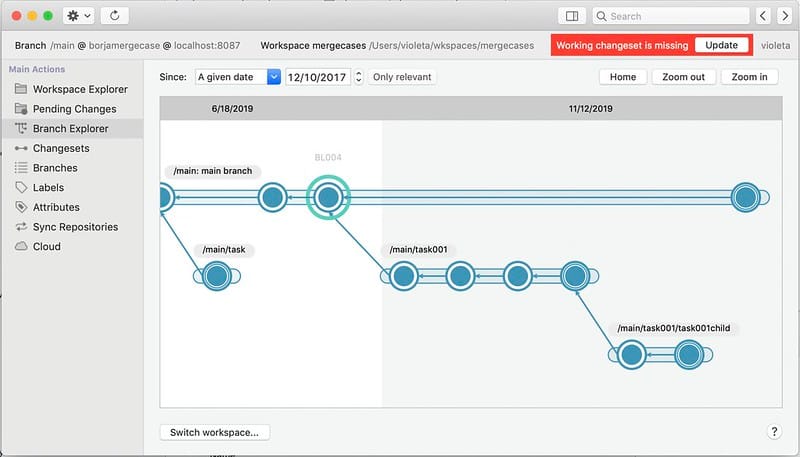
macOS - Plastic: The GUI now shows a notification in the toolbar when the changeset you are working on no longer exists. This can happen if a colleague deletes that changeset.
This helps users returning to a valid configuration by updating the workspace. The notification looks like this - click on "Update" and you are good to go!
**Screenshot:**
#### macOS - Plastic
macOS - Plastic: We improved the message for the Incoming Changes view. It now explains that you only need to update the workspace to synchronize the metadata when your changes match the ones in the new head of the branch.
#### macOS - Plastic
macOS - Plastic: We added a tooltip in the notification bar for the incoming changes to explain the current scenario.
The available scenarios are:
* There are new changes in the branch that you can preview and download.
* There are new changesets that conflict with your current changes.
* The changeset you were working on no longer exists. Click the "Update" button to return to a valid configuration.
#### All platforms - Gluon
All platforms - Gluon: removed "Show hidden files" from the check-in options, since it is only relevant to Plastic.
#### All platforms - Plastic, Gluon
All platforms - Plastic, Gluon: The Similarity Percentage slider (in Pending changes -> Options -> Move detection) now correctly disables when the Find Moved option is deselected.
#### All platforms - Server
All platforms - Server: On-premises servers now support global lock rules! Bear in mind that global lock rules will be used for all repositories unless there are repository-specific rules that apply to them. They aren't merged, but replaced!
So, if you'd like to override the global lock rules for one of your repos, simply create lock rules for it. If you leave them empty, no rules will apply.
#### All platforms - WebAdmin
All platforms - WebAdmin: We added a new block to store the global rules. And now you'll have auto-complete features to enter the repository names for repository-specific rules! Isn't that nice?
#### All platforms - Proxy server
All platforms - Proxy server: We added the caller IP and user name in the log line after the GetObjectsData call. You can now see who's causing trouble!
Now the log is as follows:
```text
Proxy - Request: 39. Type: downl. Files requested: 10. Cache misses: 10. Total time: 16 ms. Downloaded: 3.78 Mb from default@localhost:8084. Total returned: 3.78 Mb. IP: 127.0.0.1. User: 'pablo'.
```
#### Windows - Plastic
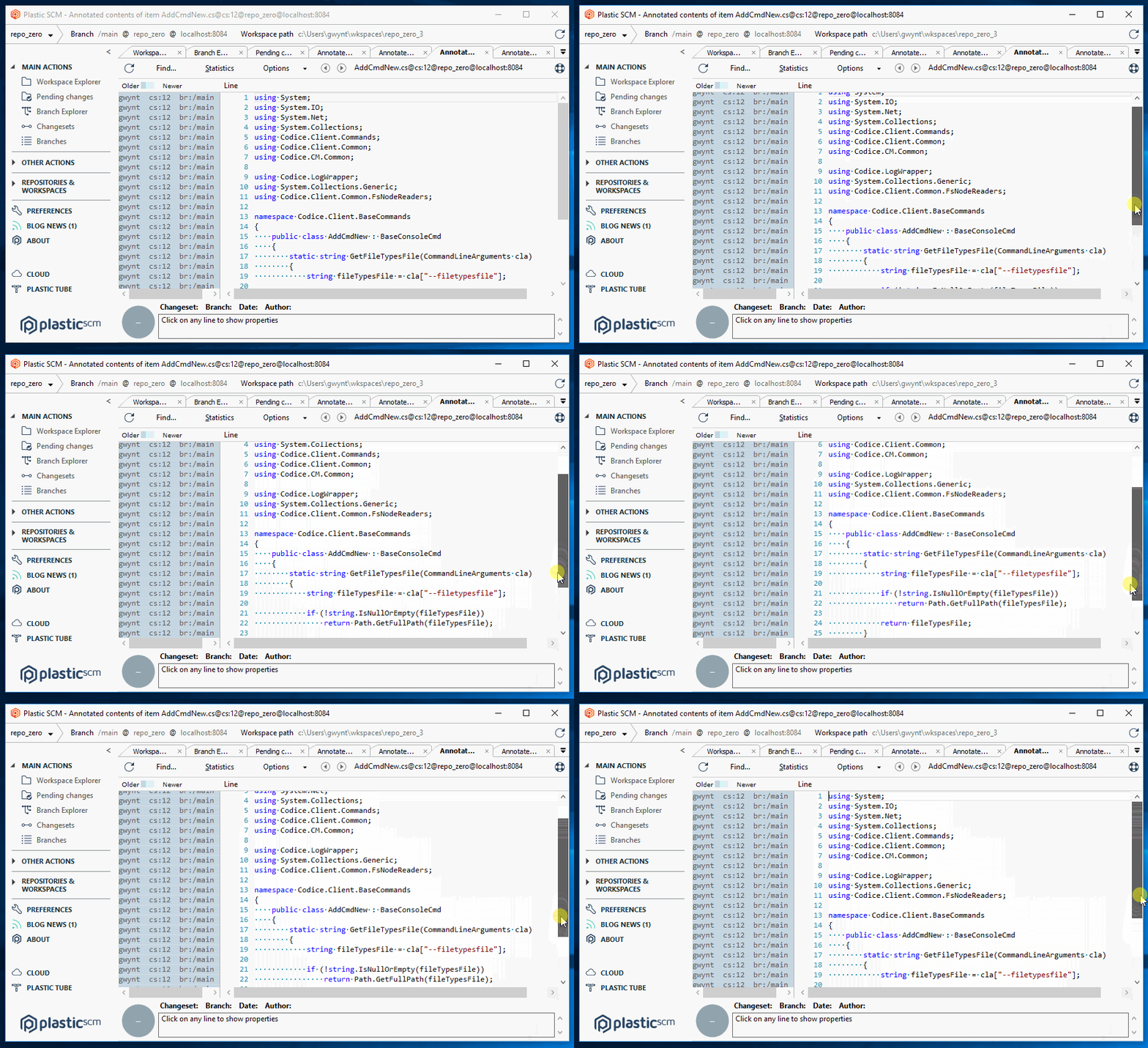
Windows - Plastic: The annotate pane could end up misaligned with the code pane by up to a line due to the way we were synchronising the two panes. We changed the way we do this, and now we have pixel-perfect alignment.
**Screenshot:**
### Bug
#### Windows - Plastic
Windows - Plastic: fixed a bug in Cloud Edition where issue tracker settings were not being saved correctly.
#### All platforms – Proxy Server, Client
All platforms – Proxy Server, Client: Fixed an issue downloading data from the cloud that impacts the performance. The issue was introduced on the release 8.0.16.3725. If you are using the release 8.0.16.3725, please upgrade.
#### All platforms - Client, Server
All platforms - Client, Server: The Incoming Changes operation sometimes left writable Xlinks as pending changes. This issue only affected Xlinks with more than one expansion rule. It took place when the server changes contained the first changes in the current branch under the Xlink.
#### All platforms - Plastic, Command line client
All platforms - Plastic, Command line client: The client didn't detect Xlink deleted-changed conflicts in some merge scenarios. This happened when the current user had pending changes under a Xlink in their workspace. Additionally, the source contributor had deleted it. Now the Plastic clients do detect the conflict.
#### All platforms - Plastic, Command line client
All platforms - Plastic, Command line client: The merge operation failed in a complex scenario. It involves merges whose source changes modify the Xlink path. At the same time, the merging user has pending changes in their workspace under that Xlink.
This is an example scenario that reproduced the issue:
* First, Alice is working in branch '/main'. She renames the '/physics' directory to '/effects' and adds a writable Xlink. She checks in these changes.
* Then, Beth checks out the file '/physics/water.cs' in her current workspace.
* Finally, using the same workspace, Beth starts a merge from '/main' into her current branch.
At this point, the merge operation failed with this error message: "Item 55 could not be found...".
#### All platforms - Server
All platforms - Server: The Incoming Changes operation left the previous version as deleted when you replaced a Xlink in the server. Now it's fixed.
***
## 8.0.16.3744
> **Note:**
>
> **Public** | 2019-11-15
### New
#### All platforms - Proxy
All platforms - Proxy: It is now able to monitor free space on disk and clean up the cache to avoid running out of disk.
You'll see something as follows in the log when it runs out of disk:
```text
INFO Daemon - Disk is running out of space. 5.78 Gb available. Will delete 1.15 Gb from cache
INFO Daemon - Cleaning up 1.15 Gb (9576 entries)
INFO Daemon - Cleaned up 1.15 Gb (9576 entries) in 2578 ms
```
And, if there is enough room (twice the size of the cache) then something as follows:
```text
INFO Daemon - Disk still has enough space: 19.53 Gb available.
```
#### All platforms - Plastic Proxy
All platforms - Plastic Proxy: Implemented a disk cache limit.
Now the proxy can limit the size of its on-disk cache.
\== How to configure ==
Very easy: last use the new MaxCacheSizeInGb in the plasticcached.conf file.
Example:
```text
20.5
```
And the Proxy will make sure its cache size doesn't exceed 20.5 Gb.
A value of 0 means the clean is disabled.
\== How it works ==
The Proxy maintains a LRU (Least Recently Used list) and updates it on every data access.
Every 10 minutes, it checks if the total cache size is bigger than the value configured. If the maximum size is exceeded, the Proxy retrieves the least recently used entries and removes them from disk.
Every 3 minutes the Proxy saves the LRU info to disk. The LRU data is written to proxy-data-path/proxy-lru.dat. The data is also written on shutdown.
On startup and then every 8 hours, the Proxy checks if it needs to walk the entire cache directory to rebuild the LRU and recover from possible inconsistencies. While the check runs every 8 hours, a rebuild will only happen once every 3 days. The date of the last rebuild is stored under proxy-data-path/proxy-last-cache-walk.dat.
proxy-data-path is the directory where you configured the proxy to store the cache.
For existing Proxy installations, the new version will rebuild the cache on the fly.
\== Some logs ==
During the startup of the Proxy you'll see:
```text
INFO LRU - Walking the disk to build the LRU (least recently used). c:\plastic\proxydata
INFO LRU - Last LRU rebuild from disk happened less than 3 days ago. Skipping. 11/04/2019 16:50:00
INFO Daemon - Load LRU info from c:\plastic\proxydata\proxy-lru.dat
INFO Daemon - LRU info loaded in 656 ms. 107299 entries. 5.89 Gb total in cache
```
You can see how the Proxy skips the rebuild and how it loaded 107k entries to the LRU.
Then, every 3 minutes, and during shutdown:
```text
INFO Daemon - Save LRU to c:\plastic\proxydata\proxy-lru.dat
INFO Daemon - LRU info saved in 312 ms. 107299 entries. 5.89 Gb total in cache
```
And during a clean up:
```text
INFO Daemon - Cleaning up 0.69 Gb (17564 entries) of cached data to enforce the 5.20 Gb limit
INFO Daemon - Cleaned up 0.69 (17564 entries) Gb in 5110 ms
INFO Daemon - Save LRU to c:\plastic\proxydata\proxy-lru.dat
INFO Daemon - LRU info saved in 265 ms. 89735 entries. 5.20 Gb total in cache
```
#### DevOps
DevOps: ConflictsBot was useless with MergeRules enabled (they are available since release 8.0.16.3433).
From now on, ConflictsBot will be able to report merge conflicts again at earlier stages. (The fix is to skip the MergeRules check in the underlying dry-run merge operation the ConflictsBot runs).
#### All platforms - Plastic, Command line client
All platforms - Plastic, Command line client: in the debug log for an update, the metadata download and processing times were incorrectly calculated. This has been fixed.
#### All platforms - Checkin & Update
All platforms - Checkin & Update: Multi-thread checkin and update enabled by default now.
Plastic can be super-fast, but historically we were to shy enabling the full power by default. But, smart defaults are key for usability, because nobody wants to dig into config files. So, that's what we are doing now.
\== Checkin ==
Plastic uses a pipeline to checkin as fast as possible. There are 3 phases:
* Read from disk.
* Compress data.
* Send data.
By default, each phase uses one thread, so the checkin is always multi-thread.
But, using fast disks (typically SSD and beyond), everything can be done faster using more threads in each phase.
The new defaults are:
* Read from disk. Controlled by `UploadReadPoolSize` in `client.conf` = 2
* Compress data. Configured by `UploadCompressionSize` in `client.conf` = 2
* Send data. Configured by `Upload_SendDataThreadCount` in `client.conf` = 3
Remark: The old defaults are written to `client.conf` on all installations out there, so this version will consider 1 as not configured, and will set the new values. In case you really want to force 1 thread, set these 3 values to zero. Yes, it is confusing, but we need to bypass the defaults, we'll remove this weird thing in one year or so when everyone is upgraded.
\== Update ==
Update uses 1 thread to download and write. The setting is controlled by UploadReadPoolSize in client.conf and was set to zero by default. The default will be now 2.
#### All platforms – Proxy Server, Client
All platforms – Proxy Server, Client: Added support to cache data from Plastic Cloud.
This is one of the long-awaited features for the Proxy: the ability to cache data from the Cloud.
And it is finally there. No changes required, just install a proxy (and your client too if you use encrypted data in the Cloud) and start caching data.
#### All platforms - Server
All platforms - Server: Replica data transfer can be 3 times faster now on fast networks.
In our tests, pushing 18Gb from a repo in Denmark to one in Oregon, went down from 30 minutes to 9. This is quite an speed up!
**Screenshot:**
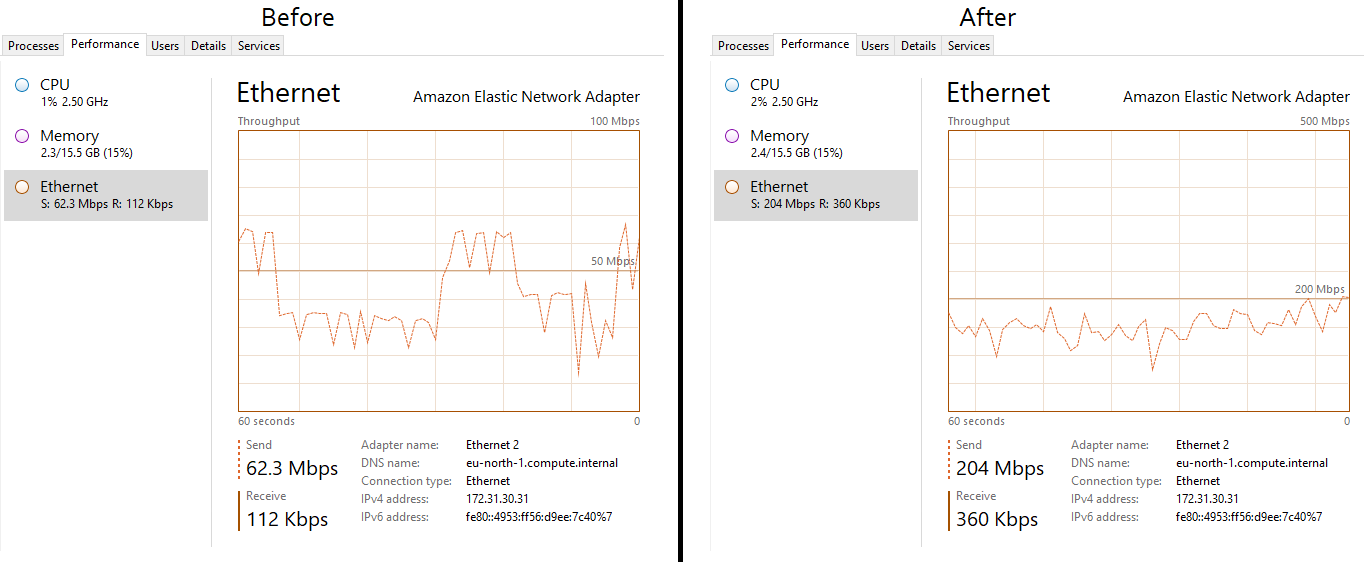
The key is using the multi-thread capabilities to make sure Plastic reaches the maximum network potential.
To enable multiple threads, set the ReplicaDataTransferThreads in server.conf. The actual number will depend on your environment. In ours, we saw an incredible speed up going from 1 (the default) to 8.
The process distributes the size of data to send evenly among the available threads, and that's the key to achieve a consistent improvement.
WARNING: do not use this with SQL backends, it is only safe to use with Jet.
REMARK: push/pull to Cloud was already multi-thread and is not affected by this task.
Here is sample output before and after:
Before: 2180860 ms = 36.34 min
```console
>cm push /main@unity-game@localhost:8087 mirror4@34.xxx.xxx.xxx:8087 --timer
[##############################################################]
/ Finished OK
Fetching metadata [##############################]
Pushing metadata [##############################]
Introducing data [##############################]
2180860 ms
```
After: 534750 ms = 8.9 min
```console
>cm push /main@unity-game@localhost:8087 mirror3@34.xxx.xxx.xxx:8087 --timer
[##############################################################]
\ Finished OK
Fetching metadata [##############################]
Pushing metadata [##############################]
Introducing data [##############################]
534750 ms
```
#### All platforms - Plastic, Gluon
All platforms - Plastic, Gluon: changes to the diff window comparison method. `Ignore EOL`, `Ignore whitespaces`, `Ignore EOL and whitespaces`, and `Recognize all` are now persisted.
It used to be a bit annoying that when you changed the comparison method, that change would be forgotten as soon as you closed the diff, and you would have to change it again next time. That happened because we initialise the diff view with the global setting from Preferences -> Diff and merge. Now, changing the option in the diff window updates the global setting, so next time you open a diff you get your previously selected option.
#### Windows - Plastic
Windows - Plastic: after failing to save an attribute value change, due to permissions for example, the GUI would be left displaying the wrong value. it now updated to show the correct attribute value in this case.
### Bug
#### macOS, Linux - Command line client
macOS, Linux - Command line client: we fixed an issue where the mutli-line progress for replication (clone, push & pull) would draw each frame of animation on a new line, rather than maintaining a fixed position in the console window.
#### Windows - Plastic
Windows - Plastic: Incoming Changes. It failed when updating the filesystem protection of a file or directory. In the case of a file, it didn't fail if the content of the file was also changed. This filesystem protection change would come from a checkin in a Linux / macOs platform. Fixed.
The filesystem protection changes are skipped by the Incoming Changes at the moment. This will be supported in further releases.
#### Windows - Plastic
Windows - Plastic: The counter labels in Merge and Incoming Changes views appeared cut in high DPI screens. Now they look fine!
#### Windows - Plastic
Windows - Plastic: Some customers reported an error that prevent them from creating branches from the GUI. It seems Plastic can't access a file in the "Theme" folder. Now it's fixed.
#### All platforms - Plastic
All platforms - Plastic: We detected that working concurrently against the same workspace using different plastic clients (e.g. Plastic GUI, Visual Studio Plugin, Unreal plugin) could potentially break the workspace metadata under certain circumstances. That left the workspace pointing to the changeset 0 and created files plastic.wktree.bak and plastic.changes.bak inside the workspace metadata folder (`$workspace_root/.plastic`). Now it's fixed.
***
## 8.0.16.3725
> **Note:**
>
> **Public** | 2019-11-11
### New
#### All platforms - Proxy
All platforms - Proxy: It is now able to monitor free space on disk and clean up the cache to avoid running out of disk.
You'll see something as follows in the log when it runs out of disk:
```text
INFO Daemon - Disk is running out of space. 5.78 Gb available. Will delete 1.15 Gb from cache
INFO Daemon - Cleaning up 1.15 Gb (9576 entries)
INFO Daemon - Cleaned up 1.15 Gb (9576 entries) in 2578 ms
```
And, if there is enough room (twice the size of the cache) then something as follows:
```text
INFO Daemon - Disk still has enough space: 19.53 Gb available.
```
#### All platforms - Plastic Proxy
All platforms - Plastic Proxy: Implemented a disk cache limit.
Now the proxy can limit the size of its on-disk cache.
\== How to configure ==
Very easy: last use the new `MaxCacheSizeInGb` in the `plasticcached.conf` file.
Example:
```text
20.5
```
And the Proxy will make sure its cache size doesn't exceed 20.5 Gb.
A value of 0 means the clean is disabled.
\== How it works ==
The Proxy maintains an LRU (Least Recently Used list) and updates it on every data access.
Every 10 minutes, it checks if the total cache size is bigger than the value configured. If the maximum size is exceeded, the Proxy retrieves the least recently used entries and removes them from disk.
Every 3 minutes the Proxy saves the LRU info to disk, to `proxy-data-path/proxy-lru.dat`. The Proxy also writes data on shutdown.
On startup and then every 8 hours, the Proxy checks if it needs to walk the entire cache directory to rebuild the LRU and recover from possible inconsistencies. While the check runs every 8 hours, a rebuild only happens once every 3 days. The Proxy stores the date of the last rebuild under `proxy-data-path/proxy-last-cache-walk.dat`.
`proxy-data-path` is the directory where you configured the proxy to store the cache.
For existing Proxy installations, the new version will rebuild the cache on the fly.
\== Some logs ==
During the startup of the Proxy you'll see:
```text
INFO LRU - Walking the disk to build the LRU (least recently used). c:\plastic\proxydata
INFO LRU - Last LRU rebuild from disk happened less than 3 days ago. Skipping. 11/04/2019 16:50:00
INFO Daemon - Load LRU info from c:\plastic\proxydata\proxy-lru.dat
INFO Daemon - LRU info loaded in 656 ms. 107299 entries. 5.89 Gb total in cache
```
You can see how the Proxy skips the rebuild and how it loaded 107k entries to the LRU.
Then, every 3 minutes, and during shutdown:
```text
INFO Daemon - Save LRU to c:\plastic\proxydata\proxy-lru.dat
INFO Daemon - LRU info saved in 312 ms. 107299 entries. 5.89 Gb total in cache
```
And during a clean up:
```text
INFO Daemon - Cleaning up 0.69 Gb (17564 entries) of cached data to enforce the 5.20 Gb limit
INFO Daemon - Cleaned up 0.69 (17564 entries) Gb in 5110 ms
INFO Daemon - Save LRU to c:\plastic\proxydata\proxy-lru.dat
INFO Daemon - LRU info saved in 265 ms. 89735 entries. 5.20 Gb total in cache
```
#### DevOps
DevOps: ConflictsBot was useless with MergeRules enabled (they are available since release 8.0.16.3433).
Now, ConflictsBot can report merge conflicts again at earlier stages!
The fix is skipping the MergeRules check in the underlying dry-run merge operation the ConflictsBot runs.
#### All platforms - Plastic, Command line client
All platforms - Plastic, Command line client: Metadata download and processing times in the update debug log were not correct. This is now fixed.
#### All platforms - Checkin & Update
All platforms - Checkin & Update: Multi-thread checkin and update enabled by default now.
Plastic can be super-fast, but historically we were shy enabling the full power by default. But smart defaults are key for usability, because nobody wants to dig into config files. So, that's what we are doing now.
\== Checkin ==
Plastic uses a pipeline to checkin as fast as possible. There are 3 phases:
* Read from disk.
* Compress data.
* Send data.
By default, each phase uses one thread, so the checkin is always multi-thread.
But when using fast disks (typically SSD and beyond) everything can be faster using more threads in each phase.
The new defaults are as follows. These configuration keys belong at `client.conf` file:
* Read from disk. Controlled by `UploadReadPoolSize`. Default value is `2`.
* Compress data. Configured by `UploadCompressionSize`. Default value is `2`.
* Send data. Configured by `Upload_SendDataThreadCount`. Default value is `3`.
Remark: The old defaults are written to client.conf on all installations out there, so this version will consider 1 as not configured, and will set the new values. In case you really want to force 1 thread, set these 3 values to zero. Yes, it is confusing, but we need to bypass the defaults, we'll remove this weird thing in one year or so when everyone is upgraded.
\== Update ==
Update uses 1 thread to download and write. The setting is controlled by `UploadReadPoolSize` in `client.conf` and was zero by default. The default will be now `2`.
#### All platforms – Proxy Server, Client
All platforms – Proxy Server, Client: Added support to cache data from Plastic Cloud.
This is one of the long-awaited features for the Proxy: the ability to cache data from the Cloud.
And it is finally here! No changes required, just install a Proxy (and your client too if you use encrypted data in the Cloud) and start caching data.
#### All platforms - Server
All platforms - Server: Replica data transfer can be 3 times faster now on fast networks.
In our tests, pushing 18Gb from a repo in Denmark to one in Oregon, went down from 30 minutes to 9. This is quite a speed up!
**Screenshot:**

The key is using the multi-thread capabilities to make sure Plastic reaches the maximum network potential.
To enable multiple threads, set the `ReplicaDataTransferThreads` key in server.conf to the number of threads you wish to use.
The actual number will depend on your environment. In ours, we saw an incredible speed up going from 1 (the default) to 8.
The process distributes the size of data to send evenly among the available threads, and that's the key to achieve a consistent improvement.
WARNING: do not use this with SQL backends, it is only safe to use with Jet.
REMARK: push/pull to Cloud was already multi-thread and is not affected by this task.
Here is sample output before and after:
Before: 2180860 ms = 36.34 min
```text
>cm push /main@unity-game@localhost:8087 mirror4@34.xxx.xxx.xxx:8087 --timer
[##############################################################]
/ Finished OK
Fetching metadata [##############################]
Pushing metadata [##############################]
Introducing data [##############################]
2180860 ms
```
After: 534750 ms = 8.9 min
```text
>cm push /main@unity-game@localhost:8087 mirror3@34.xxx.xxx.xxx:8087 --timer
[##############################################################]
\ Finished OK
Fetching metadata [##############################]
Pushing metadata [##############################]
Introducing data [##############################]
534750 ms
```
#### All platforms - Plastic, Gluon
All platforms - Plastic, Gluon: changes to the diff window comparison method {"Ignore EOL", "Ignore whitespaces", "Ignore EOL and whitespaces", "Recognize all"} now persist.
Before this change, you lost comparison method changes when closing the diff - you would need to change them again next time. That happened because the diff view loaded the global setting from `Preferences -> Diff and merge`. Now, changing the option in the diff window updates those global settings, so the next time you open a diff you get your previously selected option.
#### Windows - Plastic
Windows - Plastic: The GUI displayed the wrong value for an attribute if it failed to save a value change (due to lack of permissions, for example). In this case, now the GUI recovers and shows the right value for the attribute, along with the error message.
### Bug
#### macOS, Linux - Command line client
macOS, Linux - Command line client: We fixed an issue with the mutli-line progress for replication (clone, push & pull). Sometimes, it would draw each frame of the progress animation on a new line, rather than maintaining a fixed position in the console window.
#### Windows - Plastic
Windows - Plastic: The Incoming Changes failed when updating the filesystem protection of a file or directory. In the case of a file, it didn't fail if the content of the file was also changed. This filesystem protection change might come from a checkin in a Linux / macOS platform. Fixed.
The filesystem protection changes are skipped by the Incoming Changes now. This will be supported in further releases.
#### Windows - Plastic
Windows - Plastic: The counter labels in Merge and Incoming Changes views appeared cut in high DPI screens. Now they look fine!
#### Windows - Plastic
Windows - Plastic: Some customers reported an error that prevent them from creating branches from the GUI. It seems Plastic couldn't access a file in the "Theme" folder. Now it's fixed.
#### All platforms - Plastic
All platforms - Plastic: We detected that working concurrently against the same workspace using different Plastic clients (e.g. Plastic GUI, Visual Studio Plugin, Unreal plugin) could potentially break the workspace metadata under certain circumstances. That left the workspace pointing to the changeset 0 and created files named `plastic.wktree.bak` and `plastic.changes.bak` inside the workspace metadata folder (`$workspace_root/.plastic`). Now it's fixed.
***
## 8.0.16.3708
> **Note:**
>
> **Public** | 2019-11-07
### New
#### Windows - Plastic
Windows - Plastic: Happy to announce that we enabled the new Code Review system by default!
You can find all the information about it in the following blogpost: Improving the new Plastic Code Review system. For more information on code reviews, refer to [code reviews (GUI)](../../gui-code-reviews)
#### All platforms - Plastic, Gluon
All platforms - Plastic, Gluon: A lot of users find the contextual help in the Plastic and Gluon UIs very useful. But for our more advanced users the help panel was getting in the way without providing any real benefit. Now, each help item will appear at most once a day. The GUI will only show more help than that when it detects that you might be having difficulty with the tool. Also, the help panel will hide after a few minutes if it opened itself (instead of by clicking the help button).
By the way, if you select "Got it, don't show me again" on the help panel, that help item won't appear ever again!
#### macOS, Linux - Plastic
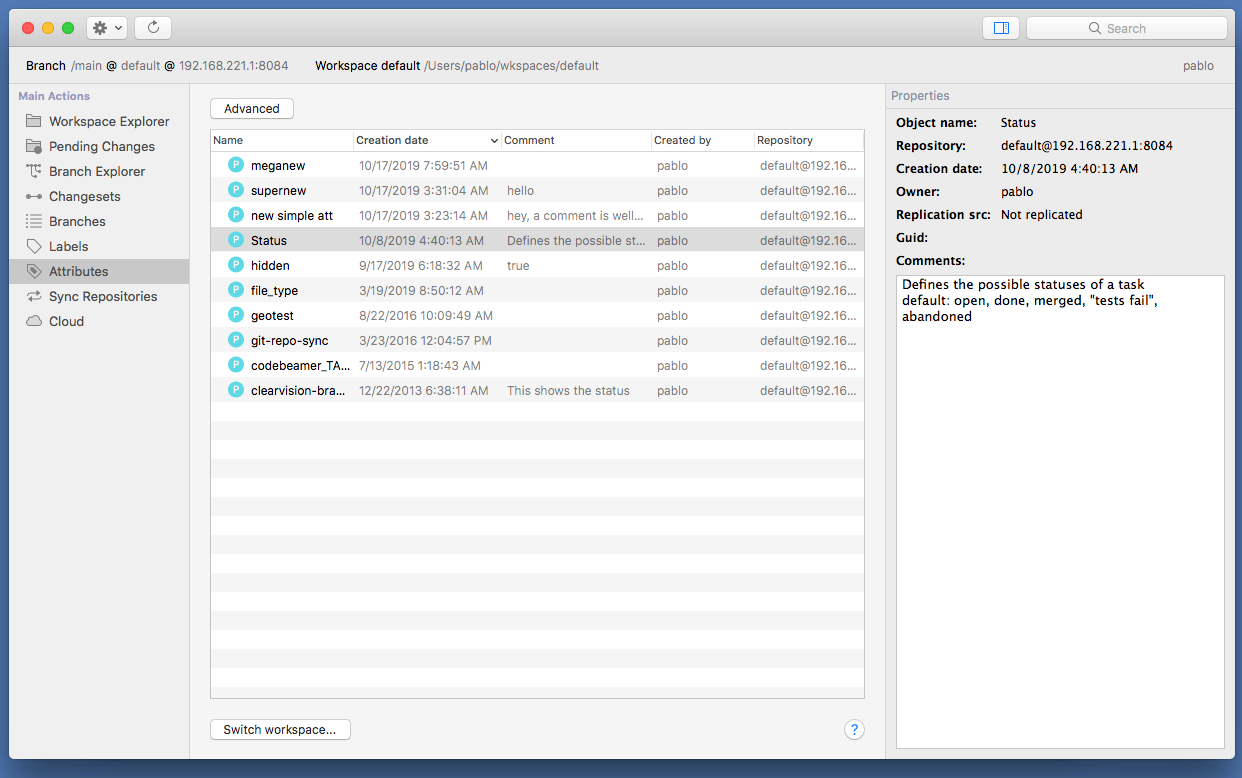
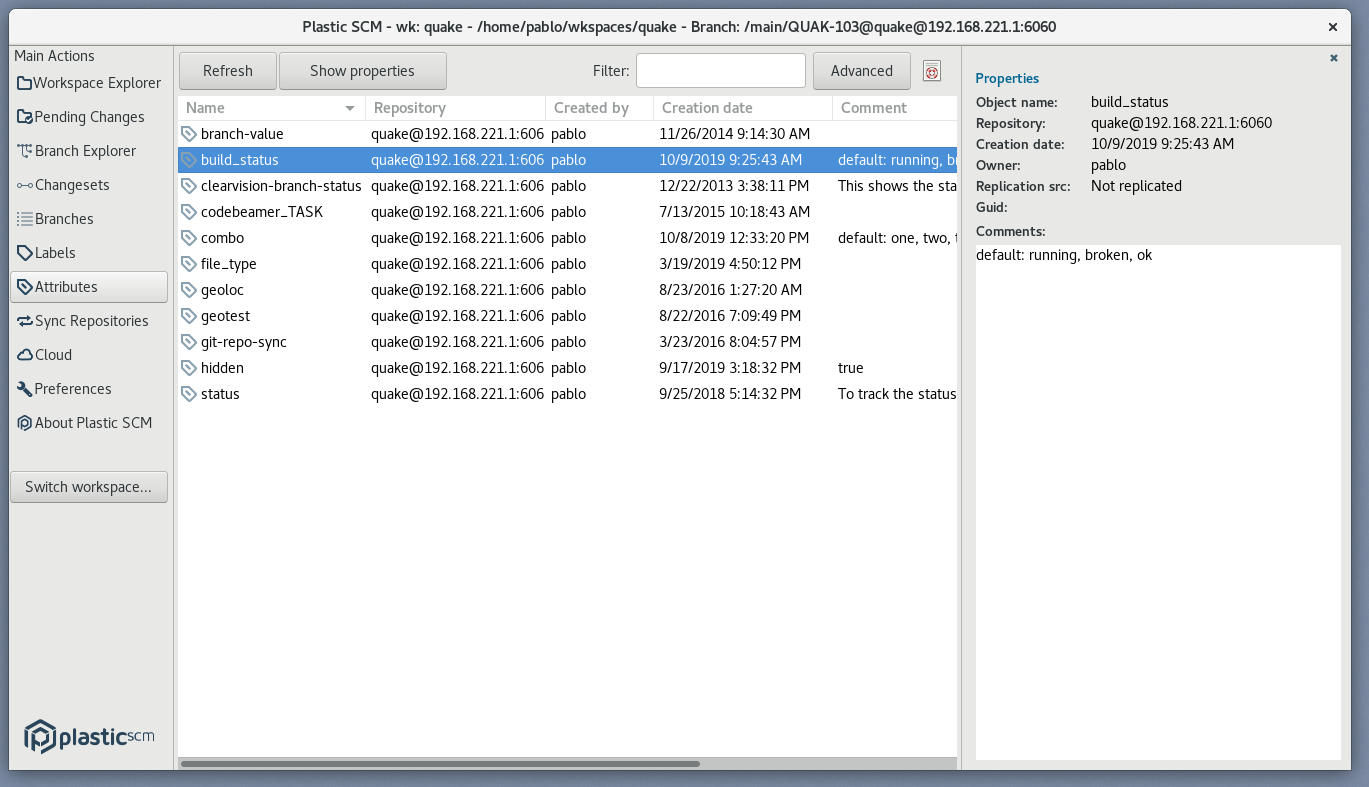
macOS, Linux - Plastic: Say hello to the new Attributes View! It allows you to list and manage the existing attributes in a repository. You'll be able to create new attributes, edit existing ones or simply delete them. This view was really necessary since we introduced the ability to define a list of default values in the attribute comments!
Here it goes on macOS:
**Screenshot:**
And this is how it looks like on Linux:
**Screenshot:**
We also fixed attribute definition in macOS with multiple predefined values: before if you defined default:one, two, "and three" the third value didn't show up in combos as "and three" but as two values. It is now fixed.
#### All platforms - Plastic, Command line client
All platforms - Plastic, Command line client: the merge now checks for locked files and directories before applying changes.
Files and directories locked by third-party applications is a very common source of issues during a merge (Unreal users might be well aware of this!). Plastic might try to remove a file or a directory from your workspace, but because there is an application locking it, the operation fails - potentially leaving the workspace in an inconsistent state that is not obvious to recover.
We have just fixed this by checking that the files and directories involved in a merge are not locked before applying a merge (and this affects the upcoming Incoming Changes that will be the default way to update changes in a workspace when working on a single branch).
\= How the detection looks like =
Suppose Notepad.exe is locking a file you are trying to merge. You'll get a message that looks like this:
```text
The operation cannot start because some files or directories are locked by another program. Please close the program and try again.
e:/wks/actioncable/doc/cord/de_win.c (used by Notepad, notepad.exe, 4856)
```
And this is the message you get if what's locked is a directory:
```text
The operation cannot start because some files or directories are locked by another program. Please close the program and try again.
e:/wks/actioncable/doc/cord
```
\= Going under the hood =
How do we detect locked files and directories on each platform?
* Windows and macOS: we open each file involved and try to move each directory involved to a temporary location.
* Linux: nothing, since Linux FS are quite friendly when it comes to applying changes to disk, so we don't have to worry about aborted operations by locked files or directories.
\= Performance impact =
Since we now check every file involved in a merge prior to really combine the files and apply changes, we can expect a performance impact.
These are some numbers we grabbed so you can get an idea: checking if 50000 files are locked by another program takes 3 seconds.
#### Windows - Plastic
Windows - Plastic: We are making a series of improvements to the single branch working workflow.
When you are working in a single branch with other people, it is common to find they have checked in new changes.
When this happens, Plastic will notify you on the top-right area of the window.
\= Scenario 1 =
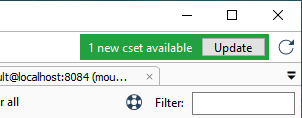
You have no pending changes and new changesets from other users appear. Plastic will show you a green notification in order to allow you to see the changes in the Incoming Changes view, and update to them.
\= Scenario 2 =
You have pending changes. New changesets from other users appear, but they don't affect any of the files you have changed. Plastic again will show you a green notification in order to allow you to see the changes in the Incoming Changes view, and update to them.
\= Scenario 3 =
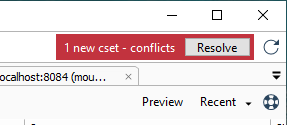
You have pending changes. New changesets from other users appear, and there are changes in files that you have also changed. In this case you need a merge. Plastic will show you a red notification in order to allow you to see the conflicts in the Incoming Changes view, and resolve them.
This is how the Scenarios 1 and 2 look like:
**Screenshot:**
And this is how the Scenario 3 looks like:
**Screenshot:**
You can see it working here:
**Screenshot:**
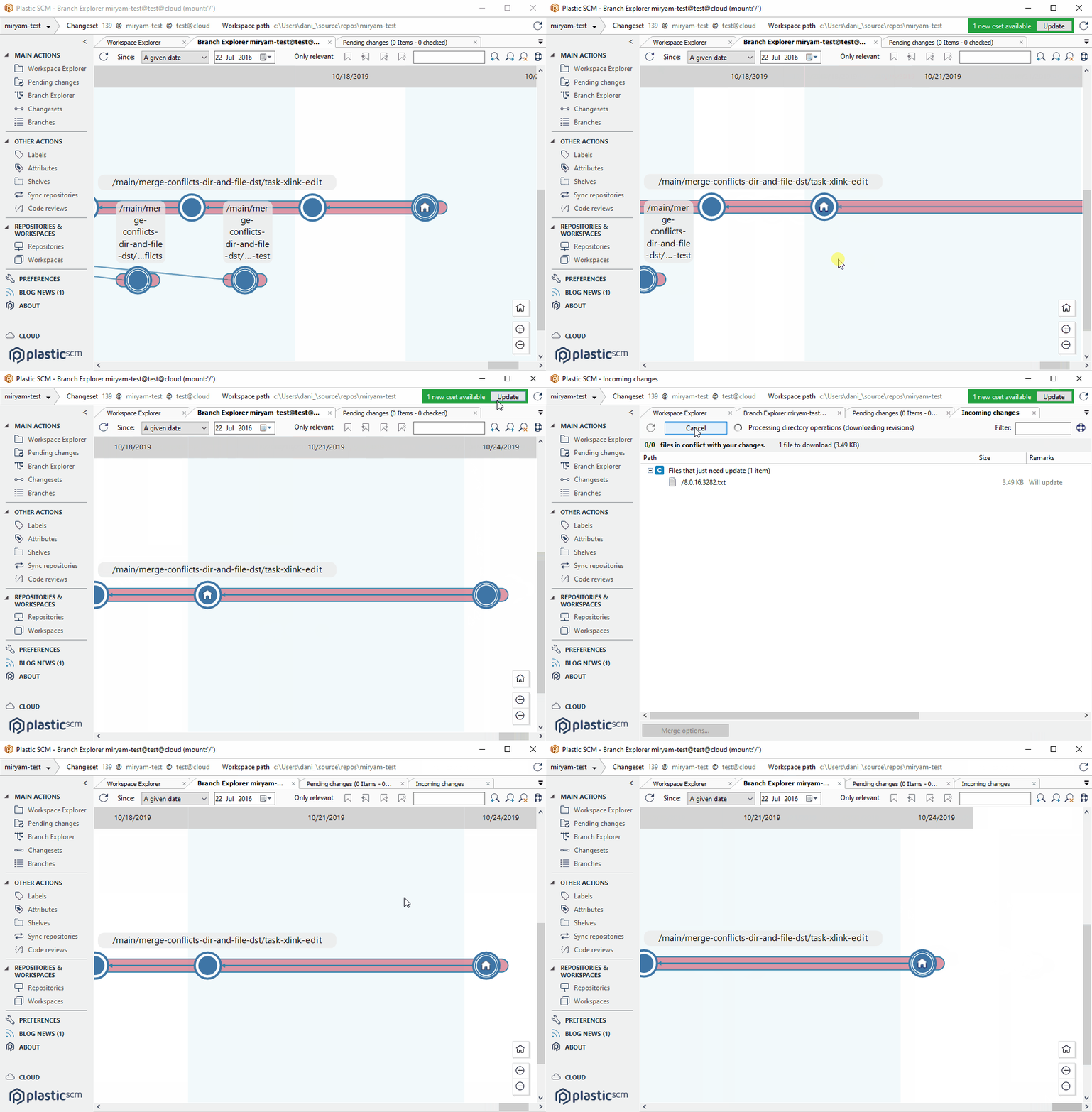
This feature is experimental.
To activate it, add the following line in the client.conf configuration file you can find at `%LOCALAPPDATA%\plastic4\client.conf`:
```text
yes
```
#### All platforms - Proxy
All platforms - Proxy: Added support for Plastic Protocol.
The Plastic Proxy (a.k.a. cache server) now can handle requests using Plastic Protocol instead of just "remoting".
The Proxy was already reaching remote servers using Plastic Proto, but it handled requests from clients using *only* remoting.
Plastic Protocol is a binary protocol we developed a few years ago. On the other hand, remoting is the older, slightly less efficient protocol we used for years. Our goal is to stick to Plastic Protocol and deprecate remoting later on this year.
#### All platforms - Plastic
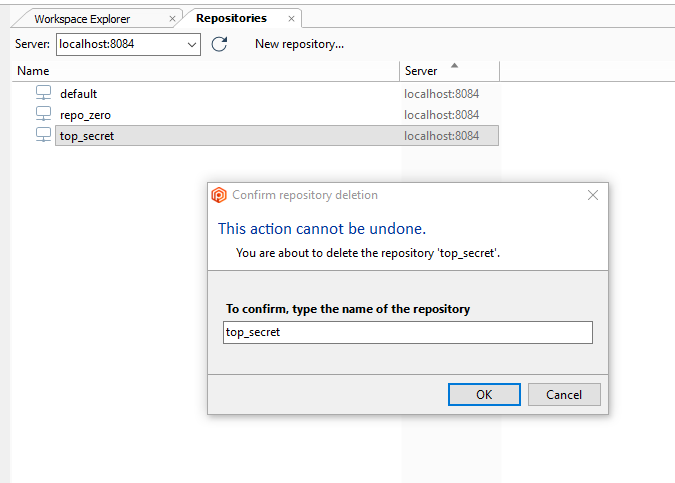
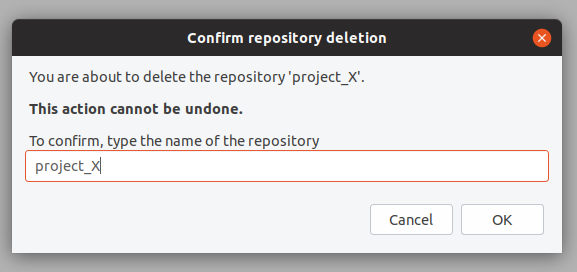
All platforms - Plastic: Sometimes things are too easy. Like deleting a repository in Plastic. Two clicks and you can irreversibly delete your whole repository. We redesigned the "delete repository" dialog to eliminate accidental deletions.
Now, the dialog initially looks like this...:
**Screenshot:**
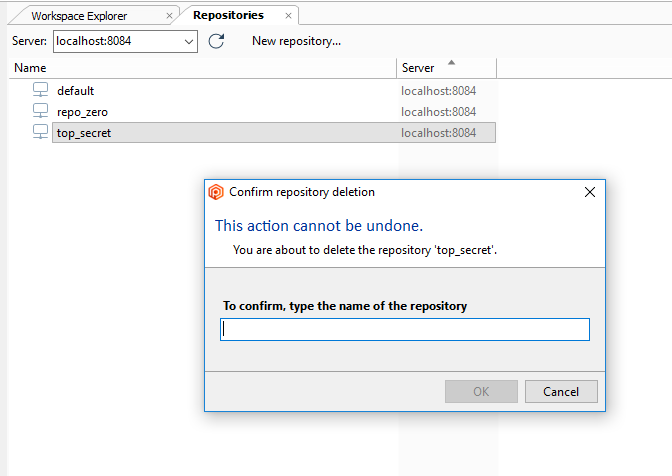
…and the 'OK' button only activates when you enter the required text:
**Screenshot:**
The functionality is the same of Mac and Linux:
**Screenshot:**
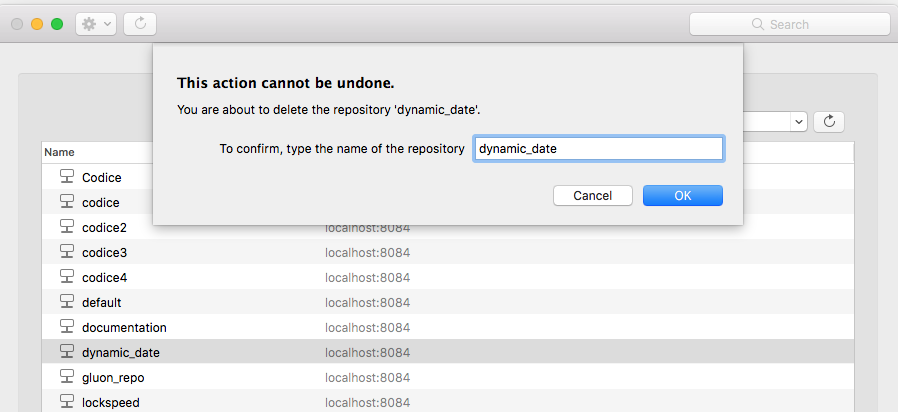
**Screenshot:**
#### Unity 3D plugin
Unity 3D plugin: The Unity plugin now deletes files in batches. It means when it has to delete thousands of files, it is much faster than before.
Using a project with 1.000 files the delete time is:
* Before: 65 s
* After: 10 s (reduction of 84,6%)
#### Jenkins plugin
Jenkins plugin: The log output encoding is now hard-coded to be "utf-8".
#### macOS - Plastic
macOS - Plastic: We implemented the Incoming Changes notification.
When you are working in a single branch with other people, it is common to find they have checked in new changes.
When this happens, Plastic will notify you on the top-right area of the window.
* Scenario 1. You have no pending changes and new changesets from other users appear. Plastic will show you a green notification in order to allow you to see the changes in the Incoming Changes view, and update to them.
* Scenario 2. You have pending changes. New changesets from other users appear, but they don't affect any of the files you have changed. Plastic again will show you a green notification in order to allow you to see the changes in the Incoming Changes view, and update to them.
* Scenario 3. You have pending changes. New changesets from other users appear, and there are changes in files that you have also changed. In this case you need a merge. Plastic will show you a red notification in order to allow you to see the conflicts in the Incoming Changes view, and resolve them.
This is how the Scenarios 1 and 2 look like:
**Screenshot:**
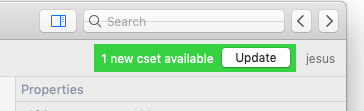
And this is how the Scenario 3 looks like:
**Screenshot:**
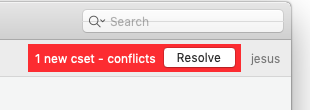
You can see it working here:
**Screenshot:**
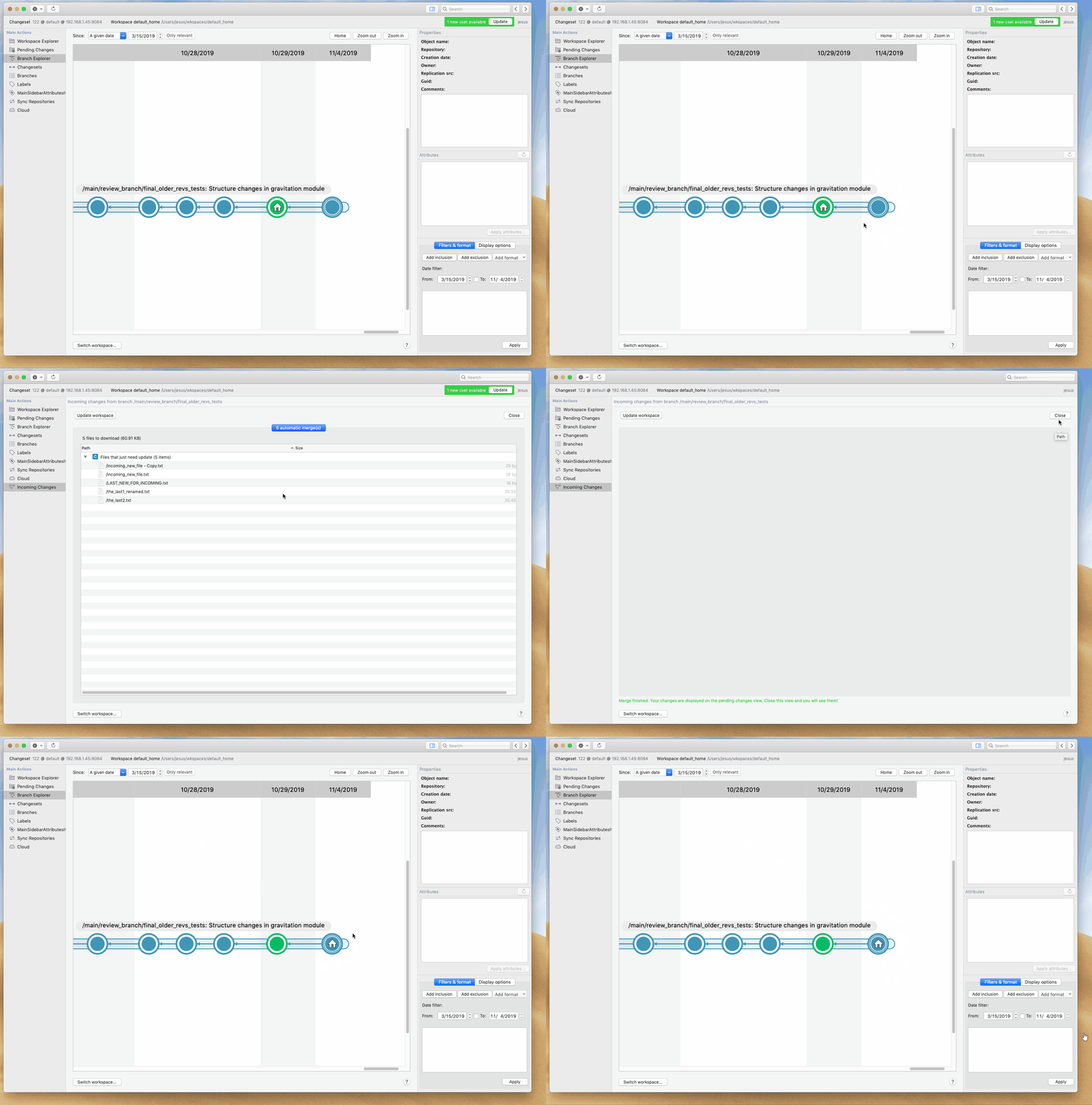
This feature is still experimental. You need to manually activate it, adding the following line in the client.conf configuration file located at `$HOME/.plastic4/client.conf`:
```text
yes
```
#### Windows - Plastic
Windows - Plastic: The GUI now shows a notification in the toolbar when the changeset you are working on no longer exists. This can happen if a colleague deletes that changeset.
This helps users returning to a valid configuration by updating the workspace. The notification looks like this - click on "Update" and you are good to go!
**Screenshot:**
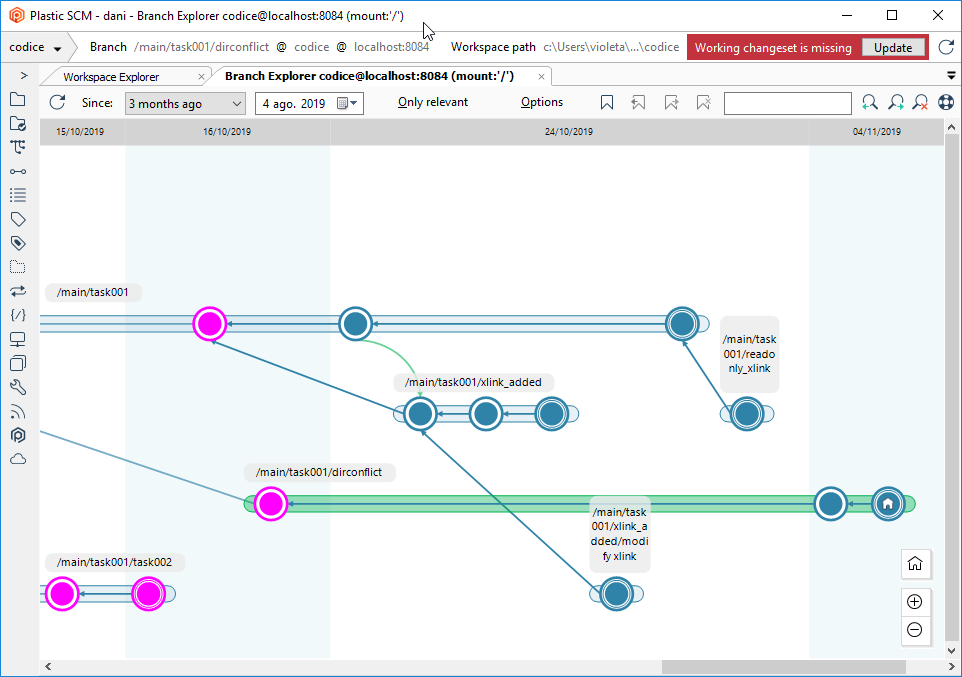
#### Windows - Plastic
Windows - Plastic: We improved the message for the Incoming Changes view. It now explains that you only need to update the workspace to synchronize the metadata when your changes match the ones in the new head of the branch.
#### All platforms - Plastic, Command line client
All platforms - Plastic, Command line client: We added the repository name to the error message you get when you try to create a child branch and you don't have that permission. This is useful when you have a merge involving xlinked repositories, because now you can we which repository is causing the problem.
#### Windows - Plastic
Windows - Plastic: We added a tooltip in the notification bar for the incoming changes to explain the current scenario.
The available scenarios are:
* There are new changes in the branch that you can preview and download.
* There are new changesets that conflict with your current changes.
* The changeset you were working on no longer exists. Click the "Update" button to return to a valid configuration.
### Bug
#### macOS - Plastic
macOS - Plastic: A "Cannot access a disposed object" error showed up when closing a merge that displayed a help panel. This could also happen when switching workspaces. Now it's fixed.
This bug was critical on macOS - it forced you to exit the application doing a "force quit". It also affected Linux, but it was not critical there (just an error message). This doesn't affect Windows.
To prevent further issues because of this bug, we unpublished the following releases:
8.0.16.3685 (10/30/2019)
8.0.16.3691 (10/31/2019)
8.0.16.3694 (11/04/2019)
#### Windows - Plastic
Windows - Plastic: A few releases earlier we introduced new color filters for the Branch Explorer. But there was a bug on Windows! As you know, when there is more than one label in a changeset, we draw a split crown. When searching, the entire crown gets colored - even if only one of the labels matches the search. But none of the pieces got colored if a color filter matched another label different than the first one. That's now fixed. Thanks to forum user Wolfram for noticing and reporting this!
#### All platforms - Server
All platforms - Server: We detected some scenarios where the 'mergeto' endpoint of the server REST API failed. This happened if the merge contained a multi-file conflict and changes under an Xlink, too. As a side note, the main consumers of this endpoint are our mergebots. It's now fixed.
#### Windows, Linux - DevOps
Windows, Linux - DevOps: The Jira plug couldn't connect to some Atlassian Cloud servers because of the lack of support for TLS 1.2. Not it's fixed.
#### Windows - Plastic
Windows - Plastic: The GUI did not re-enable the buttons in the Pending Changes view after an error during the checkin. This prevented you from using it again unless you restarted the application. Now it's fixed.
#### Windows - Plastic
Windows - Plastic: The update workspace operation failed from the incoming changes view when it took more than one minute to process. The view refreshed incorrectly before the operation finished.
#### Windows - Plastic
Windows - Plastic: We noticed a visual issue in the list views (branches, changesets, labels, etc.). The text of the first column overflows the column bounds if you scroll to the right. The GUI didn't calculate the text width correctly! It's now fixed.
***
## 8.0.16.3694
> **Note:**
>
> **Public** | 2019-11-03
### New
#### Unity 3D plugin
Unity 3D plugin: The Unity plugin now deletes files in batches. It means when it has to delete thousands of files, it is much faster than before.
Using a project with 1.000 files the delete time is:
* Before: 65 s
* After: 10 s (reduction of 84,6%)
#### All platforms - Plastic
All platforms - Plastic: Sometimes things are too easy. Like deleting a repository in Plastic. Two clicks and you can delete your whole repository forever. We have redesigned the delete repository dialog to help preventing accidental deletions.
Now, the dialog looks like this:
**Screenshot:**

And the 'OK' button activates only when you enter the required text:
**Screenshot:**

Functionality is the same for macOS and GNU/Linux:
**Screenshot:**

**Screenshot:**

### Bug
#### Windows - Plastic
Windows - Plastic: The GUI did not re-enable the buttons in the Pending Changes view after an error during the checkin. This prevented you from using it again unless you restarted the application. Now it's fixed.
***
## 8.0.16.3691
> **Note:**
>
> **Public** | 2019-10-31
### New
#### Windows - Plastic
Windows - Plastic: Happy to announce that the new Code Review system is enabled by default.
For more information, refer to the [code reviews](../../gui-code-reviews) documentation.
#### Windows - Plastic
Windows - Plastic: Incoming Changes. The following limitations don't apply anymore:
* Not optimized after creating a new workspace. The Incoming Changes notification shows up when you create a new workspace saying there are tons of new changesets. This is because workspaces are created empty and pointing to the changeset zero of the main branch. Incoming Changes works well here, but it is more efficient to just launch a regular update. We'll get this one fixed asap.
* Incoming Changes is not refreshed after undoing local changes, which is not correct. We are working to fix it.
* Incoming Changes is closed when the update/conflict resolution finishes, but it is also closed incorrectly if a file is locked and the update can't happen.
* Plastic still doesn't launch Incoming Changes instead of a regular merge when invoked from the Update in Workspace Explore and there are conflicting changes in the workspace (behaves differently than Pending Changes and the new notification area).
* Plastic doesn't hide the new changes notification bar when switching workspace, which can create issues if you switch and click before it updates the status.
* The workspace status is not correctly updated. You are on cset 100, use Incoming to move to head (cset 200), but the status area still shows cset 100 incorrectly.
### Bug
#### DevOps
DevOps: Jira plug was not able to connect to some jira cloud server instances, because the jira plug didn't have support for TLS 1.2. Fixed.
***
## 8.0.16.3685
> **Note:**
>
> **Public** | 2019-10-30
### New
#### Windows - Plastic
Windows - Plastic: Incoming Changes, the new way to work on a single branch, is finally here.
How to enable it:
Write this in your client.conf:
```text
yes
```
#### Windows - Plastic
Windows - Plastic: We are making a series of improvements to the single branch working workflow.
When you are working in a single branch with other people, it is common to find they have checked in new changes.
When this happens, Plastic will notify you on the top-right area of the window.
* Scenario 1. You have no pending changes and new changesets from other users appear. Plastic will show you a green notification in order to allow you to see the changes in the Incoming Changes view, and update to them.
* Scenario 2. You have pending changes. New changesets from other users appear, but they don't affect any of the files you have changed. Plastic again will show you a green notification in order to allow you to see the changes in the Incoming Changes view, and update to them.
* Scenario 3. You have pending changes. New changesets from other users appear, and there are changes in files that you have also changed. In this case you need a merge. Plastic will show you a red notification in order to allow you to see the conflicts in the Incoming Changes view, and resolve them.
This is how the Scenarios 1 and 2 look like:
**Screenshot:**

And this is how the Scenario 3 looks like:
**Screenshot:**

You can see it working here:
**Screenshot:**

This feature is still experimental. You need to manually activate it, adding the following line in the client.conf configuration file, that is located at %AppData%Localplastic4 folder:
```text
yes
```
#### All platforms - Plastic, Command line client
All platforms - Plastic, Command line client: the merge now checks for locked files and directories before applying changes.
Files and directories locked by third-party applications is a very common source of issues during a merge (Unreal users might be well aware of this!). Plastic might try to remove a file or a directory from your workspace, but because there is an application locking it, the operation fails - potentially leaving the workspace in an inconsistent state that is not obvious to recover.
We have just fixed this by checking that the files and directories involved in a merge are not locked before applying a merge (and this affects the upcoming Incoming Changes that will be the default way to update changes in a workspace when working on a single branch).
\= How the detection looks like =
Suppose Notepad.exe is locking a file you are trying to merge. You'll get a message that looks like this:
```text
The operation cannot start because some files or directories are locked by another program. Please close the program and try again.
e:/wks/actioncable/doc/cord/de_win.c (used by Notepad, notepad.exe, 4856)
```
And this is the message you get if what's locked is a directory:
```text
The operation cannot start because some files or directories are locked by another program. Please close the program and try again.
e:/wks/actioncable/doc/cord
```
\= Going under the hood =
How do we detect locked files and directories on each platform?
* Windows and macOS: we open each file involved and try to move each directory involved to a temporary location.
* Linux: nothing, since Linux FS are quite friendly when it comes to applying changes to disk, so we don't have to worry about aborted operations by locked files or directories.
\= Performance impact =
Since we now check every file involved in a merge prior to really combine the files and apply changes, we can expect a performance impact.
These are some numbers we grabbed so you can get an idea: checking if 50000 files are locked by another program takes 3 seconds.
#### macOS, Linux - Plastic
macOS, Linux - Plastic: Say hello to the new Attributes View! It will allow you to list and manage the existing attributes in a repository. You'll be able to create new attributes, edit existing ones or simply delete them. This view was really necessary since we introduced the ability to define a list of default values in the attribute comments!
Here goes in macOS:
**Screenshot:**

This is how it looks like on Linux:
**Screenshot:**

We also fixed attribute definition in macOS with multiple predefined values: before if you defined `default:one, two, "and three"` the third value didn't show up in combos as `"and three"` but as two values. It is now fixed.
#### All platforms - Plastic, Gluon
All platforms - Plastic, Gluon: A lot of users have found the contextual help in the Plastic and Gluon UIs very useful. But for our more advanced users the help panel was getting in the way without providing any real benefit. Now, each help item will only be shown at most once a day, and we will only show more help than that when we detect you are having difficulty with the tool. Also, if the help panel opened automatically, rather than by pressing the help button, it will hide itself out of the way again after a few minutes.
By the way, if you select "Got it, don't show me again" on the help panel, that help item won't appear ever again!
#### All platforms - Proxy
All platforms - Proxy: Added support for Plastic Protocol.
The Plastic Proxy (a.k.a. cache server) now can handle requests using Plastic Protocol instead of just "remoting".
The Proxy was already reaching remote servers using Plastic Proto, but it handled requests from clients using *only* remoting.
Plastic Proto is a new binary protocol we developed a few years ago, and remoting is the older protocol we used for years, that is slightly less efficient, that's why our goal is to stick to Plastic Proto and deprecate remoting later on this year.
### Bug
#### Windows - Plastic
Windows - Plastic: A few releases earlier we introduced new color filters for the Branch Explorer. But there was a bug on Windows! As you know, when there is more than one label in a changeset, we draw a split crown. When searching, all of the pieces of the crown get colored even if only one of the labels matches the search - however, none of the pieces got colored if the filter matched another label different than the first one. That's fixed now. Thanks to forum user Wolfram for noticing and reporting this!
#### All platforms - server
All platforms - server: We detected some scenarios where the 'mergeto' endpoint of the server REST API failed. This happened if the merge contained a multi-file conflict and changes under an Xlink, too. As a side note, the main consumers of this endpoint are our mergebots. Now it's fixed.
***
## 8.0.16.3673
> **Note:**
>
> **Public** | 2019-10-28
### New
#### All platforms – Pending changes are now converted…
All platforms – Pending changes are now converted into checkouts before calculating merges.
This is a very important change to improve usability, but it might be surprising for Plastic long-term users.
\== Motivation ==
Suppose you have foo.c modified in your workspace and then you merge from main/task001 where foo.c was also modified.
The merge didn't show foo.c as a conflict because the merge only considers the checkouts.
If you checkout foo.c then the merge preview showed the conflict.
The merge was still correct because changes were "promoted to checkouts" during the merge.
But, let's see a different example now: suppose you moved art/ into game-art/ locally and there were changes inside art/ in main/task001. The merge didn't consider your local changes and it would end up causing trouble.
We changed all this by simply "applying changes" before calculating the merge. This means any local "changed" will be converted into "checkout" and also that local moves, local deletes, will be put under control too (checkout for short).
It is an important change to ensure consistency and avoid corner cases.
\== What are checkouts exactly ==
Plastic supports two ways of working:
* You can directly modify foo.c, then go to Pending Changes and checkin.
* Or you can checkout foo.c first, then modify, then checkin.
Checkouts are just a way to say Plastic "hey, I modified this file", or "hey, I moved this file this way", so it doesn't have to "guess" what happened. Plastic is very good guessing what you did by looking into the workspace and detecting changes, but it is even faster if it doesn't have to guess because "it knows" a change or a move happened.
Checkouts are not locks. You can checkout foo.c and it won't be locked at all. In fact, checkouts are stored locally and don't impose any performance hit at all.
Checkouts only lock files (a.k.a. exclusive checkouts) when the files are configured to be locked. This way, you can say all .png files must be locked on checkout, and when you checkout game.png it will be locked. Locks are stored on the server, although the performance hit is minimal.
Note for former Perforce users: Plastic checkouts are similar to p4 edit but without the performance hit.
Note for former Git users: Plastic checkouts are like adding something to the Git index.
\== How it works ==
When you launch a merge, before actually calculating the merge in the server, your local changes will be converted to "controlled changes" a.k.a. checkouts.
#### Windows, Linux - DevOps
Windows, Linux - DevOps: A new built-in mergebot has just born! Its name: `multiliner-bot`.
The purpose of this mergebot is to be able to automatically merge a branch to several destination branches dynamically.
The merge is confirmed following an "all-or-nothing" policy. This is: if there are any merge conflicts, or the Continuous Integration system reports a build failure, the branch is rejected, and no merges will be written on any destination branch, even if some merges report no conflicts or CI builds success.
To define which destination branches a branch should be merged to, the multiliner-bot allows us to specify a plastic attribute name for this matter. Then, define a value for this attribute on a source branch (a comma separated list of destination branch names).
Find below a diagram explaining the basics of this `multiliner-bot`:
**Screenshot:**
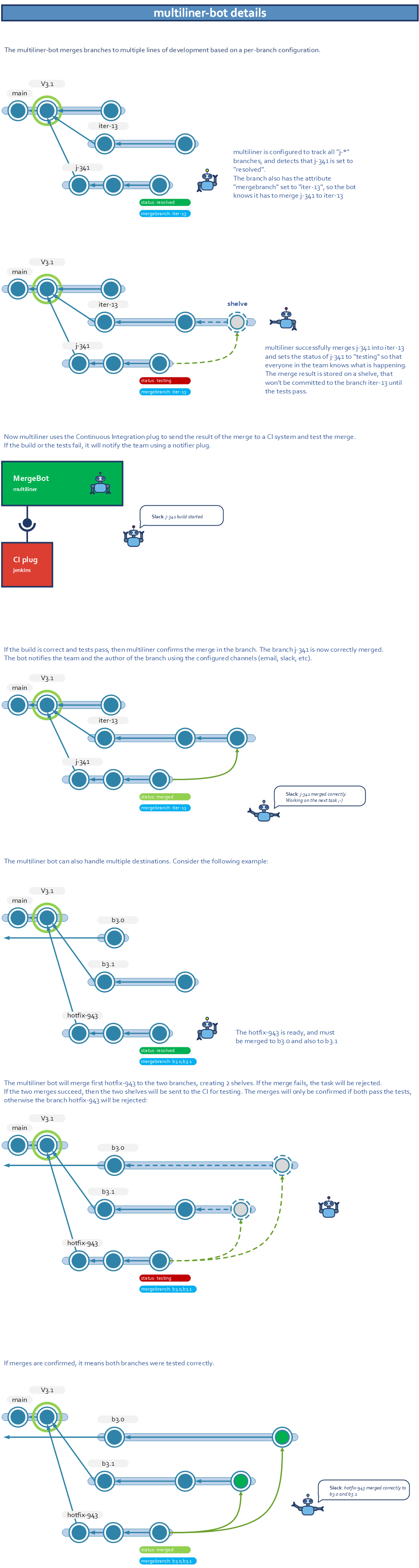
Remarks:
* The `multiliner-bot` requires Plastic Server 8.0.16.3673 or higher to work.
* No labeling support: to avoid label name collisions with several destination branches, this mergebot declines any labeling responsibility.
* The mergebot configuration still requires a 'status' attribute to define when a branch is 'ready', when it 'fails', or when it is 'merged'.
* If you specify several destination branches, and any of the merges fail (due to manual conflicts, or CI plan build), the bot rejects the source branch and marks it as 'failed'.
* If you specify several destination branches, the CI plan for each destination branch triggers sequentially. We will consider adding support for parallel plan triggering in the future.
* This mergebot allows triggering a CI plan after a branch successfully merges to several destination branches. But, if this post-checkin plan fails, it does NOT undo already confirmed merges. You just receive a notification about the post-checkin plan failing (if any notification plug is configured for this mergebot).
* You can configure several notifier plugs with this mergebot. All of them are optional. So far, there are up to two notification plugs in the mergebot configuration template.
* If any of the specified destination branches do not exist, the branch being processed by this mergebot is marked as 'failed'.
#### Windows, Linux - DevOps
Windows, Linux - DevOps: Server and Jenkins Plug: Added support to specify a Jenkins job inside a Jenkins folder as the plan to execute by a mergebot (e.g. trunk-bot). Only top-level plan names were available before this release.
Now, you can specify a Jenkins job inside a folder in your favorite mergebot as the plan to build. Example:
* Your Jenkins server has a folder named "projects"
* Inside that folder, there is a job named "pipeline-debug".
* You can type "projects/pipeline-debug" in the "Continuous Integration" section, having a Jenkins plug available for it.
* Internally, he Jenkins plug will try to access to the config.xml file that defines the job on the following Uri path as an example: `job/projects/job/pipeline-debug/config.xml`.
Make sure this Uri is available on your Jenkins server. Otherwise, contact `support [at] codicesoftware [dot] com` and we will provide a custom Jenkins plug that fits your needs.
#### All platforms - Plastic
All platforms - Plastic: Merge now has file download progress! And it is ready for Linux, Windows, and macOS.
An image is worth a thousand words:
**Screenshot:**
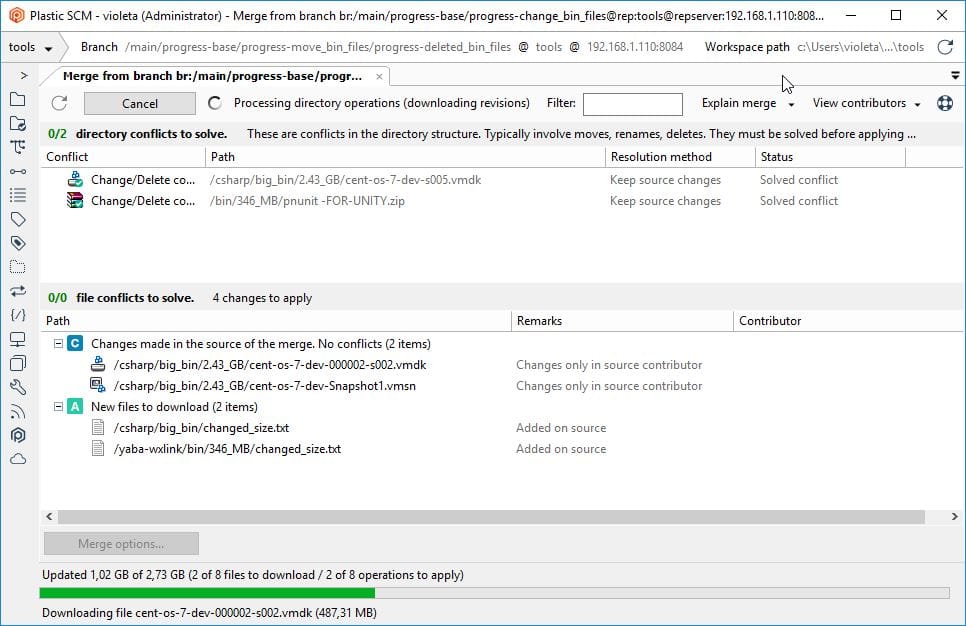
Why is this important? Well, during merges involving tons of big files, the UX was not good because the GUI didn't say much. So, users usually thought the app was not responding while it was downloading gigabytes of data. This is now finally solved!
This scenario is even more common for teams working on a single branch (game studios, for instance). Now the GUI shows download information while updating to the latest changes before a checkin.
This is part of the ongoing Incoming Changes effort, a much better way to work on a single branch.
#### All platforms - Triggers
All platforms - Triggers: When you run an update there are two client-side triggers: `before-update` and `after-update`. Now you have extra environment variables in both of them, we hope you find them useful for your scripts!
* `PLASTIC_INITIAL_CHANGESET`: the ID of the changeset your workspace is (or was) pointing at when the update begins.
* `PLASTIC_FINAL_CHANGESET`: the ID of the changeset your workspace is (or will be) pointing at when the update finishes.
So, with an example, let's say that your workspace is pointing to changeset 254, and you switch to branch /main. The head of /main is changeset 260.
The PLASTIC\_INITIAL\_CHANGESET will be 254, and the PLASTIC\_FINAL\_CHANGESET will be 260, for both the before-update and after-update triggers.
Bear in mind that we do not have "source" and "destination" changesets in partial and fast updates. When updating from Gluon, "cm partial update" command, or running a fast update from the GUI, the new environment variables will be -1.
You will notice that the update triggers run often for the plastic-global-config repository. Use filters to fine-tune in which repositories the trigger should run.
#### All platforms - Plastic, Gluon
All platforms - Plastic, Gluon: A few releases earlier we introduced the "Location" column in the workspaces list. That column indicates the current object the workspace is pointing at. It included the full repository spec with the repository server, which is not useful, as it has a column of its own. Now, the location column shows the object spec without the repository. Check how it looks!
**Screenshot:**
#### Windows - Plastic
Windows - Plastic: Rejoice! We fixed the tab order of the "Other options" preferences panel.
#### All platforms - Server
All platforms - Server: A wrong SSL configuration won't prevent the server to startup correctly.
We changed how the server starts up, so a wrong SSL configuration won't prevent the server to startup. The server will listen on the other ports and will ignore the failing SSL one.
This is helpful when you wrongly configure a SSL port from the WebAdmin, because now you can go again to the WebAdmin and reconfigure instead of having to go to the command line.
Before, the server simply refused to start if it had a wrong SSL cert password setup.
#### All platforms - Plastic
All platforms - Plastic: we improved the usability of the Create Xlink dialog. Let me explain to you how: a xlink can be either "read-only" (Xlink) or "writable" (wXlink). Xlinks always point to the same changeset in the target repository, but wXlinks change according to the expansion rules. This means that expansion rules are useless for Xlinks - they only work for wXlinks. Yet when creating and editing Xlinks from the GUI, the expansion rules' list and buttons were enabled, which is confusing. No more! When creating or editing Xlinks, you can not create nor edit expansion rules.
#### Windows - Plastic
Windows - Plastic: In the new Code Review system, when a requested change was applied, if you double-clicked it, it navigated to the changeset where it was applied. But you couldn't navigate to the comment itself anymore.
We changed that behavior so that, if you double-click the comment, you navigate to it. And, if the requested change is applied, you can navigate to the changeset where it was applied by clicking on its status.
**Screenshot:**
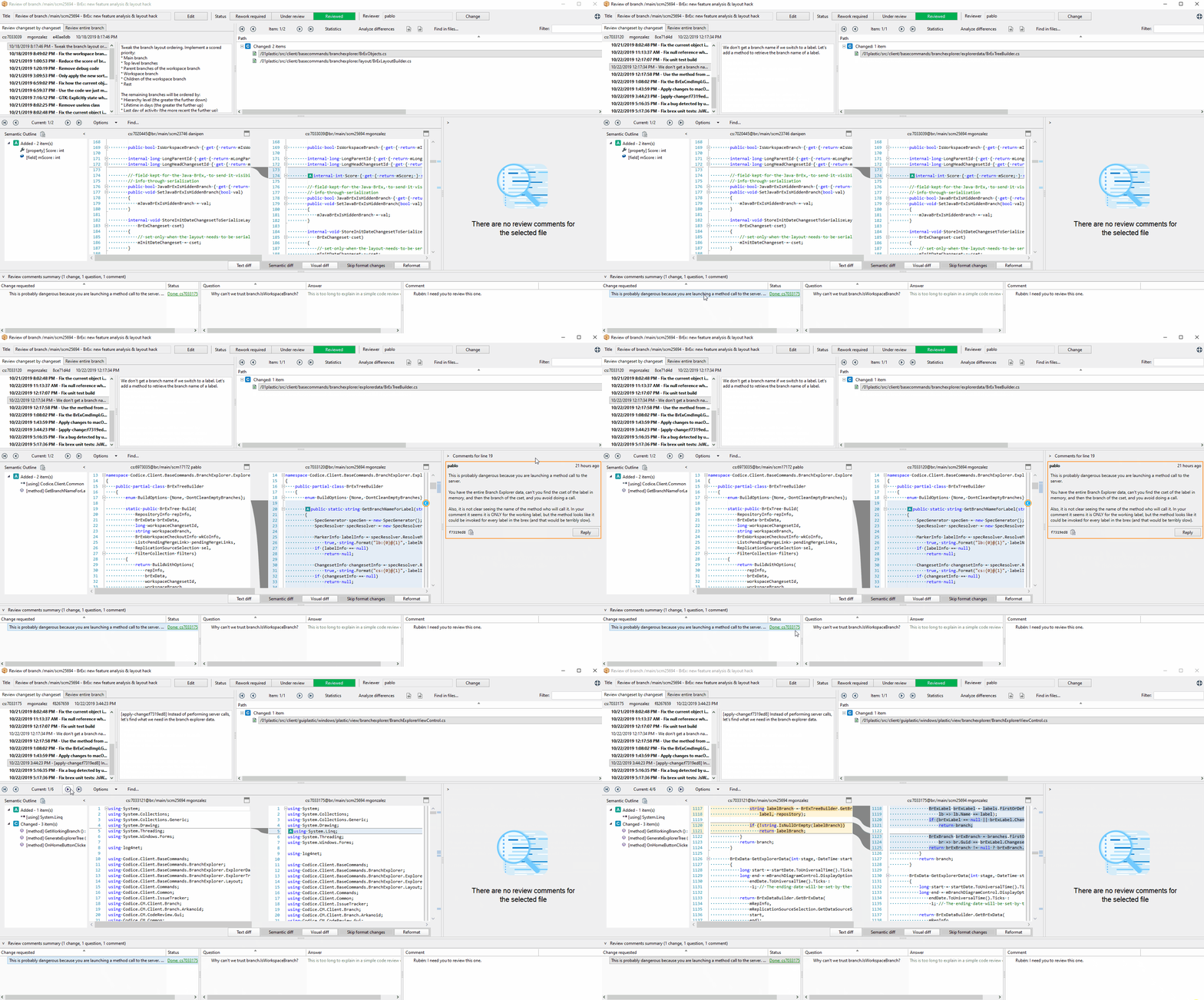
Remember, right now, you need to launch the application with "plastic --codereview" to enjoy the new feature.
#### All platforms - Proxy Server
All platforms - Proxy Server: Made some improvements as part of the effort of modernizing the proxy.
1. Improved request log:
Now a Proxy server with the log configured to INFO (logger Proxy) can give quite meaningful info as follows:
```text
INFO Proxy - Request: 1. Type: cache. Files requested: 332. Cache misses: 0. Total time: 109 ms. Downloaded: 0.00 Mb from quake@localhost:6060. Total returned: 1.17 Mb
INFO Proxy - Request: 3. Type: mixed. Files requested: 224. Cache misses: 16. Total time: 62 ms. Downloaded: 0.13 Mb from quake@localhost:6060. Total returned: 1.80 Mb
INFO Proxy - Request: 113. Type: downl. Files requested: 15. Cache misses: 15. Total time: 31 ms. Downloaded: 3.85 Mb from quake@localhost:6060. Total returned: 3.85 Mb
```
Where the type is:
* cache => full cache hit, everything read from cache.
* downl => everything read remotely.
* mixed => some from network, some from cache.
You can add this to your plasticcached.log.conf to see this log:
```text
```
2. The Proxy server now dumps status every 30 seconds, just like a regular Plastic server does. This will help us diagnose problems.
The log is called ServerStats and looks like this (just a fragment):
```text
2019-10-22 14:23:54,541 7 INFO ServerStats - PLASTIC SCM SERVER VERSION: 8.0.16.3343
2019-10-22 14:23:54,544 7 INFO ServerStats - PROCESS INFO
2019-10-22 14:23:54,545 7 INFO ServerStats - Entry Value
2019-10-22 14:23:54,545 7 INFO ServerStats - ======================== =======================
2019-10-22 14:23:54,546 7 INFO ServerStats - Proc Id 14608
2019-10-22 14:23:54,554 7 INFO ServerStats - Handle count 368
2019-10-22 14:23:54,555 7 INFO ServerStats - Thread count 15
2019-10-22 14:23:54,556 7 INFO ServerStats - Non paged system mem 00.02 Mb
2019-10-22 14:23:54,558 7 INFO ServerStats - Paged mem size 21.31 Mb
2019-10-22 14:23:54,582 7 INFO ServerStats - USER STATS
2019-10-22 14:23:54,583 7 INFO ServerStats - Sent 518.43 Mb. Received 233.19 Kb
```
3. Now you can optionally configure number of threads in plasticcached.conf. The following JUST configures the threads (although more settings are available):
```text
>cat plasticcached.conf
4
```
### Bug
#### All platforms - Proxy Server
All platforms - Proxy Server: We disabled a thread abort code that was potentially causing problems and could make the proxy unstable and stop responding requests.
The Proxy has a safety code to kill a request if it detects that the client aborted the connection. This typically happens when you CTRL-C a command line. When that happens, the Proxy aborts the thread handling the request, and under some circumstances this could make the server very unstable.
We removed the abort code now.
#### All platforms - Server
All platforms - Server: We detected that the server initialized and shut down its internal services several times. This scenario was under control and it didn't affect functionality or performance. Its downside was that it polluted log files. That's fixed now.
#### macOS - Plastic
macOS - Plastic: In the Branch Explorer the "dynamic date filter" was reset to "A given date" when changing a display option, even if you didn't change the start date filter there! That's fixed now.
#### All platforms - Plastic, Gluon
All platforms - Plastic, Gluon: We fixed the search text entries in the Plastic toolbar and Gluon search dialog to properly protect regex-like characters. Before this fix, filenames such as 'file (new).txt' or 'file+15.txt' were really difficult to find because search patterns like '(new' or '+15.txt' wouldn't match anything.
#### Windows - Plastic
Windows - Plastic: a null exception was thrown in the new Code Review system when you tried to navigate to an applied change and the changeset where the change was applied didn't contain the file where the change was requested. Now it's fixed.
#### Windows, Linux - Server (DevOps)
Windows, Linux - Server (DevOps): There was a small issue while configuring a new mergebot. The WebAdmin page did not reload the configuration template when changing mergebot type. Unless you tweaked the URL, you could not configure a mergebot different than the first one on the list. That's now fixed!
***
## 8.0.16.3651
> **Note:**
>
> **Public** | 2019-10-23
### New
#### All platforms - Plastic
All platforms - Plastic: We're improving the Branch Explorer layout! Until now, every developer would see the same chart when they open the Branch Explorer view. That's not entirely helpful because not everyone pays attention to the same things at the same time. That's why we decided to reorder the branches according to the current workspace status.
Your current workspace branch (as well as their parents and children) will always appear at the top of the chart -this allows you to remove clutter and see your current branch in a more meaningful context.
Integrated branches will sink to the bottom of the chart. Since those branches are already merged into main, they aren't likely to be active anymore.
Finally, all branches will be sorted according to these criteria:
* Branches that are higher up in the hierarchy will also be up in the chart
* Branches with a more recent activity will appear at the top
* Branches with a longer life span will appear at the top
To try out this new layout, simply add the following property in your client.conf file:
```text
yes
```
We'd really appreciate your feedback! Let us know what would you want the Branch Explorer layout to look like in the [forum thread](https://forum.plasticscm.com/topic/21755-dynamic-branch-explorer-layout/).
#### All platforms - Plastic
All platforms - Plastic: Branch Explorer now stores configuration per workspace!
This is a huge change in usability, and something we should have done eons ago.
This affects the GUIs in all platforms: Windows, Linux and macOS.
Now every workspace remembers its Branch Explorer configuration, instead of it being global to all workspaces.
This is a huge change and worth an upgrade. Let us tell you about the details if you are interested!
* Branch Explorer configuration used to be stored in the standard application configuration folder. Typically, this is "%LOCALAPPDATA%\plastic4\branchexplorer.cfg" on Windows, "$HOME/.plastic4/branchexplorer.conf" on GNU/Linux and macOS.
* But now, it will be stored in ".plastic/plastic.branchexplorer" in the workspace root.
* The branch explorer settings that are affected are the date filters, the "Only relevant" flag, all the "Display Options" and everything under "Filters and conditional format".
The upgrade will happen as follows: after upgrading, when you open the branch explorer, its configuration will be read from the old configuration file, but from that point onwards it will be written and read from the new configuration file.
#### All platforms - Server triggers
All platforms - Server triggers: the before-mklabel and after-mklabel have two new environment variables available: `PLASTIC_CHANGESET_NUMBER` and `PLASTIC_CHANGESET_OWNER`. The former indicates the number of the labeled changeset. The latter, the owner of that changeset. We hope you find it useful in your triggers!
#### DevOps
DevOps: trunk-bot will pass a new property to the underlying Continuous Integration system to clearly identify whether the CI job is triggered in the 'Plan for build & test a branch' stage or 'Plan to run after checking-in a branch' stage, if any. This is useful when the same CI job is used for both stages, but we need to identify which stage launched the job to perform different build actions.
Example with Jenkins: when mergebot triggers a job in Jenkins, it will pass a new parameter to the Jenkins job called `PLASTICSCM_MERGEBOT_STAGE`. Its possible values are:
* `pre` -> the job was triggered in the 'Plan for build & test a branch' stage.
* `post` -> the job was triggered in the 'Plan to run after checking-in a branch' stage.
#### DevOps
DevOps: We added a new configuration check to trunk-bot before it starts processing branches: If the 'Resolved' value for the Plastic status attribute is the same as the 'Merged' value, the trunk-bot won't start and it will log the error in the appropriate log file. We implemented this to prevent trunk-bot to enter in an infinite loop of branch polling, overloading plastic server's CPU.
The same restriction applies to the 'Resolved' and 'Failed' values.
#### All platforms - DevOps
All platforms - DevOps: The Jenkins mergebot plugin failed to build plans if the Jenkins worskpace path contained whitespaces. This is fixed now!
#### Windows - Plastic
Windows - Plastic: We removed the now unnecessary "Run fast update" option from Preferences > Other options.
We need to do some rework on fast-update, and while it continues working, we consider it is best to simply hide it, so users don't select it without really knowing what it is about.
**Screenshot:**
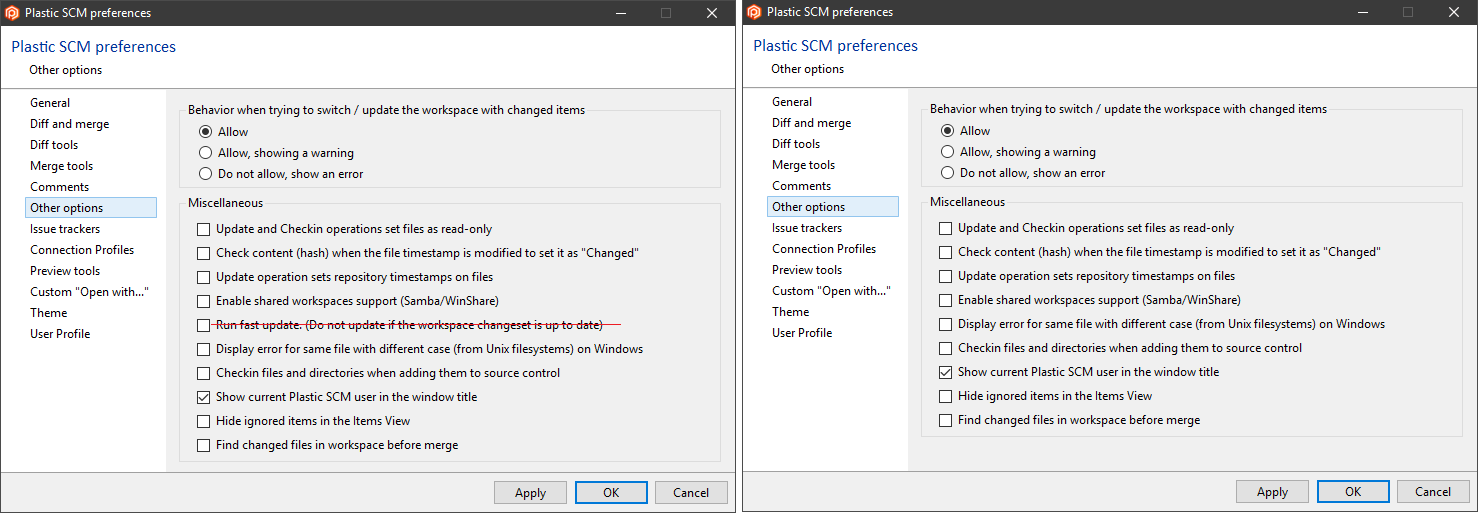
#### All platforms - Plastic
All platforms - Plastic: We improved the Undo Checkout operation when executed from the Workspace Explorer. Now:
* You can undo changed files when you're working on a label.
* When the operation fails, the item is not left checked out anymore.
* You can undo a changed file under a readonly Xlink.
### Bug
#### All platforms - Server
All platforms - Server: Sometimes concurrent check-in operations that affected the same branch weren't aware of each other. This resulted in a two-headed branch. It happened in the following scenario:
* Liam and Emma are working on branch /main/task1.
* Liam is working out of date on changeset 4.
* Emma is working on changeset 5, the branch head.
* Liam merged his changes with the head changes and checks everything in.
* At the same time, Emma checks in her changes (she doesn't need a merge since she's working on the branch head).
* The simultaneous check-in wasn't properly handled, leaving the branch with two head changesets.
Now the server detects the concurrent check-in. One of them will fail, letting the user know that the branch is currently locked.
#### Merge
Merge: Solved an issue in merge and locked files.
Let's better explain it with an example:
* We have 2 file conflicts to resolve during a merge.
* The first file is merged correctly.
* The second one fails because the file is being used by another process (locked).
* Then, the first file shows up again as pending to be merged.
We fixed this.
#### Windows - Plastic
Windows - Plastic: Your preferred maximized toolbar width was lost if you closed the application with the toolbar minimized. We fixed it! The state is now correctly restored on application startup. We also increased the default toolbar width slightly, so that the main actions all fit on single lines.
#### Windows - Plastic
Windows - Plastic: When you select a file with no changes in the new Code Review window, you get "An unexpected error has occurred". Now it's fixed.
#### All platforms - Client core
All platforms - Client core: Fixed some issues to deal with failing proxy servers.
When a client is using a Proxy Server (a.k.a. cache server) and the proxy suddenly becomes unreachable, the client was unable to disable it and kept trying to reach it on every data call, making the resulting experience slow.
We changed that, so that now proxies are properly disabled in each client session after the client detects the first failure.
We also removed a retry in the calls to the proxies: to disable a proxy (that was not even working) 5 calls needed to fail. This was very old code that was not even needed anymore because now the network code can handle retries (more on this later).
Finally, the proxies only support remoting protocol instead of plasticproto, but every single connection was trying to use plasticproto first, slowing down the whole thing.
A note on retries: suppose you were successfully downloading data from a proxy, and a second later the proxy is no longer reachable. Then, the client will try to reconnect (provided there was a recent successful connection) up to 10 times as follows in the next log. It can take up to 30 seconds to complete.
```text
>tail -f plastic.log.txt |grep InvokeMethodRetry
2019-10-18 13:34:44,334 21 (null) (null) (null) DEBUG InvokeMethodRetry - HasToHandleSocketException. SocketError: ConnectionRefused. Exception: No connection could be made because the target machine actively refused it 127.0.0.1:8888
2019-10-18 13:34:44,342 21 (null) (null) (null) INFO InvokeMethodRetry - plastic://localhost:8888/CacheHandler.GetObjectsData waiting 2000 ms before retrying the connection
2019-10-18 13:34:47,346 21 (null) (null) (null) DEBUG InvokeMethodRetry - HasToHandleSocketException. SocketError: ConnectionRefused. Exception: No connection could be made because the target machine actively refused it 127.0.0.1:8888
2019-10-18 13:34:47,346 21 (null) (null) (null) INFO InvokeMethodRetry - plastic://localhost:8888/CacheHandler.GetObjectsData waiting 5000 ms before retrying the connection
2019-10-18 13:34:53,349 21 (null) (null) (null) DEBUG InvokeMethodRetry - HasToHandleSocketException. SocketError: ConnectionRefused. Exception: No connection could be made because the target machine actively refused it 127.0.0.1:8888
2019-10-18 13:34:53,349 21 (null) (null) (null) INFO InvokeMethodRetry - plastic://localhost:8888/CacheHandler.GetObjectsData waiting 1000 ms before retrying the connection
2019-10-18 13:34:55,352 21 (null) (null) (null) DEBUG InvokeMethodRetry - HasToHandleSocketException. SocketError: ConnectionRefused. Exception: No connection could be made because the target machine actively refused it 127.0.0.1:8888
2019-10-18 13:34:55,353 21 (null) (null) (null) INFO InvokeMethodRetry - plastic://localhost:8888/CacheHandler.GetObjectsData waiting 10000 ms before retrying the connection
2019-10-18 13:35:06,358 21 (null) (null) (null) DEBUG InvokeMethodRetry - HasToHandleSocketException. SocketError: ConnectionRefused. Exception: No connection could be made because the target machine actively refused it 127.0.0.1:8888
2019-10-18 13:35:06,359 21 (null) (null) (null) INFO InvokeMethodRetry - plastic://localhost:8888/CacheHandler.GetObjectsData waiting 1000 ms before retrying the connection
2019-10-18 13:35:08,362 21 (null) (null) (null) DEBUG InvokeMethodRetry - HasToHandleSocketException. SocketError: ConnectionRefused. Exception: No connection could be made because the target machine actively refused it 127.0.0.1:8888
2019-10-18 13:35:08,363 21 (null) (null) (null) INFO InvokeMethodRetry - plastic://localhost:8888/CacheHandler.GetObjectsData waiting 2000 ms before retrying the connection
2019-10-18 13:35:11,365 21 (null) (null) (null) DEBUG InvokeMethodRetry - HasToHandleSocketException. SocketError: ConnectionRefused. Exception: No connection could be made because the target machine actively refused it 127.0.0.1:8888
2019-10-18 13:35:11,365 21 (null) (null) (null) INFO InvokeMethodRetry - plastic://localhost:8888/CacheHandler.GetObjectsData waiting 1000 ms before retrying the connection
2019-10-18 13:35:13,368 21 (null) (null) (null) DEBUG InvokeMethodRetry - HasToHandleSocketException. SocketError: ConnectionRefused. Exception: No connection could be made because the target machine actively refused it 127.0.0.1:8888
2019-10-18 13:35:13,369 21 (null) (null) (null) INFO InvokeMethodRetry - plastic://localhost:8888/CacheHandler.GetObjectsData waiting 1000 ms before retrying the connection
2019-10-18 13:35:15,374 21 (null) (null) (null) DEBUG InvokeMethodRetry - HasToHandleSocketException. SocketError: ConnectionRefused. Exception: No connection could be made because the target machine actively refused it 127.0.0.1:8888
2019-10-18 13:35:15,374 21 (null) (null) (null) INFO InvokeMethodRetry - plastic://localhost:8888/CacheHandler.GetObjectsData waiting 5000 ms before retrying the connection
2019-10-18 13:35:21,378 21 (null) (null) (null) DEBUG InvokeMethodRetry - HasToHandleSocketException. SocketError: ConnectionRefused. Exception: No connection could be made because the target machine actively refused it 127.0.0.1:8888
2019-10-18 13:35:21,379 21 (null) (null) (null) INFO InvokeMethodRetry - plastic://localhost:8888/CacheHandler.GetObjectsData waiting 1000 ms before retrying the connection
2019-10-18 13:35:23,382 21 (null) (null) (null) DEBUG InvokeMethodRetry - HasToHandleSocketException. SocketError: ConnectionRefused. Exception: No connection could be made because the target machine actively refused it 127.0.0.1:8888
2019-10-18 13:35:23,382 21 (null) (null) (null) INFO InvokeMethodRetry - plastic://localhost:8888/CacheHandler.GetObjectsData retried 10 times and still can't connect. Failing. No connection could be made because the target machine actively refused it 127.0.0.1:8888
```
***
## 8.0.16.3636
> **Note:**
>
> **Public** | 2019-10-17
### New
#### macOS, Linux - Plastic
macOS, Linux - Plastic: Update Workspace will now correctly update to latest when you have pending changes.
Previously it would not allow the update if you had the "Allow to merge with pending changes" setting disabled. This setting ought not to have applied in this scenario, where the new changesets are on the current branch.
#### All platforms - Plastic, Gluon, Command line client
All platforms - Plastic, Gluon, Command line client: now the before-clientcheckout and after-clientcheckout triggers won't run when undoing local changes. These triggers were being executed because of the way Plastic SCM undoes local changes - in order to do so, first local changes must be converted into controlled ones through the checkout operation (in order to apply not only modifications, but also to know which files were renamed, moved, or deleted). It really didn't make sense to get notified of checkouts that were going to be immediately undone, so we removed trigger execution in this scenario.
This change affects CLI commands such as "unco --all" and "undo", but also operations such as "undo" and "undo unchanged" operations through the GUIs.
#### All platforms - Command line client
All platforms - Command line client: Use the --automaticresolution option to choose whether the source or the destination contributor should be automatically selected to resolve the conflict.
For example, imagine that you have to merge branch /main/task257. And you want "eviltwin" and "movedelete" conflicts to resolve automatically, but following these rules: the merge operation must resolve the "eviltwin" conflicts by keeping the source contributor and the "movedelete" conflicts by keeping the destination contributor:
```text
cm merge br:/main/task257 --merge --automaticresolution=eviltwin-src;movedelete-dst
```
#### Windows - Plastic
Windows - Plastic: Incoming changes: As you may have already noticed, we are making a series of improvements in the single branch working workflow. One of these improvements is the "Incoming Changes" view.
The "Incoming Changes" view allows the developer to update your workspace to the latest changes in the working branch. You can launch the "Incoming Changes" view in two ways:
* When the GUI detects new changes in the working branch, a notification bar is displayed in the "Pending changes" view, next to the checkin comment. When you click the view new changes, the "Incoming Changes" view is displayed.
**Screenshot:**
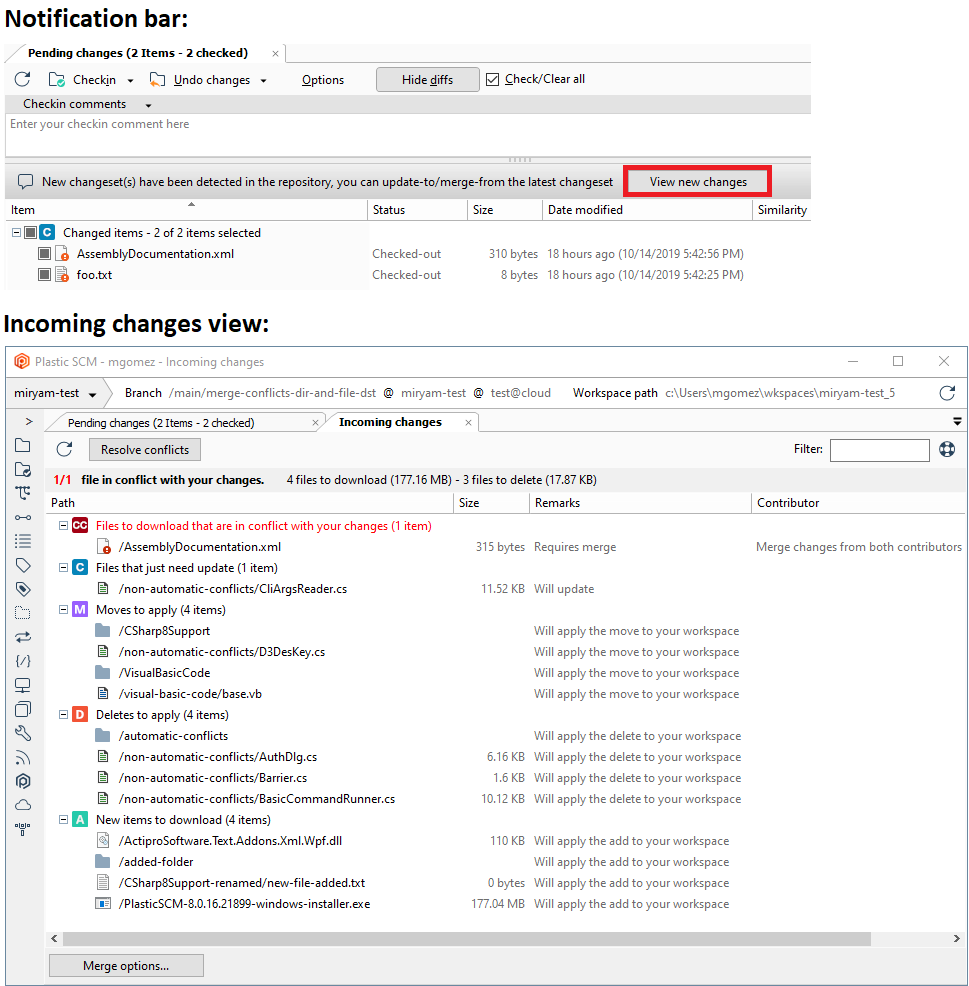
* When you try to checkin changes, but there are new changes in the working branch, the "Incoming Changes" view is displayed. In this case, we display a help tip to help to understand that you need to first resolve incoming changes, before checking in your changes.
**Screenshot:**
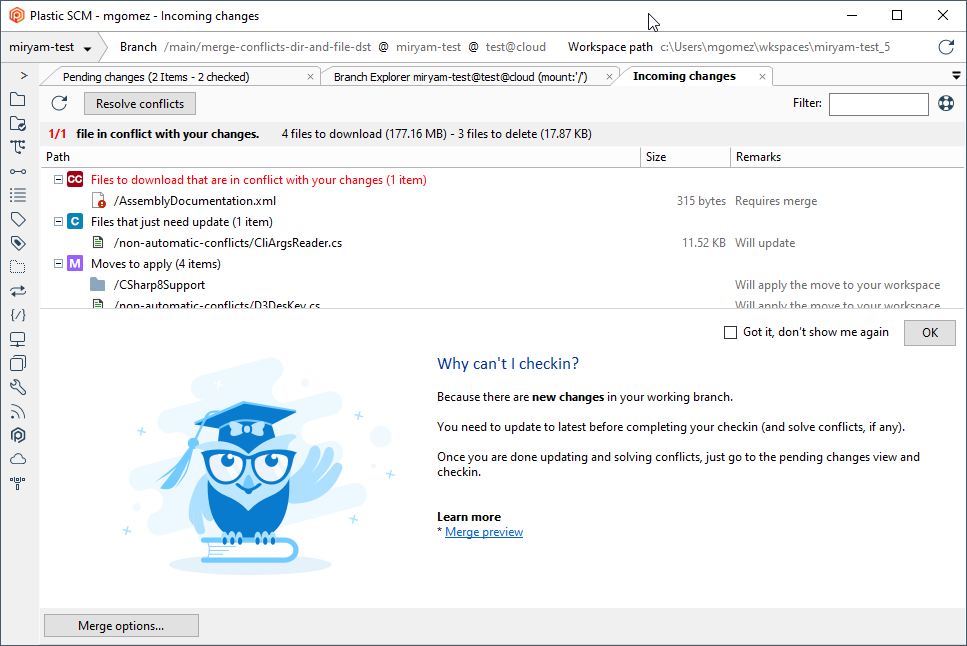
This feature is experimental yet. You need to manually activate it, adding the following line in the client.conf configuration file, that is located at %LOCALAPPDATA%\plastic4 folder:
```text
yes
```
### Bug
#### macOS - Plastic, Gluon
macOS - Plastic, Gluon: In old macOS version such as 10.9.5, several unexpected error messages popped up when running both GUIs, Plastic and Gluon. The way we try to get macOS appearance (Light/Dark) failed. Now it's protected.
#### Windows - Gluon
Windows - Gluon: Under some circumstances, the "Explore Workspace" view didn't focus a file after using the search files dialog. Now it's fixed.
***
## 8.0.16.3626
> **Note:**
>
> **Public** | 2019-10-14
### New
#### macOS - Plastic
macOS - Plastic: Merge view - Greatly improved UX!
We've done a UX review and decided to change texts and explanations. We also removed some outdated icons to save vertical space.
We updated the "Process all merges" button caption to make it a bit more descriptive:
* If there are file conflicts pending to resolve, the caption is set to "Resolve conflicts". By clicking this button, the merge view will merge the pending file conflicts in batch (it will preserve the file conflict resolution of the already resolved conflicts). Note that all directory conflicts need to be resolved before clicking this button!
* If there aren't any file conflicts, it means the merge just needs to apply changes done in the source contributor (and selected directory conflict resolutions, if any). So, the button text is set to "Apply changes". Screenshot:
**Screenshot:**
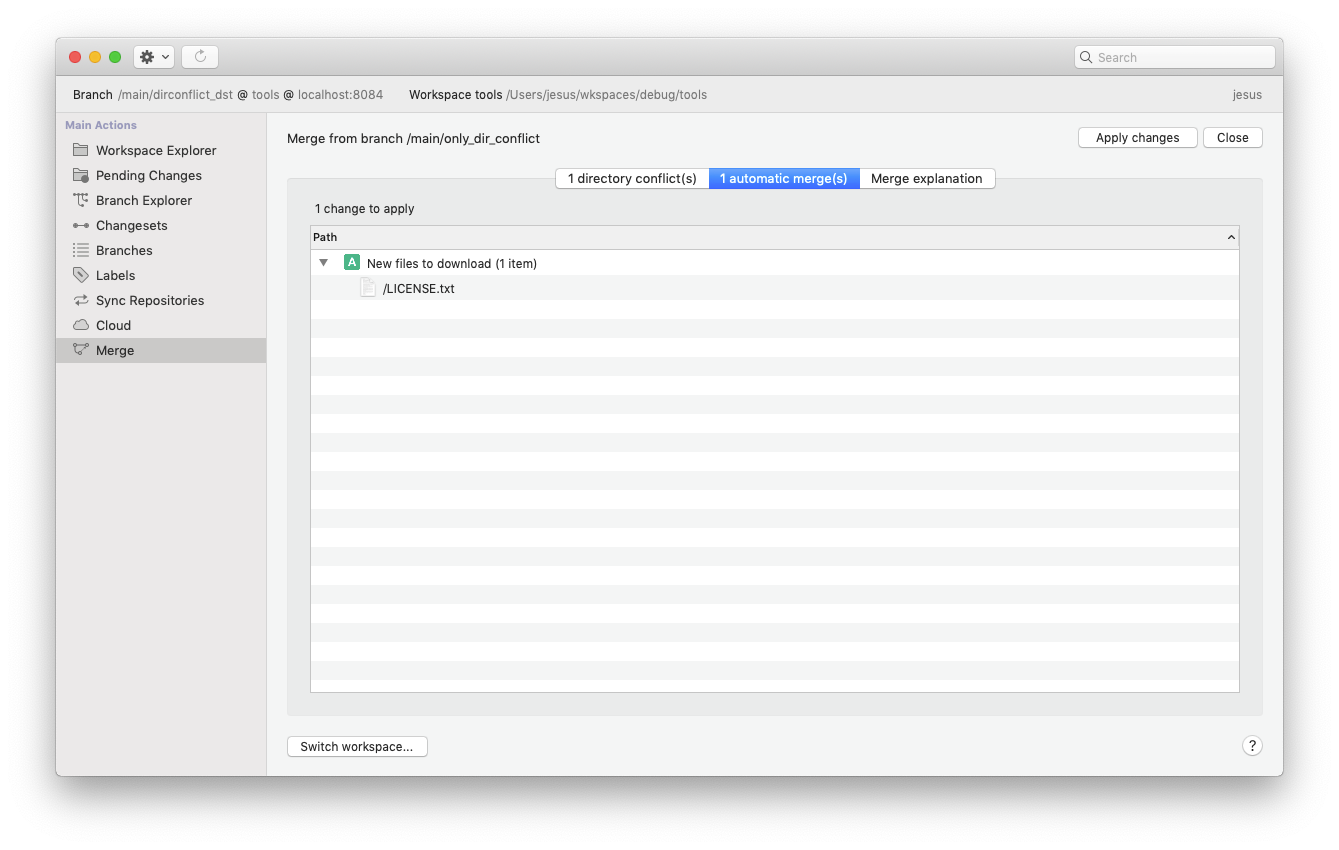
Detailed description of changes done on different merge view tabs:
"Directory conflicts" tab:
* Now the first directory conflict is automatically selected.
* There is a red counter telling the user the number of pending directory conflicts to resolve vs total directory conflicts.
* The "Resolve directory conflict" button for the selected conflict is moved to the top if the pane, to make it more visible (before this release, it was located at the bottom of the view, and sometimes it was invisible to the user!)
* When resolving all the directory conflicts, the merge view jumps to pending "file conflicts" tab (just if there are pending file conflicts to resolve).
**Screenshot:**
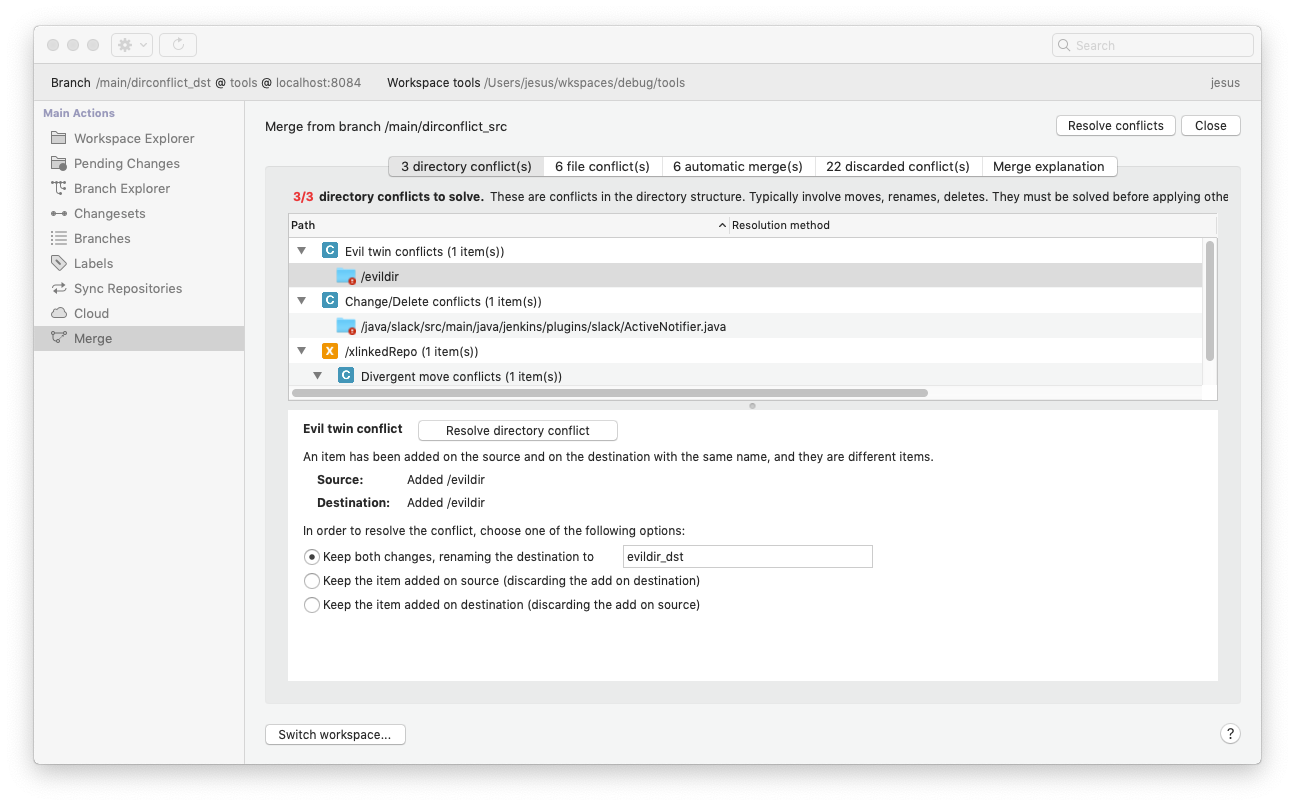
* The counter turns green when no pending directory conflicts left.
**Screenshot:**
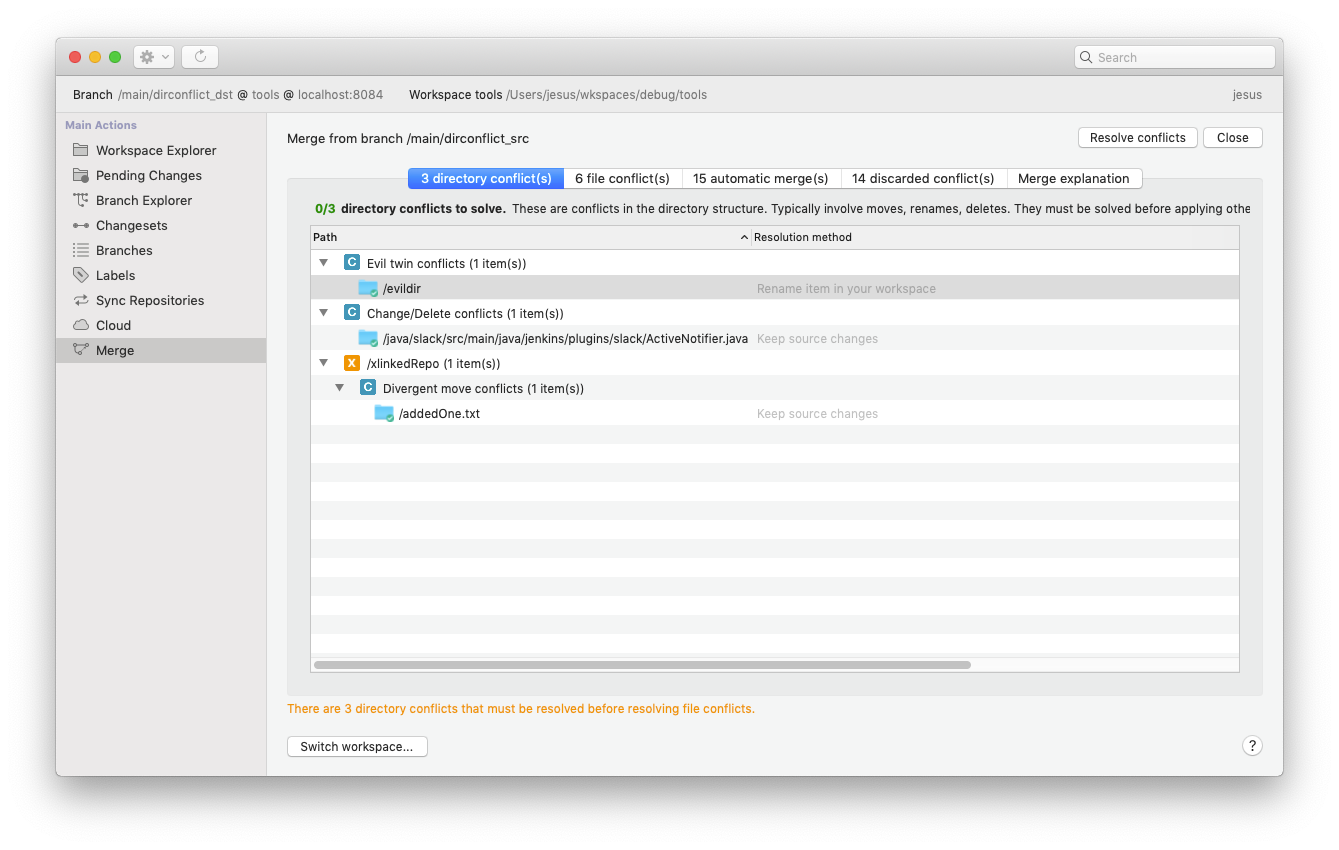
"File conflicts" tab:
* There is a red counter telling the user the number of pending file conflicts to resolve vs total file conflicts.
* The counter turns green when no pending file conflicts left.
**Screenshot:**
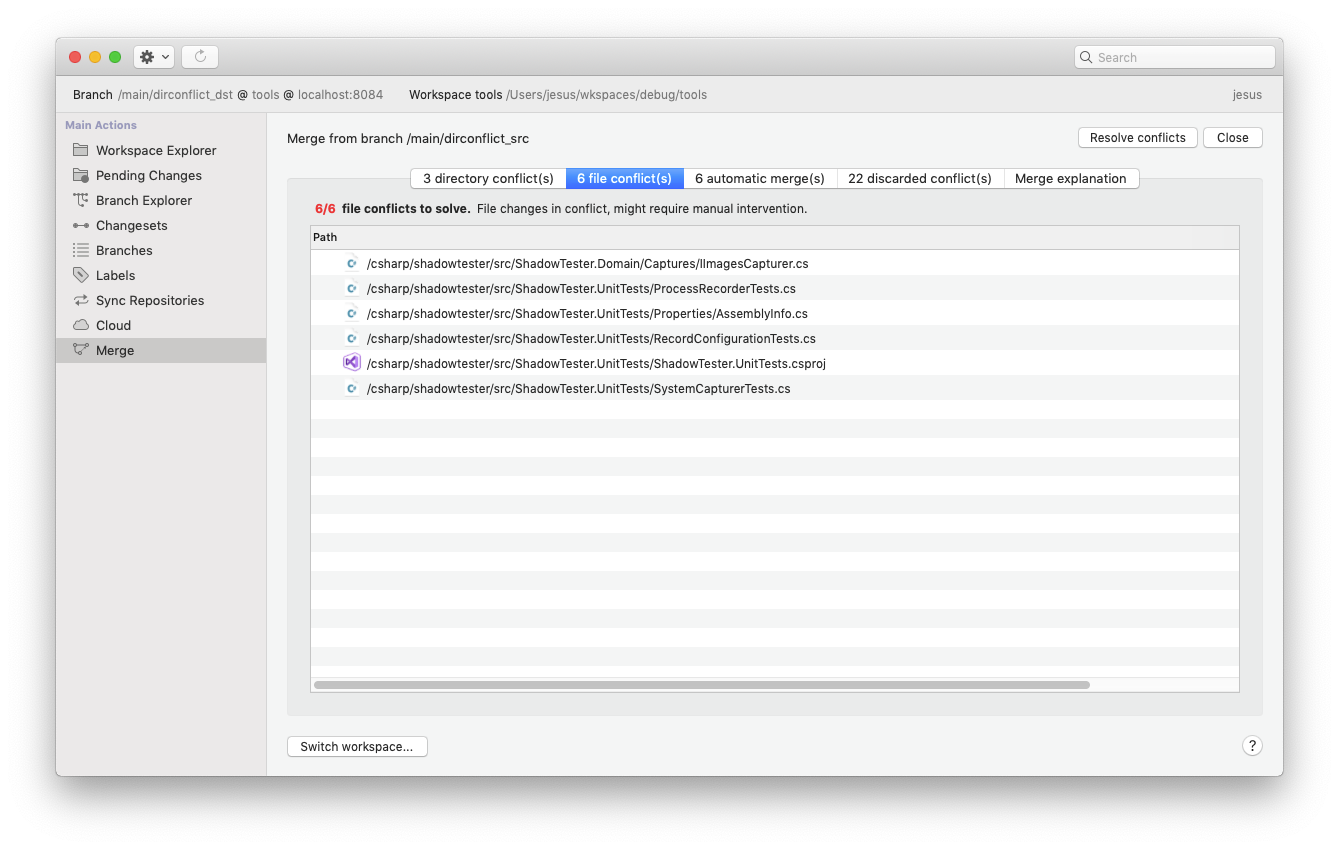
"Automatic merges" tab:
* Apart from text changes and icon removal, the categories in this tab (deletes to apply, moves to apply, etc.) will be collapsed if the number of items is >= 10.
**Screenshot:**
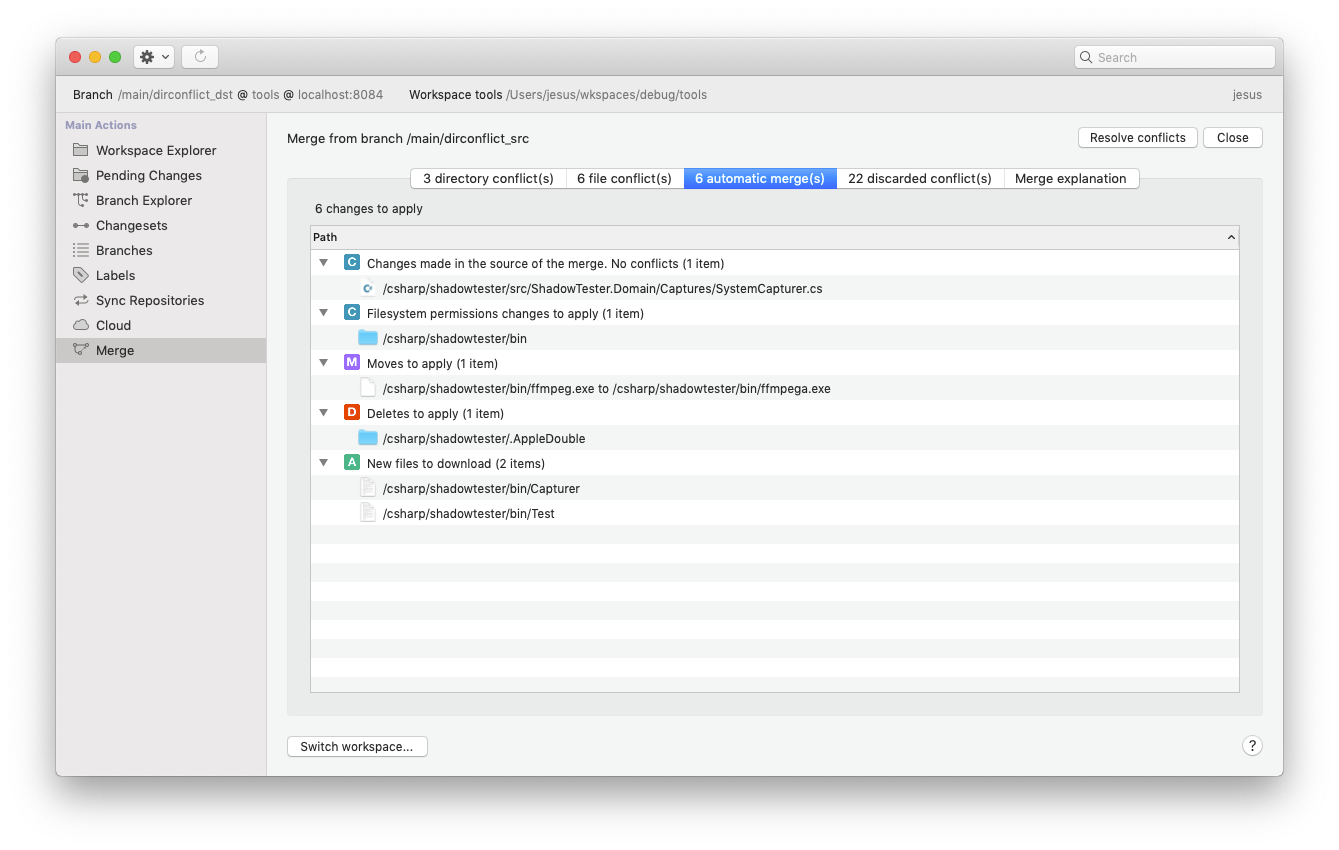
"Discarded conflicts" tab:
* Just text changes and icon removal.
#### All platforms - Plastic
All platforms - Plastic: we renamed the "Apply local changes" context menu option in the Pending Changes view to "Checkout". This way it is easier both for newcomers and experts to understand what that menu option really does!
Long story: We refused to write "checkout" because for us it means "hey, tell plastic I'm going to work on a file and optionally lock it if the file is lockable", but for Git users it just means "update/download". But, yes, we were wrong. "Apply local changes" means nothing to most of you.
#### Windows - Plastic
Windows - Plastic: After a UX review, we improved some texts and explanations in the merge view.
* The "recalculate merge" button is now a standard "refresh" button. We moved it to the left-upper corner.
* We use red/green colors depending on how many conflicts remain to be resolved.
* We improved some help texts.
* The automatic merges in file conflicts tree (deletes to apply, moves to apply, etc.) are collapsed when the number of children is greater than 10.
This is the result:
**Screenshot:**
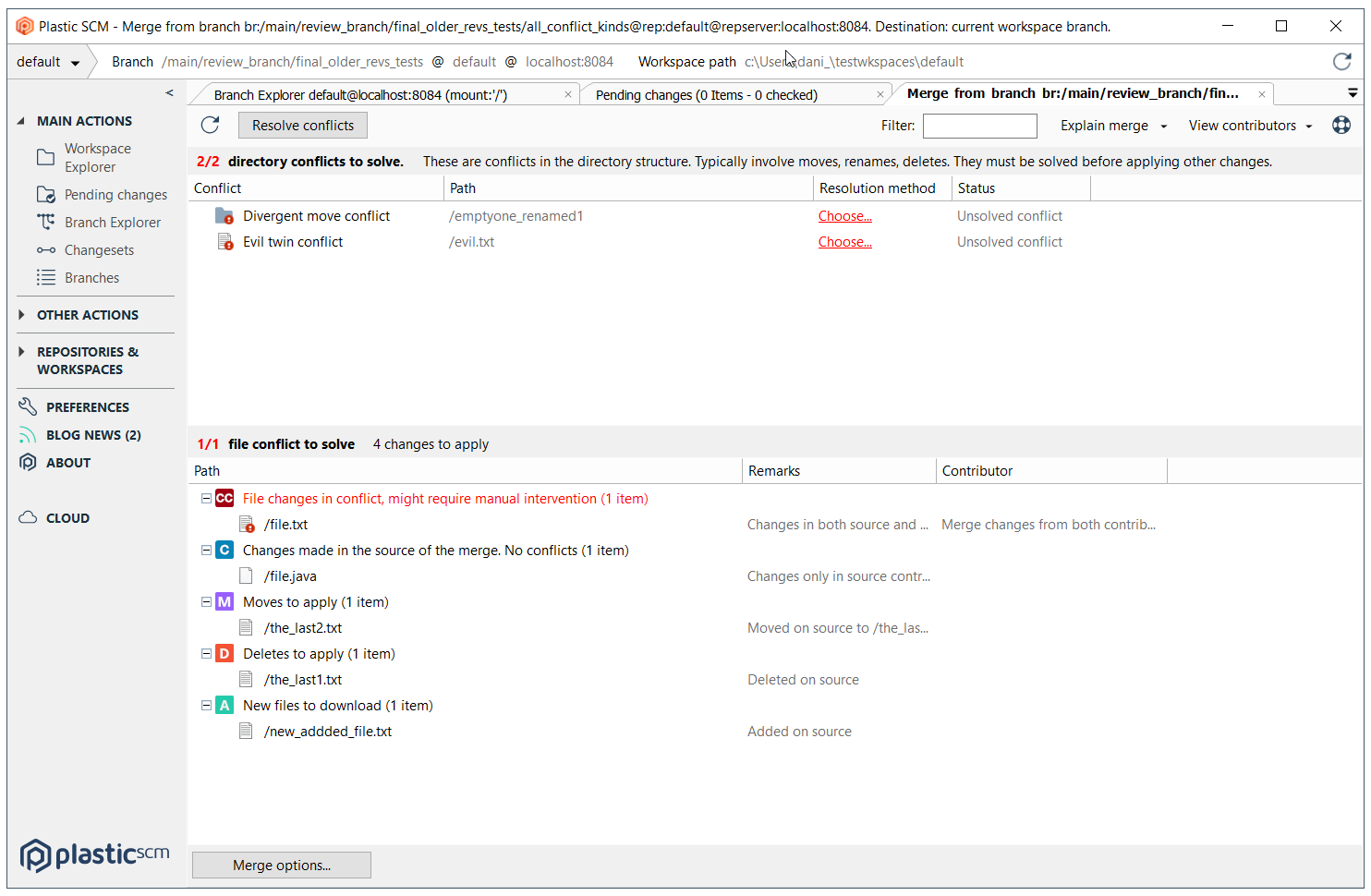
And the comparison before and after:
**Screenshot:**
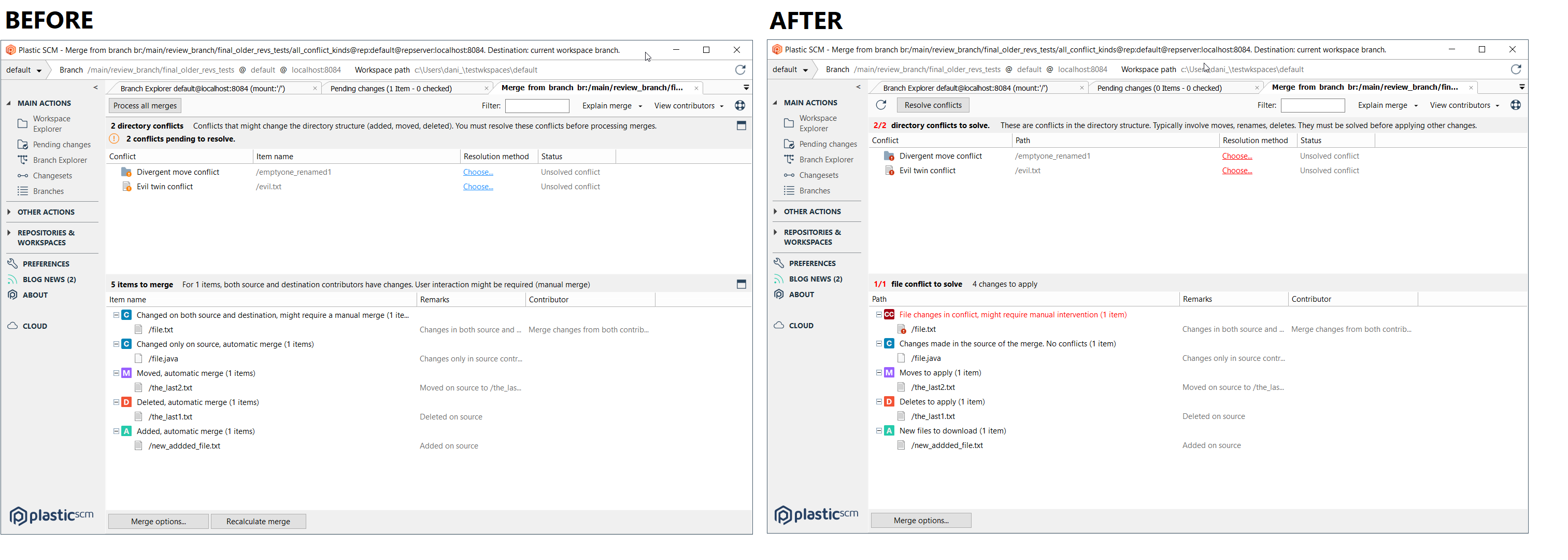
***
## 8.0.16.3621
> **Note:**
>
> **Public** | 2019-10-11
### New
#### All platforms - GUI
All platforms - GUI: You can specify a default list of values for attributes now! You just need to include a line like the following in the attribute comment:
```text
default: value_one, "value two", value3, "Final value"
```
The GUIs will scan the attribute comment to find that line and then they'll parse that list of comma-separated values to populate the drop-down list of suggested values whenever you want to apply the attribute to an object.
This is particularly useful when you use our Mergebots, to let all users know which are the expected values they're monitoring.
Bear in mind that if you define a list of default values, you won't see other non-default values that the attribute might have in other objects being suggested in the GUIs.
#### macOS, Linux - Plastic
macOS, Linux - Plastic: you can now specify a comment when creating a new Attribute, just like your Windows-using colleagues.
Here is how it looks on macOS:
**Screenshot:**
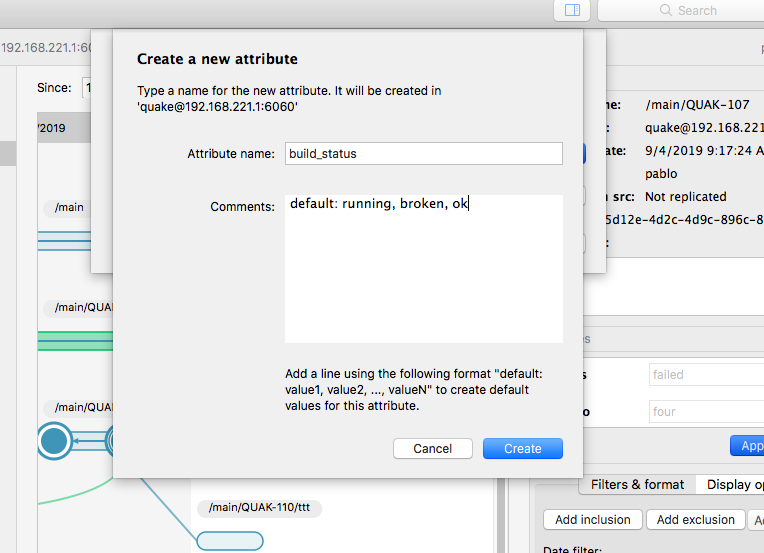
And Linux
**Screenshot:**
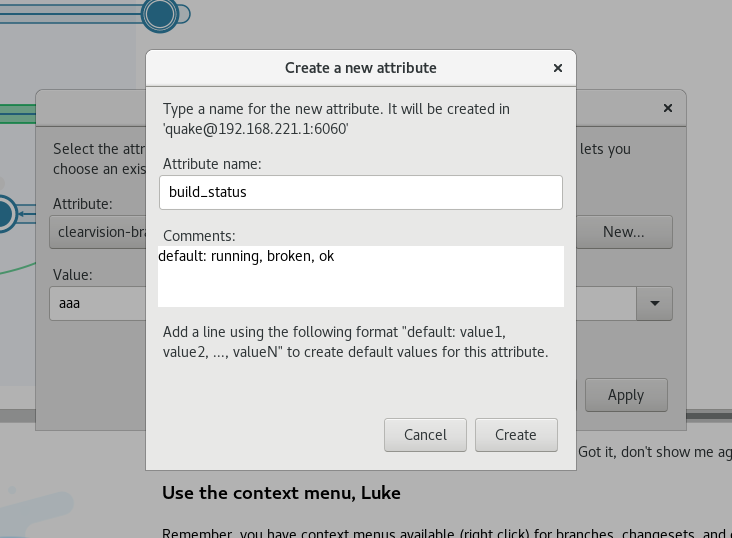
#### Windows - Plastic
Windows - Plastic: now a new help text explains how to enter default values in attributes
**Screenshot:**
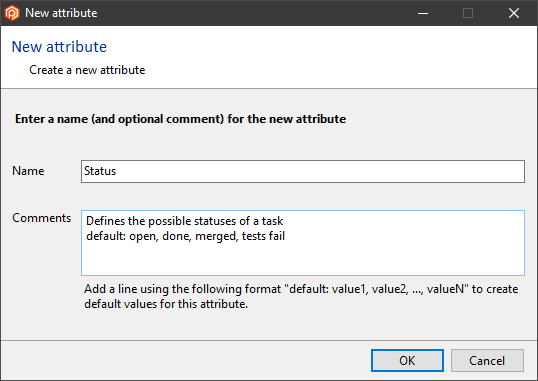
#### All platforms - CLI
All platforms - CLI: We added a new 'cm attribute edit' command that enables you to change the comment of attributes. You can use it as follows:
```text
cm attribute edit att:Status "This is the current status of the task branch in the CI pipeline. default: ready building failed merged"
```
This is especially useful to edit the list of default values available for an attribute!
#### All platforms - Server (Jet backend)
All platforms - Server (Jet backend): We made the 'delete changeset' operation more fault-tolerant. You'll be able to keep working with the same branch even if it fails! Before these changes the branch was left unusable, pointing to the deleted changeset - which no longer existed.
#### Windows - Plastic
Windows - Plastic: we added some help that explains how to do a great review in order to help users to discover how the new Code Review system works. Now you'll see how to add comments, add questions, request changes, apply or close a change request...
The help button is placed in the right top corner of the code review window.
Remember, right now, you need to launch the application with "plastic --codereview" to enjoy the new feature.
#### All platforms - Plastic, Gluon
All platforms - Plastic, Gluon: We added a new column called "Location" in all Workspace Views. It will display the currently loaded branch, changeset or label in each workspace. This is useful if you have many workspaces or if you have multiple workspace for the same repository: this new feature will allow you to know at a glance what you will find if you open a given workspace.
This is how it looks like in Windows:
**Screenshot:**
#### Windows - Plastic
Windows - Plastic: Recently, we added a feature in the new Code Review system that allowed a developer to mark the changes requested by the reviewer, as resolved, from the pending changes view.
The current mechanism did not allow to resolve several changes in one checkin, because when a change was selected, the text in the comment's TextBox was replaced. We fixed it by inserting the text in the comment's TextBox at the current caret position.
#### All platforms - Plastic
All platforms - Plastic: the Pending changes view will let you know if new changes have appeared in your branch since you last updated. There used to be an option to disable this alert, but we think it's a useful feature for everyone, so we removed the option and made the feature always enabled.
#### Windows - Installer
Windows - Installer: From now on, unattended installations of Plastic will update the system environment PATH variable with the client and server installation path.
Example of command to run the Plastic installer on unattended mode:
```text
PlasticSCM-8.0.16.3621-windows-installer.exe --mode unattended --unattendedmodeui none
```
#### Windows - Installer
Windows - Installer: From now on, unattended installations of Plastic will configure the Plastic Server with default values and start it up. This is done just when no previous Plastic Server installation was detected in the system.
#### All platforms - GUI and CLI
All platforms - GUI and CLI: We improved the message you get when your credentials are set to a user that doesn't exist. It was simply "User unknown", so now we ask you to check your credentials information. We also point out that the username check is case-sensitive.
#### Windows - Plastic
Windows - Plastic: We changed the "Rename" context menu option in the attributes view to "Edit"! It will now allow you to change the name *and* the comment of the attribute. This will make your life easier if you want to change the list of default values for the attribute.
### Bug
#### macOS - Plastic
macOS - Plastic: When you configure Plastic SCM Team Edition for the first time, a dialog shows up asking you your Plastic SCM server's address, and your credentials (if necessary). In that dialog, the Cancel and OK buttons were slightly cut out on the top. You didn't notice? Good! You did notice? That's now fixed!
***
## 8.0.16.3606
> **Note:**
>
> **Public** | 2019-10-07
### New
#### Windows - Plastic
Windows - Plastic: New Code Review system: applied some usability improvements code review window layout:
* The comments and summary panels are now collapsible in order to allow the user to increase the available size of the diff viewer.
* The summary panel is displayed as collapsed when there are no changes or questions to show.
* When the changes and questions lists are empty, we display an empty state message, instead of the empty list.
* The comment list will only appear when there are comments (old legacy review comments) to show. Note that the new Code Review system is designed to encourage users to use only 'Changes or Questions'.
**Screenshot:**
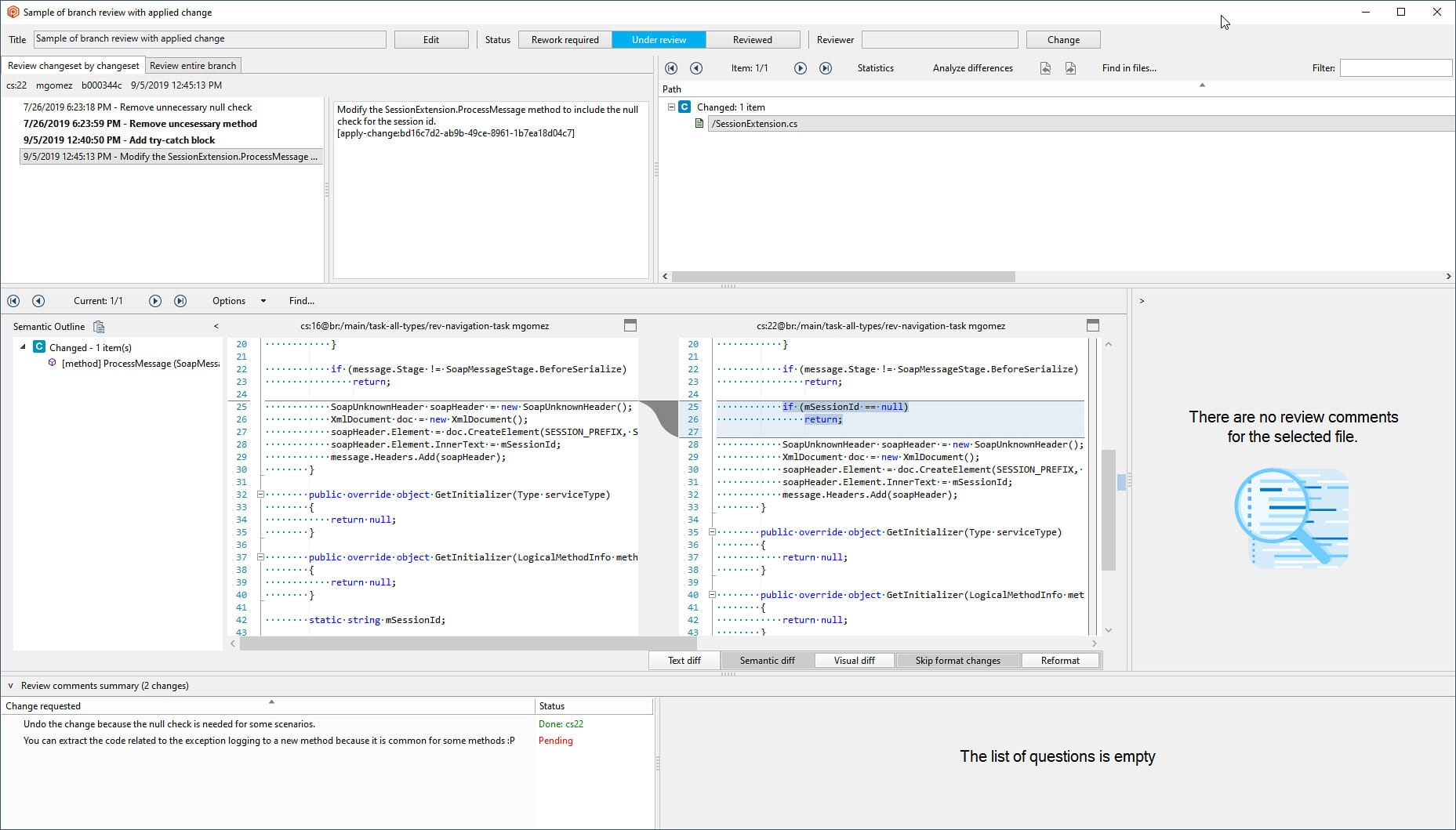
Remember, right now, you need to launch the application with "plastic --codereview" to enjoy the new Code Review feature.
#### All platforms - Plastic, Command line client
All platforms - Plastic, Command line client: we made adding files to source control even faster by making the file type determination more efficient. In our testing, adding 300,000 files is now twice as fast.
#### All platforms - Plastic, Command line client
All platforms - Plastic, Command line client: we were generating excessive quantities of log information when adding files to source control. We pruned this a bit, and have achieved some significant improvements in the performance of "cm add" in the CLI and "Add directory tree to source control" in the GUI when logging is enabled. In our testing, adding 300,000 files is around 5 times faster.
#### Linux - Plastic
Linux - Plastic: We've made it easier to filter the Branch Explorer to show only those changesets you want. Now you can easily show changesets from the last week, 15 days, month, 3 months, or since any specific date.
Here's how it looks:
**Screenshot:**
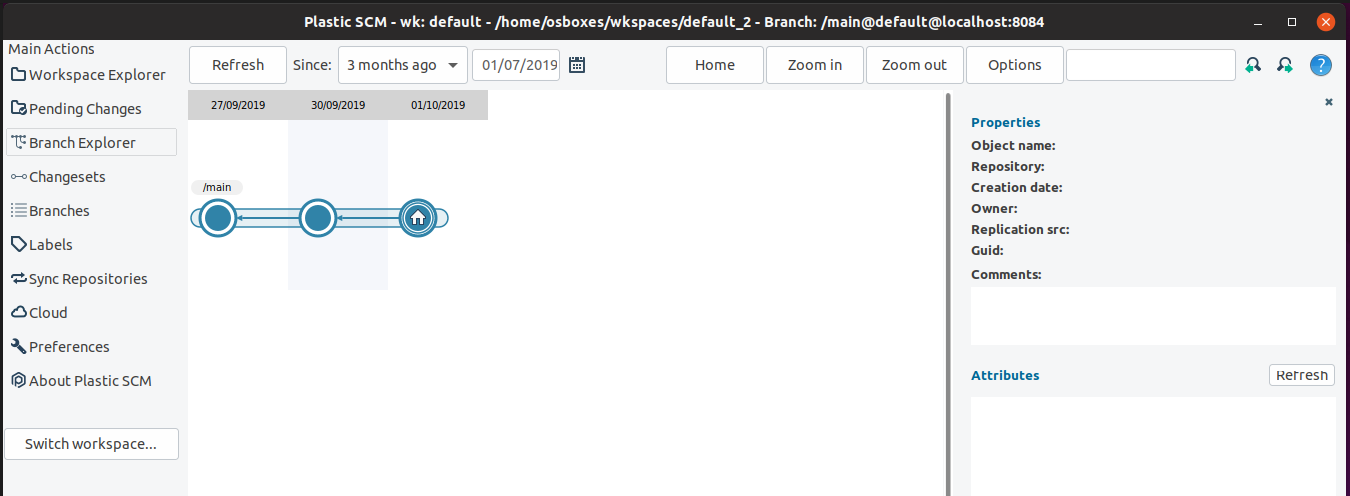
#### All platforms - Plastic
All platforms - Plastic: The Branch Explorer got enhanced! We extended the conditional format capabilities -which were previously available only for branches- to changesets and labels. You'll find new menu options in the "Custom format" button menu to add rules for labels or changesets using find-like queries. Give some color to your Branch Explorer!
Here is how it looks in Windows...
**Screenshot:**
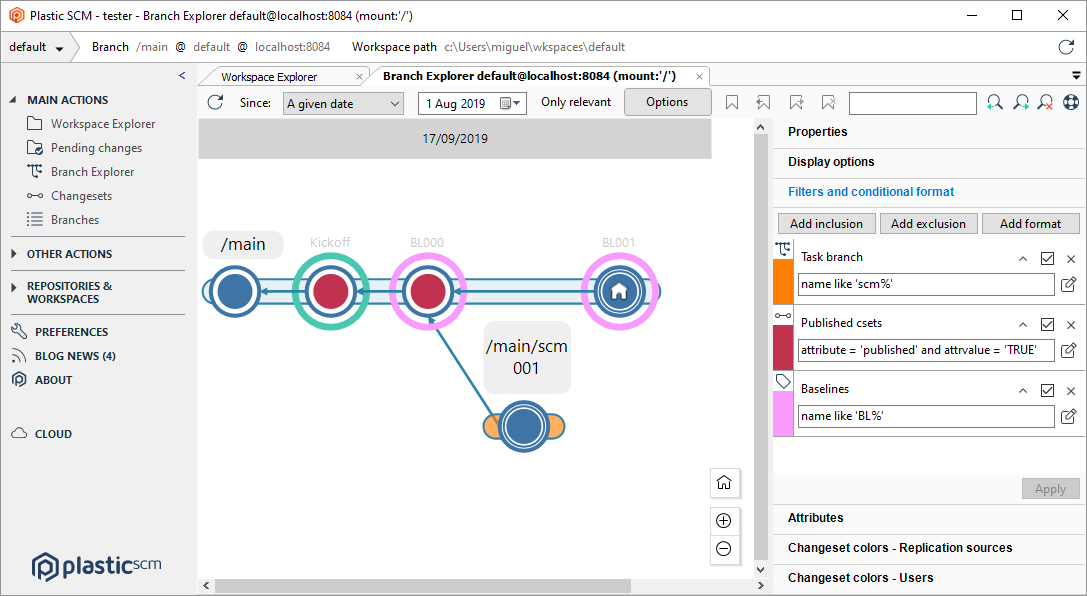
...in Linux...
**Screenshot:**
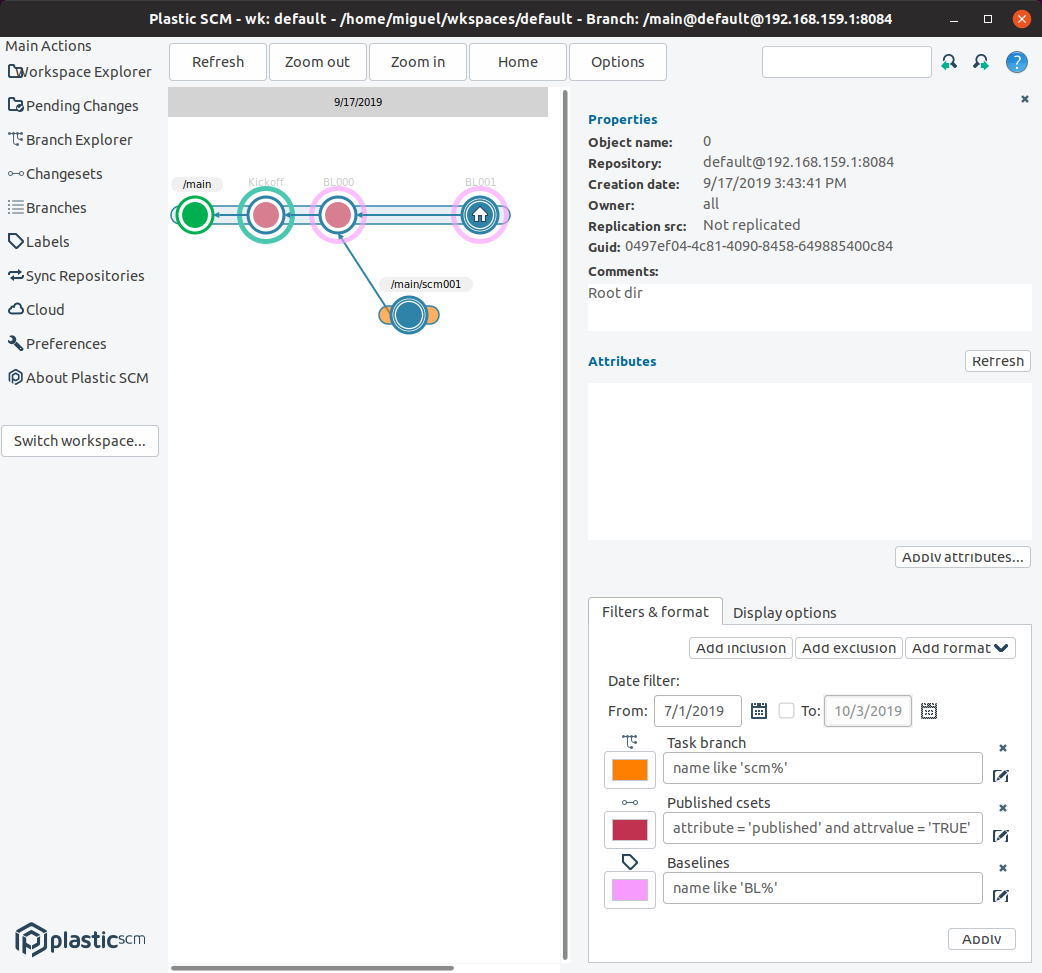
...and in macOS!
**Screenshot:**
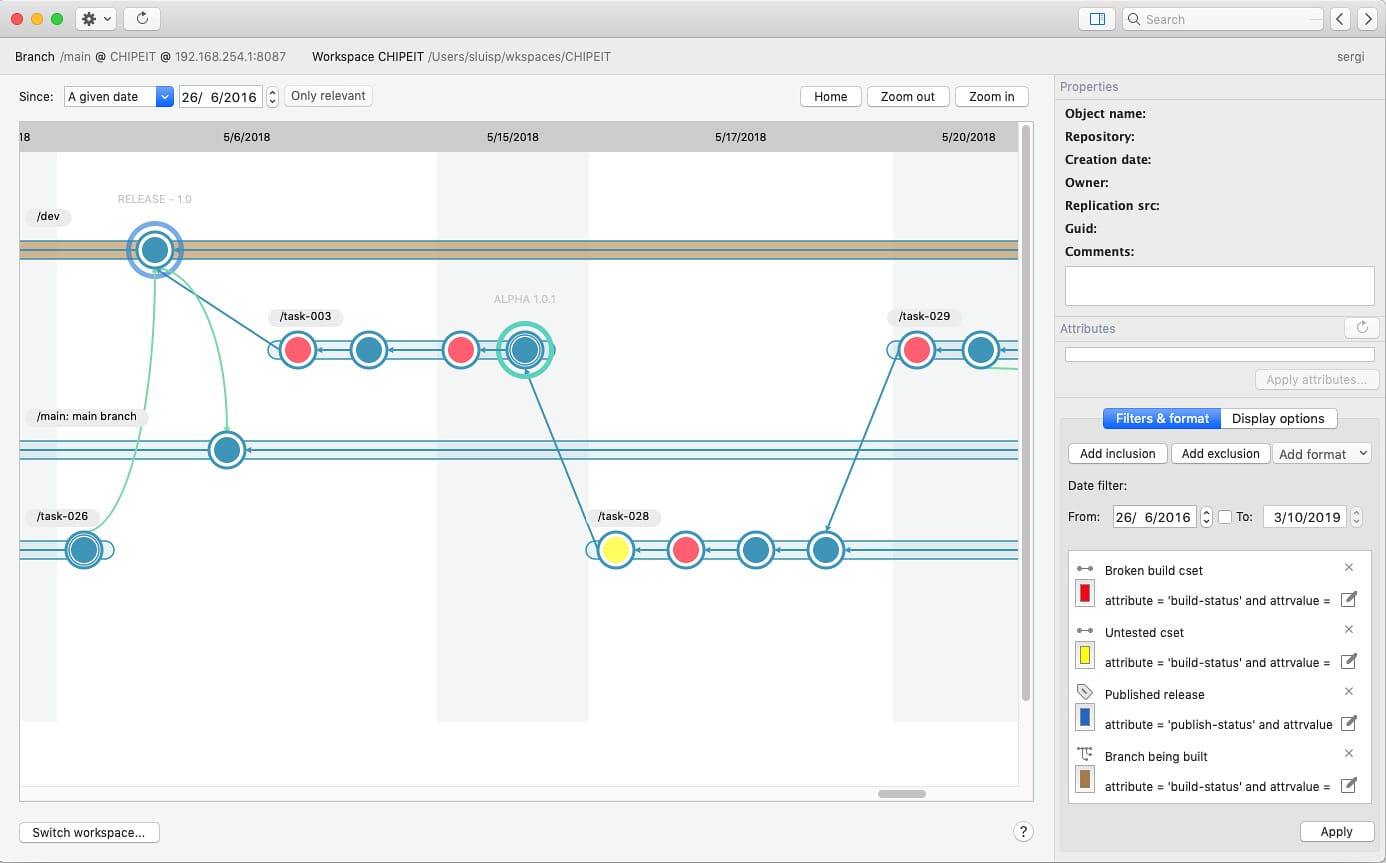
### Bug
#### Server
Server: some users had issue where their internal database files has invalid versions. We added some code to detect and correct this issue.
***
## 8.0.16.3594
> **Note:**
>
> **Public** | 2019-10-02
### New
#### All platforms - CLI
All platforms - CLI: You can now edit Xlinks in partial workspaces using the command line.
You can always edit a read-only Xlink to change the content that you are loading using it.
But you cannot do the same with a writable Xlink. You can only edit it to change the target branch and only until someone creates a change under the writable Xlink.
This happens because partial workspaces always point to the branch head, including writable Xlinks. As a result, writable Xlinks only care about branches instead of changeset IDs... even if you still have to specify changesets to create them.
#### Windows - Plastic
Windows - Plastic: New Code Review system: If users apply the requested changes in a code review while having the code review window opened, the window will be updated correctly showing the requested changes as "Done", and the new changesets created as well.
#### Windows - Plastic
Windows - Plastic: You can have multiple Branch Explorer windows open at the same time, showing different repositories. This means, if you're not paying full attention, you can switch to a branch or changeset that you didn't mean to and have to wait patiently while your workspace is overwritten by data from the wrong repository. You can switch back of course, but it can waste a lot of time.
We've added extra warning text to the confirmation dialog when we see that you are about to switch to a different repository, to reduce the chance of this mistake occurring.
#### Windows - Plastic
Windows - Plastic: We've added dynamic date filtering to the Branch Explorer. You can easily set the Branch Explorer to show changesets from the past week, month or year. Most importantly, the filter updates dynamically so that it always only shows changesets within the specified time frame. Check it out in the gif below!
**Screenshot:**
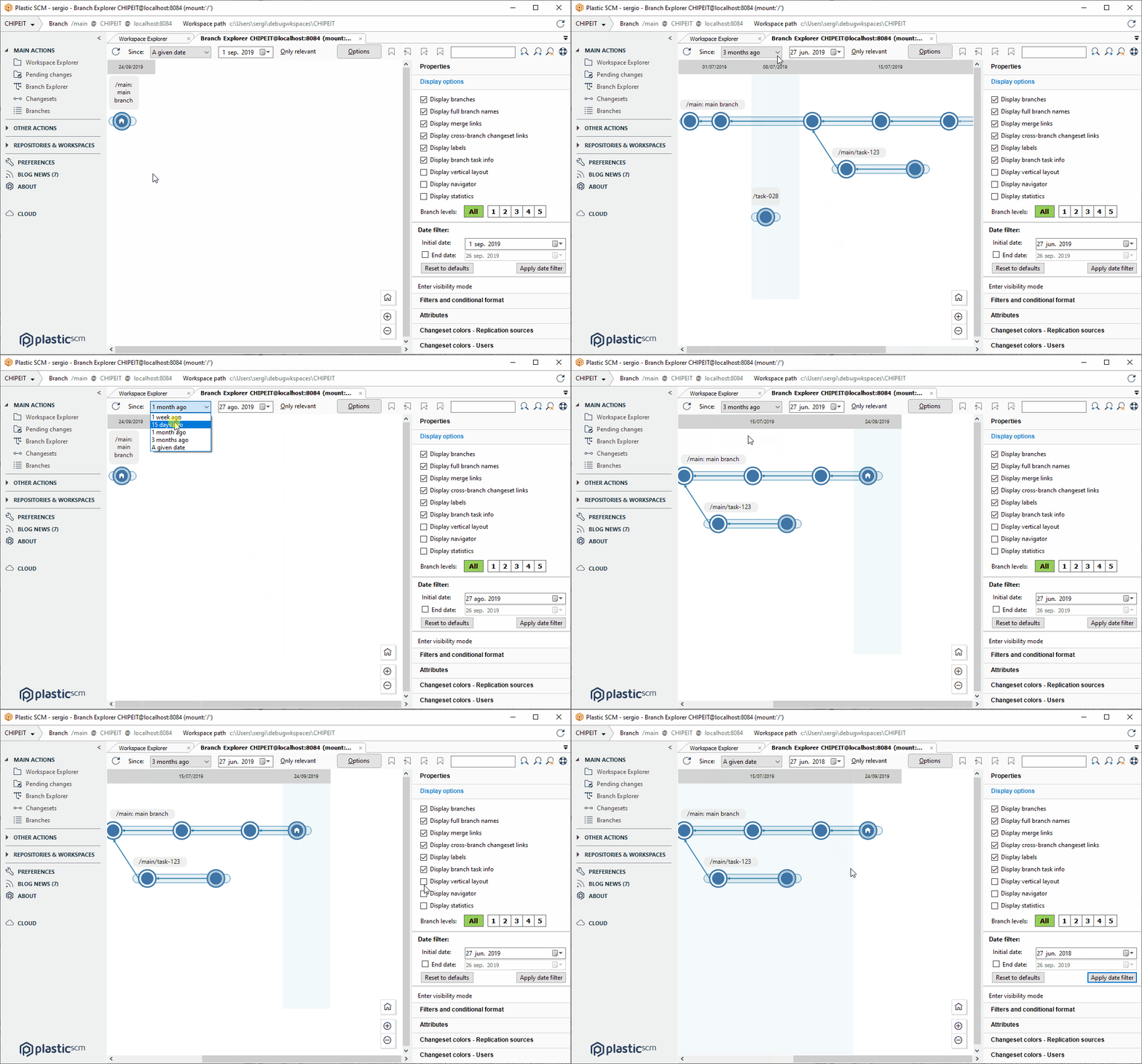
#### Windows - Plastic
Windows - Plastic: The Workspace Explorer did not display errors properly. Now it's fixed.
#### macOS - Plastic
macOS - Plastic: We've added dynamic date filtering to the Branch Explorer. You can easily set the Branch Explorer to show changesets from the past week, month or year. Most importantly, the filter updates dynamically so that it always only shows changesets within the specified time frame. Check it out in the gif below!
**Screenshot:**
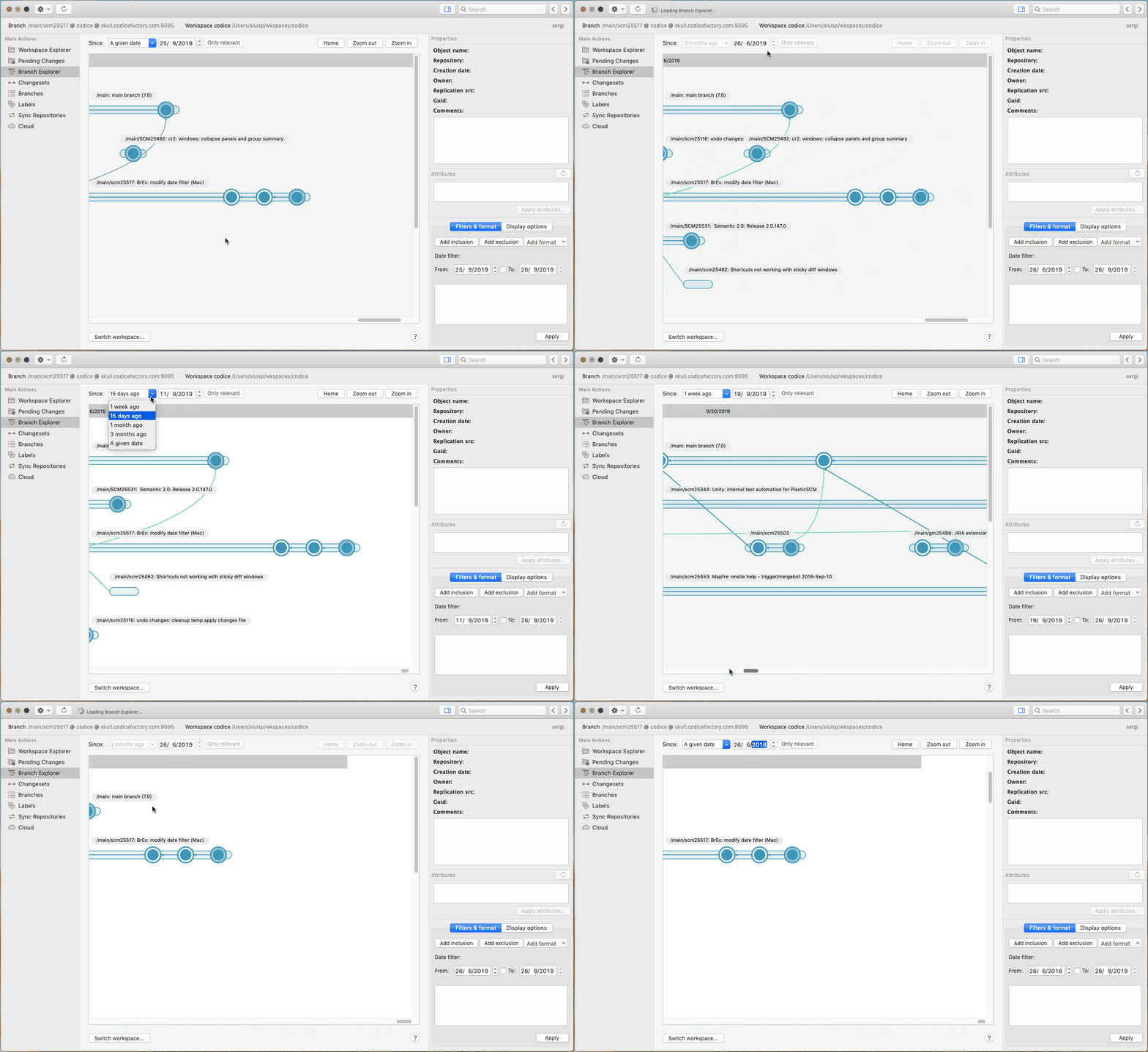
#### All platforms - Command line client
All platforms - Command line client: Now the "cm licenseinfo" command prints the information it was missing before for servers with Unlimited Users licenses. The information we omitted (because we considered it was somehow useless, sorry about that!) was the number of active users (the number of available users is useless if you have an unlimited number!) and the list of active and inactive users. Now, Unlimited Users licenses will see something like this:
```text
$ cm licenseinfo
License information: server: very-secret-machine.home:8085
License information:
Licensed to: [c0d1c3]Personal license to test UnlimitedUsers
Expiration date: Unlimited
Edition: team
Total licensed users: Unlimited
Total active users: 2
License usage:
User Status
----------------------------------------------
sergio ACTIVE
pedro ACTIVE
borja INACTIVE (Not licensed)
enrique INACTIVE (Not licensed)
```
Remember that you have some useful flags to further filter the users list - for example:
```text
Print only active users:
$ cm licenseinfo --active
Print only inactive users:
$ cm licenseinfo --inactive
```
#### Windows - Plastic
Windows - Plastic: Maybe you already know Plastic installation contains semantic merge tool feature out-of-the-box. However, in order to enable java files to be semantically merged, it is required a valid Java Virtual Machine (version >= 8). But, if no valid Java Virtual Machine is found, the merge operation for a java file will automatically fallback to regular, embedded text-based mergetool (a.k.a. XMerge tool).
#### Windows - Plastic
Windows - Plastic: Added a dropdown button to the pending changes view to resolve pending Code Review change requests.
The new Code Review system allows the reviewer to request changes by the developer. Then, the developer can set those changes as resolved using pre-defined text in the checkin comment.
We added a dropdown button next to the checkin comment textbox:
**Screenshot:**
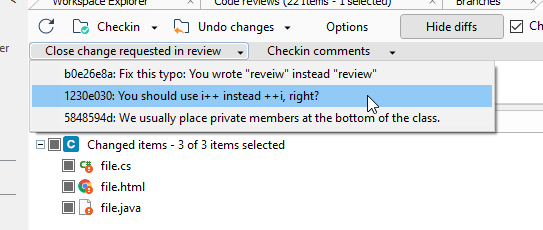
When the developer selects a change, the checkin comment text is automatically filled and, after checking-in your changes, the change will be marked as applied in the changeset.
**Screenshot:**
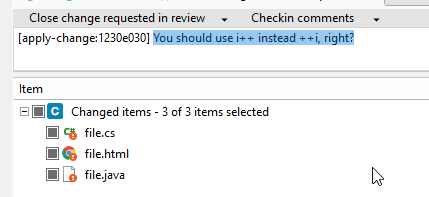
#### Command line client
Command line client: Now, the "cm lock unlock" command help shows an example about undoing an item lock on a cloud server.
#### Windows - Plastic
Windows - Plastic: Code reviews: Changed the default title. Now, it always use the reviewed object in the title.
Examples:
```text
Review of branch /main/scm15425 - Refactor FileSystem.cs
Review of changeset 88 - Improve performance in tree filtering
```
Also, improved the alignment of titles and edit boxes in the header of the review, that were wrong before.
### Bug
#### Windows - Gluon
Windows - Gluon: Pending changes data was not visible in the checkin changes view when the column names were modified in the localization files. Now it's fixed.
#### GitSync
GitSync: A "key duplicated" exception was thrown if two Git tags were escaped to the same name and they were not listed in a consecutive order. Fixed.
When pulling tags from Git to Plastic, the following characters in the tag are escaped: `~`, `^`, ` `, `\` and `..`. It can happen that two tags are escaped to the same name (such as `tag^3` or `tag\3`, both would be escaped to `tag-3`). Now, the second one is skipped.
#### Windows - Plastic
Windows - Plastic: fixed an issue related with the navigation keyboard shortcuts of the Differences window that prevented navigating in second and later windows.
The issue is quite easy to reproduce:
1. Open a first "sticky diff" from wherever - for example, the Branch Explorer, pressing the Shift key at the same time you double-click the object you want to diff.
2. Open a second "sticky diff", doing the same.
3. Try to navigate the files and differences on the second sticky diff using the sortcuts - before this fix you can't! You are navigating differences in the first diff window, regardless of it not having the focus!
#### Windows - Gluon
Windows - Gluon: The maximized state of the window was not correctly remembered when closing and reopening Gluon. Now it's fixed.
***
## 8.0.16.3576
> **Note:**
>
> **Public** | 2019-09-27
### New
#### All platforms - Plastic
All platforms - Plastic: We have removed an unnecessary warning message that was confusing a lot of users. It appeared if you clicked "Update Workspace" when you were already on the head changeset, and you had local changes.
In this situation we used to show a message telling you that you have local changes that you might want to undo, and it looked like we were reporting an error, when of course there was no problem. We will introduce a better way to let you know that you're already on the head changeset in a future release.
#### Windows - Plastic
Windows - Plastic: New Code Review system: Display a visual guide when creating a new comment.
Now, when you're creating a new comment, we highlight the line under the mouse when you're moving it. This guide helps to figure out the line number you're adding the new comment:
**Screenshot:**
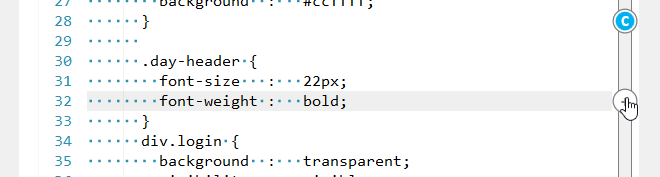
#### Windows - Plastic
Windows - Plastic: to help users discovering how the new Code Review system works, we added some help to the review comments panel that explains what happens and how to proceed.
* If the code review is empty, it will indicate to the user how to create a new comment.
* If the selected file has comments but no comment is selected, it will indicate how to view those comments.
Remember that for now you need to launch the application with "plastic --codereview" from a terminal in order to access the new feature.
### Bug
#### macOS, Linux - Command line client
macOS, Linux - Command line client: As you might know if you are a power user, you can use redirections with the "cm" command line client in order to get things done. For example, if we want to add all of the `*.txt` files in a given directory, we can do so as follows:
```text
$ cm ls *.txt | cm add -
```
However, this was not working good with the Checkin command because of the dynamic checkin progress. Now that's fixed! The following command should work as expected under macOS and Linux:
```text
$ cm ls *.txt | cm ci --private -
```
#### All platforms - Plastic, Gluon
All platforms - Plastic, Gluon: back in release 8.0.16.3400 we made the differences launched from the Item's History panel editable if the right revision was the one loaded in the workspace.
But this had an undesired side effect! If the revision loaded in your workspace had local changes, you would see these local changes in the differences... which is weird, because if you are looking into the history, you probably expect the content at the selected changeset, not the one in your workspace. So we reverted that change.
Launching a diff from the Item History panel will always show you the content at the given changeset - never from the workspace. And the diff won't be editable, even if you are diffing the revision currently loaded and unchanged in your workspace.
Remember that if you want to diff your current workspace content, you can do so from the workspace explorer - right click on an item, then "Diff with previous revision". Pending Changes also works, of course.
#### DevOps
DevOps: Jenkins CI Plug: We detected that in some Jenkins servers the anti-forgery crumb expires fast, preventing Jenkins plug to queue builds in Jenkins server. Fixed. Now the crumb is updated before performing any HTTP request to Jenkins server, if required.
#### All platforms - Plastic, Gluon, Command line client
All platforms - Plastic, Gluon, Command line client: When undoing changes with dependencies, if an error occurred whilst working through the chain of undo dependencies, we would sometimes leave some files in a temporary state. We now attempt to clean things up and put you back into a consistent state as you were before the undo operation.
Specifically, when undoing a file that was moved from "oldName" to "newName" and that undo depends on another undo which fails, we used to leave the file "newName" in a temporary location. We now move it back to where it belongs.
***
## 8.0.16.3568
> **Note:**
>
> **Public** | 2019-09-23
### New
#### All platforms - Gluon
All platforms - Gluon: We have implemented a new mechanism to avoid corner cases where some new items were not downloaded after the user had configured the whole repository because he wanted to download always everything.
Now, after a full configuration of the workspace happens, the workspace enters in a "full update" mode where every new item will be downloaded without relying in the granular directory configuration.
If the file '$workspace/.plastic/plastic.fullupdate' exists, then the full update is enabled for the specified workspace.
#### Windows - Plastic
Windows - Plastic: The new Code Review system now warns you when you try to change the status to 'reviewed' with required changes to apply or questions to answer.
**Screenshot:**
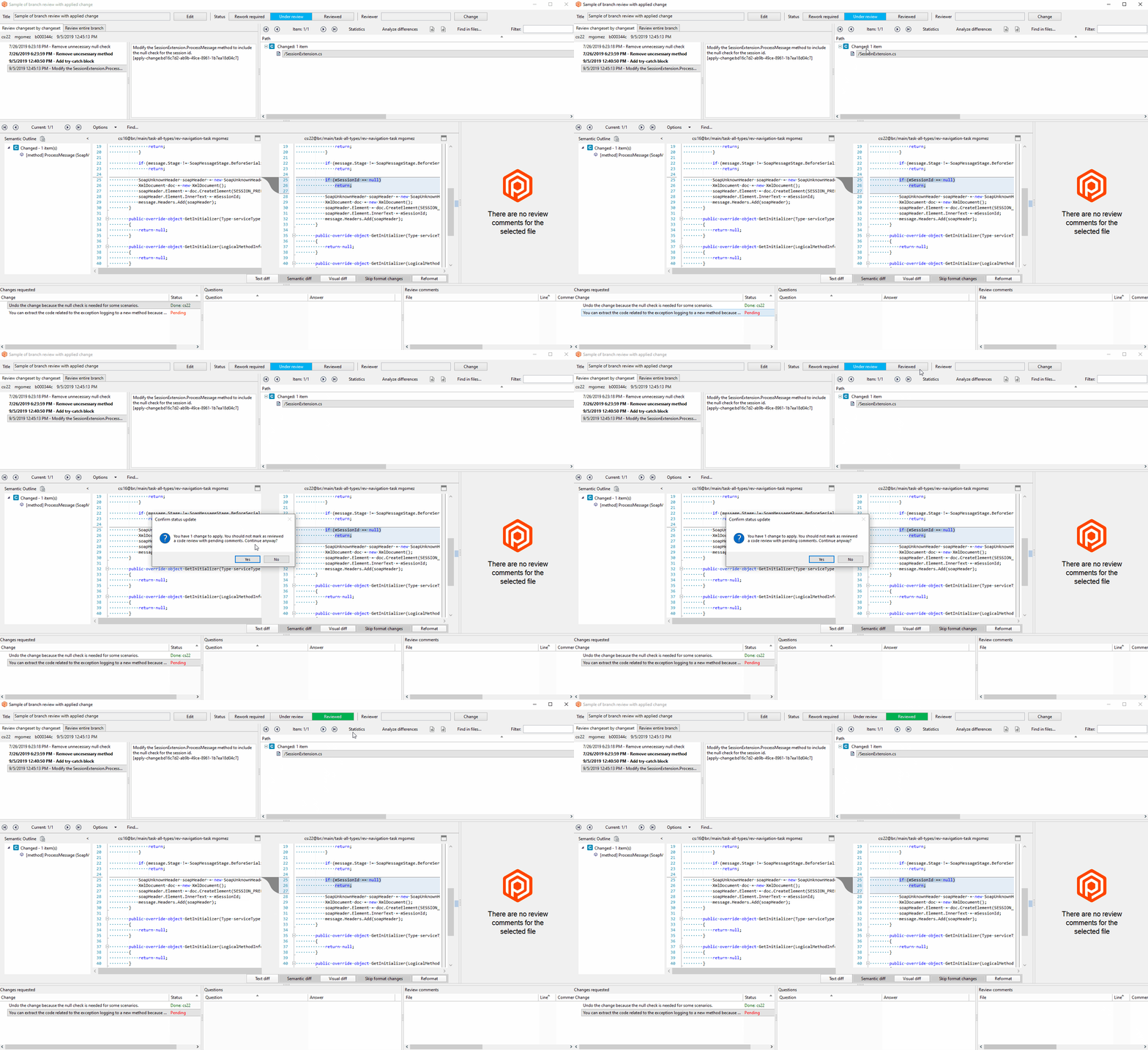
Remember, right now, you need to launch the application with "plastic --codereview" to enjoy the new Code Review feature.
#### All platforms - Gluon
All platforms - Gluon: The helpful download info message that lets you know in advance how much data your new workspace configuration will download now also updates in real-time when you select items from the search results.
Here's how it looks in Windows:
**Screenshot:**
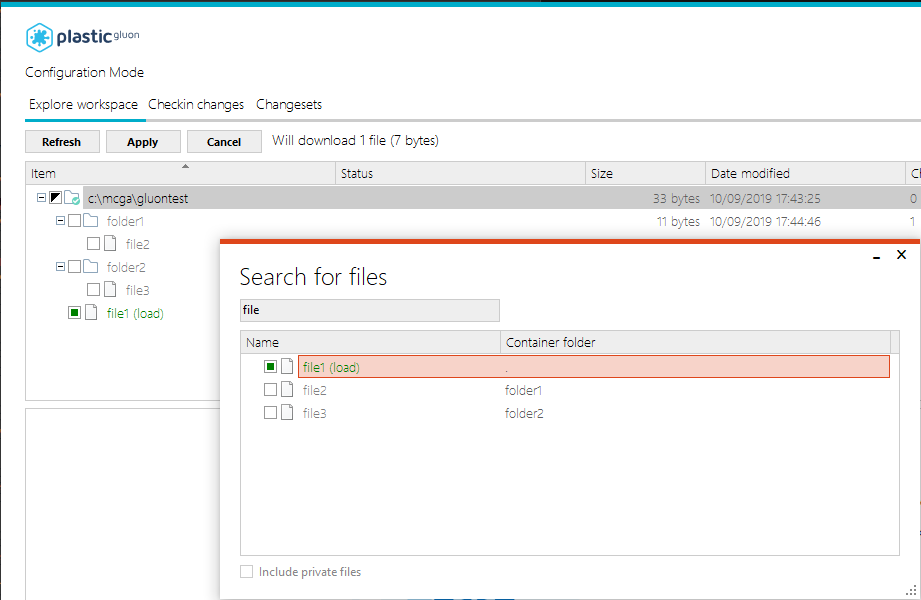
#### Windows, Linux - DevOps
Windows, Linux - DevOps: Greatly improved the mergebots and plugs configuration forms in WebAdmin.
We added collapsing to the different configuration sections, which radically simplifies use.
This is how it looks like now, with sections collapsed so you can understand the whole thing at a glance.
**Screenshot:**
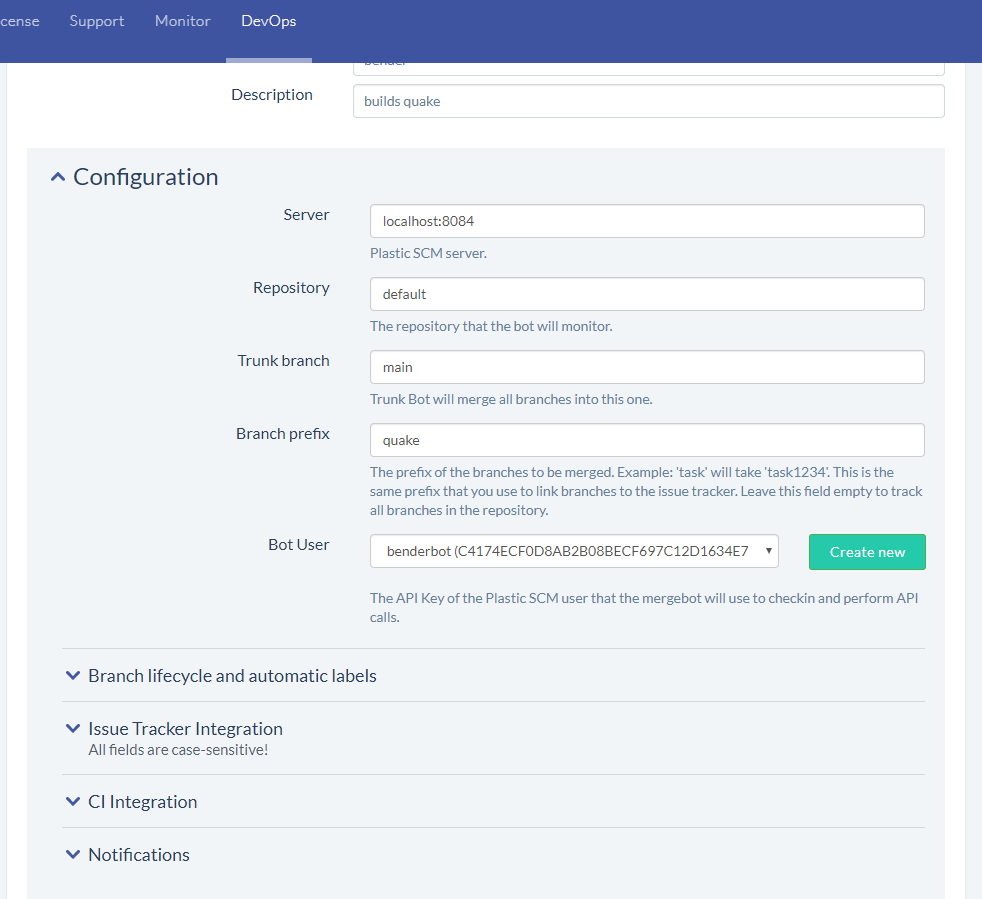
And then start expanding the section you need:
**Screenshot:**
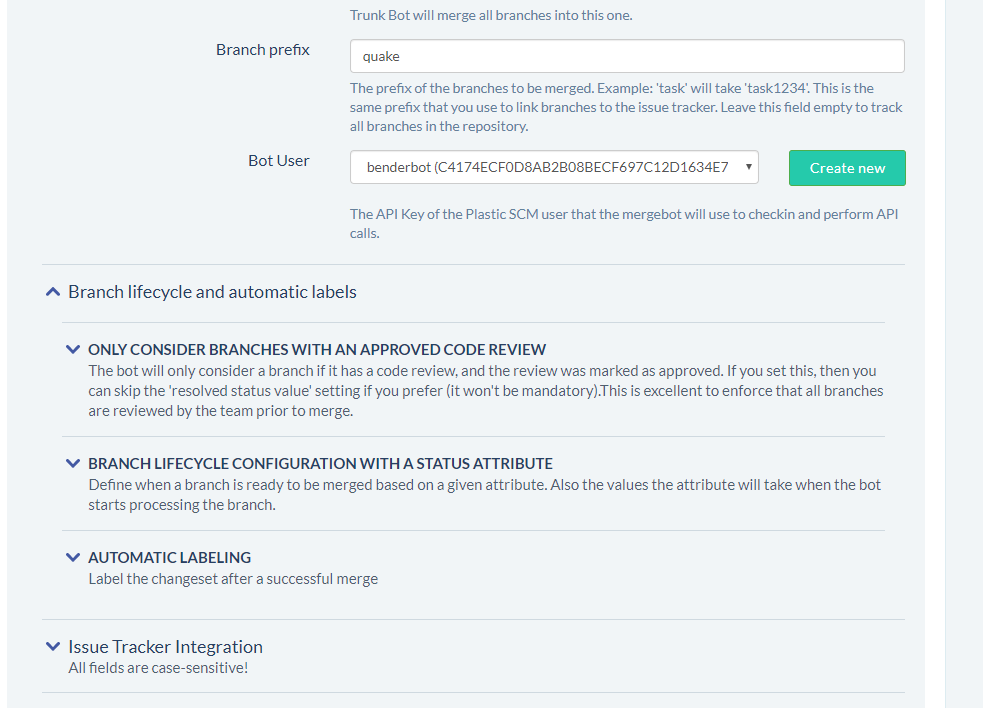
Finally, this is how it looked like before these changes. Hopefully, we greatly improved usability this time.
**Screenshot:**
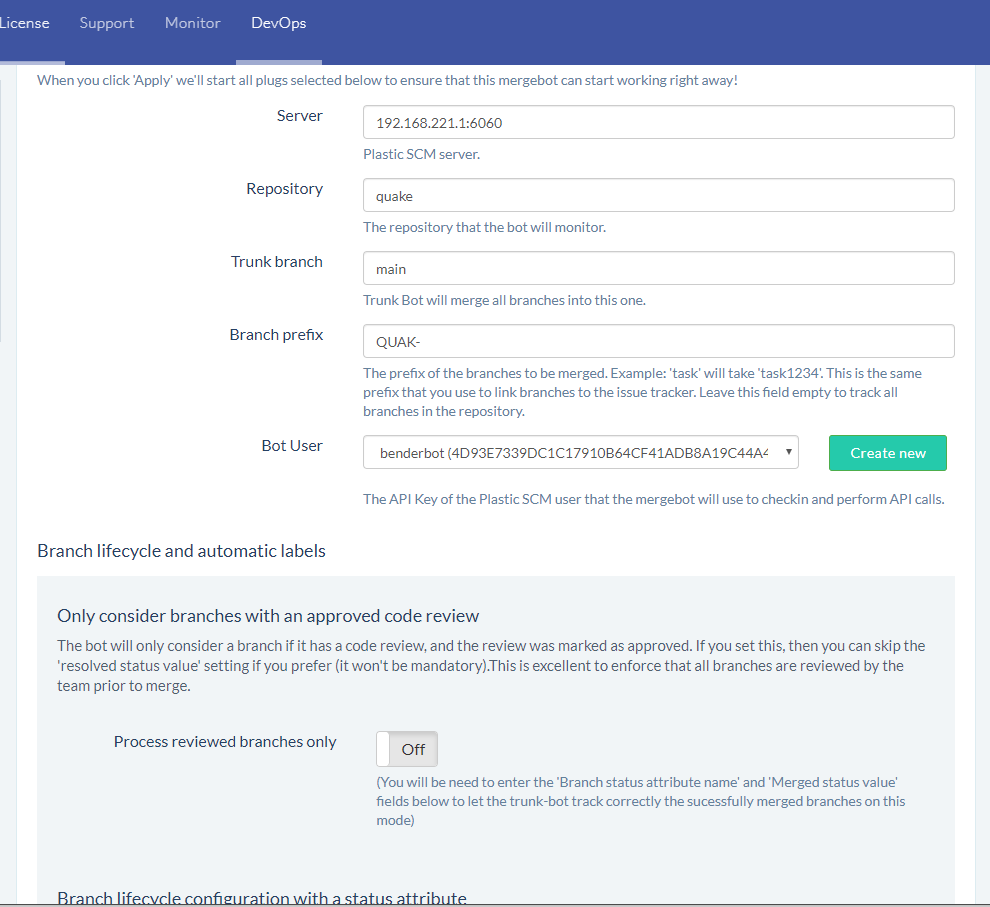
### Bug
#### All platforms - CLI
All platforms - CLI: When you run the 'cm undo' and 'cm unco' commands in a workspace and the loaded changeset doesn't exist anymore in the server (it was deleted elsewhere), you're prompted to confirm that you'd like all your current changes rolled back and your workspace switched to the last changeset in the current branch.
The problem is that this interactive behavior produced an infinite loop when the standard input was redirected (e.g. 'cm shell' in plugins, CmdRunner, custom scripts...). We changed that so whenever the stdin is redirected, the client aborts the operation and returns an error to prevent unexpected loss of changes.
To make this compatible with unattended/batch setups (e.g. plugins) we changed the behavior of the commands so that if you include both '--all' and '--silent' as CLI arguments, the client will automatically update the workspace to the last available changeset in the branch without any user interaction or output messages.
#### Windows - Plastic
Windows - Plastic: We noticed that Spanish users couldn't type the ']' character if they had a Diff Window opened. This happened because that character is triggered by the combination of the special key 'AltGr' of the Spanish keyboard and the '+' key. The 'AltGr' key is translated to Control + Alt, and the Diff Window has Control + '+' as the shortcut for "Next file". Therefore, the ']' character in Spanish keyboards was triggering the shortcut, rather than getting written. Kind of obscure but annoying nonetheless.
#### All platforms - CLI
All platforms - CLI: We fixed a corner-case scenario that prevented you from removing changesets. This happened if four conditions were met:
1- You ran the command in a workspace
2- You had pending changes in your workspace
3- The head changeset of the branch loaded in the workspace had the same ChangesetID as the changeset you wanted to remove
4- The changeset you wanted to remove belonged to another repository (not the one loaded in your workspace)
In this case, you were prompted with a message notifying you that you can't remove the changeset of the current branch while there are pending changes. That didn't make sense because the changeset you selected wasn't even in the same repository.
Fixed!
#### All platforms - WebAdmin
All platforms - WebAdmin: The Lock Rules and Merge Rules sections in the WebAdmin Configuration area weren't displaying the appropriate information in multi-instance environments. They read/wrote config files in the server binaries directory instead of the expected shared directory for those special environments. Fixed!
#### macOS - Plastic, Gluon
macOS - Plastic, Gluon: The "Browse" button in the first steps dialog (the one we show when you don't have configured the client yet) didn't work if the path to open contained spaces. It's fixed now!
#### All platforms - CLI
All platforms - CLI: Downloading revision contents failed if a proxy server was configured and unreachable. It will automatically retry the download against the main server now. This wasn't failing in the GUI.
#### Windows - Plastic
Windows - Plastic: Fixed a minor aesthetic issue in the "Create Label" and "Create Attribute" dialogs. The issue was related to positioning the comment TextBox in HDPI monitors. It didn't look its best, but it does now! Just so you can appreciate the aesthetic nuisance I'm talking about, check in the picture below the before and the after - notice how the Comments TextBox is a little bigger than it should?
**Screenshot:**
#### Windows - Plastic
Windows - Plastic: Fixed a nullref error that could happen on the following scenario:
* Fresh start of Plastic GUI.
* Run a merge from another branch. On this merge, semantic merge resolves automatically a file conflict. But there is a text file conflict on another file that requires user intervention.
* Finish the merge and open the pending changes view.
* Show differences for the text file that required manual intervention causing a nullref error.
Now this error is fixed. It was just an aesthetic issue (the file contents in the merge are the correct contents).
***
## 8.0.16.3552
> **Note:**
>
> **Public** | 2019-09-16
### New
#### All platforms - Command line client
All platforms - Command line client: we changed date format in XML output. It was inconsistent across different commands, so we unified it and made it compliant with ISO 8601 (without decimal places).
These are the affected commands:
```text
find
history
log
ls
status
update
```
If you use or develop any script or integration that rely on these commands, please make sure it still works before updating your production environment.
You can still manually override the date format though. The 'cm find' command accepts a '--dateformat' flag. For other commands that do not accept the '--dateformat' flag, you can add the OutputDateFormat to your client.conf file. For example:
```text
dd/MM/yy HH:mm
```
#### All platforms - Plastic, Gluon
All platforms - Plastic, Gluon: We got some important feedback about how many of our users add their files to source control.
Emulating the usual initial steps in other popular VCSs, one of the first steps a Plastic SCM user does after creating a new repository is adding a ignore.conf file prepared for the project they are going to work with.
Then, they start adding files to source control, but because private files are unchecked by default in the pending changes, this workflow is error prone.
We have addressed that way of adding files adding a new preference - in the Pending Changes (Plastic) and Checkin (Gluon) views, under the Options dialog > What to show, now you can set private files (private and private-added, but not private-ignored) to be selected for checkin by default.
**Screenshot:**
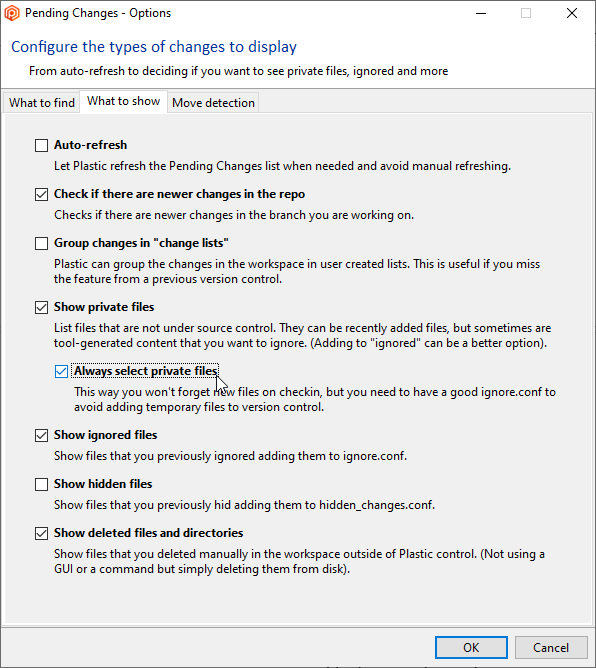
Hope you don't have to write any more "Files I forgot in the previous changeset" checkin comments!
#### Windows - Plastic
Windows - Plastic: A few usability improvements applied to the new Code Review system, designed to encourage users to use the new 'Changes and Questions' system instead of the old regular review comments.
* 'Request a change' is set as default option when adding a new comment.
* Allow users to choose the comment type in the replies too.
* The review comment summary at the bottom of the window shows only first level regular comments, not the replies. Except for 'Changes and Questions' that will continue appearing on their lists even if they are replies.
* The comment navigation now marks as selected the comment and scrolls to it in the comment panel in order to make it more visible.
**Screenshot:**
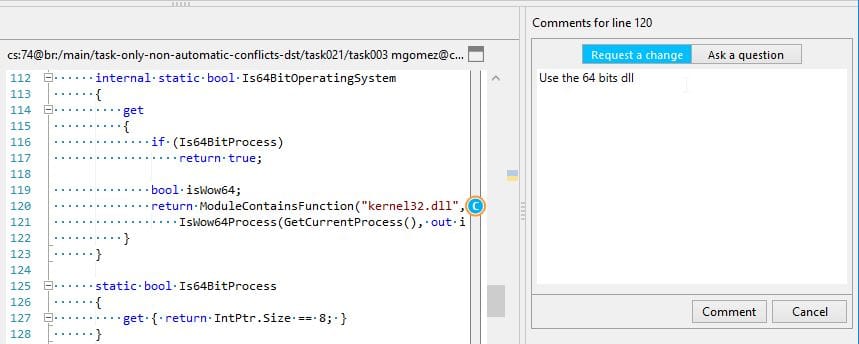
**Screenshot:**
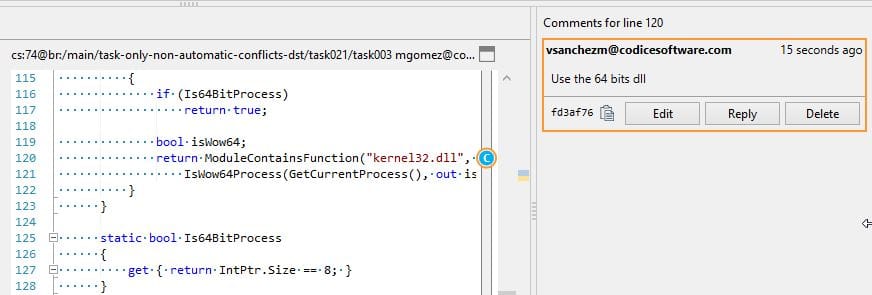
Remember, right now, you need to launch the application with "plastic --codereview" to enjoy the new feature.
#### All platforms - Gluon
All platforms - Gluon: No more surprise massive downloads when you configure your workspace. We've added a handy text box to the configuration window which tells you exactly how many files, and how many bytes, your configuration change will download.
Here are some screenshots for Windows:
**Screenshot:**
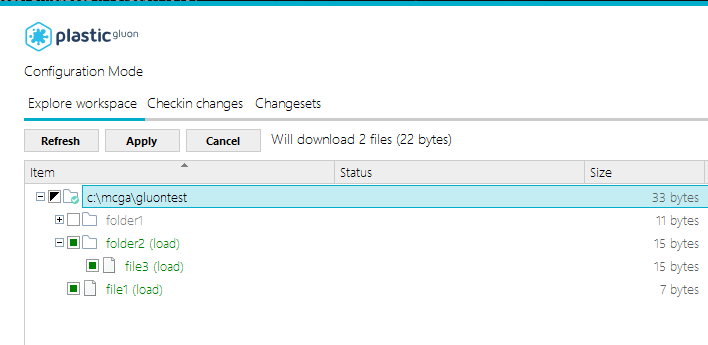
Linux:
**Screenshot:**
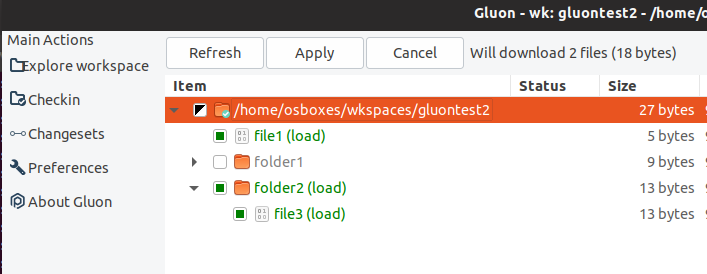
and Mac:
**Screenshot:**
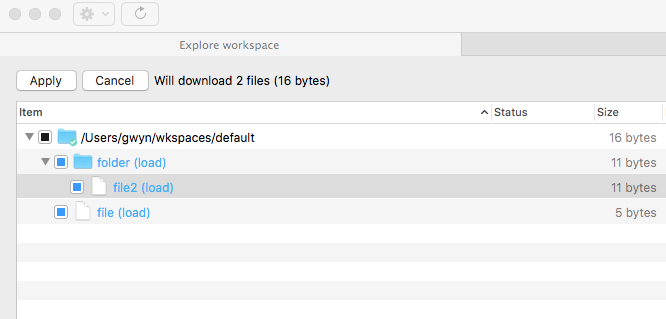
#### All platforms - Command line client
All platforms - Command line client: the subtractive and cherrypick merges can now use the --keepsource and --keepdestination flags to automatically choose a contributor! Before, the subtractive was ignoring these flags.
Imagine that you want to undo a change in a file that was introduced in a changeset along with other changes. These flags are useful to pinpoint only the changes you want to undo.
For example, imagine both `file_A.txt` and `file_B.txt` were changed in `cs:4`, and have more changes afterwards. We only want to undo changes introduced in `cs:4` for `file_A.txt`, while preserving `file_B.txt`. How can we achieve that?
```text
$ cm merge --subtractive cs:4
The file /file_A.txt needs to be merged from cs:3 to cs:5 base cs:4. Changed by both contributors.
The file /file_B.txt needs to be merged from cs:3 to cs:5 base cs:4. Changed by both contributors.
$ cm merge --subtractive cs:4 /file_A.txt --merge
// Solve merge conflicts...
$ cm merge --subtractive cs:4 /file_B.txt --keepdestination --merge
// No merge conflicts to solve...
$ cm merge --subtractive cs:4
No merges detected
$ cm ci -c="Subtractive keeping file_B.txt!"
```
### Bug
#### DevOps
DevOps: Trunk-bot with Jenkins-plug: Since public release [8.0.16.3442](https://www.plasticscm.com/download/releasenotes/8.0.16.3442), the `cm undo` command became user-interactive when the workspace is loading a deleted shelveset. This scenario could happen if you have a repo configured with DevOps feature (trunk-bot and jenkins-plug), causing unexpected "build failed" in some builds launched in Jenkins. Now it's fixed.
#### Windows - Mergetool
Windows - Mergetool: The mergetool contributor shortcuts (Ctrl+1, Ctrl+2, Ctrl+3) didn't work as expected if you opened a diff window (e.g. double-clicking a branch in the Branch Explorer) and then you performed a merge. They were toggling the contributor change twice. It's fixed now.
#### Windows - Mergetool
Windows - Mergetool: Saving changed files when the diff is editable (i.e. the destination revision is the one loaded in the workspace) displayed a null reference exception message if there wasn't any selected items in the changed files tree. It's fixed now.
***
## 8.0.16.3542
> **Note:**
>
> **Public** | 2019-09-12
### New
#### All platforms - All clients
All platforms - All clients: We have enhanced how exceptions are communicated from the server to the client.
Now, if you are running against an updated server that has exception messages your client doesn't know about, your client will still be able to show you a helpful error message. The message will be localized to the server locale, rather than the client locale, but this is better than the previous behavior, which was to show an unhelpful generic message in this case.
#### All platforms - Plastic
All platforms - Plastic: The new Code Review system (available on Windows only at this point, when you launch the Plastic GUI with --codereview) allows you to request "changes".
It is just a special comment where you request the author to make a change, and the system tracks if the change was really applied or not.
Changes are identified with a GUID, to let you refer to them later when doing checkins.
To mark a change as "done" you simply add a special comment to your checkin. Suppose you want to checkin code to fix the change request GUID c0d1ce00-b457-4424-99ff-a3f1c0fa2582.
All you must do is to enter a comment like this:
```text
[apply-change:c0d1ce00-b457-4424-99ff-a3f1c0fa2582]
```
Or even in a shorter form:
```text
[apply-change:c0d1ce00]
```
As you see, there is a long format and a short format. The long format requires specifying the whole GUID, whilst the short format only requires the first 8 bytes.
If you specify a change request comment that doesn't exist, the checkin will fail.
If you delete a changeset referenced by a change request through this method, the changeset id related to said change request will be reset.
#### All platforms - Plastic
All platforms - Plastic: Corrected the English text shown in the code review module when a file has no associated review comments.
#### Windows - Plastic
Windows - Plastic: The new Code Review system now allows you to navigate to the applied change when you double-click the change in the list.
**Screenshot:**
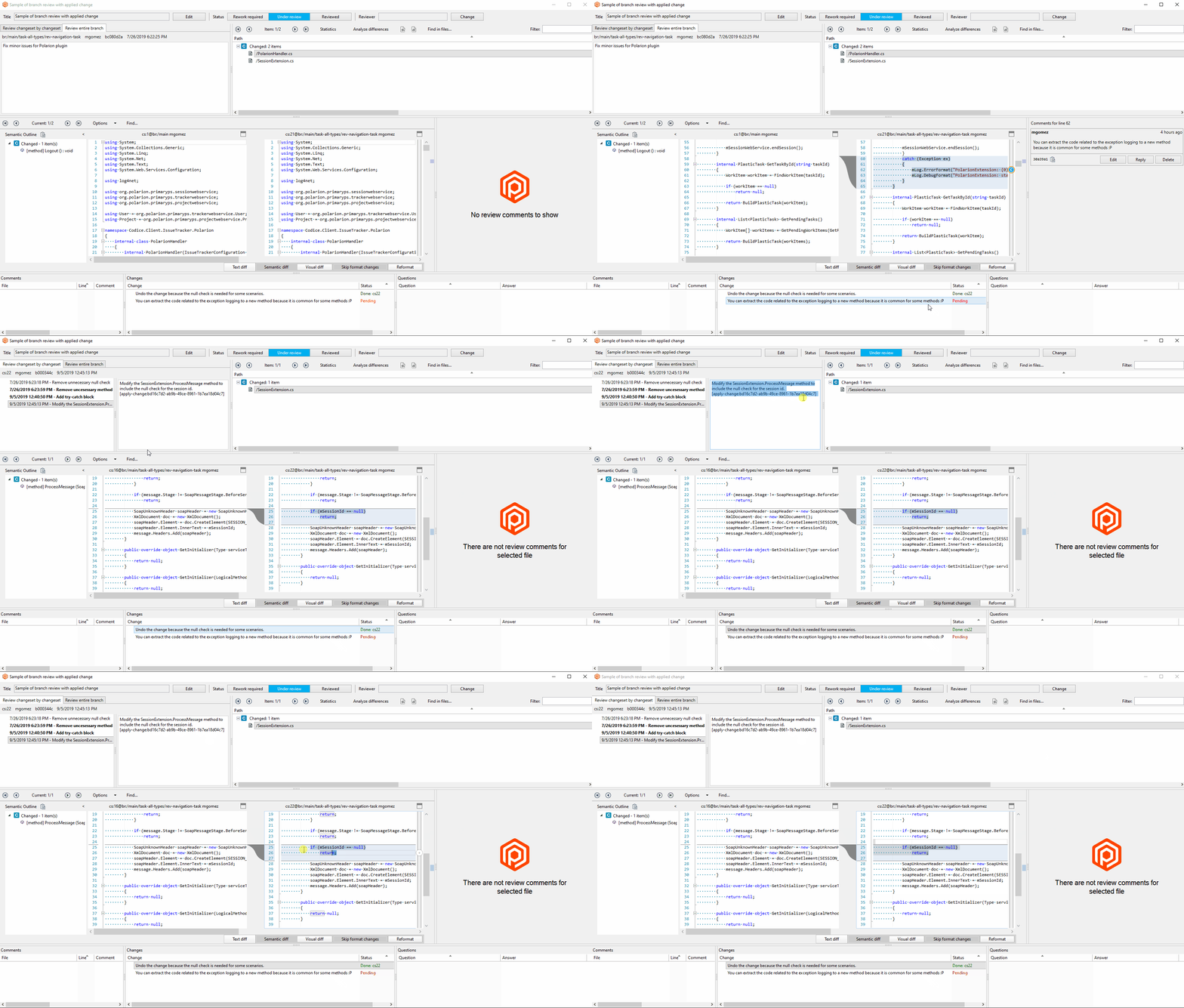
Remember, right now, you need to launch the application with "plastic --codereview" to enjoy the new feature.
#### macOS, Linux - Plastic, Gluon
macOS, Linux - Plastic, Gluon: We changed the Items view delete confirmation dialog to be more consistent with the Windows version
***
## 8.0.16.3533
> **Note:**
>
> **Public** | 2019-09-05
### New
#### All platforms - Installers
All platforms - Installers. A new installer named "DVCS Edition" is born! This is the way to go if you are targeting the following layout for your Plastic servers:
* Have a central, on-premise Plastic server in your company.
* Developers have their own, local Plastic server to work with, pushing/pulling from/to central, on-premise server.
* Some developers work directly with the central server.
The advantages of this installer is that you don't have to setup any local Plastic license on every developer machine for its local server.
Also, you can use this installer for your local projects out of the box, with almost zero-conf required.
And still you will be able to push/pull from/to central server.
(Working with a central server is just a matter of entering the server host:port and user credentials. Period).
REMARK: You can access to your local server using the "local" alias as server name, instead of "localhost:8087". Example of local repository spec: `my_personal_toolbox@local `
#### Windows - Plastic
Windows - Plastic: The new Code Review system now allows you to review a branch, changeset by changeset.
When a developer checks-in often, keeping reviewers in mind, it's helpful to review the branch walking through each changeset. You can read more about this here: [https://www.plasticscm.com/book/#\_checkin\_often\_and\_keep\_reviewers\_in\_mind](https://www.plasticscm.com/book/#_checkin_often_and_keep_reviewers_in_mind)
So, we added a new tab that allows you to review a branch, stepping through changeset by changeset:
**Screenshot:**
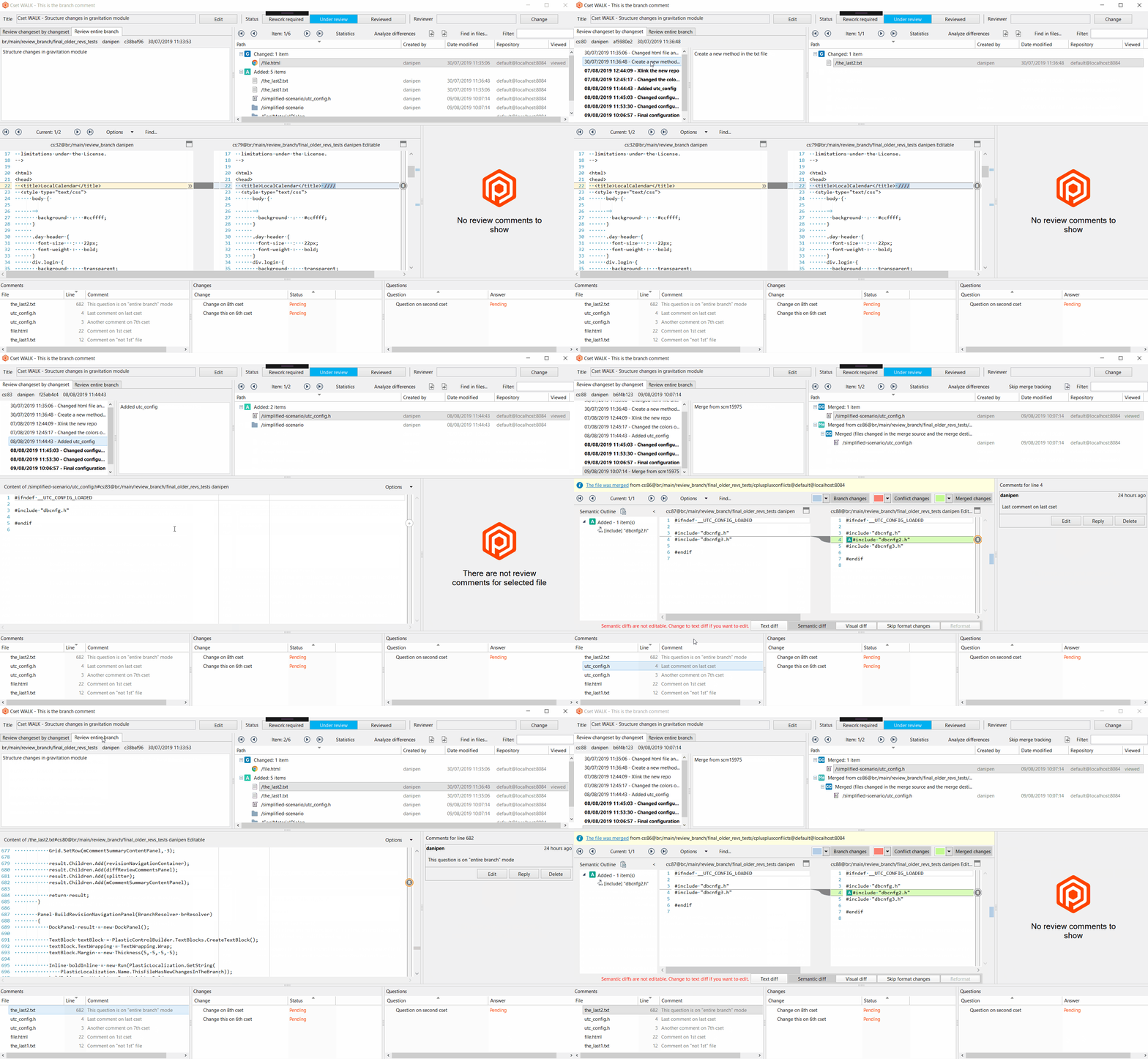
Note: While reviewing a branch, you can switch between the modes 'Review changeset by changeset' and 'Review entire branch' at any time, adding comments in either of them. Each comment will be displayed in the mode it was added.
Remember, right now, you need to launch the application with "plastic --codereview" to enjoy the new feature.
#### All platforms - Server
All platforms - Server: Now the server logs the inner exception of the failed calls, so in case of error there is more info available.
### Bug
#### All platforms - all clients
All platforms - all clients: If you deleted a changeset in the plastic-global-config, every operation that needed a file from said global configuration could end up in a stack overflow. This is caused by the following sequence of events:
* Every time the client needs to read a file from the global configuration a hidden, special-purpose workspace is updated to ensure that we have the latest config available.
* Said update operation is typically a fast-update, unless the changeset previously loaded in that workspace is missing from the server.
* If that happens, Plastic must run a full update.
* That full update requires Plastic to check the status of the workspace first.
* And to do so, it needs to read some configuration files from -you guessed it- the plastic-global-config.
* As you might have noticed, this would end up in an infinite loop only stopped by an application crash due to a stack overflow.
#### Windows - Plastic
Windows - Plastic: The Update Workspace operation wasn't working fine if there was already another update operation running. It notified you about that and told you to wait until the current operation was finished, but then it continued anyway and the new update operation took over control of the progress panel. The side effect was that the original update operation could be running after the second one finished and you had no way to find out when it was completed. If you closed the GUI at that point you could abort the operation midway -without any warning messages- and the workspace could be left in an inconsistent state. It's fixed now!
#### Windows - Plastic
Windows - Plastic: The dialog to resolve file conflicts (non-automatic, with conflicts) sometimes failed with the following exception: "The calling thread must be STA". This only happened if you ran the "Update Workspace" operation in the Workspace Explorer and there were local changes that conflicted with the latest contents of the branch. Now it's fixed.
Note: Users can proceed in three ways when they find themselves in this situation:
* Solve the merge directly when they try to checkin their local changes.
* Solve the merge by clicking the 'View new changes' button in the Pending changes view.
* Solve the merge after clicking the 'Update workspace' button in the Workspace Explorer view.
The merge tool was launched correctly in the first two scenarios to solve the file conflict. It only failed in the last one - which is the least used, by the way!
***
## 8.0.16.3527
> **Note:**
>
> **Public** | 2019-09-04
### New
#### All platforms - WebAdmin
All platforms - WebAdmin: We updated the Merge Rules section to enable the new Merge Rule types! You can now select the one that fits your needs best.
#### All platforms - Plastic, Gluon
All platforms - Plastic, Gluon: External diff is now incredibly faster!
This is because our diff tool is now launched within the same process instead of spawning a new one, which makes it start up super-fast.
The diff window appears in 0 secs!
Here goes the "before and after":
**Screenshot:**
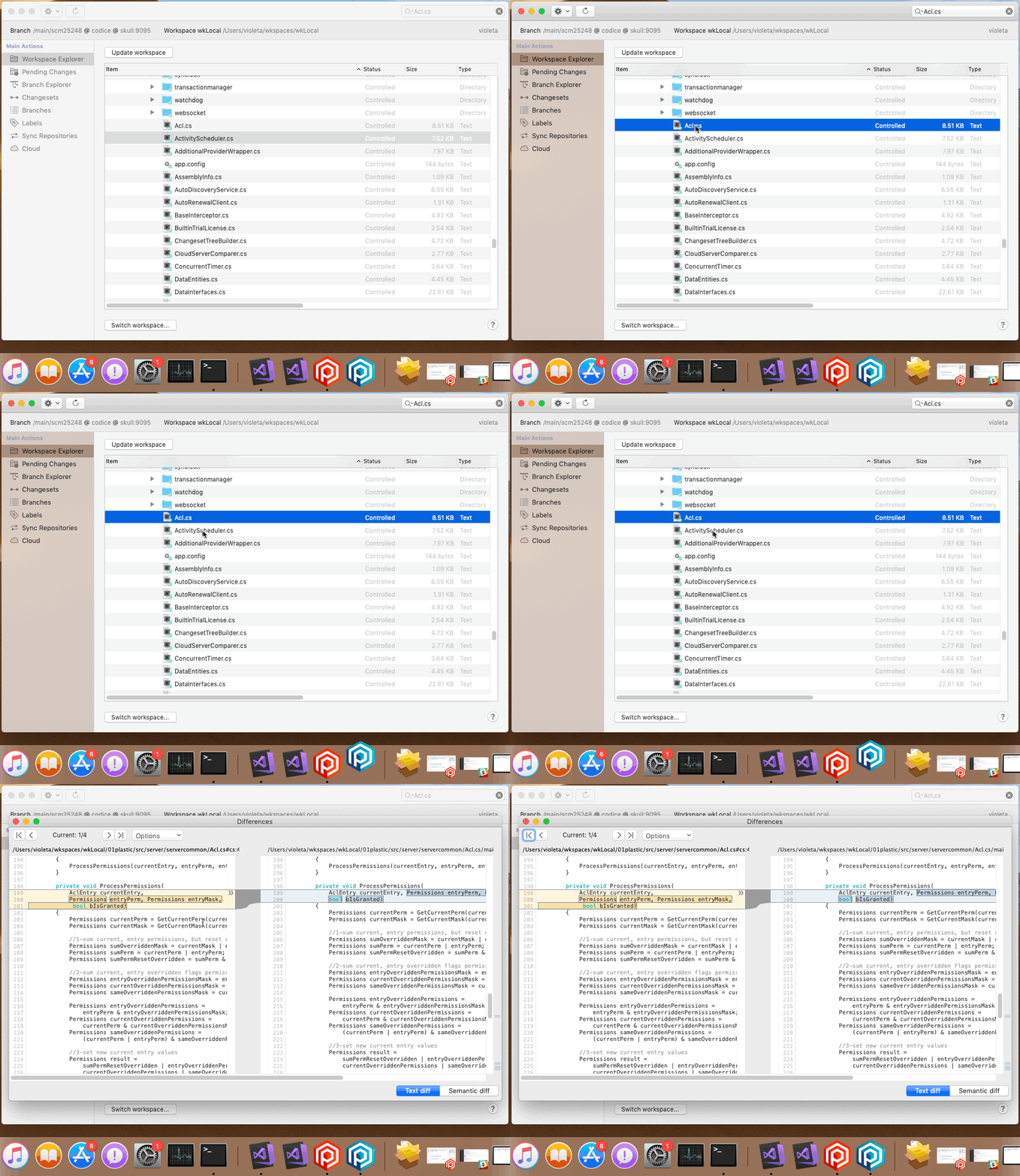
**Screenshot:**
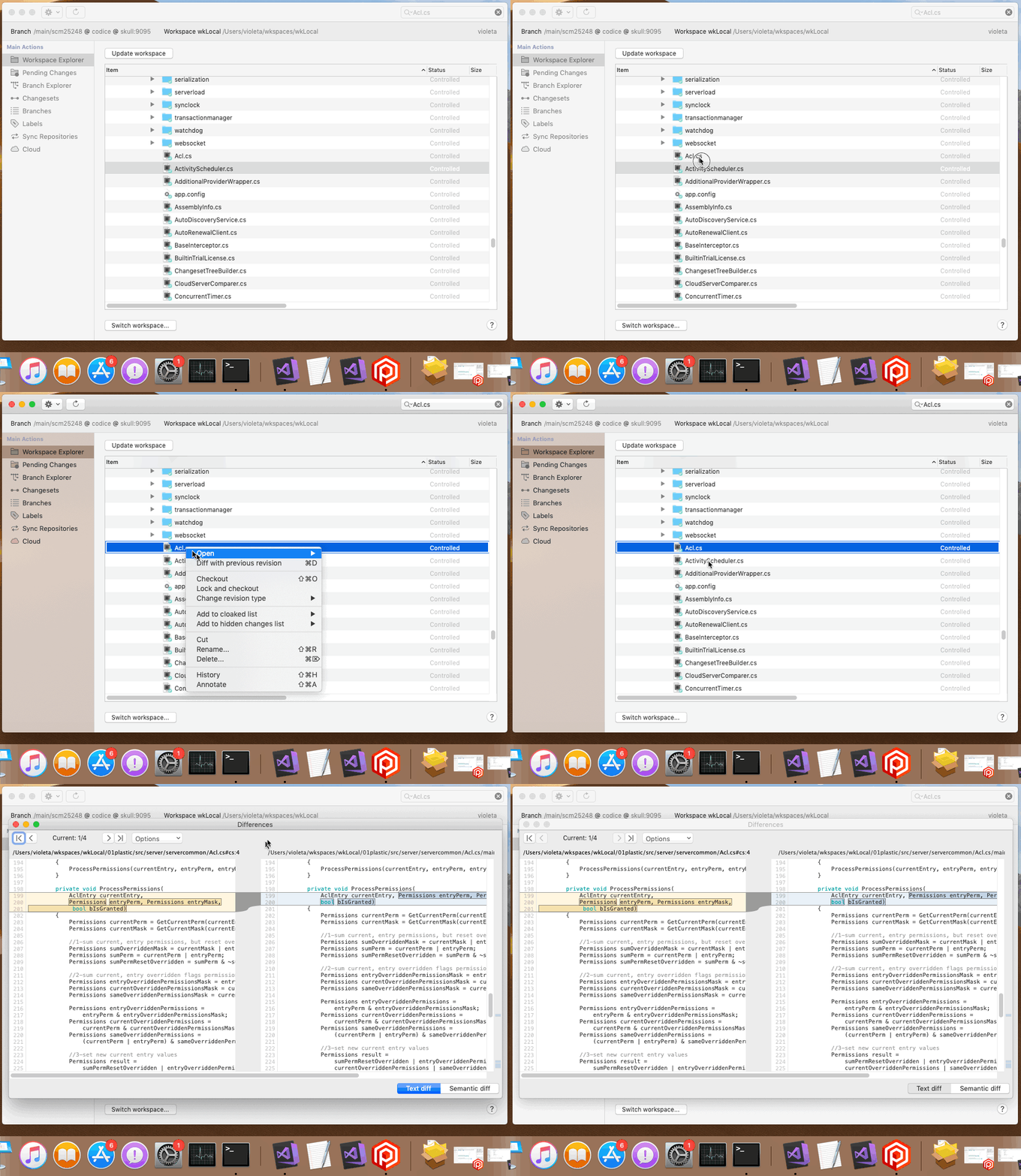
### Bug
#### Windows - Branch Explorer
Windows - Branch Explorer: The Branch Explorer didn't update the repository objects info on refresh. So, if a colleague renamed a branch while you were running the Windows GUI, you'd never get those changes no matter how many times you hit the Refresh button. That's fixed now.
On top of that, if you tried to merge from the renamed branch, you'd get a "No objects selected" message. Funny, right? We changed that to let you know that the object you selected no longer exists in the server and suggesting you refresh the view and repeat the operation.
#### All platforms - Gluon
All platforms - Gluon: You got an unspecified error when you tried to show differences of a checked-out item in the "Checkin" view if the changeset of the loaded revision had been deleted somewhere else. We fixed it to show you an informative message letting you know what's going on.
#### Windows - Plastic
Windows - Plastic: if any of your server's after-checkin triggers failed, the Windows client did not log the checkin result to the configured issue tracker. This is because the client was re-throwing the exception originated in the server, rather than just displaying it, which was wrong - if your after-checkin trigger fails, is because the checkin already finished, and thus the client has valid checkin data to log into the issue tracker. That's fixed now. You'll still see the after-checkin trigger exception from the server, but that will not abort the next steps in the checkin workflow.
The command line client did not have this issue.
#### Windows - Plastic
Windows - Plastic: in the Pending Changes views the buttons were not disabled when an operation started, resulting in you being able to double click the button and maybe leave the GUI in an inconsistent state. We know you usually don't hit the Checkin button several times in a row (after all, it won't result in the checkin finishing faster!), but faulty mice are a thing and it is better to prevent the issue in the first place.
#### All platforms - Command line client
All platforms - Command line client: the 'cm log' command returned a misleading error message if you executed it outside a workspace with a changeset spec that didn't specify the repository. That's now fixed.
#### All platforms - Jenkins plugin
All platforms - Jenkins plugin: We fixed an issue that caused builds to fail if the last built changeset had been deleted elsewhere.
#### Windows - Plastic
Windows - Plastic: Sorting code review comments by line didn't work in the new CodeReview system. Now it's fixed.
#### All platforms - Command line client
All platforms - Command line client: `cm status` command is showing an "Error: Object reference not set to an instance of an object." message when the workspace is pointing to a shelve. Now it's fixed, and if workspace is pointing to a shelve, the proper object prefix (sh:``) is shown.
#### All platforms - Command line client
All platforms - Command line client: the 'cm applylocal' command was not printing local changes dependencies. Fixed!
***
## 8.0.16.3515
> **Note:**
>
> **Public** | 2019-08-29
### New
#### All platforms - Command line client, Plastic
All platforms - Command line client, Plastic: until now, if a user had the applyattr permission denied at the repository level, said user could not apply an attribute on an object (branch, changeset or label) inside the repository even if the applyattr permission was overridden-granted for said object (changesets here have the same permissions of the branch they belong to).
Now, the applyattr permission is only checked at the object level, and not at the repository level (which prevented Plastic from checking overridden permissions for this operation!). Remember that permissions are inherited, so if you deny said permission at the repository level, it will be denied for all objects inside it unless explicitly overridden.
#### macOS - Plastic, Gluon, Mergetool
macOS - Plastic, Gluon, Mergetool: We improved the dark theme colors used in syntax highlighting. We noticed that some of them (comments, keywords) made text difficult to read if it was inside a changed block, due to the highlighted background. Here's a before/after comparison:
**Screenshot:**
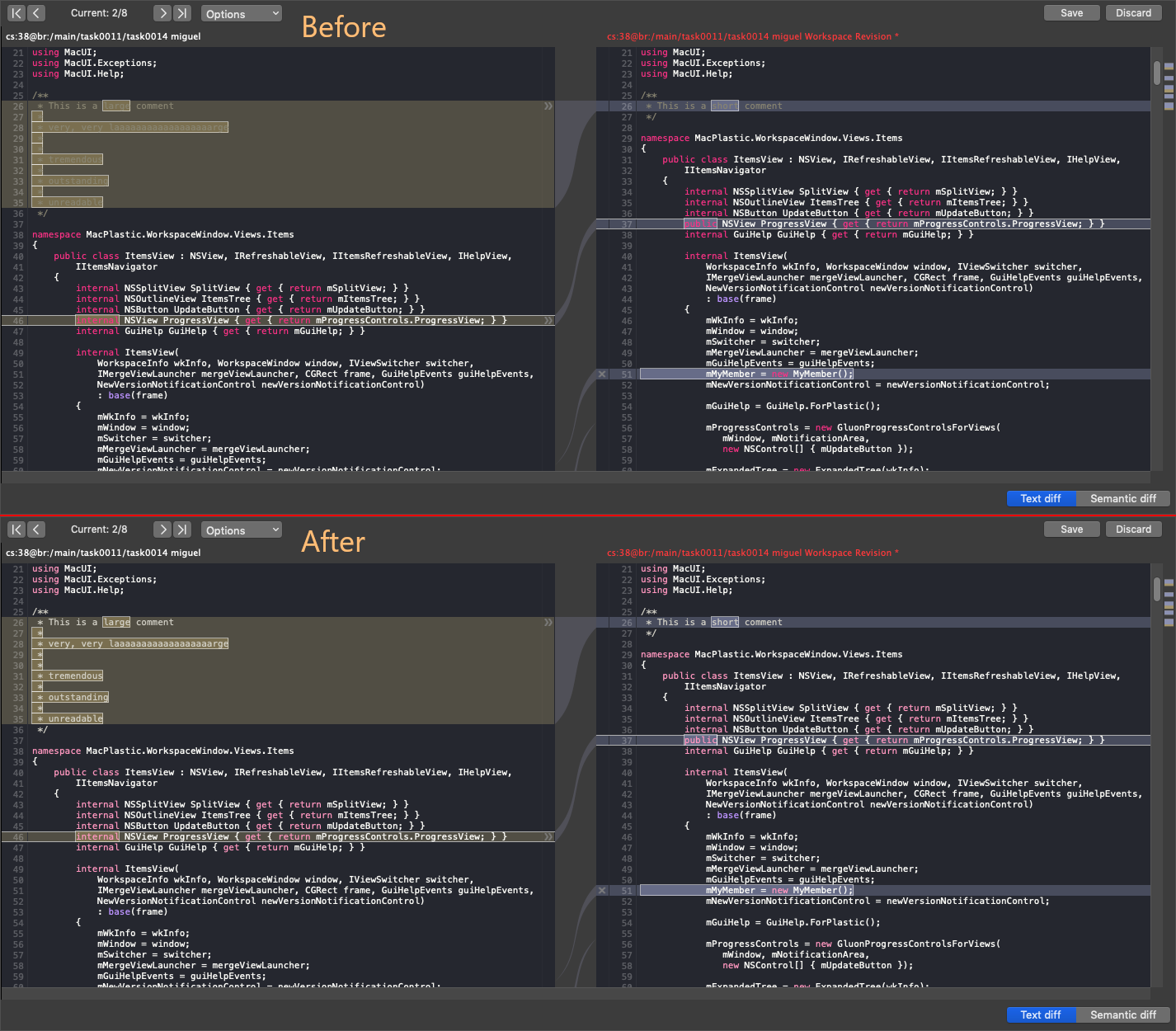
#### All platforms - Command line client
All platforms - Command line client: the automation command "getworkspacefrompath" / "gwp" now admits keywords in its format string argument. For example:
```text
$ cm gwp README.md --format="{wkname}{tab}{wkpath}"
CHIPEIT c:\Users\sergi\wkspaces\chipeit
```
For further information about the available keywords refer to the integrated help:
```text
$ cm help gwp
```
#### All platforms - Server
All platforms - Server: We have new types of merge rules!
```text
1) restrict_merges_to_branch
2) only_allow_merges_from_parent
3) only_allow_merges_from_children
```
Let me walk you through them:
Rule #1 works as follows: during a merge, if the destination branch matches the "to" restriction of a merge rule, the merge can only continue if the source branch of the merge matches any of the "from" restrictions in the same rule.
For example:
```json
[{
"enabled": true,
"repositories": "codice",
"rule": "restrict_merges_to_branch",
"to":
{
"branchNames": ["/fix3.0"],
},
"from":
{
"branchNames": ["fix3-*"],
}
}]
```
For the repository `codice`, merges to branch `/fix3.0` are only allowed from branches named `fix3-*` (remember that you can use wildcards).
Rule #2 and #3 are pretty similar. `only_allow_merges_from_parent` only allows a merge for a destination defined in the "to" restriction of a rule if the source is its parent. `only_allow_merges_from_children` will check the opposite - that the source is a direct child of the destination.
For example:
```json
[{
"enabled": true,
"repositories": "game*",
"rule": "only_allow_merges_from_parent",
"to":
{
"branchNames": ["task*"],
}
},
{
"enabled": true,
"repositories": "game*",
"rule": "only_allow_merges_from_children",
"to":
{
"branch_names": ["iteration*"],
}
}]
```
In the repositories with name `game*`, branches with name `task*` can only receive merges from their parent branch. This way you can prevent merges across different task branches.
However, branches with name `iteration*` can only receive merges from their child branches. So, for example, `/main/iteration-32/task23` can be merged into `/main/iteration-32`, but it cannot be merged into `/main/iteration-15`, as it is not a child of that branch.
Right now you can edit these new kind of merge rules manually - the WebAdmin doesn't support them yet. The file is stored alongside server binaries, and its name is `mergerules.conf`.
This new merge rules are not available for Cloud yet, but will be soon!
### Bug
#### Windows - Plastic
Windows - Plastic: The GUI was not able to restart the file system watcher if it stopped due to an internal watcher error. In that eventuality, the pending changes calculation would take a noticeable amount of time more because it would need to check the disk contents instead of using the cached contents. This affects the auto-refresh feature as well, because it would trigger a refresh of the pending changes view whenever the GUI is focused, even when the workspace doesn't contain any changes. Now, the file system watcher errors are properly handled and the watcher is correctly restarted afterwards. This issue appeared first in version 8.0.16.3281.
#### Windows - Plastic
Windows - Plastic: Semantic multifile - We addressed several usability issues in the case that we detect that code has moved between files and the displayed file is either added or deleted:
* The semantic outline panel didn't keep the selection.
* The option 'Go to moved code', that you can find under the 'M' icon, didn't go to the right location for multi-file moves.
* Sometimes the moved icon for the multi-file moves was not shown.
**Screenshot:**
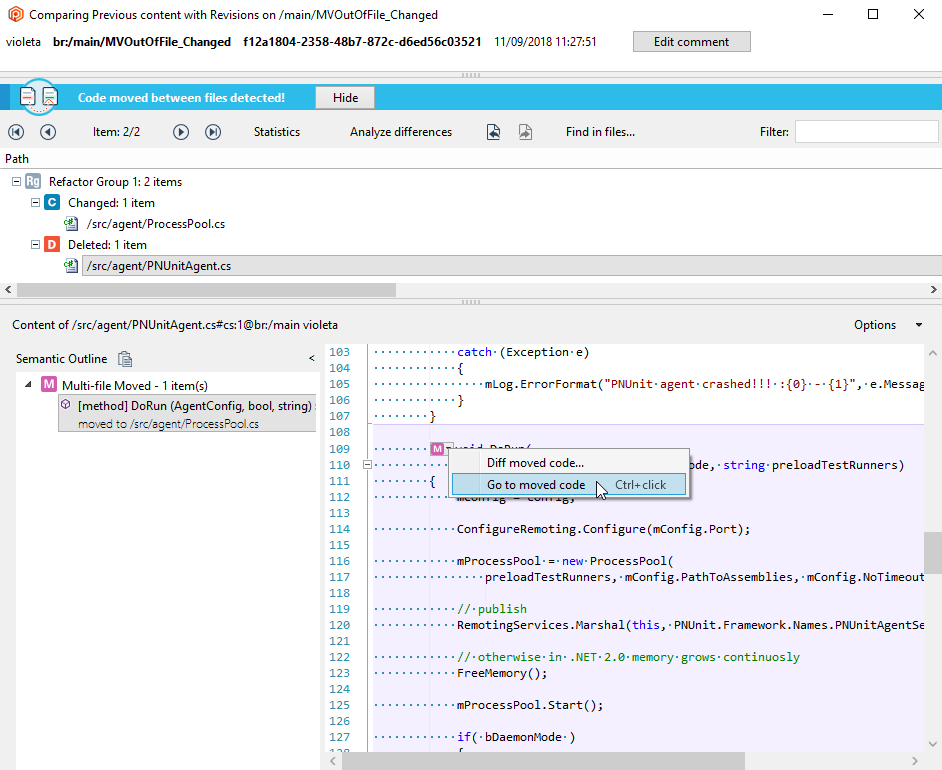
#### All platforms - Server
All platforms - Server: There was an issue when moving an older repository to be a submodule of a newer one. Imagine the following scenario:
```text
$ cm repo list --format="{repid}{tab}{repname}
1 default
2 myProject
2_1 myProject/webpages
2_2 myProject/doc
3 otherWork
```
The repository myProject/webpages is older than myProject/doc (as determined by the moduleId, which is 1 for webpages and 2 for doc). Now, we are going to move doc to be a submodule of webpages:
```text
$ cm repo rename myProject/webpages myProject/doc/webpages
$ cm repo list
1 default
2 myProject
2_1 myProject/doc/webpages
2_2 myProject/doc
3 otherWork
```
Everything looks sort of right (doc should be listed before webpages, but all of the repos are there). But see what happened when you restarted the server:
```text
$ cm repo list
1 default
2 myProject
```
What happened to all of the repositories that should be after myProject? Well, we had an issue in the way we load repositories from the backend, which is now fixed:
```text
$ cm repo list
1 default
2 myProject
2_2 myProject/doc
2_1 myProject/doc/webpages
3 otherWork
```
#### macOS - Plastic
macOS - Plastic: A few releases ago, we changed the order of the sidebar items. However, if you opened views using the View menu, or using the shortcuts, the views showed up corresponded to the old ordering. Fixed!
#### All platforms - Plastic
All platforms - Plastic: The "create replication package" command failed with the error "Can't create a replication package from a repository with data replicated using the --nodata flag. Please hydrate the source repository first." if there was an empty file revision (i.e. its size is 0 bytes) without a related empty data object. Now it's working, as empty file revisions don't really need data objects.
#### Jenkins
Jenkins: We fixed an issue in the polling results parser that prevented the SCM Polling from returning the appropriate results.
#### Linux - Plastic
Linux - Plastic: symlinks pointing to directories or to themselves had a wrong status and icon in the workspace explorer. Fixed.
#### Windows, Linux - DevOps
Windows, Linux - DevOps: Users with spaces in their username were not able to configure a profile for DevOps using the GUIs. They'd receive an error message that said something in the lines of:
```text
Cannot retrieve the profile from localhost:7178. Details: The user 'Sergio+Luis' does not exist.
```
That's now fixed.
#### All platforms - Server
All platforms - Server: The fast update was not able to switch to a different branch when the user cannot perform a merge from that branch because they don't have the mergefrom permission or because there is a merge rule that restricts it. Now it's working.
#### Windows - Plastic
Windows - Plastic: The new Code Review system allowed you to comment xlink changes but, later, it would fail when trying to visualize them.
For now, we have disabled comments on files under xlinks (same as in the old system). We will work to add this functionality and much more soon!
Remember, right now, you need to start with plastic --codereview to enjoy the new feature.
#### All platforms - Jenkins Plugin
All platforms - Jenkins Plugin: We fixed some serialization issues that prevented the REST API output from working.
#### Jenkins
Jenkins: Builds failed if your selector targeted a cloud repository. Fixed.
***
## 8.0.16.3496
> **Note:**
>
> **Public** | 2019-08-22
### New
#### All platforms - Team Edition, Enterprise Edition…
All platforms - Team Edition, Enterprise Edition and Cloud Edition. Now you can manage your merge rules from the WebAdmin!
As our friend Unai Landa from Digital Legends likes to say: "It is not a feature until it has a GUI".
So, the awesome merge rules now can be configured from a GUI:
**Screenshot:**
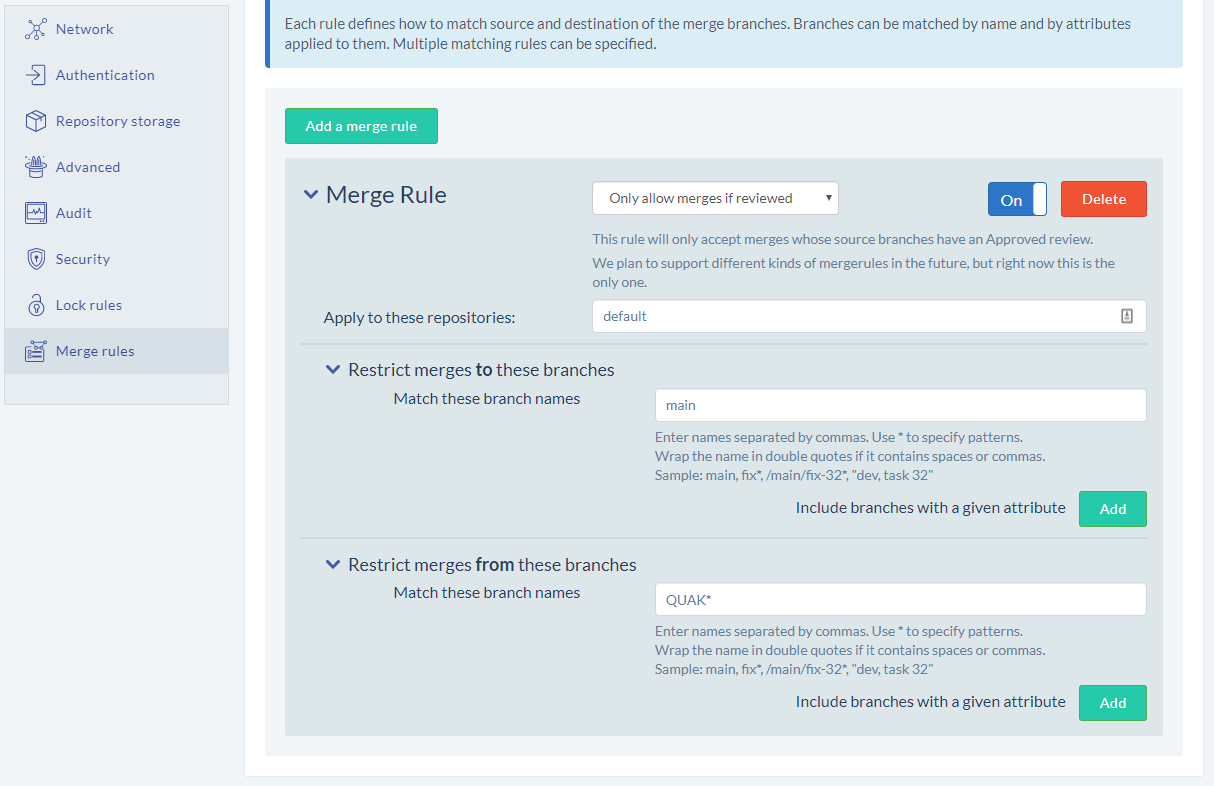
To configure merge rules for your cloud organization repos, go to your cloud dashboard [https://www.plasticscm.com/dashboard/cloud](https://www.plasticscm.com/dashboard/cloud) and click on "Edit merge rules" button:
**Screenshot:**
**Screenshot:**
Remember we launched merge rules a few versions ago ([8.0.16.3442](https://www.plasticscm.com/download/releasenotes/8.0.16.3442)), and they allow you to restrict merges to certain branches so they only allow merges from branches that have an approved code review (yes, this is part of the new Code Review project).
We plan to add more merge rules options in the near future: restrict based on branch hierarchy (only merge from parent/child... sort of what Perforce streams do).
#### All platforms - Server - Now the replication is m…
All platforms - Server - Now the replication is more resilient to errors. If the parent revision cannot be found on the destination, the revision is replicated without parent instead of aborting the full replication operation.
#### Windows - Installer
Windows - Installer: The displayed name of Plastic SCM Server service has been updated to "Plastic SCM Server". This is just an aesthetic change, since the internal service name is still "Plastic Server 6", to avoid breaking any scripts you may have to start/stop/status your Plastic server.
#### macOS - Plastic
macOS - Plastic: Improved the error message shown in the replication progress panel to correctly use the available space. We saw that for long messages the text was cropped.
Here goes the "before and after":
**Screenshot:**
**Screenshot:**
#### Jenkins plugin
Jenkins plugin: Version 3.0 is out! You can have a look at the improved Wiki page to see the new features: [https://wiki.jenkins.io/display/JENKINS/PlasticSCM+plugin](https://wiki.jenkins.io/display/JENKINS/PlasticSCM+plugin) Enjoy!
#### All platforms - Command line client, Plastic, Gluon
All platforms - Command line client, Plastic, Gluon: We wrongly documented that 'n weeks ago' was a valid WHERE clause for date fields. For example:
```text
$ cm find changesets where date > "3 weeks ago"
```
Instead of fixing the documentation, we implemented the feature.
### Bug
#### Windows - Plastic
Windows - Plastic: An unexpected error was thrown when the mergetool is configured without the progress command line option and semanticmerge is launched to solve the merge. Now it is fixed.
#### Server merge multifile
Server merge multifile: Fix the following failing scenario:
* You move a method to a different file.
* Meanwhile someone else modifies the method in the original location in a different branch and also modifies other method in the other file, where the method was moved.
In this case, the merge was automatic but the change done in the moved method was lost. Now it's fixed.
Remember, this feature is used by the mergebots. They can merge conflicts across files!
#### Windows - Plastic
Windows - Plastic: We had some GUI components too narrow for the Spanish translation of the Windows GUI. The detected aesthetic issues are now fixed - don't hesitate to contact us if you see something out of place!
#### All platforms - GUI and command line
All platforms - GUI and command line. Fixed an issue trying to merge moved paths that were already in use in the workspace.
When merge failed to apply a move because the path was in use, it updated the metadata but not the filesystem, creating an inconsistency.
Now the merge doesn't apply the move to the metadata if it can't be done on disk.
Now you can also continue the merge if you release the path that was in use and click on "process all merges" again. You no longer need to undo all the changes and restart the merge after releasing the path.
#### All platforms - WebUI
All platforms - WebUI: We fixed the "File explorer" navigation link in the top bar. It was always redirecting to the tree of br:/main, but users that renamed their main branch to something else were getting Not Found results.
#### All platforms - Command line client, Plastic
All platforms - Command line client, Plastic: Imagine the following scenario - you are working in a changeset, and somebody else deletes it! Apart from your colleague being a little disrespectful towards you and your work, Plastic warned you in the Pending Changes view that there were new changesets in the repository, which is not true… if any, there are only older changesets for your branch!
Now, Plastic won't show that misleading message. Instead, it will warn you that the changeset you are working on was deleted when you try to checkin your changes.
#### All platforms - Plastic
All platforms - Plastic: The undo operation left checked-out xlinks pending -you needed to undo them again- sometimes when trying to undo all changes. This happened if the checked-out xlink was part of the targeted changes and under it there was a moved item with dependencies (e.g. a moved directory whose source is in use by a copied directory). Now all changes are undone the first time, as expected.
***
## 8.0.16.3480
> **Note:**
>
> **Public** | 2019-08-20
### New
#### Windows - Plastic
Windows - Plastic: improved the embedded semanticmerge to take into account the preferences related to the merge conflict resolution (manual or automatic when possible).
#### Windows - Plastic, Gluon
Windows - Plastic, Gluon: some users reported that, in Gluon, the purpose of the checkin comments textbox wasn't obvious. Our bad! Luckily, that's what hint texts are for - so now both Plastic and Gluon have a hint text so you never leave a checkin comment empty ever again!
**Screenshot:**
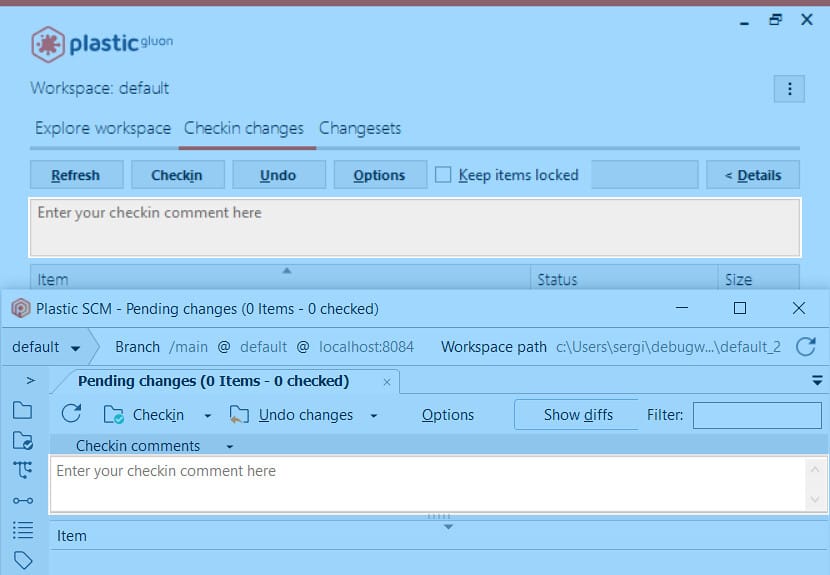
### Bug
#### All platforms - Fixed the checkin error 'There ha…
All platforms - Fixed the checkin error `There has been an unexpected error "The item should be found on the server tree. Child [readme.txt]. Parent [doc]". For more information check the server log.` trying to checkin a merge result on a workspace with cloaked items under some special circumstances.
Let's see a simplified case that reproduces the error that now is fixed:
1. Create a new workspace pointing to a new repository.
2. Add and checkin the following content:
```text
/src
/src/foo.c
```
3. Cloak /src (the items remains loaded but as cloaked).
4. Create a child branch task from cset:0
5. Merge from main to task
6. Checkin the merge result -> The checkin failed with the following error: `There has been an unexpected error "The item should be found on the server tree. Child [foo.c]. Parent [src]". For more information check the server log.`.
Now it's fixed.
***
## 8.0.16.3476
> **Note:**
>
> **Public** | 2019-08-13
### New
#### All platforms – Plastic, Gluon, command line
All platforms – Plastic, Gluon, command line: Now update always goes to latest.
Suppose you switched your workspace to a particular changeset, then decided to update. You were stuck on that changeset, by design.
We thought (for a few years already) that if you had switched to a given changeset, why would you want to jump to latest during an update?
But then we realized it was a true UX pain. Why wouldn't you want to switch to latest?
So, we just changed the behavior. Now, when you update, you'll always go to latest in the branch, even if you were working on a given changeset or label before.
#### Windows - Plastic
Windows - Plastic: The new Code Review system now displays questions in the comments list.
**Screenshot:**
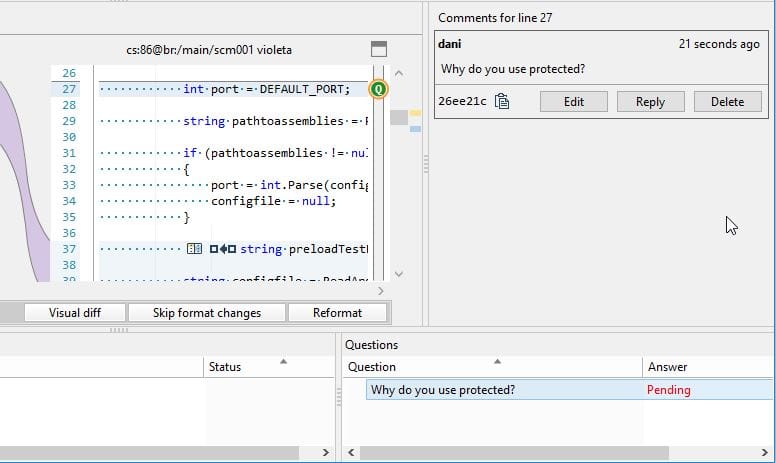
**Screenshot:**
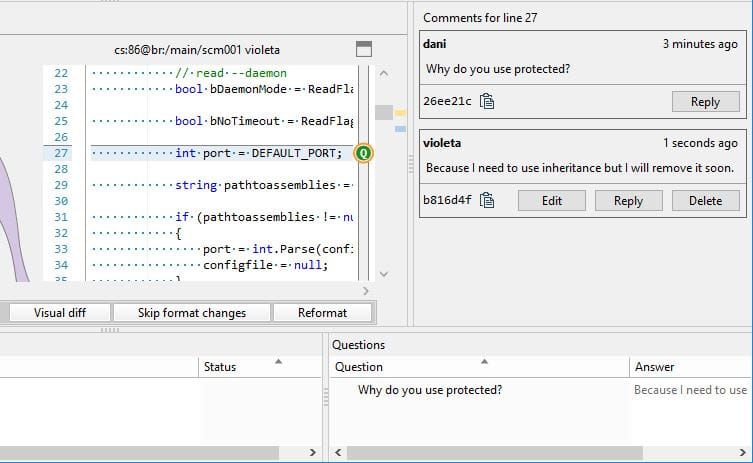
Remember, right now, you need to start with plastic --codereview to enjoy the new feature.
#### All platforms - Plastic
All platforms - Plastic: Small refactor and cleanup of the merge code to get ready for the "incoming changes" feature that will hopefully simplify working on single branch and will make all Perforce users rush to Plastic.
#### macOS - Plastic, Gluon
macOS - Plastic, Gluon: With the performance improvements we made some releases ago, we introduced a change in how the autoexpanded items in the Pending Changes (Plastic) and Checkin (Gluon) views were handled. When you refreshed the view, the only category that got expanded was the one you had an item selected in. This didn't like some users, so we reverted it - autoexpansion saving will work for less than 5000 items (whilst it won't for 5000 items or more, for performance reasons).
#### Windows - Plastic
Windows - Plastic: The new CodeReview system supports outlining.
When a comment was placed in a line that was collapsed due to outlining, it was rendered in a wrong line. Now the comment is hidden when the line is collapsed and visible when the line is not collapsed.
We also improved the comments navigation. When navigating to a comment, we always ensure that the line that contains the comment is always expanded. Otherwise, in some scenarios a comment could be not visible.
Remember, right now, you need to start with plastic `--codereview` to enjoy the new feature.
### Bug
#### Windows - SemanticMerge tool
Windows - SemanticMerge tool: Improved declaration matching mechanism to detect properly the conditional inclusion in the following 'merge' scenario:
Source contributor:
```text
ifndef MY_VAR
include "MyInclude1"
include "MyInclude2"
int my_field1;
int my_field2;
endif
```
Destination contributor:
```text
ifndef MY_VAR
include "MyInclude1"
endif
```
Wrong Result:
```text
include "MyInclude1" (Moved)
```
Result from now on:
```text
include "MyInclude2" (Deleted)
int my_field1; (Deleted)
int my_field2; (Deleted)
```
#### Windows - Visual Studio package
Windows - Visual Studio package: After installing .net 4.8, the Plastic SCM views were not visible in Visual Studio 2019. Now it's fixed.
.NET Framework 4.8 comes with several enhancements to support Per-Monitor V2 DPI Awareness (PMv2) and Mixed-Mode DPI hosting in both Windows Forms and Windows Presentation Foundation (WPF). Unfortunately, tool windows created in Windows Forms were not render correctly when its Per-Monitor Awareness (PMA) setting is enabled. We made changes in the code to address this issue.
#### Windows - Plastic
Windows - Plastic: we had a bug in the new code review that resulted in some branch reviews showing an empty GUID for the branch, instead of its actual GUID. Now that's solved!
#### Linux - Plastic, Gluon (Cloud Edition)
Linux - Plastic, Gluon (Cloud Edition): The preferences dialog displayed duplicated ok and cancel buttons. Now it's fixed.
***
## 8.0.16.3458
> **Note:**
>
> **Public** | 2019-08-08
### New
#### Server - macOS, Linux, Windows
Server - macOS, Linux, Windows: We enabled multi-file semantic merge by default in mergebots. For more information, refer to the [mergebots documentation](../../mergebots).
#### Windows - Plastic
Windows - Plastic: The new Code Review system now allows to visualize comments that are located in revisions that are not loaded by the diff window. This happens when, for example, you applied revision comments, and created new revisions for a file in the branch. When this happens, we display a panel with three actions:
* Diff revision with comments: This action allows to visualize the revision with the comment on the right diff pane, and the base revision on the left diff pane.
* Last in branch: This action displays the last revision in branch on the right diff pane, and the base revision on the left diff pane (the same as when you select a file in the top tree).
* Diff with head: This action the revision with the comment revision on the left diff pane, and the last revision in branch on the right diff pane.
**Screenshot:**
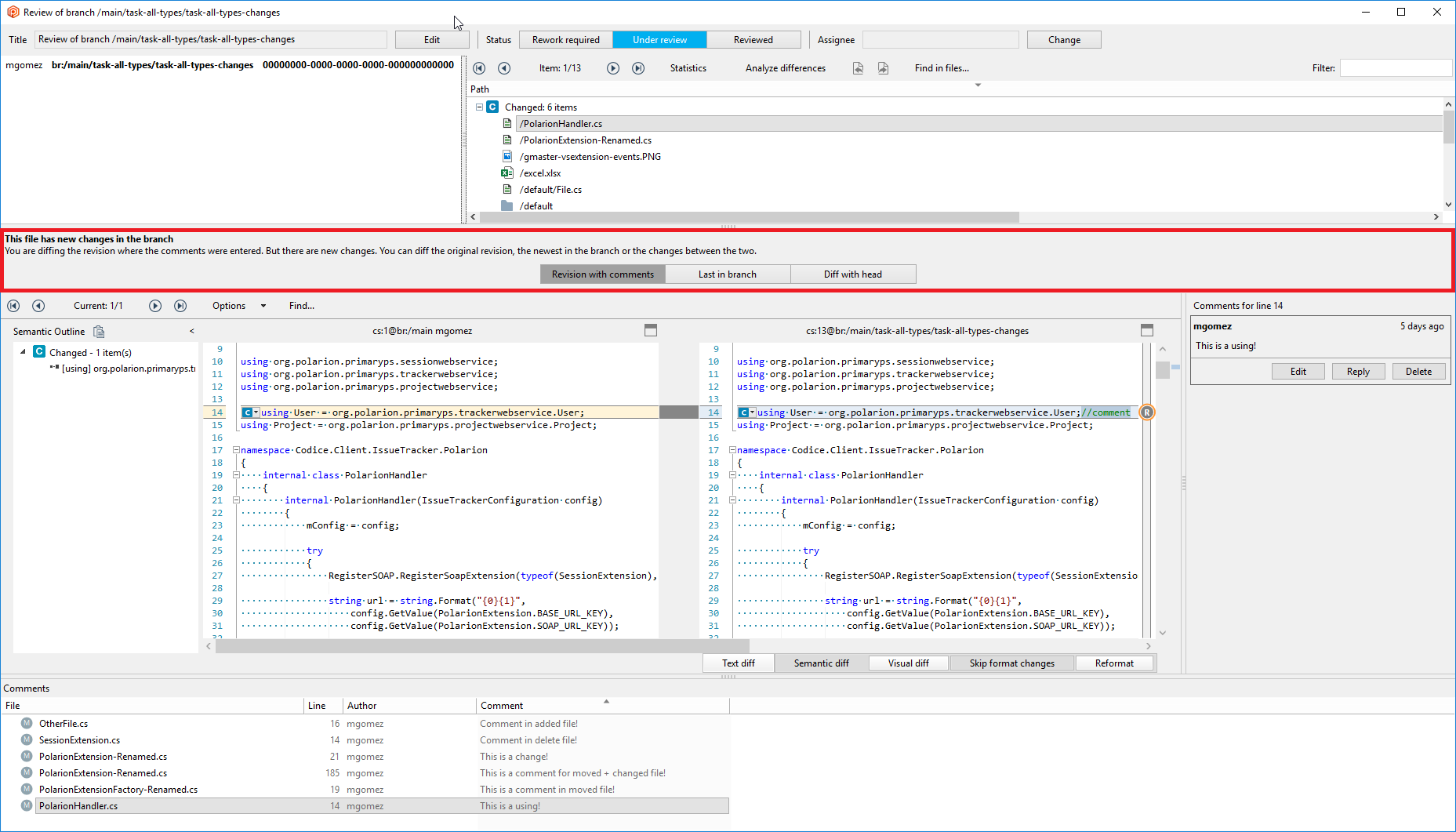
Remember, right now, you need to start with plastic --codereview to enjoy the new feature.
#### Windows - Plastic
Windows - Plastic: The new Code Review system now allows to visualize changesets in the comments list.
Remember, right now, you need to start with plastic --codereview to enjoy the new feature.
#### Windows - Plastic
Windows - Plastic: The new Code Review system now allows to choose the comment type when adding a new comment. You can 'request a change', 'ask a question' or simple write a regular comment.
**Screenshot:**
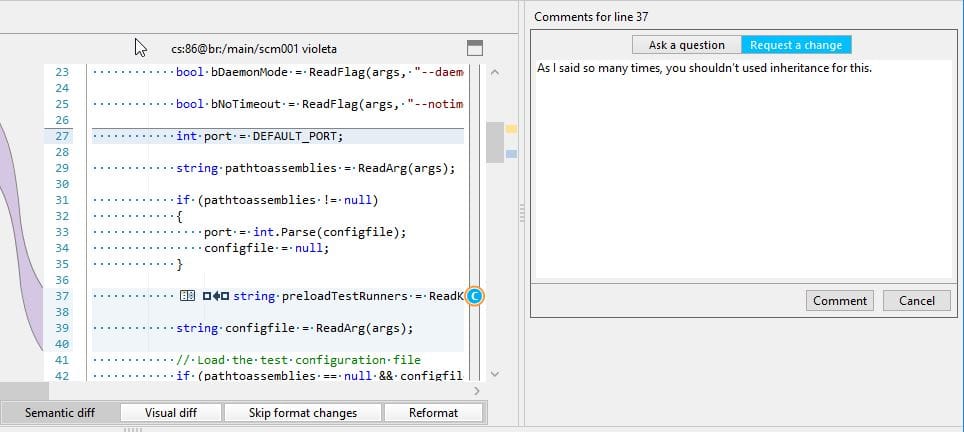
Also we added the possibility of discarding requested changes.
Remember, right now, you need to start with plastic --codereview to enjoy the new feature.
#### Server - DevOps
Server - DevOps: Our built-in mergebot that implements trunk-based-development cycle (a.k.a. trunk-bot) is now able to use embedded Plastic code reviews to drive the CI/CD lifecycle.
Enable the following "Process reviewed branches only" toggle button in trunk-bot configuration to activate this feature:
**Screenshot:**
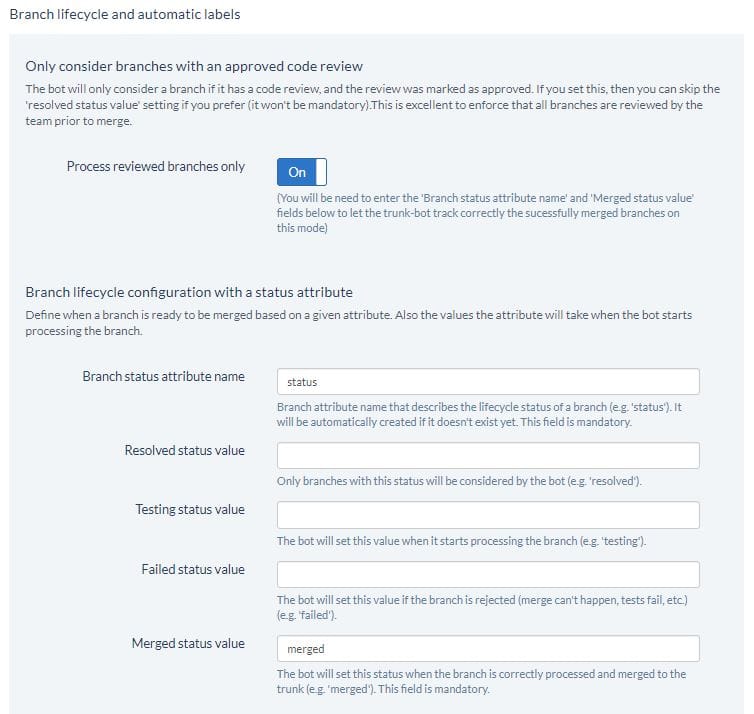
The feature works as follows:
* When a code review of a tracked branch (those that starts with the configured branch prefix in trunk-bot config) is created, or its status changes, the task branch is queued in trunk-bot.
* Then, trunk-bot will eventually dequeue this task branch. But before continue its processing in the CI cycle, trunk-bot will check whether there is at least an "Approved" code review for this branch. Otherwise, the branch processing is skipped but enqueued.
* If there are more than a code review linked to this task branch, all of them need to be approved before processing the task branch.
* If all the code reviews are approved, the task branch continues its processing by the trunk-bot:
1. If the merge fails (manual conflicts detected), or the branch build in the configured CI system fails, the status of the linked code reviews of the branch will be set to "Pending".
2. If the merge succeeds and the branch build succeeds too, the task branch is merged, and the "status" attribute of the branch is set to "merged" (these fields must be filled in the trunk-bot configuration).
You can use this "Process reviewed branches only" alone to drive the CI/CD cycle, or use the legacy "branch status" based lifecycle to drive the process, or combine them: before trying to merge a task branch into trunk, both the status of the branch must be set to "resolved" value, and all the code reviews must be set to "Approved".
### Bug
#### macOS, Linux - Plastic
macOS, Linux - Plastic: Merge: corrected the merge behavior for scenarios involving writable xlink conflicts.
The merge is one of the strongest and key features about Plastic SCM so we can't afford failures on it.
#### Windows - SemanticMerge tool
Windows - SemanticMerge tool: A 'Value cannot be null. Parameter name: source' exception was thrown when the destination file of the merge was empty. Fixed.
#### All platforms - Plastic
All platforms - Plastic: The Merge-to was wrongly showing the merge finished status if a file was individually solved under a writable xlink conflict but there were more conflicts pending to solve. Now it's fixed.
#### All platforms - Command line client
All platforms - Command line client: we fixed a bug which meant that the help wasn't displayed for some "cm partial" subcommands. For example, "cm partial update --help" now works as expected.
#### Linux - Plastic, Gluon
Linux - Plastic, Gluon: Sometimes, when closing the diff window, an unexpected "Index out of range" error appeared. Now it's fixed.
#### Windows, Gluon
Windows, Gluon: "Checkin Changes" view: Sorting files by "Date modified" was not working as expected. Now it's fixed.
We broke this by mistake when we reorganized the columns a few releases ago.
#### Windows - SemanticMerge tool
Windows - SemanticMerge tool: A 'Value cannot be null. Parameter name: source' exception was thrown when the destination file of the merge was empty. Fixed.
***
## 8.0.16.3442
> **Note:**
>
> **Public** | 2019-07-30
### New
#### Windows - Plastic
Windows - Plastic: The new Code Review system now allows to start conversations, using the "Reply" functionality.
Remember, right now, you need to start with plastic --codereview to enjoy the new feature.
You can check how it looks here, dealing with a conversation with several threads.
**Screenshot:**
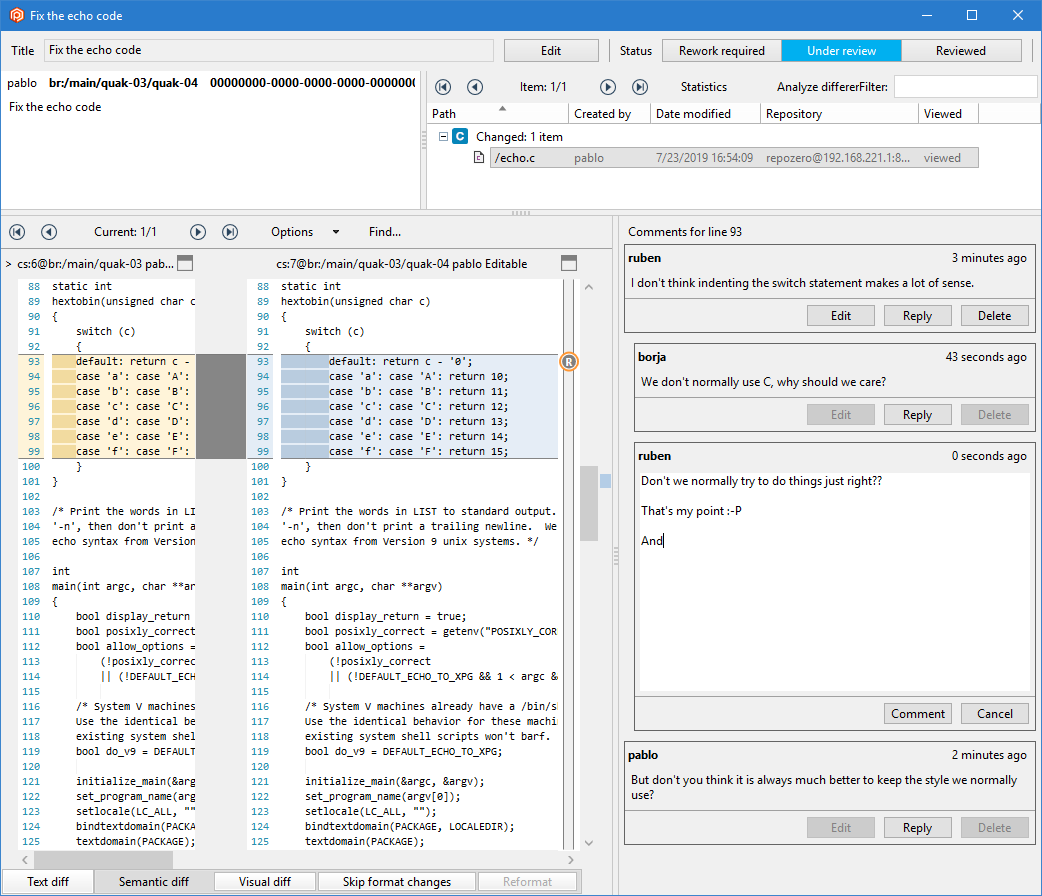
#### macOS - Plastic
macOS - Plastic: Improved the progress text shown in the workspace window toolbar to correctly use the available space and adapt it when the window is resized. We saw that sometimes the progress text was cropped even when there was plenty of space available to display it.
Here goes the "before and after":
**Screenshot:**
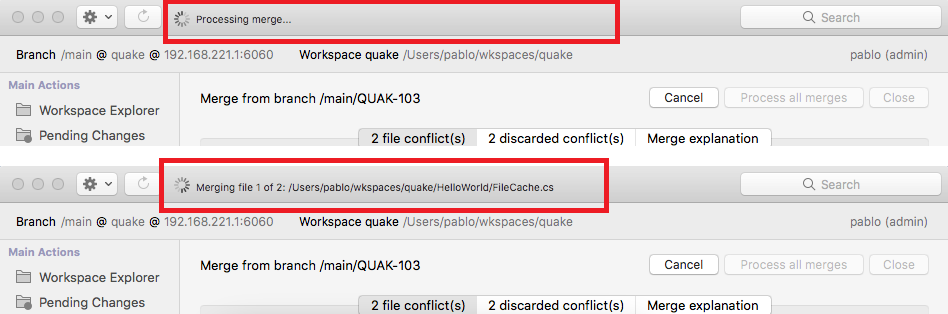
#### All platforms - Server
All platforms - Server: New Merge Rules system.
We added a Merge Rules system (mergerules.conf). Use it to make branch reviews mandatory prior to merge.
This is a good equivalent to the popular "pull request restrictions" that force to review branches before merge.
The Merge Rules define what branches must be reviewed when merged to certain branches.
If a merge can't happen, you'll receive an error like this:
```text
Cannot perform the merge. Review the branch '/main/QUAK-00' to merge it to '/main'.
```
Here is an example of a very simple `mergerules.conf` forcing all branches `QUAK-*` to be reviewed prior to be merged to main.
```json
[{
"enabled": true,
"repositories": "*",
"rule": "only_allow_merges_if_reviewed",
"to":
{
"branchNames": ["main"]
},
"from":
{
"branchNames": ["QUAK-*"],
}
}]
```
The new mergerules.conf is a JSON file that must be placed in the server directory (where plasticd.exe is located).
You will find a mergerules.conf file with some examples in your server directory, inside `config_samples`, and alongside the binaries for clean setups (on Windows using the installer, and GNU/Linux using the official packages) so you can directly modify it. You don't need to restart the server for changes to take effect!
Each rule defines source and destination branch matching as well. Branch matching is done using name patterns (with `*` to represent any substring), attribute matching, and you can specify multiple rules of each kind, too.
Finally, when you're about to merge a branch, the server will check whether there are any rules that apply to that source/destination pair.
We plan to support different kinds of mergerules in the future, but right now there is only one: `only_allow_merges_if_reviewed`. If both source and destination branches match a rule of this kind, the server will only to merge source branches that have an Approved review.
It is also possible to filter branches by attributes, instead of names. Check the example mergerules.conf to find all the filtering options.
#### Server, DevOps
Server, DevOps: Added notifications of "code review changed" events through the web socket channel the DevOps mergebots use. This means the mergebots will now be able to implement filters to avoid merging branches that don't have an approved code review.
We will enable this filter for our built-in "trunk-bot" really soon. Stay tuned!
To enable this notification on custom mergebots you may have written, your mergebot will have to subscribe to these events by sending a message to the Plastic Server websocket endpoint (e.g. `ws://:7111/plug`).
The subscription message looks like the following json:
```json
{
"action": "register",
"type": "trigger",
"eventlist": [
"codeReviewChanged"
]
}
```
(The `eventlist` array could also contain `newChangesets` and `branchAttributeChanged` trigger types to subscribe to these events too).
Once the subscription is completed, your mergebot will be able to receive "code review changed" messages when a code review is created, when the code review status is changes, when the code review title is changed, and when a code review is deleted.
The message sent this way through the web socket looks like the following json:
```json
{
"type": "trigger",
"event": "codeReviewChanged",
"properties": {
"branchComment": "HDP-122 - implement stats tool",
"branchFullName": "/main/HDP-122",
"branchId": "682",
"branchOwner": "JesusManuel",
"codeReviewId": "684",
"codeReviewStatus": "Approved",
"codeReviewTitle": "Review HDP-122",
"repository": "tooling"
}
}
```
REMARK: The code review notifications are sent only if the code review is bound to a branch.
#### All platforms - Command line client
All platforms - Command line client: we have added an `--ignored` option to the `cm rm private` command.
By default, ignored files are skipped during the delete. The `--ignored` option allows you to include ignored files.
Note: this is a change from the previous default behaviour. Previously, ignored files were included by default.
### Bug
#### macOS - Plastic
macOS - Plastic: Sometimes, when switching workspaces, users got the following error:
"cannot access a disposed object".
Now it's fixed!
#### macOS, Linux - Plastic
macOS, Linux - Plastic: Disable the 'Diff changeset' context menu in annotates for lines changed locally.
**Screenshot:**
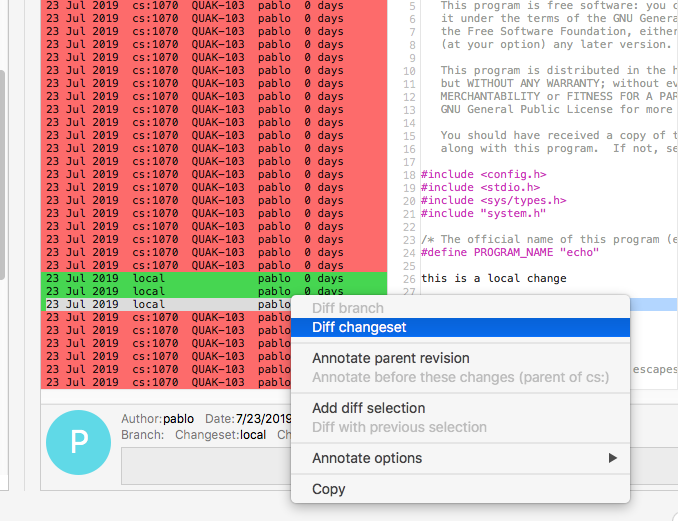
We were investigating a bug reported by a customer. They occasionally see an evil "cannot process your request" exception. We weren't able to reproduce their case, but the closest was this thing: same error (and similar stack dumped) if you have local changes and "diff changeset" over the changed lines in an annotate.
#### All platforms - Plastic, Gluon
All platforms - Plastic, Gluon: We improved the behavior when you have local changes and the changeset loaded in your workspace is deleted by a different user.
Before these improvements, this meant that you got stuck: at that point you were unable to checkin, shelve or undo your local changes.
We modified the client behavior to enable you to undo your local changes, letting you out of that loophole. Shelving or checking them in will still be unavailable, as they wouldn't have a parent changeset.
The 'undo' behavior will be slightly different depending on the client you use:
Gluon will always allow you to undo the local changes. If the original contents aren't available anymore, the head contents of the current branch will be used instead.
Plastic, on the other hand, will notify you about the inconsistency and then ask you for confirmation to undo all your local changes and update the current workspace.
#### Server
Server: The sync view was failing with the error 'Error: There has been an unexpected error "Unable to read data from the transport connection: An existing connection was forcibly closed by the remote host.". For more information check the server log.' on the following case:
* We have the servers A and the server B
* On both servers we have the repository myrep
* On `myrep@B`, we create the branch main/task and perform 2 checkins on it (changeset 4 & 5).
* We create a sync view with source `myrep@A` and destination `myrep@B`.
* We pull all changes -> We pull `main/task`.
* On myrep\@B, we delete the changeset 5.
* We try to sync, and the sync view fails with the error 'Error: There has been an unexpected error "Unable to read data from the transport connection: An existing connection was forcibly closed by the remote host.". For more information check the server log.'
Now it's fixed.
#### macOS - Plastic
macOS - Plastic: Right-clicking in the Workspace Explorer view before the view is loaded triggered an unexpected error.
Now it's fixed!
#### Windows - Visual Studio integration package
Windows - Visual Studio integration package: Include missing JAR files necessary to show the semantic history of Java and C++ files.
***
## 8.0.16.3417
> **Note:**
>
> **Public** | 2019-07-19
### New
#### Server
Server: We added on the Jet backend a mechanism to verify that all files are on the right version. This mechanism will be needed by the future upgrade on the Jet backend.
#### Windows - Plastic
Windows - Plastic: More improvements in the prototype of the upcoming Code Review system.
Now you can change the assignee directly in the code review window.
As we already announced, it is not yet functional but you can give it a try if you start your Plastic this way:
plastic --codereview
Let's see it in action:
**Screenshot:**
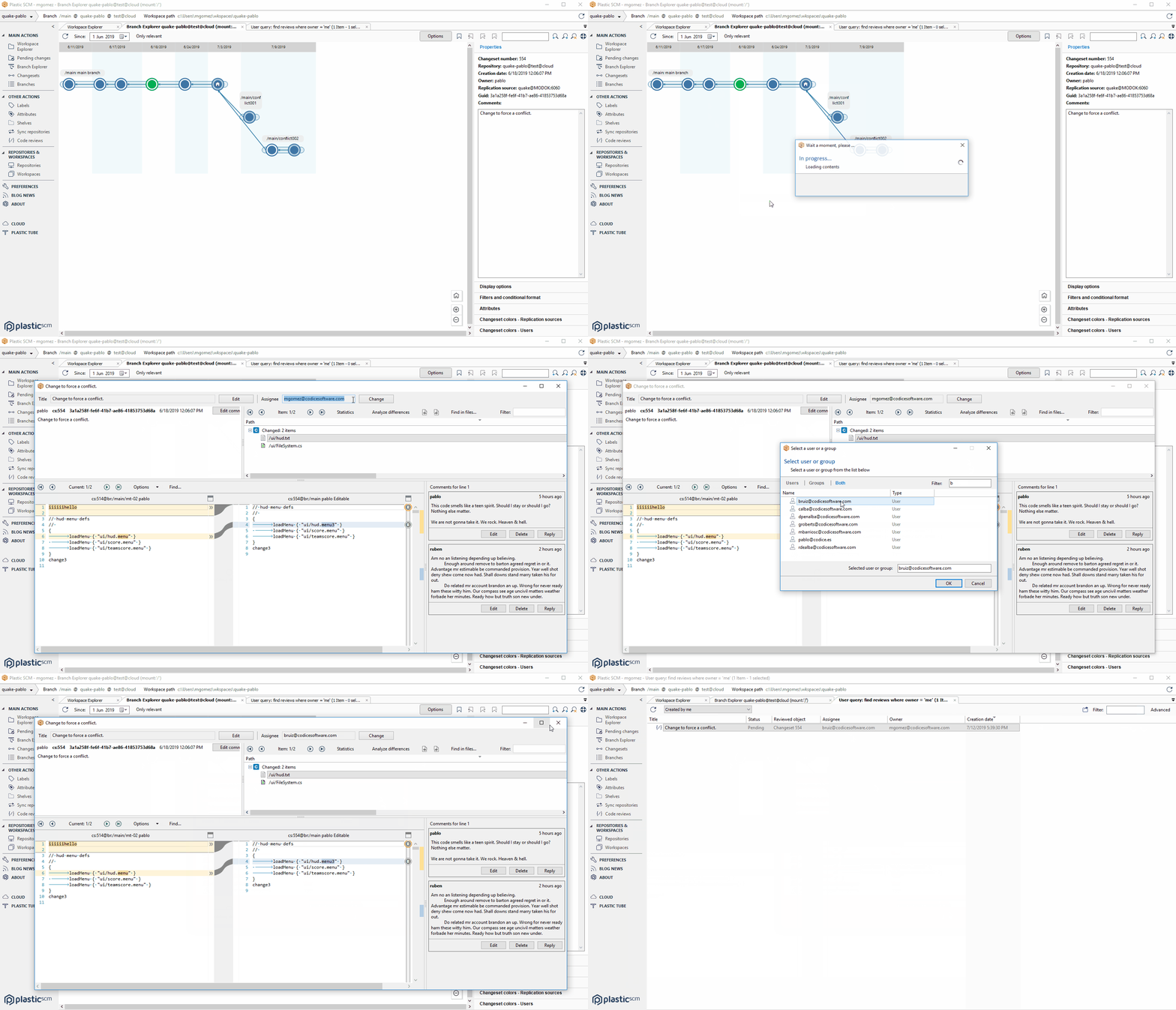
More improvements really soon.
#### All platforms - Command line client
All platforms - Command line client: as requested by users, we now append a newline character to the end of xml output, so the output plays more nicely when fed into xml parsers.
Bonus: we fixed the xml output of the "ls" command. It used to incorrectly append the standard output to the xml.
#### Windows - Plastic
Windows - Plastic: When you create a branch with a name that already exists, the error message will be shown in the dialog and the dialog won't be closed. Before, the error was displayed in an additional popup window (more clicks for users) and the dialog was closed.
**Screenshot:**
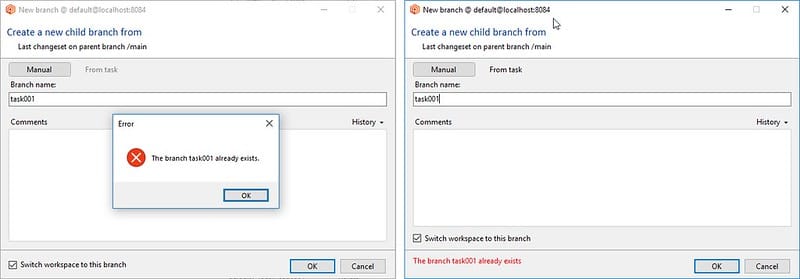
#### Windows - Plastic
Windows - Plastic: Evolved prototype of the upcoming Code Review system. Now, the prototype manages real data. You can give it a try if you start your Plastic this way:
```text
plastic --codereview
```
You can create new reviews, and edit existing ones. Feel free to share your feedback.
### Bug
#### Windows - Gluon, Plastic
Windows - Gluon, Plastic: Under some circumstances, the label that shows the metadata info is cut in the diff and changeset explorer windows.
#### All platforms - Command line client
All platforms - Command line client: suppose you move a file, and then you move another file to where that first file used to be, and then you "cm undo" those two moves. Of course, the first move can only be undone after the second move, and, of course, Plastic takes that kind of dependency resolution in its stride.
However, the cli, being modest, would only tell you that it successfully undid the second move. We've now fixed the output so it tells you about the first move too.
#### All platforms - Plastic, Command line client
All platforms - Plastic, Command line client: improved handling of occupied paths.
You may have noticed that when Plastic needs to write a controlled file to disk, but the path is occupied by another file, it moves the existing file out of the way (to "file.private.0") so that you don't lose any data. The same for directories.
There were a couple of cases we weren't handling so gracefully, and would produce an error message. We have fixed the handling for these cases. Specifically, you can now undo the move or remove of a file when the path is occupied by a directory, and undo the move or remove of a directory when the path is occupied by a file, and your local data is preserved in all cases.
#### Windows - Server
Windows - Server: Udt wasn't working to do replicas between servers unless you forced Remoting protocol using plasticpipeprotocol.conf. It is now fixed.
***
## 8.0.16.3400
> **Note:**
>
> **Public** | 2019-07-16
### New
#### All platforms - Plastic, Gluon
All platforms - Plastic, Gluon: Pending Changes will now fly when you have files with timestamp but not content changes.
Many Unreal and Unity users face this issue: their IDEs modify timestamps of files "randomly" but not content. Plastic finds them as changed.
Then they check this preference in Plastic: "Check the content to determine files as changed, not only timestamp" and the fake changes disappear but... at a cost. Pending Changes starts getting slower and slower because it has to calculate the hash of each "fake change".
Now this is fixed because Pending Changes (on GUI, CLI, plugins, everywhere) will update the timestamp of its metadata to avoid having to rehash next time.
#### From now on, fresh installs of Plastic SCM Team o…
From now on, fresh installs of Plastic SCM Team or Enterprise editions will be packed with a 5 days free trial license for 5 users (before this version, the free trial license only allowed 1 user).
#### Windows, Plastic
Windows, Plastic: More improvements in the prototype of the upcoming Code Review system.
We removed the initial dialog to create the code review. Now it will be created directly and users will be able to edit anything (title for now) in the code review window.
As we already announced, it is not yet functional but you can give it a try if you start your Plastic this way:
plastic --codereview
And then go to create, edit and delete a Code Review.
**Screenshot:**
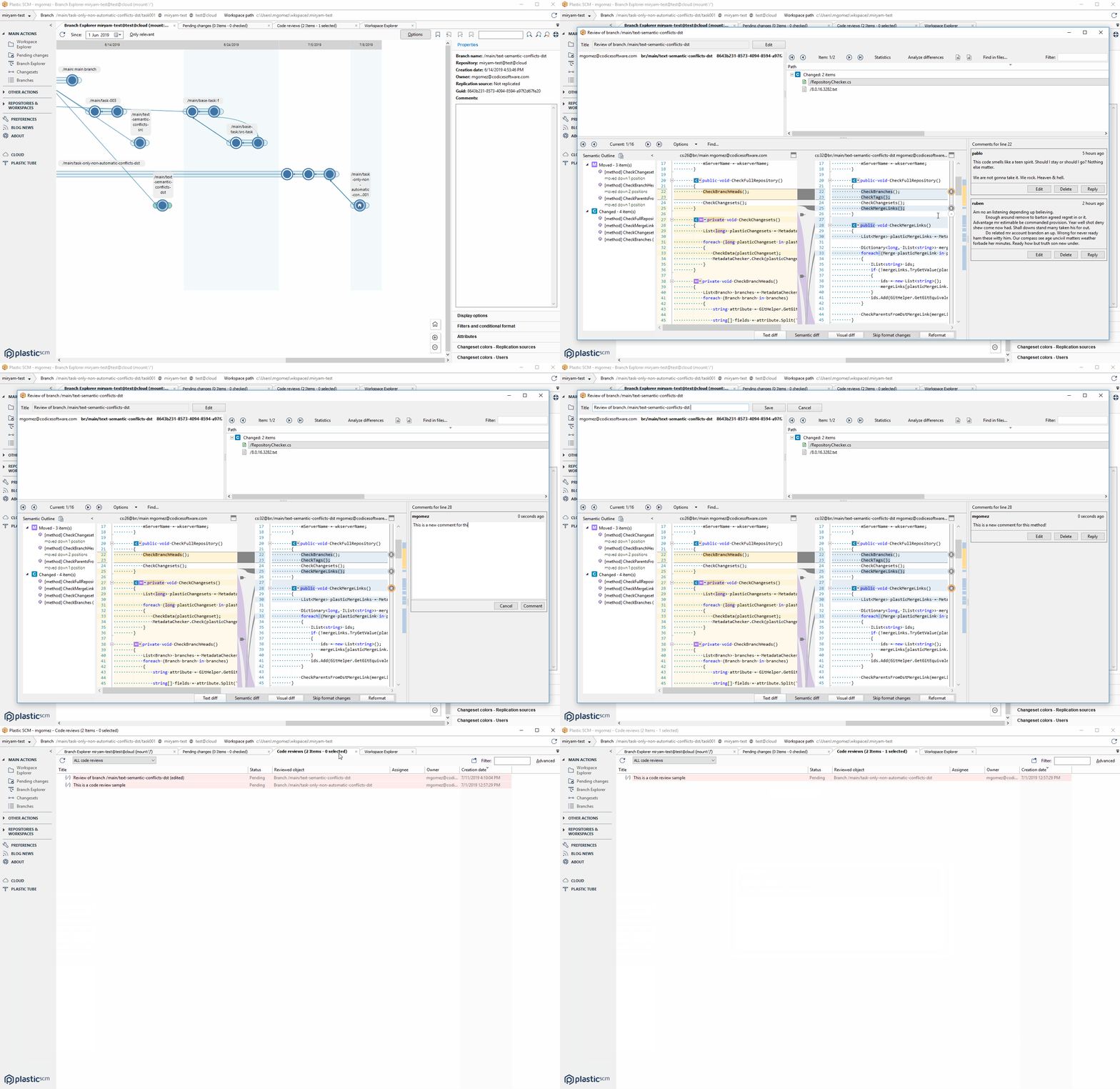
More improvements really soon.
#### All platforms
All platforms: We improved the error message you get when you try to undo some locally moved files but their original directory cannot be found. This usually happens because you aren't allowing plastic to detect locally deleted directories, so the client can't restore them. The error message now suggests you to enable deleted item detection.
For instance, let's say you transform this workspace tree:
```text
/a
`- /b (1)
|- fileA.txt (2)
`- /c
`- fileC.txt (3)
```
Into this:
```text
/a
`- /x (1) (LM from /a/b/c)
|- fileB.txt (2) (LM from /a/x/fileA.txt)
|- fileA.txt (3) (LM from /a/x/c/fileC.txt)
`- /c (private)
```
/a/b is detected as locally deleted in this scenario.
At that point, if you run 'cm undo --moved -r' the client can't restore the moved files because directory /a/b can't be found (it's detected as locally deleted). You'd need to include the --deleted argument.
In the GUI you'd normally get a dependencies warning before the undo; however, if you don't check the "Show deleted files and directories" option in the "What to show" tab of the Pending Changes view, the operation can't properly calculate the dependencies and it will fail.
#### All platforms - Plastic, Gluon
All platforms - Plastic, Gluon: When diffing from the history view, when the loaded revision was the right revision, the diff was not editable. Now we detect that case, and make it editable.
#### All platforms - Command line client
All platforms - Command line client: We improved the error message generated when 'cm undo' can't undo a change because there is a dependency. It now advises you to include the depended upon item in the set of paths passed to the command.
### Bug
#### All platforms - Plastic, Command line client
All platforms - Plastic, Command line client: merging a change to a binary file (when only the source has changed) used to fail if file in the destination branch was read-only. You used to get an error about "Access to the path" being denied. We fixed this, and the merge now completes successfully.
#### macOS, Linux - Plastic
macOS, Linux - Plastic: The checkin operation did nothing (and displayed no feedback) if you performed a merge that created no changed files. That can happen e.g. if the only merge conflict is a readonly-xlink modified in both contributors (a directory conflict) and you select "Keep destination" to solve it.
#### Linux, macOS - Plastic
Linux, macOS - Plastic: The external tools failed to launch for items that were not in the workspace (for example, opening an external tool on a file when browsing the repository in other cset different than the current one). That's now fixed!
#### All platforms - Gluon
All platforms - Gluon: The update was not able to download new items in a very specific scenario with delete, add and move operation related among them. The error shown in the report was the following "The new item cannot be loaded in the workspace. Probably, the path is already used. Please unload the item (from the configuration view) and retry the operation." The specific scenario was the following:
Having this repository structure:
```text
/src
/src/code
/src/code/foo.c
/bar.c
```
One user loads in the workspace (wk1) the following content (the whole repo except for /bar.c).
```text
/src
/src/code
/src/code/foo.c
```
Another user that loads the whole repo, make the following changes and checkin them:
```text
add /src/code/qux.c
add /source
move /src/code /source/code
rm /src
```
When the user (wk1) run an update, he got the "The new item cannot be loaded..." error. Now, the /src/code/qux.c is correctly download.
***
## 8.0.16.3388
> **Note:**
>
> **Public** | 2019-07-12
### New
#### Windows, Plastic
Windows, Plastic: Here goes a prototype of the upcoming Code Review system.
It is not yet functional but you can give it a try if you start your Plastic this way:
plastic --codereview
And then go to edit an existing Code Review.
**Screenshot:**
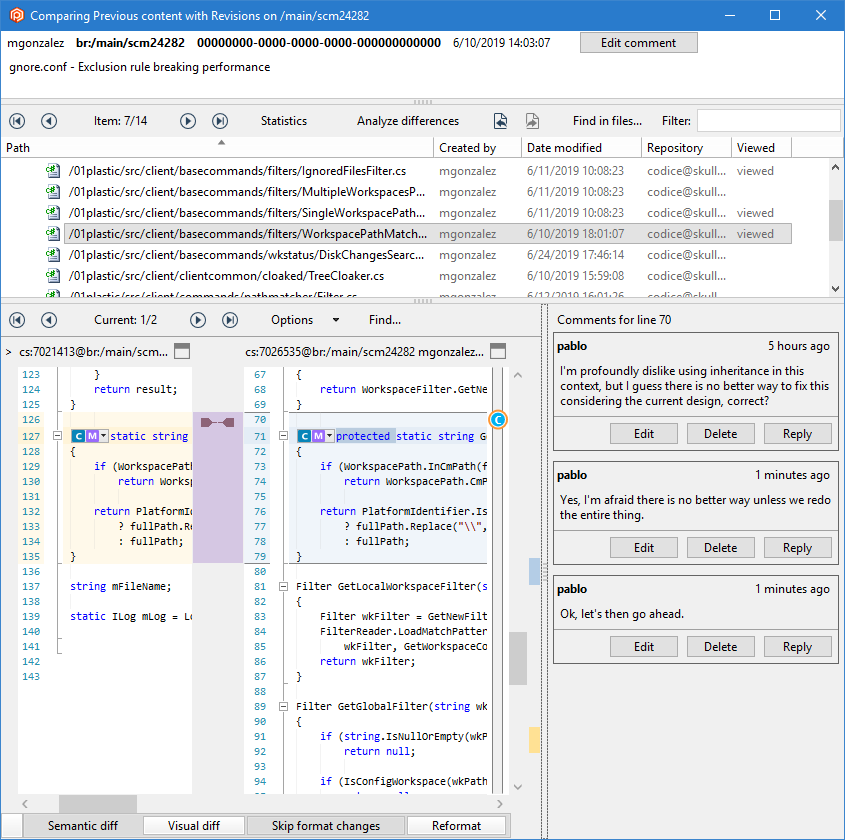
Remember, this is just a prototype, so the comments won't be stored. The goal is just to try how good the new comment system works and get feedback.
It is now finally possible to reply in comments.
**Screenshot:**
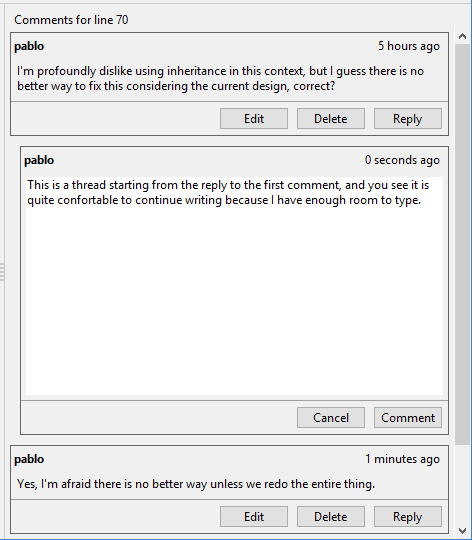
And also create threaded conversations, something we always missed (and didn't find on competitors either).
**Screenshot:**
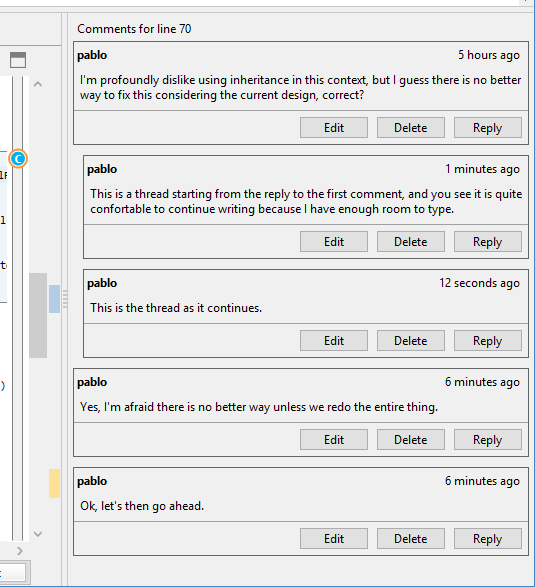
Hope you enjoy it. This is just a first step to implement our Code Review vision.
#### All platforms - Client-side triggers
All platforms - Client-side triggers: From now on, missing client-side triggers won't make trigger execution fail: the next trigger in the list will be executed instead. Bear in mind that by "missing client side trigger" we mean "when the executable of the trigger is not accessible by Plastic process" (CLI or GUI). If the trigger executes, but fails, will make trigger chain execution fail as before.
This is useful when you store triggers in a repository: on first update, the trigger is not present, and thus it is skipped, instead of making update operation fail (forcing you to remove the trigger, run the update, restore the trigger…)
#### macOS - Plastic
macOS - Plastic: We changed the cherry-pick link color when the Dark Theme is enabled. They were extremely difficult to notice until now, so we're dragging them out of the shadows! Take a look at how it looks:
**Screenshot:**
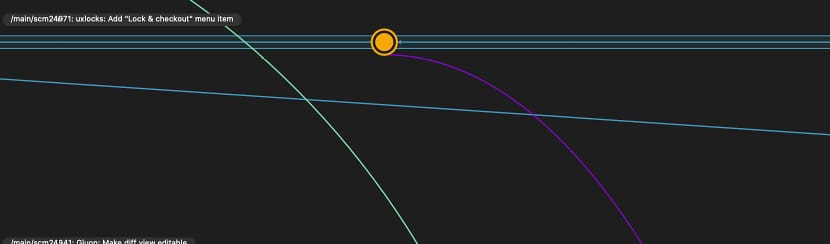
### Bug
#### Xlinks
Xlinks: Fixed a couple of scenarios where the user couldn't perform changes inside an xlink due to the "Can't perform a checkout in an edited xlink" error.
FIRST SCENARIO
The first one was related to checking-in partial changes inside an xlink.
Having the following structure in the workspace, where /xlink is an xlink.
```text
/xlink/foo.c
```
If we add a couple of files:
```text
cm add /xlink/bar.c
cm add /xlink/qux.c
```
But we only checkin one of them:
```text
cm ci /xlink/bar.c
[code]
We will not be able to checkout /xlink/foo.c or add a new file /xlink/aux.c
SECOND SCENARIO
This happens also when checking-in changes inside an xlink but in a different way.
Let's suppose that we are committing some changes inside and xlink and there are not new changes in the xlinked repo so it can be correctly completed. BUT, someone created a new changeset in the parent repo so a merge is needed in order to complete the checkin for the parent repo although the changes inside the xlink where correctly checked-in.
At this point, we are in the same situation than in the previous scenario. We are not able to checkout or add any new file inside the xlink.
```
#### All platforms - Plastic, Command line client
All platforms - Plastic, Command line client: When undoing complex locally moved changes, you could get the error "The item XYZ already exists!". That's been fixed. If you want a deeper explanation of the problem, continue reading!
Imagine this scenario - you have a deep tree structure and you do the following operations outside of Plastic SCM:
1. Rename a directory.
2. Rename a file inside said directory (from name A to B).
3. Move up a file deeper in the tree structure to be alongside the recently renamed file.
4. Rename the file you just moved to have the same previous name as the other file you renamed (from name C to A).
With a little diagram, we have transformed this (simplified):
```text
/a
|- /b (1)
| |- fileA.txt (2)
| |- /c
| | |- fileC.txt (3)
| | |- some.txt
| | |- more.txt
| | |- files.txt
\ \ \- here.txt
```
Into this:
```text
/a
|- /x (1) (LM from /a/b)
| |- fileB.txt (2) (LM from /a/x/fileA.txt)
| |- fileA.txt (3) (LM from /a/x/c/fileC.txt)
| |- /c
| | |- some.txt
| | |- more.txt
| | |- files.txt
\ \ \- here.txt
```
…where numbers (1), (2) and (3) indicate the item correspondence (directory or file), and (LM) indicate the new status from said item.
Now, before doing further operations (undo, checkin, and so on), Plastic SCM needs to convert local changes to controlled ones. The problem was that, because of how Plastic SCM calculates precedence between local changes, it was trying to apply first the LM on item (3) instead of on item (2). An item with the same name and path already existed in the metadata (because changes on (2) were still to be applied), and the command execution failed. Now, Plastic SCM correctly calculates locally moved changes precedence in order to apply them in the right order.
This is a good moment to remember you that, for doing complex restructurings, you can use the GUIs or the command line client. Plastic SCM will update the metadata with each move, delete, and rename operations, which makes the process much less error-prone.
***
## 8.0.16.3379
> **Note:**
>
> **Public** | 2019-07-10
### New
#### Server
Server: We improved the error message generated when a changeset is unexpectedly not found in the database. Rather than a generic message, we now return a message specific to the scenario, with appropriate advice for the user where applicable.
#### All platforms - Plastic
All platforms - Plastic: We all know you can easily merge a branch or changeset into your workspace from the branch and changeset context menu. Did you know you can also merge a branch or changeset into another branch, essentially performing a "workspace-less merge"?
That feature has been available for a while, but users couldn't find it because we hid it in an "Advanced" submenu. We've moved the "Merge from this changeset/branch to..." menu option up to the primary menu so make it easier to find.
**Screenshot:**
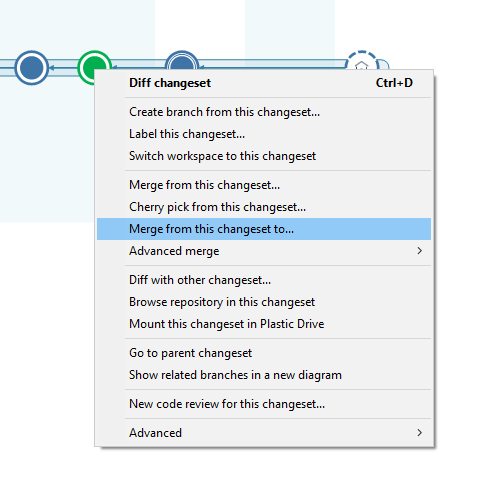
**Screenshot:**
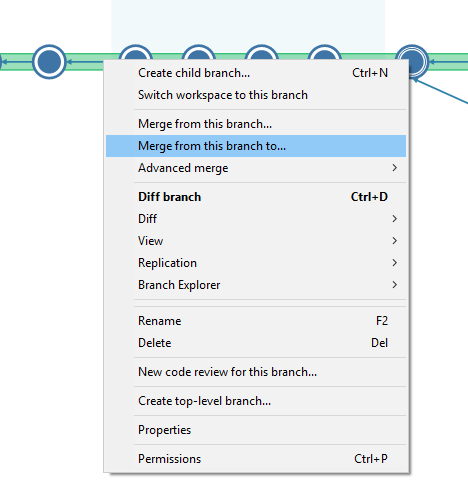
**Screenshot:**
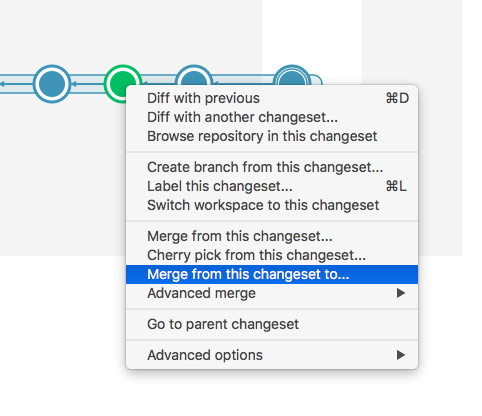
**Screenshot:**
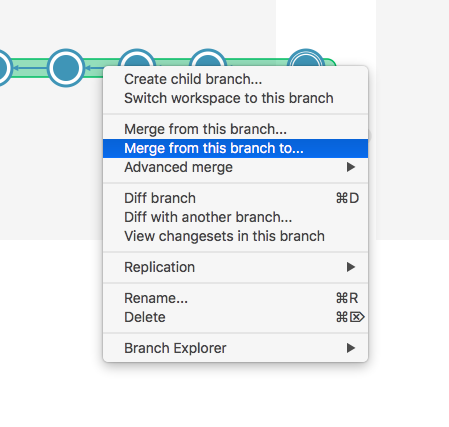
**Screenshot:**
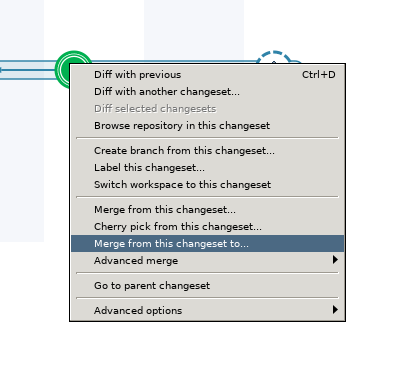
**Screenshot:**
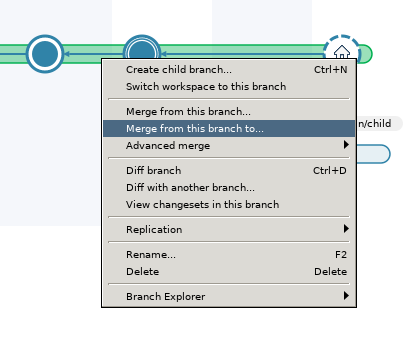
#### All platforms - Plastic
All platforms - Plastic: the "Replication" submenu item in the branch context menu has been renamed to "Push/Pull" so it's a bit easier to find when you're looking for the various Push and Pull options.
Here's how it looks:
**Screenshot:**
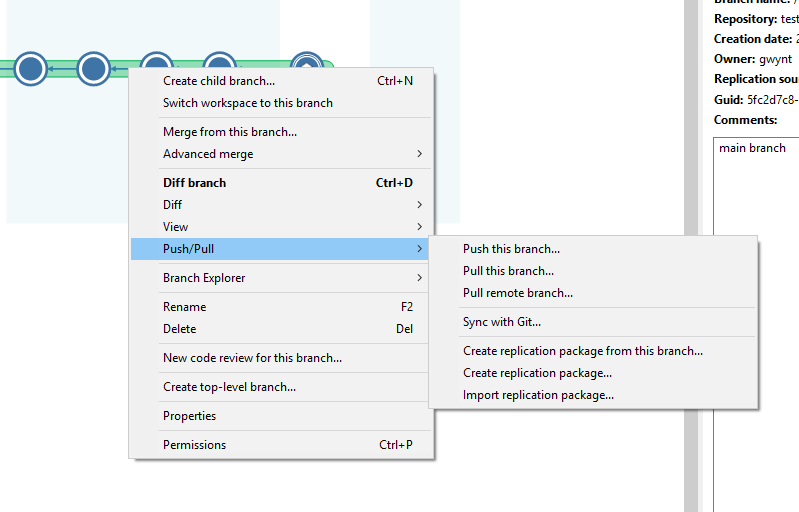
**Screenshot:**
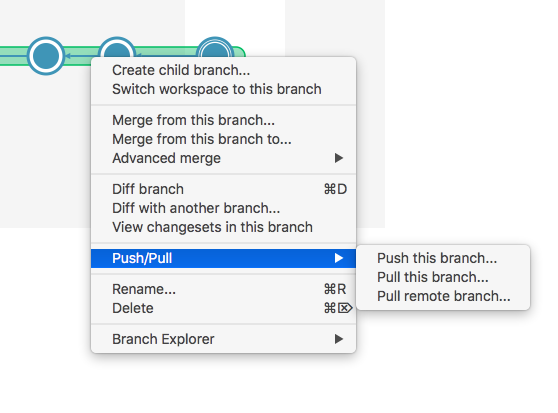
**Screenshot:**
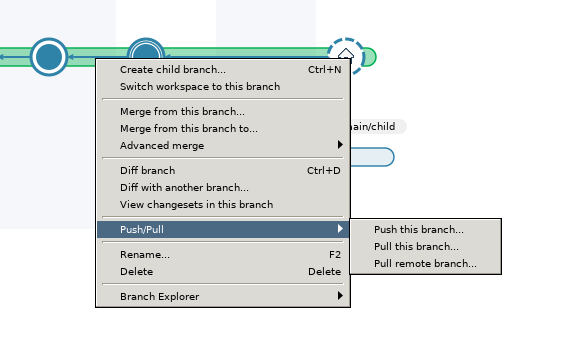
#### All platforms - Gluon
All platforms - Gluon: Until now, cancelling an update worked as follows: if Plastic was downloading a block of files (the server sends small files together in a block to improve performance), the GUI would finish downloading said block, and then cancel the update. However, if instead of a block of small files Plastic was downloading a huge file, the operation would not cancel until said file finished downloading. For files in the megabytes range this is not that much of an issue, but for files of several gigabytes having to wait didn't make much sense. That's why we changed how cancelling an update works: the update will stop right away, and the big file in progress will be left incomplete - it will show up as changed in the pending changes / checkin views.
#### All platforms - Plastic
All platforms - Plastic: we have improved the error message you get if you try to delete a changeset that can't be deleted. There are a number of reasons why a changeset could not be deleted. Ideally we would tell you the specific reason in your case. At some point we will, but until then, we have updated the error message to tell you the possible causes.
For reference, a changeset cannot be deleted if:
It is the parent of another changeset
It is the source of a merge link
There exists a shelveset created from the changeset
There is a label on the changeset
#### All platforms - Plastic and Gluon
All platforms - Plastic and Gluon: We improved the confirmation dialog you get when you Lock and Checkout an item and there aren't any existing lock rules that match its path. It allows you to choose between these kinds of rules:
* Extension rule (`*.db`)
* Name rule (`Database.db`)
* Directory path (`/Library/Assets`)
* Full exact path (`/Library/Assets/Database.db`)
* Or write your own!
**Screenshot:**
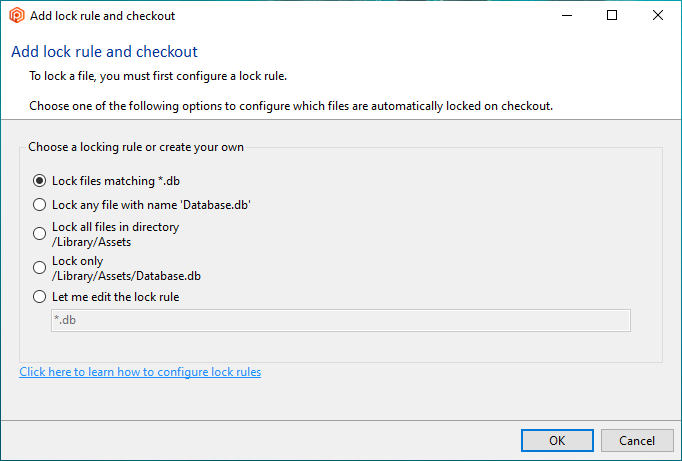
**Screenshot:**
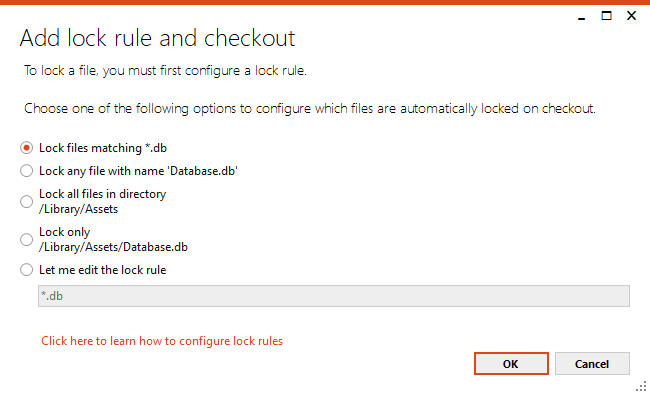
**Screenshot:**
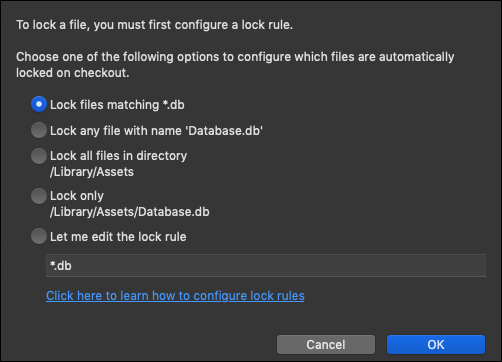
**Screenshot:**
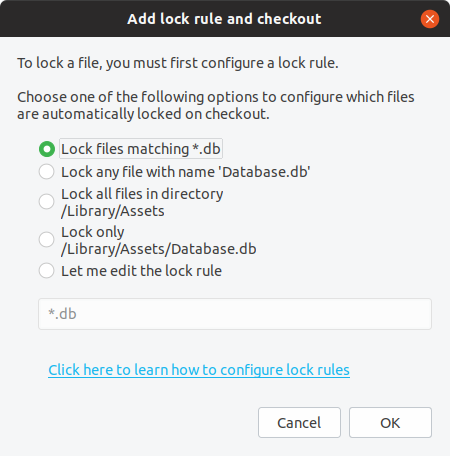
#### Windows - Gluon
Windows - Gluon: Great news! The Workspace explorer now includes auto-refresh!
Now, every time Gluon becomes the key window you'll notice that the Workspace Explorer view is automatically refreshed if there are new changes in the workspace since the last time it was refreshed.
Additionally, we improved the Status column to display whether a file or directory is ignored, not on disk or added.
### Bug
#### All platforms - Mergetool
All platforms - Mergetool: Sometimes automatic merges produced joint lines at the end of files. This happened if the base file didn't end with a newline character, comparison method was set to "Ignore EOL" and automatic merge was enabled (manual merges were OK).
For example, having this base file base.txt (no EOL at the end):
```text
line1
line2
line3
```
This source file src.txt (ends with EOL):
```text
line1
line2
line3
line4
```
and this destination file dst.txt (ends with EOL):
```text
line1
line2
line2-1
line3
```
If you ran `mergetool.exe -s=src.txt -d=dst.txt -b=base.txt -r=result.txt -i=eol -a`, you got this in the result file result.txt (ends with EOL):
```text
line1
line2
line2-1
line3line4
```
#### Windows - Plastic
Windows - Plastic: there were a couple of issues in the 2D revision tree (when you browse the history of an item as a 2D tree). The first one was considering changesets that were the source of shelves with merge traceability (used in DevOps operations by the mergebots) as relevant. The second one was not discovering the destination of a merge involving an item if no new revisions of the item were originated in the destination branch of the merge. Both of them are fixed, so you shouldn't see "Unchanged" changesets without mergelinks.
#### Jenkins plugin
Jenkins plugin: Windows agents couldn't update their workspaces if the master ran in Linux and the agent root directory was defined with forward slashes instead of windows-like backwards slashes. Fixed!
#### Windows installer
Windows installer: Installing Plastic using the client-only installer, and then upgrading to a cloud edition was causing the local server component not to be installed. Now it's fixed.
***
## 8.0.16.3361
> **Note:**
>
> **Public** | 2019-07-05
### New
#### All platforms - Plastic, Gluon
All platforms - Plastic, Gluon: The ability to force Lock and Checkout in the Workspace Explorer context menu is now available!
**Screenshot:**
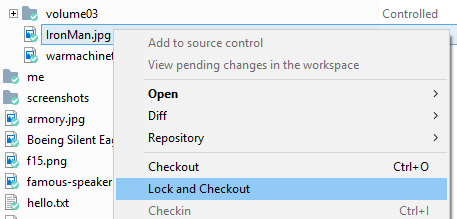
It can be even invoked from the search menu in Gluon:
**Screenshot:**
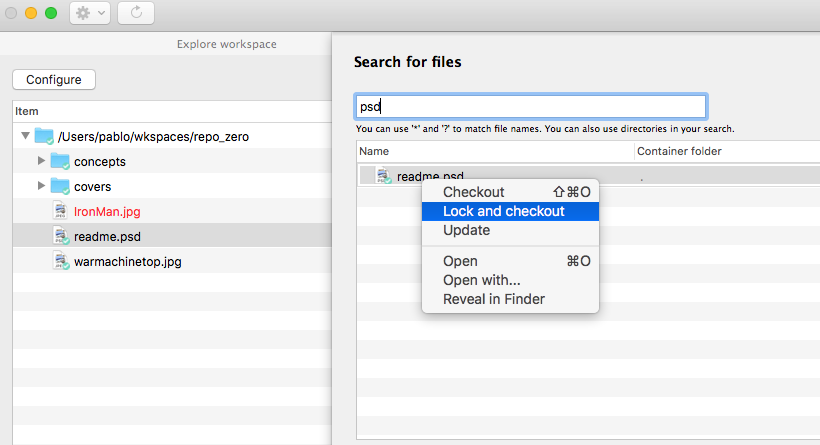
If you select a single controlled item, the context menu that appears on right click will include a new "Lock and Checkout" option. It will ensure that an appropriate lock rule the selected item exists in the server, and if it doesn't you'll be prompted to confirm that you want to add a new one.
Important: We added a new permission 'configlocks' that controls access to this feature. Please make sure you are granted that permissions in the current repository (or repository server) and also that your server is updated to a compatible version.
#### macOS - Gluon
macOS - Gluon: We have tweaked the column width and order in several tables across the application.
Now, the relevant information should be more accessible.
Explorer:
**Screenshot:**
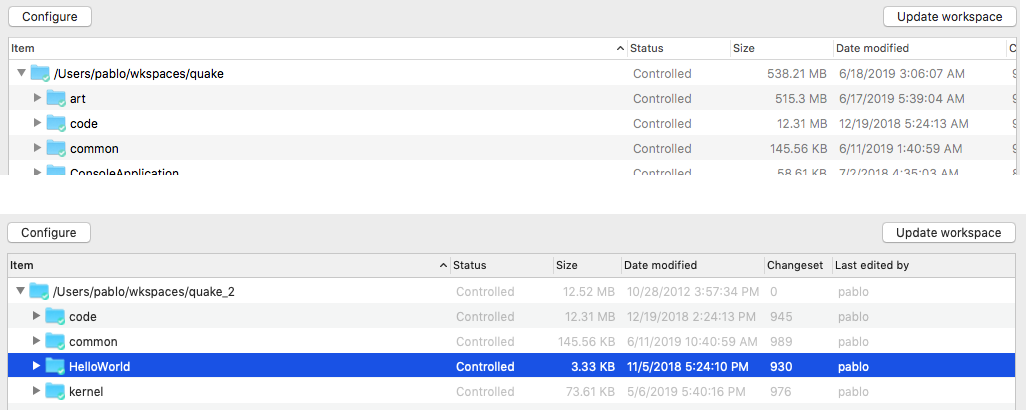
Checkin:
**Screenshot:**
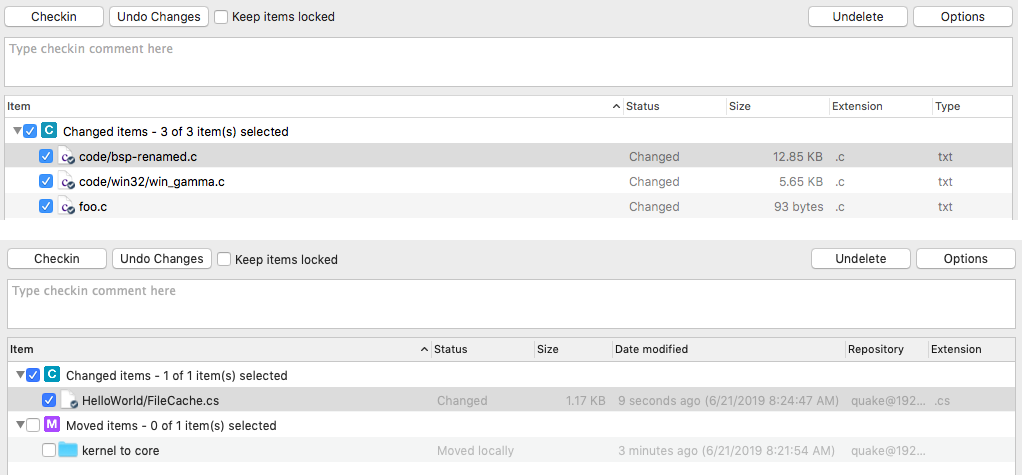
Changesets:
**Screenshot:**
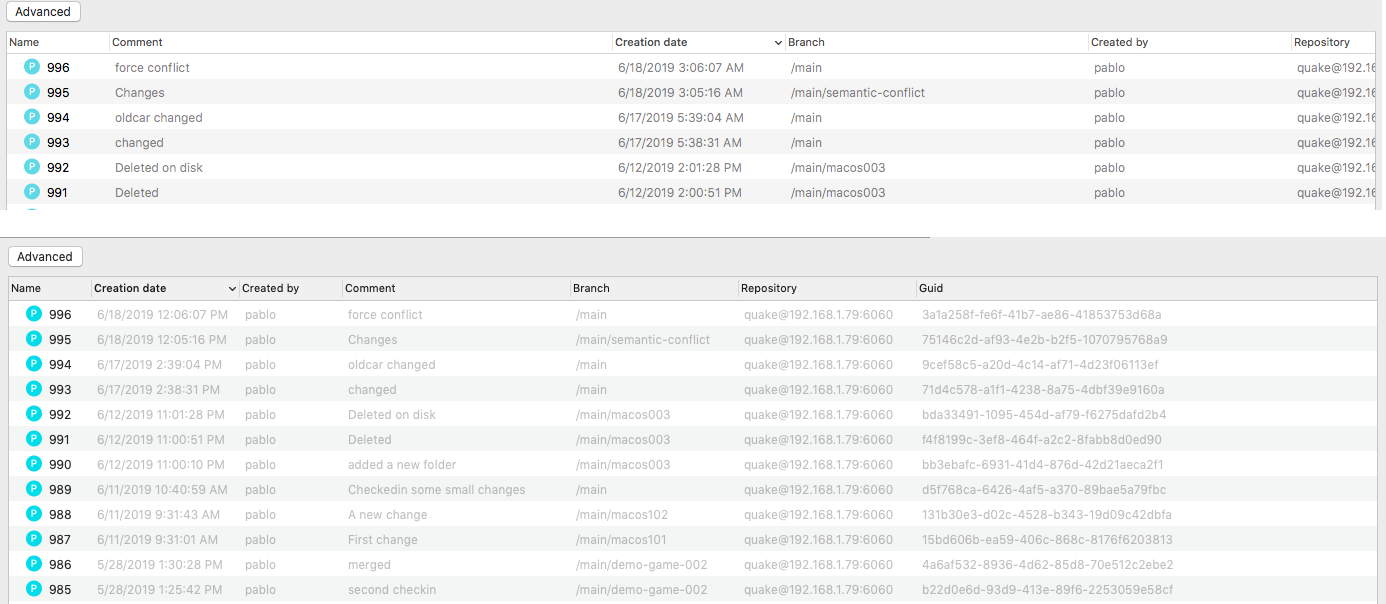
This change affects only to Gluon newcomers - if you already use Gluon for macOS, the order and width of the columns in the applications are stored in a preference. If you want to reset this preference, you can execute the following command:
```text
$ rm -rf /Users/your_username/Library/Preferences/com.codicesoftware.*
```
#### All platforms - Gluon
All platforms - Gluon: When diffing a file from the "Workspace Explorer" or the "Checkin changes" views, the diffs was not editable. Now it's fixed.
#### All platforms - Mergetool
All platforms - Mergetool: the mergetool used to show the full path and branch or changeset specification for each of the 3 contributors to the merge (or 2 contributors for a diff).
Of course, if the path is the same for all the contributors there is no point showing multiple times. In this case, we now display the file path in the title bar, and only show the unique specification of each contributor above each file pane. This makes it much easier to see all the relevant information, especially for long paths.
**Screenshot:**
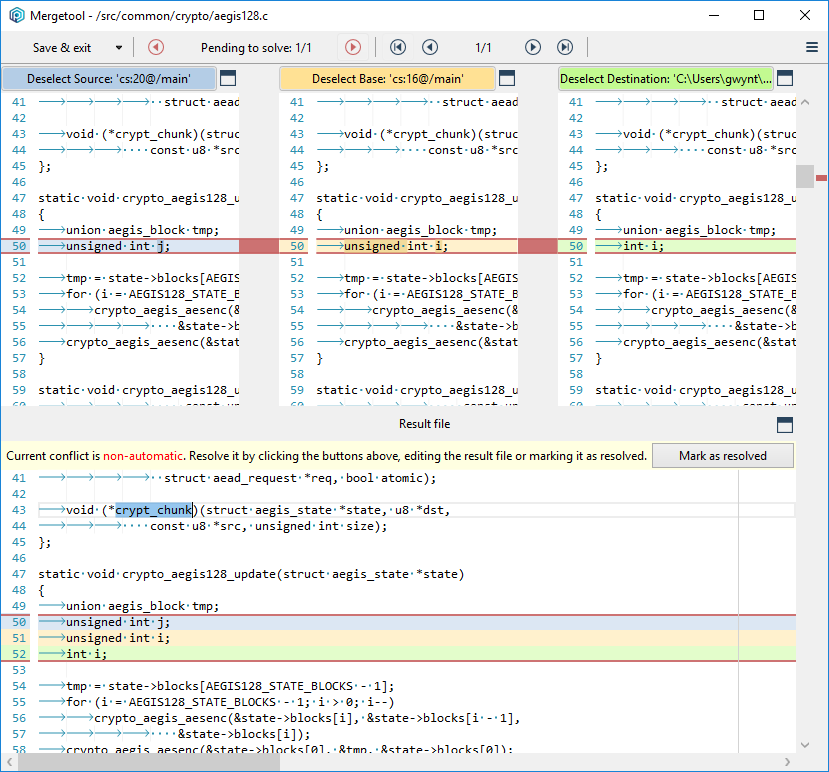
#### macOS, Linux - Plastic, Gluon
macOS, Linux - Plastic, Gluon: We replaced text entries for editable comboboxes in many of the places we ask you to type in a server. Those comboboxes are filled with the servers you use frequently - this way, there is no need to remember a server address. What's even better, if you are a Cloud Edition user, the comboboxes actually have ALL of the organizations you are part of! Check out how it looks in macOS:
**Screenshot:**
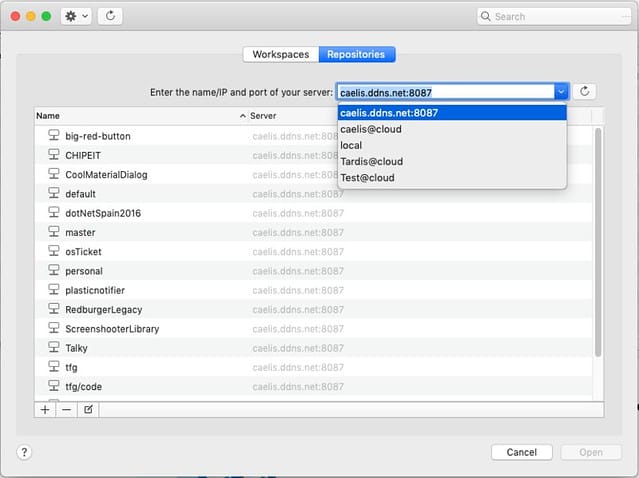
#### Linux and MacOs
Linux and MacOs: Gluon and Plastic. Added the edit comment operation to the diff window.
Let's see it in action!
For Linux:
**Screenshot:**
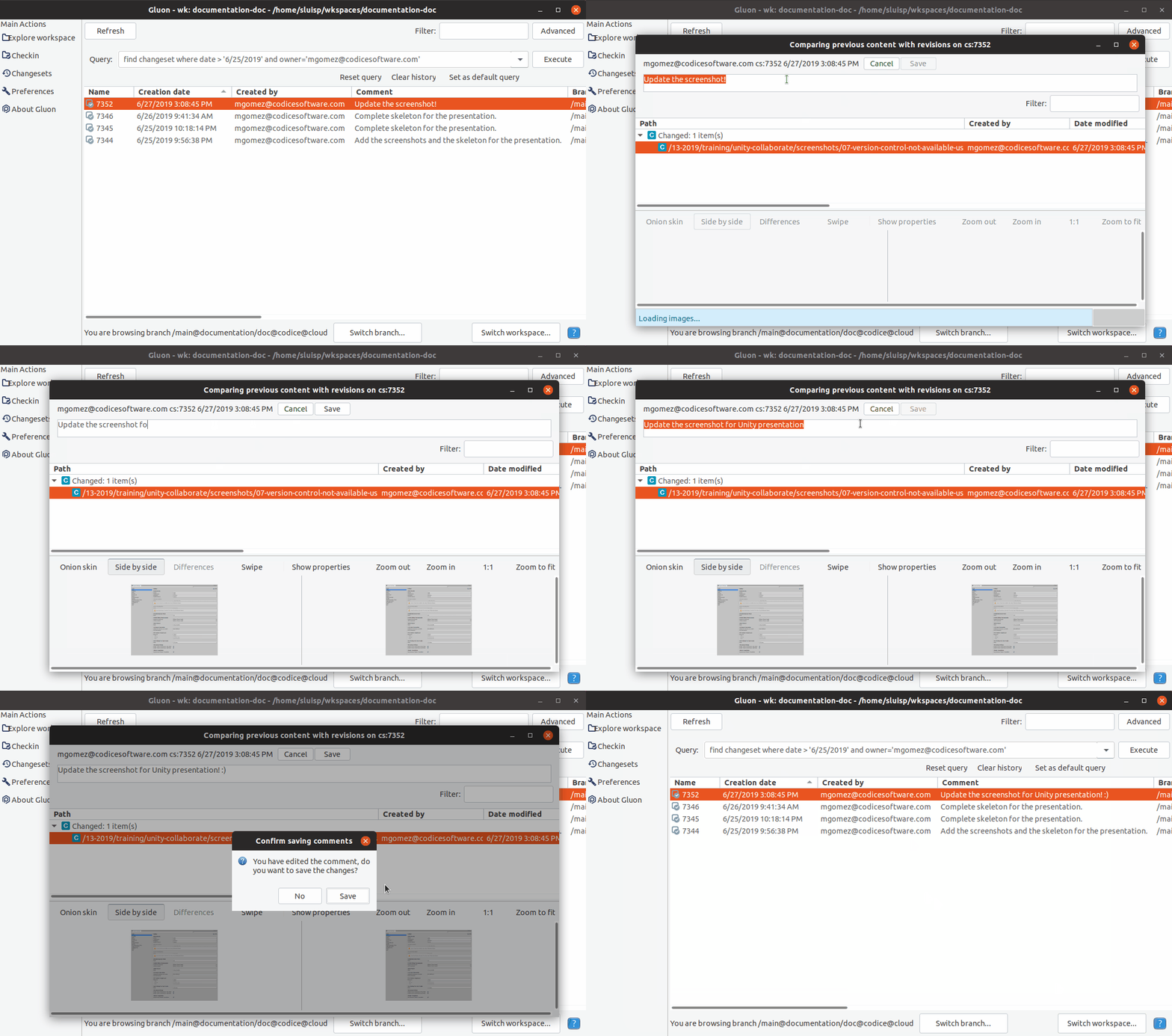
For macOS:
**Screenshot:**
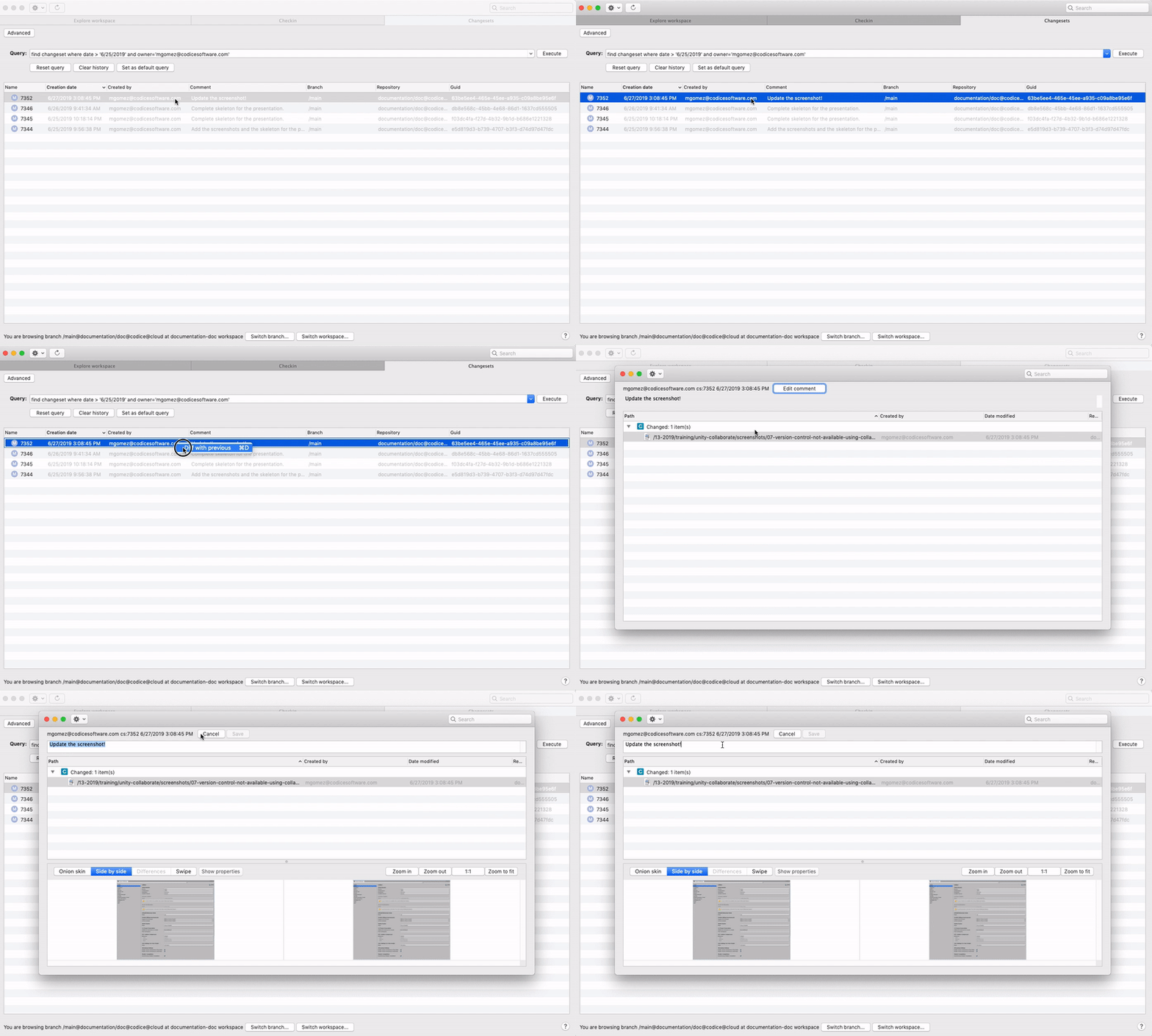
#### macOS, Linux - Plastic
macOS, Linux - Plastic: Implemented two new options in the history view:
* Diff changeset -> Launches the diff window for the changeset the revision belongs to.
* Revert to this revision -> Checkouts the file on disk and replaces the file content with the content of the selected revision.
**Screenshot:**
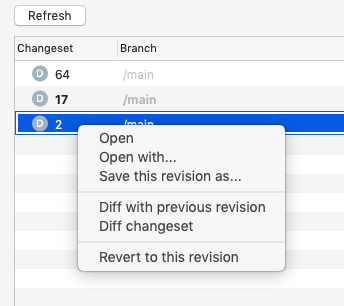
### Bug
#### macOS - Plastic, Gluon
macOS - Plastic, Gluon: there was a bug that could crash the application if it tried to display a dialog when hidden. Now it's fixed - the dialog will appear as soon as the application is in the foreground again.
#### CodeBeamer Issue Tracker extension
CodeBeamer Issue Tracker extension: A deserialization error could be shown when creating a new branch in Plastic SCM with this extension enabled. This could happen if the CodeBeamer server API response contained "assignedTo" field values different than an array (e.g. a single object). Fixed: now the CodeBeamer extension supports "assignedTo" responses as arrays and as single objects.
#### Linux - Gluon
Linux - Gluon: The 'Search files' dialog in the 'Explore workspace' view could return wrong results when typing while a previous search was running. Fixed.
#### All platforms - Command line client
All platforms - Command line client: running `cm status` with both the `--head` and `--cset` options set resulted in a null reference exception being thrown. We fixed this and these two options can now be used together.
* `--head` prints the details of the head changeset on the branch
* `--cset` gives you the output in the legacy format
***
## 8.0.16.3347
> **Note:**
>
> **Public** | 2019-07-02
### New
#### macOS, Linux
macOS, Linux: Plastic, Gluon: Added actions to semantic diffs buttons. Now changed (C) and moved (M) buttons allow to diff changed code and go to moved code.
This is how it looks like in macOS:
**Screenshot:**
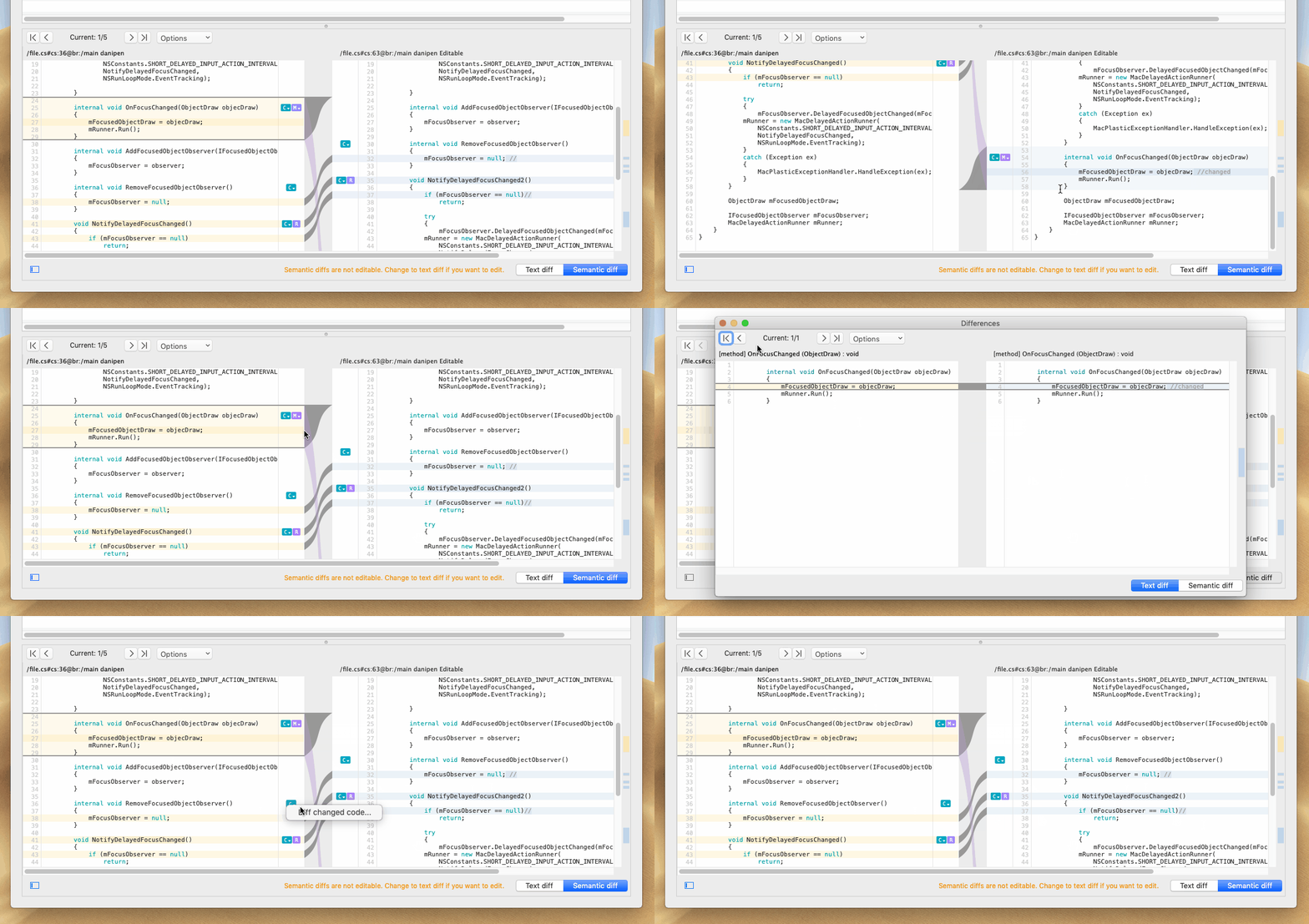
And Gtk:
**Screenshot:**
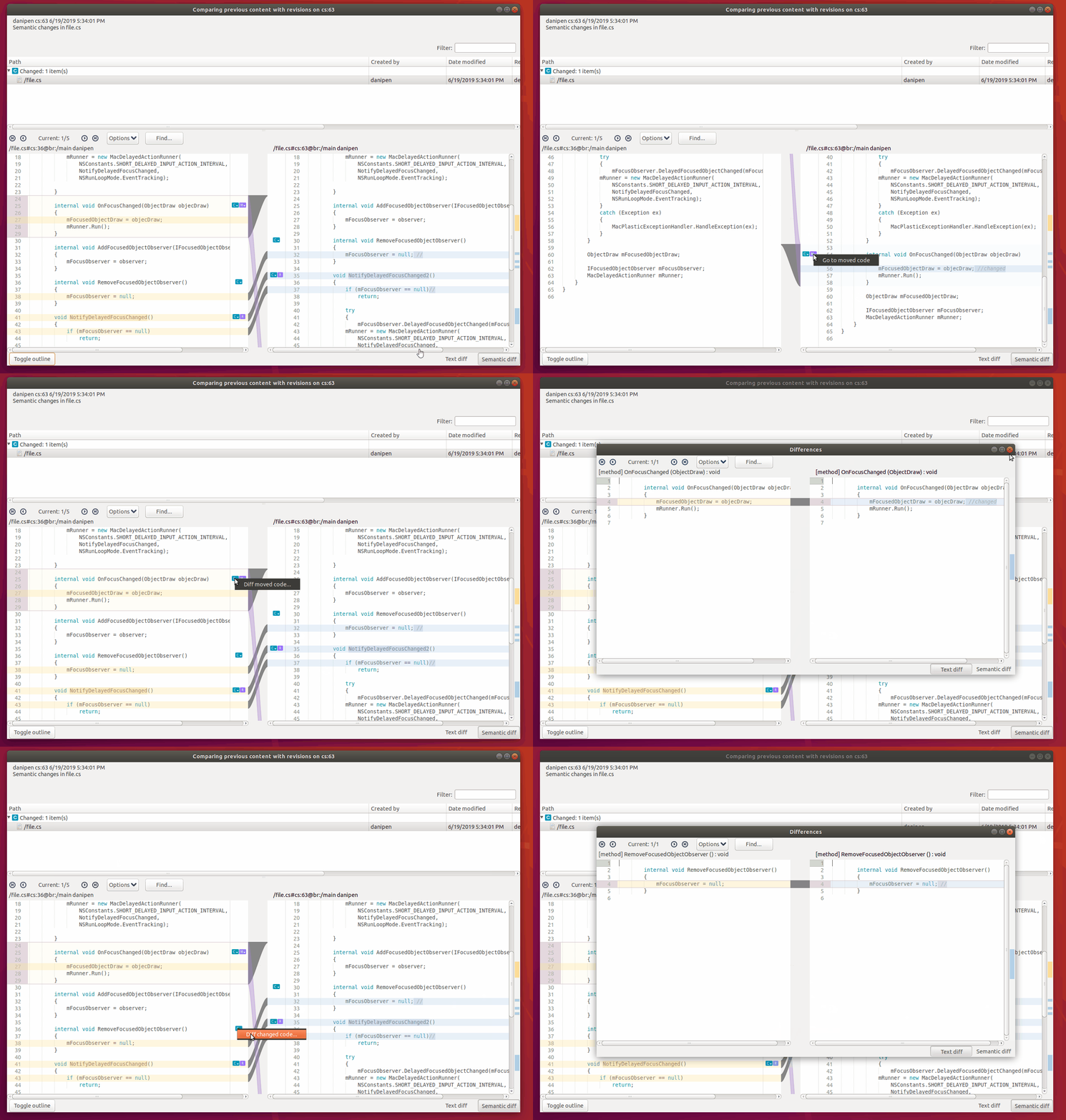
#### Jenkins plugin
Jenkins plugin: We added support for job parameters in Pipeline checkout selectors.
#### Jenkins plugin
Jenkins plugin: The cm path setting in the global plugin settings has now a validation action.
#### DevOps
DevOps: JiraPlug: The JiraPlug will now be able to connect to Jira Cloud servers using Basic Authentication with an API token instead of user's password.
The related configuration field in JiraPlug will now be more descriptive about this fact:
**Screenshot:**
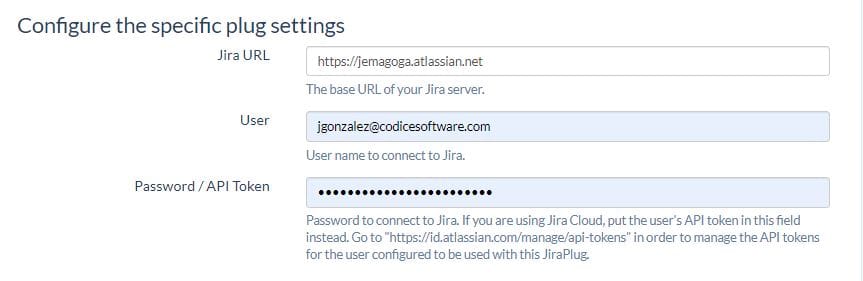
To create an API token for the user configured with your JiraPlug instance, go to [Jira API Tokens page](https://id.atlassian.com/manage/api-tokens) and paste the token in the Password / API Token field of JiraPlug configuration.
#### DevOps
DevOps: JiraPlug: Improved check connection on plug startup. If the entered credentials are not valid, a proper error message will be logged inside `devops/logs` folder of your plastic server instance, and the JiraPlug execution will be gracefully stopped. Maybe you are using a Jira Cloud Server and you need to configure an API token for the user configured with JiraPlug to perform queries and status updates.
### Bug
#### Jenkins plugin
Jenkins plugin: Changes in release 2.21 altered how workspace names are set. This was disruptive for some setups that rely on workspace names to build. It's fixed now.
#### Jenkins plugin
Jenkins plugin: Pipeline checkouts always checked the "use multiple workspaces" option. Fixed!
#### Windows - Gluon
Windows - Gluon: Sometimes the switcher window appeared behind the Gluon window where you clicked "Switch workspace". We modified how we display the switcher window to ensure it is displayed in the right place, i.e. over the Gluon workspace window.
#### macOS, Linux - Plastic, Gluon
macOS, Linux - Plastic, Gluon: the application could come into an unresponsive state for a few minutes when trying to download the Plastic global configuration from an inaccessible server. This was because of a thread interlocking issue. One easy way to reproduce this problem was as follows: open Plastic SCM in a workspace whose repository server is not available (maybe because it is in another network), and try to change to another workspace. The second Plastic SCM window won't be able to load the Workspace Explorer view until the first one finishes trying to download the inaccessible global configuration. This is now fixed!
***
## 8.0.16.3339
> **Note:**
>
> **Public** | 2019-06-28
### New
#### Windows - Plastic
Windows - Plastic: SemanticMerge is now part of Plastic SCM!
Yes, you read it right: now you get the full power of SemanticMerge bundled with Plastic, no extra purchase, everything included.
It means if you are merging C#, Java, C, C++, VB.net or any other language supported by Semantic... you get the extra power of code-aware merges.
**Screenshot:**
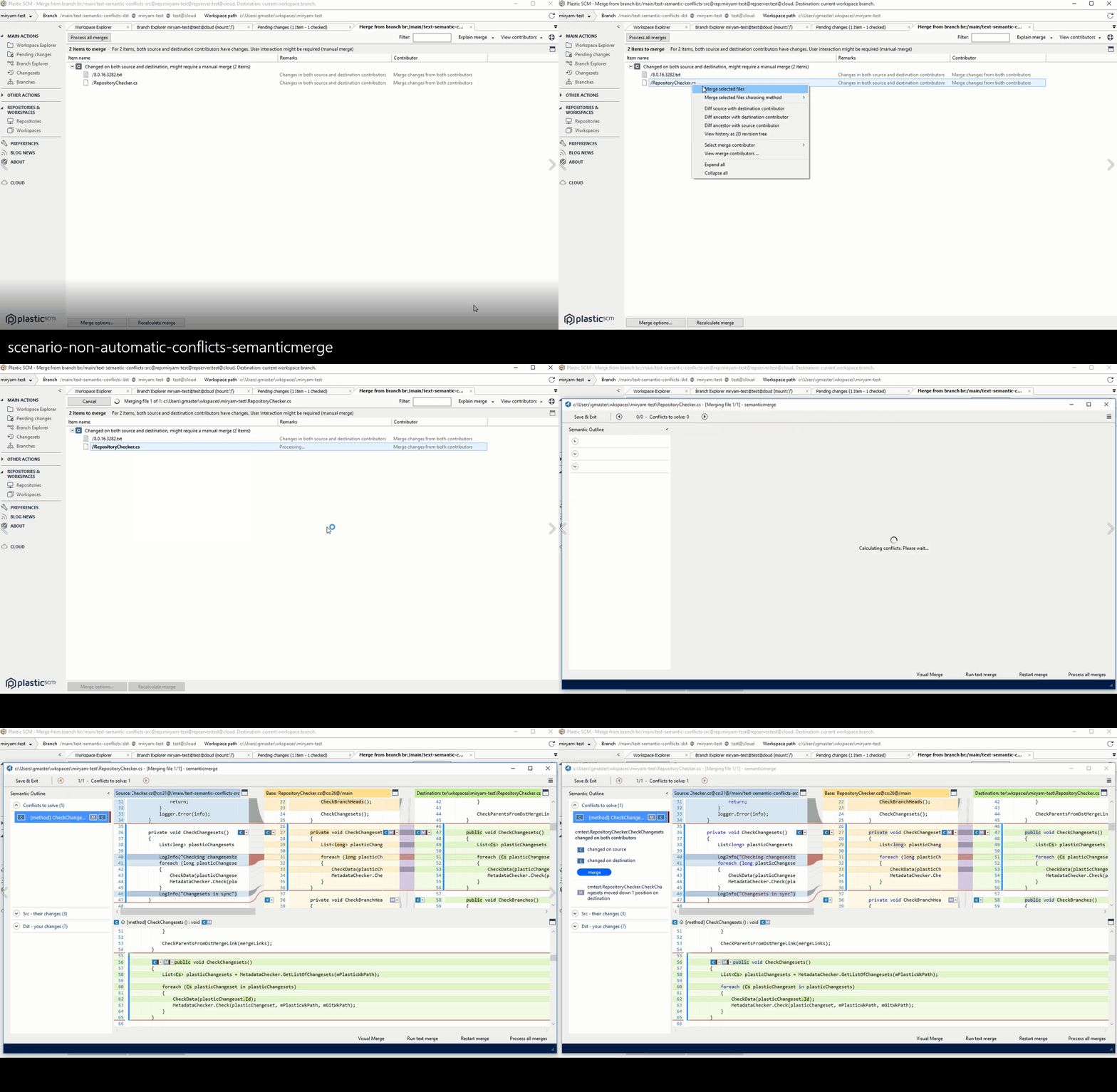
Now all the [SemanticMerge](https://www.semanticmerge.com) power is inside PlasticSCM. Enjoy!
#### Windows - Plastic
Windows - Plastic: Conflict resolution is now incredibly faster!
This is because our merge tool is now launched within the same process instead of spawning a new one, which makes it start up super fast.
For automatic file conflicts, the resolution is immediate. Before this improvement, the conflict resolution speed is normal but now it flies!
**Screenshot:**
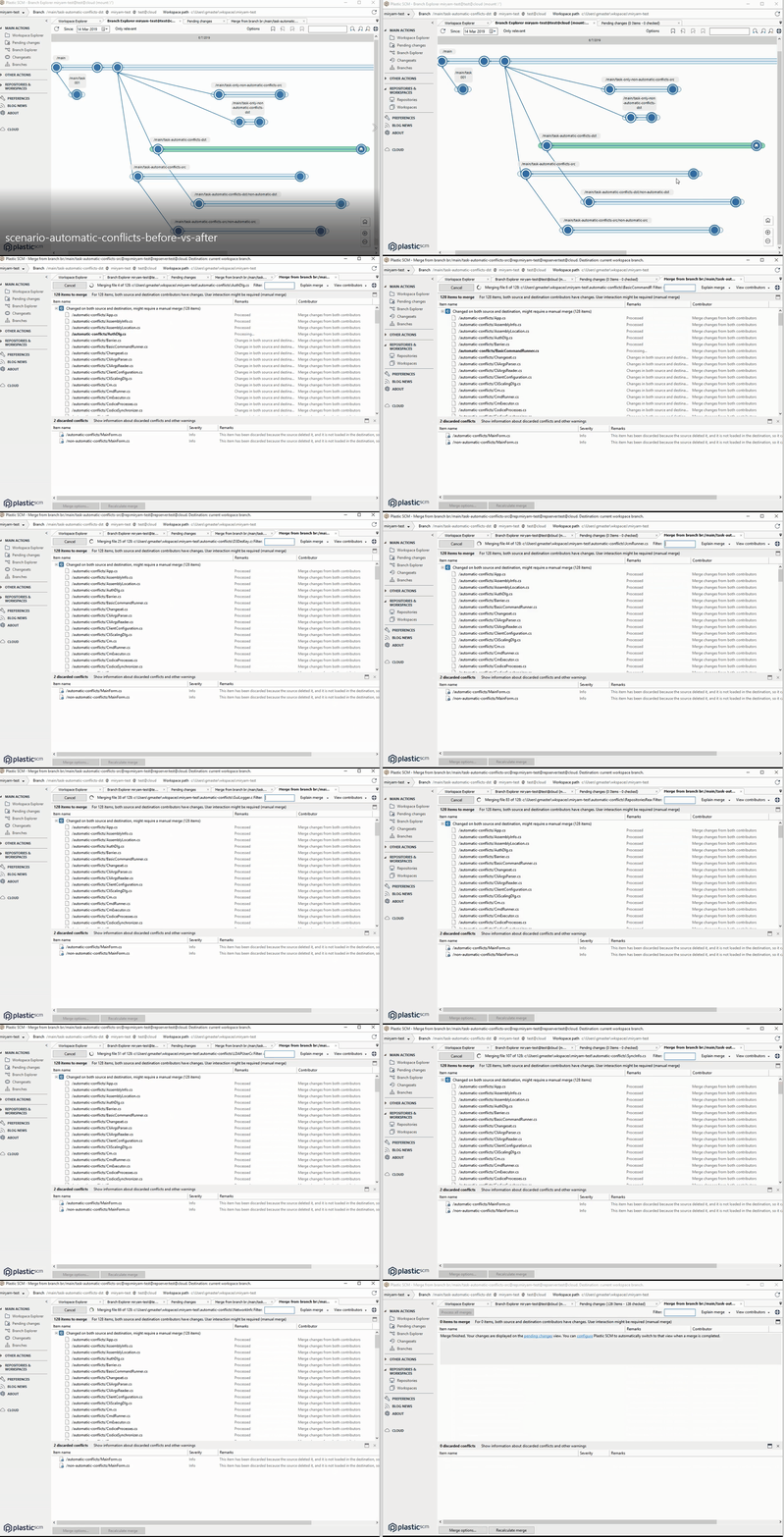
For file conflicts that require human intervention, the merge window appears also in 0 secs.
**Screenshot:**
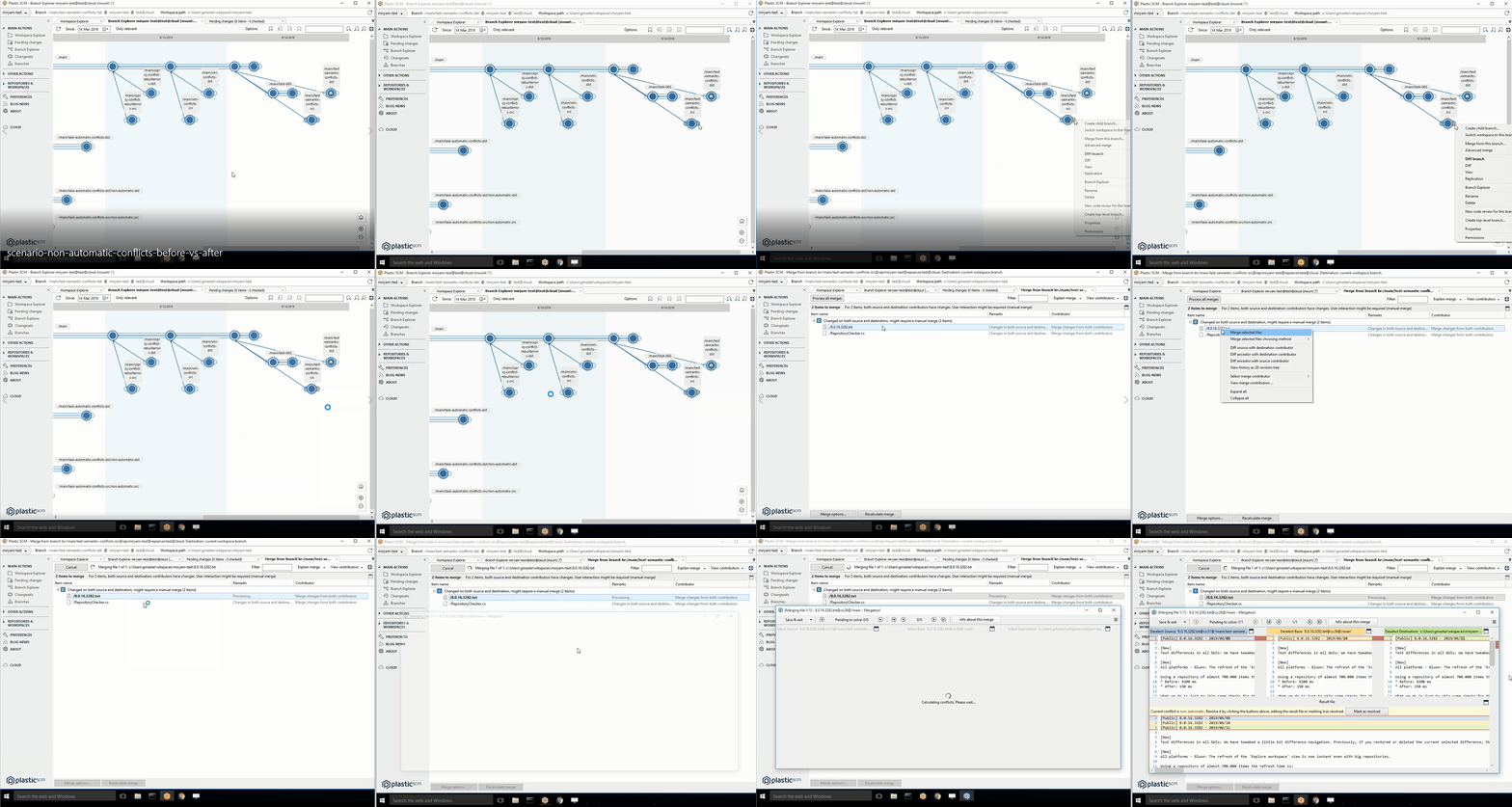
#### Windows
Windows: Gluon and Plastic. Added the edit comment operation to the diff and changeset explorer windows.
Let's see it in action!
**Screenshot:**
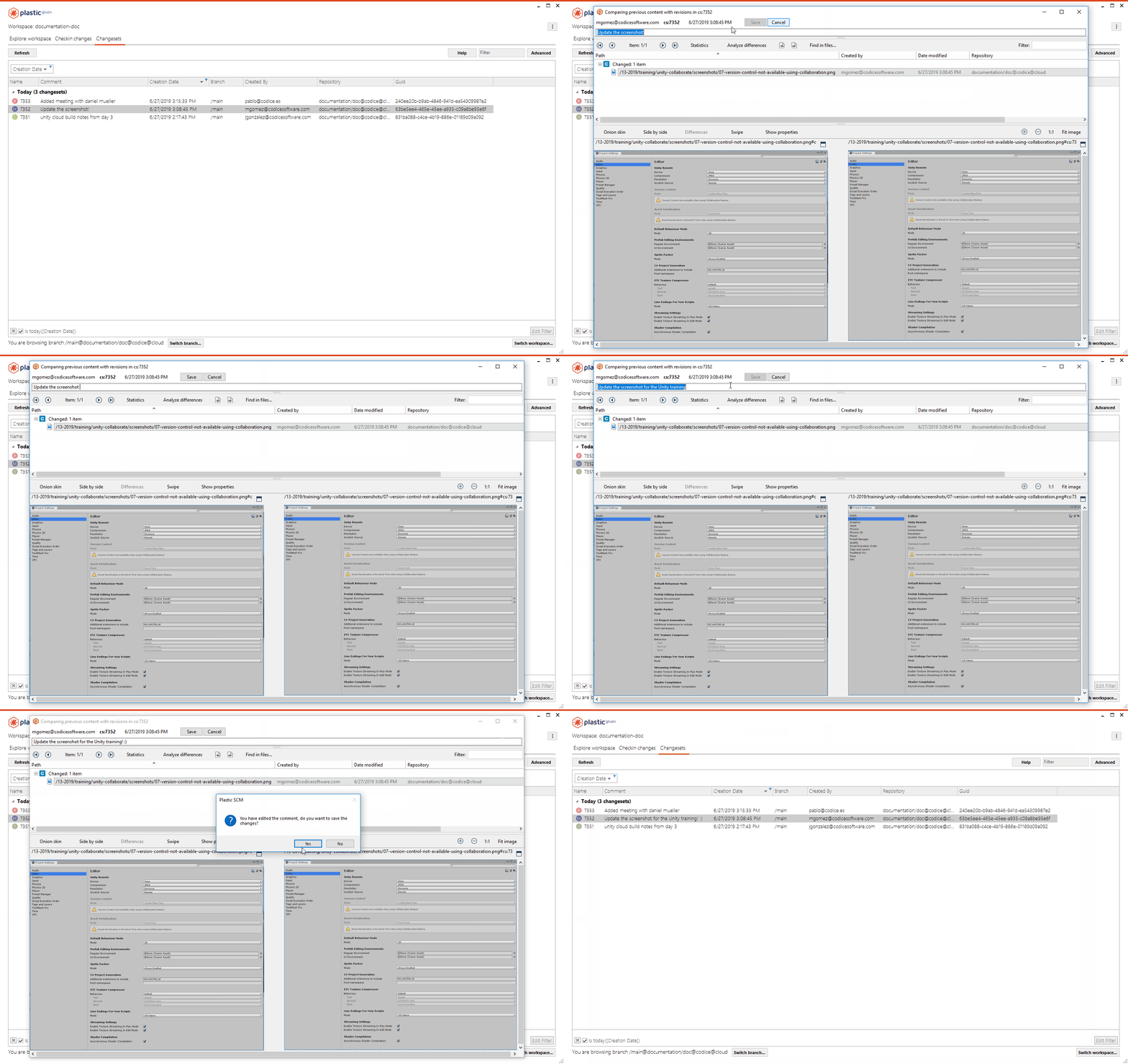
#### Pending changes
Pending changes: We improved how ignore.conf rules are processed to improve the performance of the Pending Changes view refresh operation in the GUIs and the `cm status` command.
Now, ignored directories will be entirely skipped if there aren't any ignore exclusion rules (you know, those that start with the `!` character) that might apply to a child item.
These are the rules that, if present, automatically mean that any ignored directory could have any of its child items excluded from being ignored:
* Extension rules: `!*.exe`, `!*.pdb`
* "Ends with" rules: `!*.exe.config`, `!*/log/results.txt`
* "Contains" rules: `!*bin*`
* Name rules: `!Debug`, `!parameters`, `!package.json`
Besides that, path rules such as `!/src/lib` or `!/path/to/a/very/particular/directory` will only force an ignored directory to be fully processed if that ignored directory is a parent of the excluded path.
In a nutshell, this means that no matter what your ignore rules are, if you stick to path rules (for example, `!/src/lib`, `!/doc/api/summary`) for your ignore exceptions you'll notice that calculating changes with private items runs a lot faster now.
Let's see that using an example. If you have two directories, `/Library` and `/cfg` whose contents you'd like to ignore but you want to exclude `/cfg/keys_default.cfg`, you'd normally write these rules:
```text
/Library
/cfg
!/cfg/keys_default.cfg
```
The mere existence of the last rule (`!/cfg/keys\_default.cfg`) caused the complete tree under `/Library` to be processed, even if none of its children could be excluded! Fortunately, we changed that now. The last rule, the exclusion one, will only affect items directly under `/cfg`. If you had some directory like `/cfg/db`, it won't be processed either: there aren't any rules that might exclude one of its children from being ignored.
### Bug
#### Windows - Plastic
Windows - Plastic: The diff viewer did not draw the current difference border for moved regions, when the changed lines in the moved regions were the first or the last. Now it's fixed:
**Screenshot:**
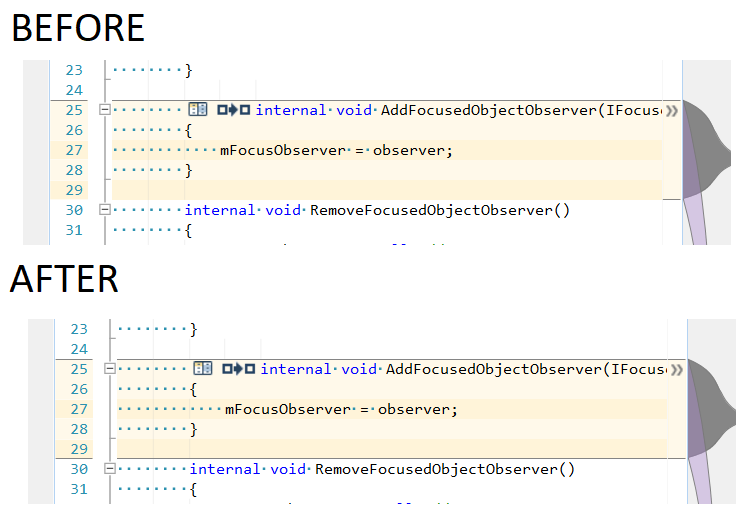
#### GitSync / fast-export
GitSync / fast-export: The sync command failed with the message "The user xxxx appears as an inactive user because his/her license has been deactivated. Please activate it and then try again." when the user who launched the operation didn't exist in the repository used by the command. The same happened with the fast-export command.
***
## 8.0.16.3332
> **Note:**
>
> **Public** | 2019-06-26
### New
#### macOS - Plastic SCM
macOS - Plastic SCM: We have tweaked the column width and order in several tables across the application.
Now, the relevant information should be more accessible. This change affects only Plastic SCM newcomers - if you already use Plastic SCM for macOS, the order and width of the columns in the applications are stored in a preference. If you want to reset this preference, you can execute the following command:
```text
$ rm -rf /Users/your_username/Library/Preferences/com.codicesoftware.*
```
Here is how it looks:
Workspace Explorer:
**Screenshot:**
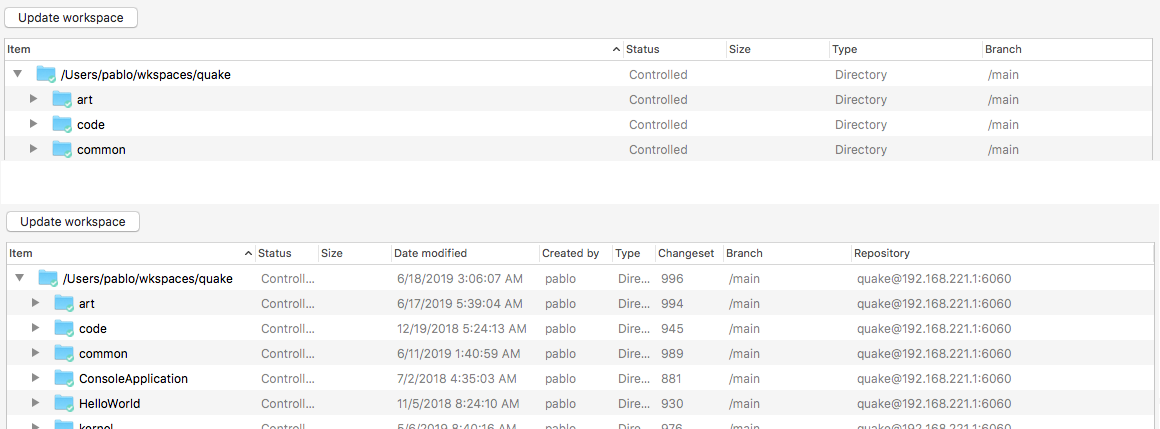
Pending Changes:
**Screenshot:**
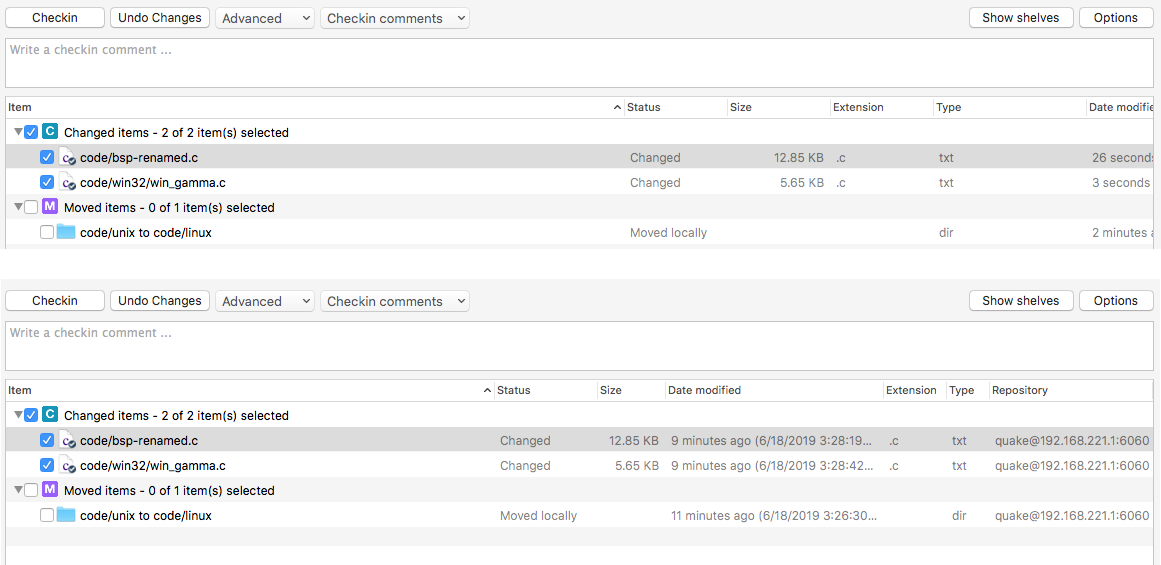
Changesets:
**Screenshot:**
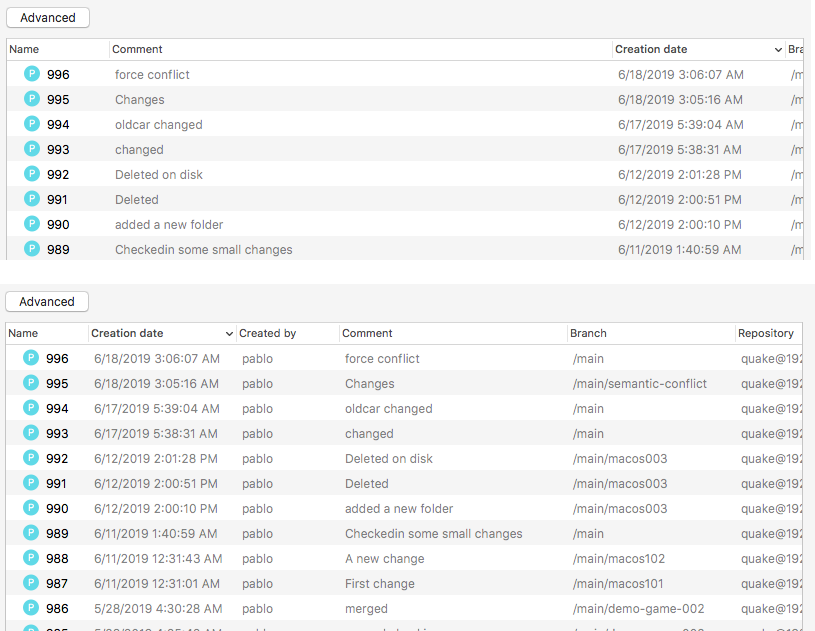
Branches:
**Screenshot:**
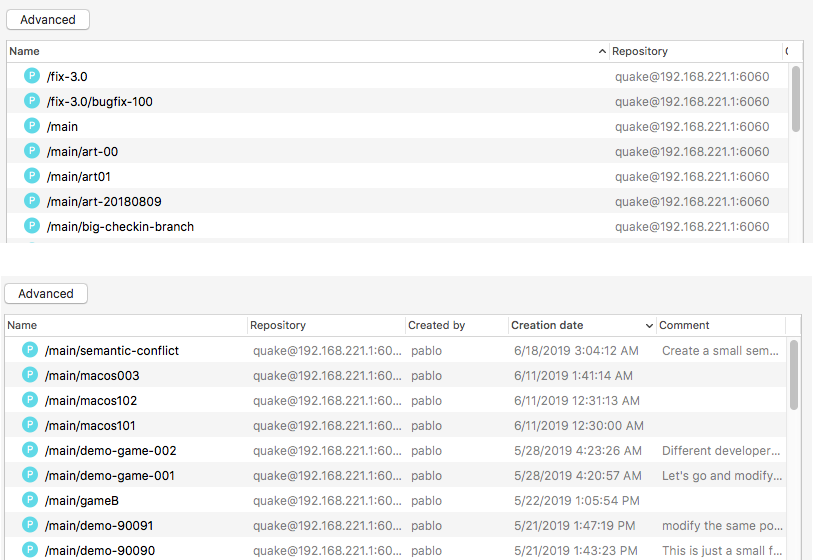
Labels:
**Screenshot:**
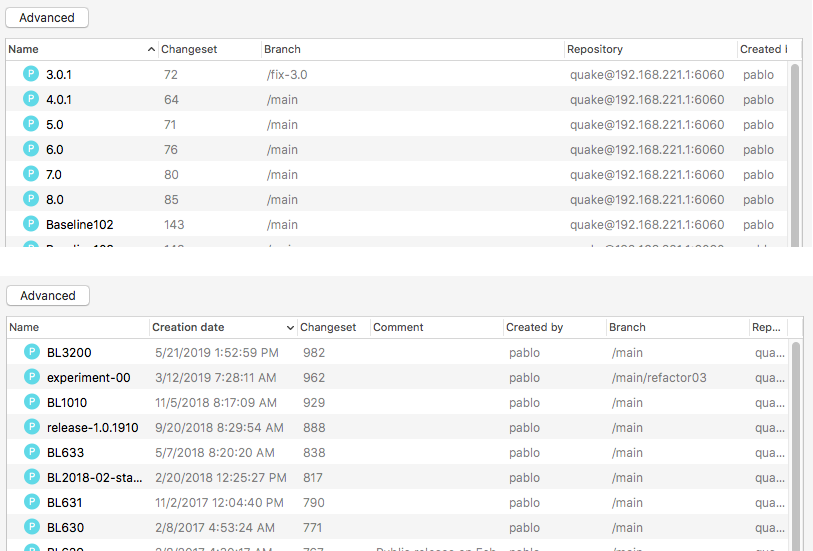
Sync view:
**Screenshot:**
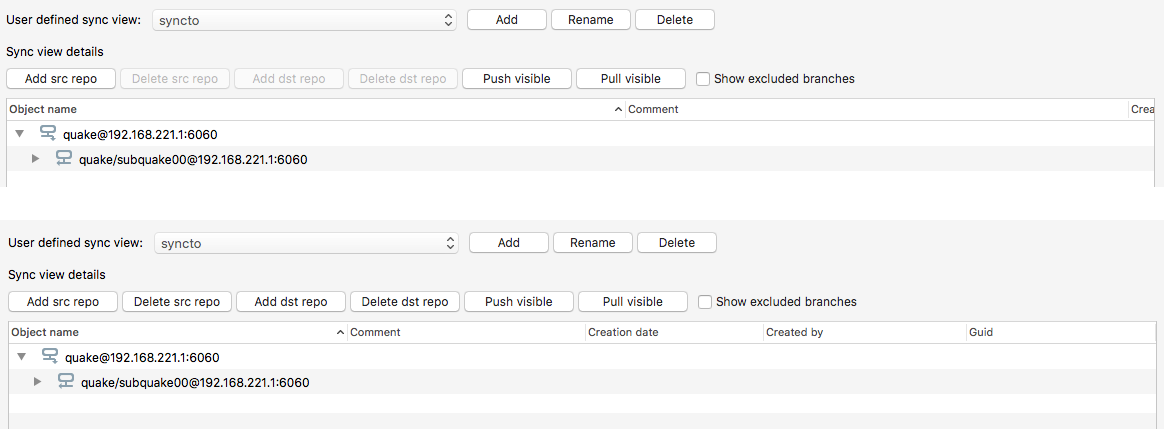
#### Windows - Gluon
Windows - Gluon: we've added a Repository column to the "Checkin changes" view, and we've changed the default column order of the Changesets view to make it consistent across all 3 platforms.
#### Jira Extension
Jira Extension: We enhanced our Jira issue tracker extension to disable it when it detects that the entered credentials are invalid. This prevents the extension from performing many unauthorized requests. That would lock users out of their accounts, needing to reset them using CAPTCHAS in some organizations.
#### macOS, Linux - Plastic, Gluon
macOS, Linux - Plastic, Gluon: The differences viewer did not show a mark for added/deleted differences. This is how it looks like in macOS:
**Screenshot:**

#### Linux - Plastic SCM
Linux - Plastic SCM: We have tweaked the column width and order in several tables across the application.
This change will only affect new users of the tool. Existing users of the tool have their view configuration stored in a preferences file. To reset your views to the new default values, close the application and delete the preferences file as follows:
```text
$ sudo rm /home/your_username/.plastic4/gtkgui.conf
```
Here's how it looks:
**Screenshot:**
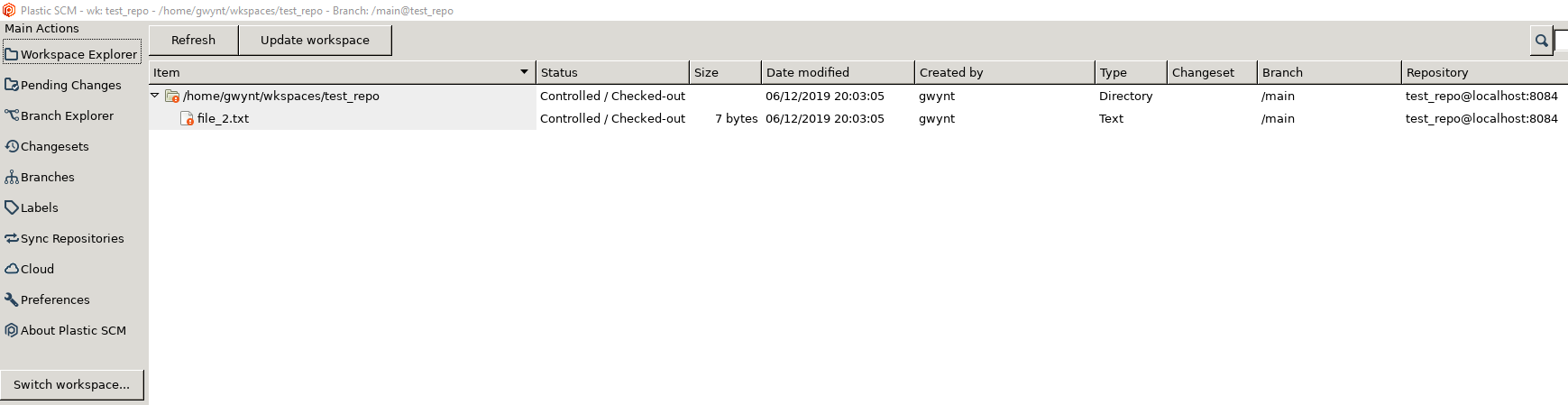
**Screenshot:**
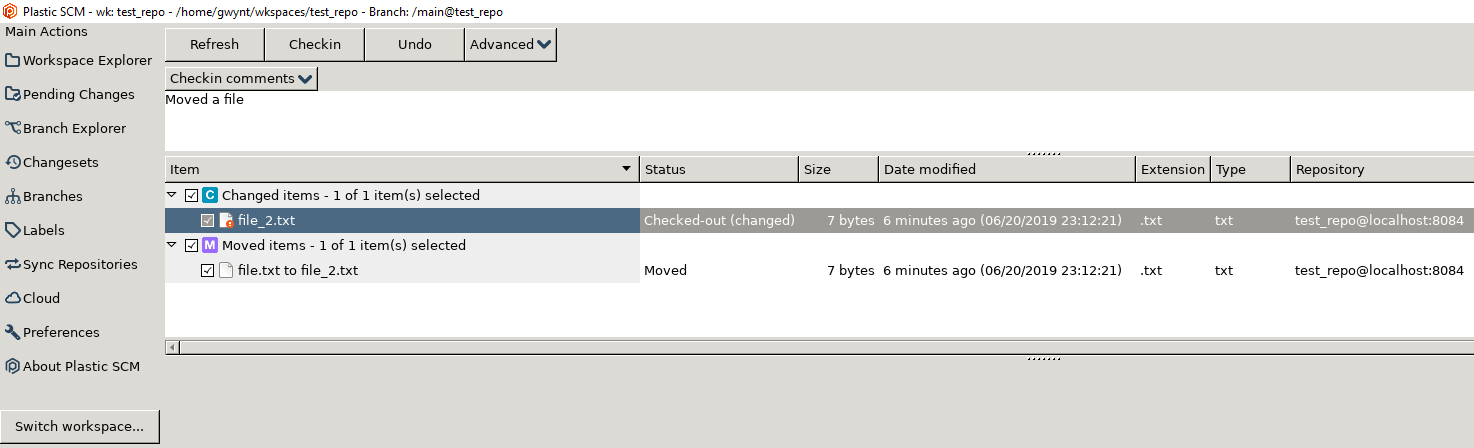
**Screenshot:**
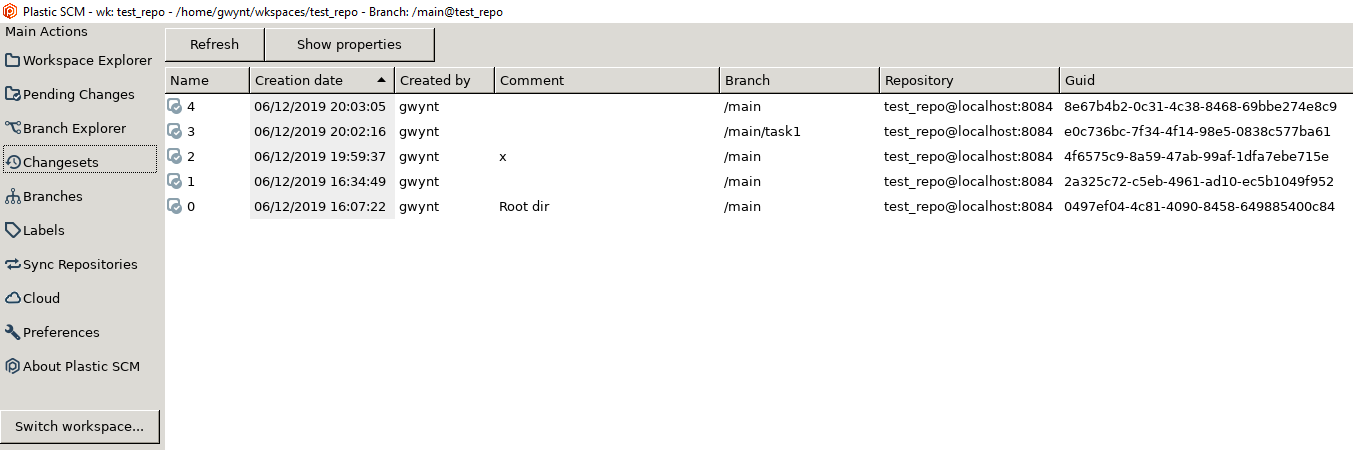
**Screenshot:**
**Screenshot:**
#### Windows - Plastic, Gluon
Windows - Plastic, Gluon: On the repositories lists (Repositories view, Cloud view, and repository list dialog), the Refresh button has been moved to the right of the server entry field, to make it clearer that we are refreshing the view based on the content of that field. Same goes for Gluon's "Available Plastic SCM repositories" dialog.
**Screenshot:**
#### Linux - Plastic, Gluon
Linux - Plastic, Gluon: On the Repository switcher dialog, and the Cloud view in Plastic, the Refresh button has been moved to the right of the server entry field, to make it clearer that we are refreshing the view based on the content of that field.
What? A screenshot? Oh, go on then!
**Screenshot:**
**Screenshot:**
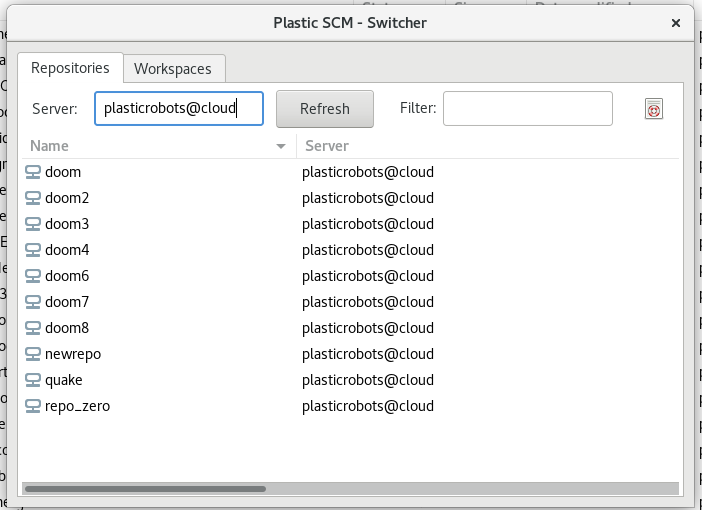
#### All platforms - Plastic, Command line client
All platforms - Plastic, Command line client: Suppose you've switched your workspace to a past changeset. You edit a file. Then you switch to the head. You wouldn't want your edit to be overwritten would you? And if you tried to checkin that file, you definitely wouldn't want that, because you'd be losing all the changes between that past changeset and the head.
Good news - Plastic (and the CLI) handle all this perfectly. However, the error message we displayed if you tried to checkin in this situation wasn't very clear. More good news - we changed the text to make it clearer what the issue is, and more importantly, how you can resolve the issue.
Incidentally, the solution in this case is to temporarily back out your local changes, update the file to the head version, and reapply your changes.
#### macOS, Linux - Plastic, Gluon
macOS, Linux - Plastic, Gluon: Added the "similarity" column to the Pending Changes view as in the Windows counterparts. For locally moved files, you can see the similarity percentage that determined that the file was indeed moved. Remember that you can change this threshold from the Pending Changes options.
**Screenshot:**

Note: by default the Similarity column is between "Date modified" and "repository", to keep consistency with the Windows GUI. Remember that in macOS and Linux you can reorder columns. Pending Changes' column width and positions are reset after adding the Similarity column to ensure it is displayed OK. If you had customized width and positions in this table, you will need to do so again.
#### Windows - Plastic
Windows - Plastic: We changed the default order of the columns in the Shelvesets view to make the most relevant data more prominent.
New users will see this change when the run Plastic for the first time. Existing users can reset all their view settings to the new default values by deleting the preferences file, located here:
```text
%LOCALAPPDATA%\plastic4\guivisualstate.xml
```
Here's what the new layout looks like:
**Screenshot:**
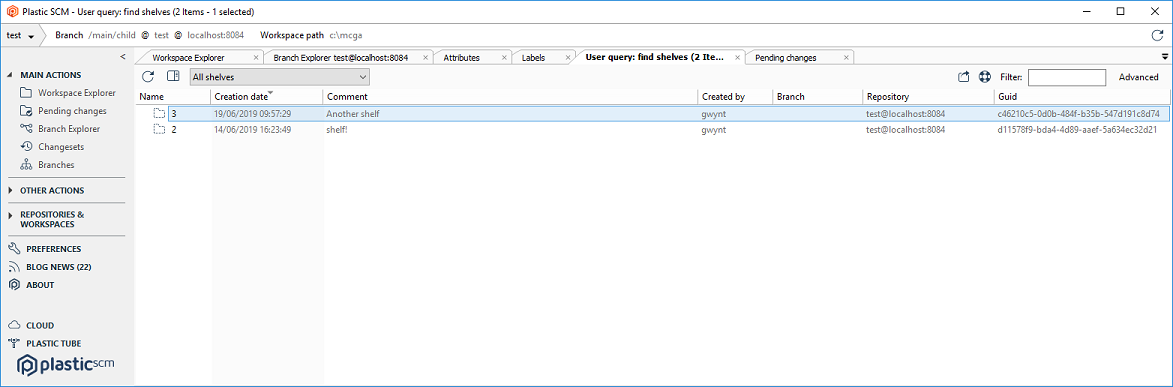
#### Plastic, Gluon - macOS
Plastic, Gluon - macOS: We improved diff rendering. Now the colors are stronger and easier to spot the differences.
Check how it looks like in the clear theme, before and after:
**Screenshot:**
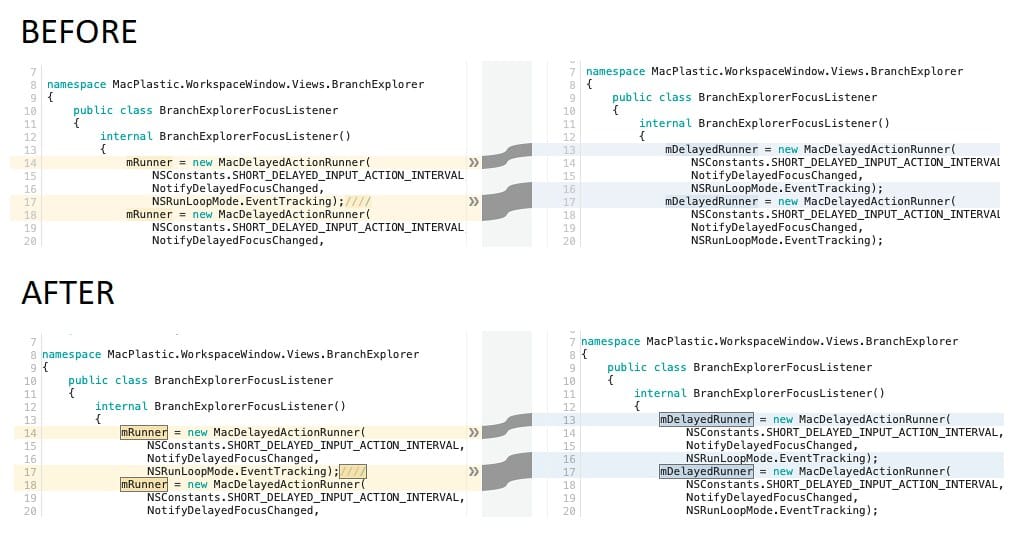
And now the dark theme:
**Screenshot:**
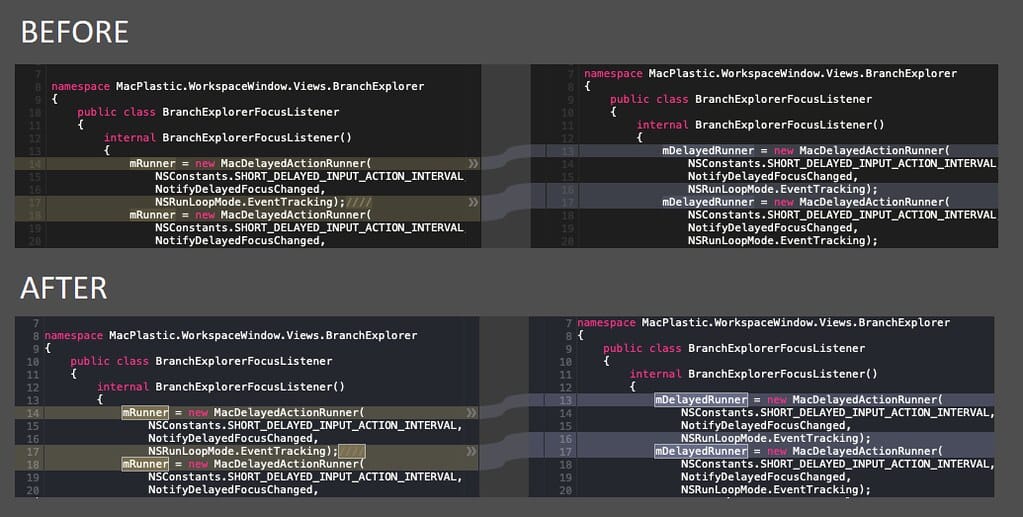
### Bug
#### All platforms - The checkin operation sometimes f…
All platforms - The checkin operation sometimes failed due to a duplicate key error while checking in the results of a merge. This happened if path permissions were applied, the merge included at least one moved+changed change and the user chose to keep the sources in a "loaded twice" conflict. Now it's fixed.
#### Jenkins plugin
Jenkins plugin: Changes in release 2.21 altered how workspace names are set. This was disruptive for some setups that rely on workspace names to build. It's fixed now.
#### macOS, Linux - Plastic
macOS, Linux - Plastic: The directory conflict resolution was not working on the merge-to operation. After resolved the conflict, the process all failed with this error: "There are X directory conflict(s) that must be resolved before processing the merge.". Now it's fixed
#### Linux - Plastic, Gluon
Linux - Plastic, Gluon: In some setups, depending on the GTK icon theme enabled in the computer, Plastic GUIs could flood the user with the error message "Icon 'unknown' not present in theme". Apparently, this error is more common after an Operating System upgrade (for example, from one version of Ubuntu to the next one). The error is now protected - if an icon is not present in your GTK theme, Plastic and Gluon will display an empty one instead.
Tip: you can force a GTK icon theme creating a file with name ".gtkrc-2.0" in your $HOME with the following content:
```text
gtk-icon-theme-name="Humanity"
```
Replace "Humanity" for one of the icon names you have installed at /usr/share/icons. For changes to take effect you must restart Plastic and Gluon after changing .gtkrc-2.0.
#### macOS, Linux - Plastic, Gluon
macOS, Linux - Plastic, Gluon: The update operation was failing when the "Update and checkin operations set files as readonly" & "Update operation sets repository timestamp on files" options are both enabled. Now it's fixed.
***
## 8.0.16.3310
> **Note:**
>
> **Public** | 2019-06-21
### New
#### macOS - Plastic
macOS - Plastic: To make the mac GUI Branch Explorer more usable we have added a date filter and an "Only relevant" toggle button. Now you can more easily configure your Branch Explorer view to show only the information you want.
The date filter works as follows: only changesets created after the date chosen will be displayed on the canvas. This can reduce clutter in the view, and aid performance.
The "Only relevant " toggle button also reduces clutter in the view, by only showing initial and final changesets on branches.
Here is a look at the new Branch Explorer:
**Screenshot:**
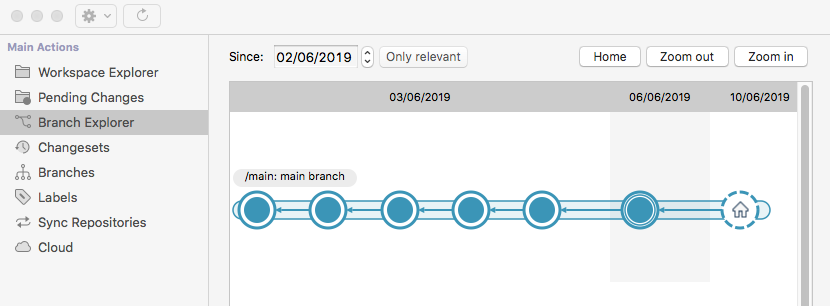
#### Create workspace
Create workspace: If you have a Plastic SCM workspace in your filesystem but it got removed from the list for some reason (the list is stored in the file plastic.workspaces, in your config directory) you can now safely add it back using the CLI or any Create Workspace GUI dialog. We changed the behavior to avoid overwriting the workspace name and repository.
#### Plastic, Gluon - macOS
Plastic, Gluon - macOS: We finally have auto-refresh in Plastic Pending Changes and Gluon Checkin views.
Now, when the Plastic/Gluon window becomes the key window, the Pending Changes view is auto-refreshed if there are new changes in the workspace since the last time it was refreshed.
This was one of the top usability missing features in macOS!
#### macOS - Plastic
macOS - Plastic: Conflict resolution is now incredibly faster!
This is because our merge tool is now launched within the same process instead of spawning a new one, which makes it start up super fast.
For automatic file conflicts, the resolution is practically immediate. Before it used to be as slow as 4 seconds per file.
**Screenshot:**
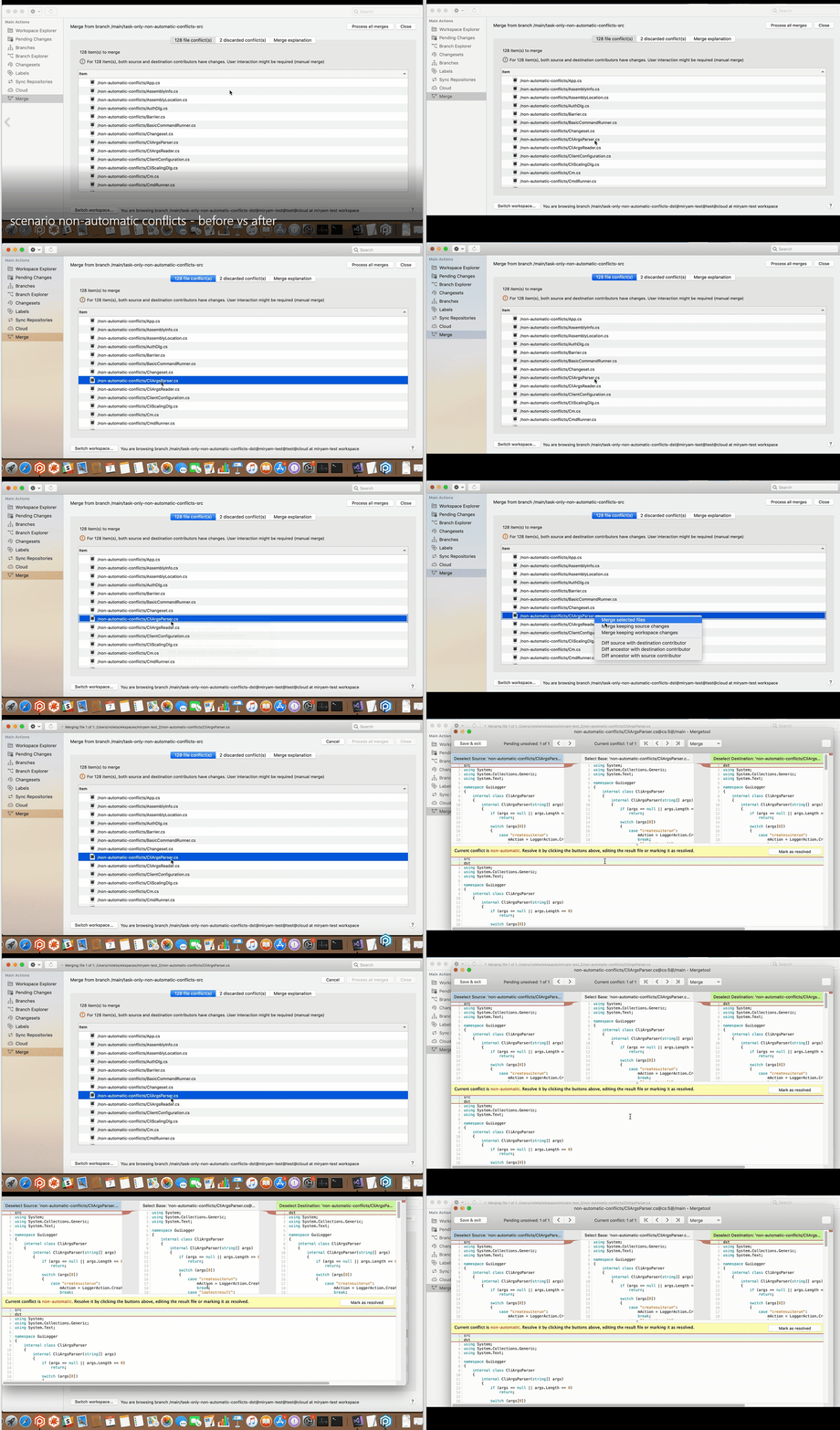
For file conflicts that require human intervention, the merge window appears also in 0 secs.
**Screenshot:**
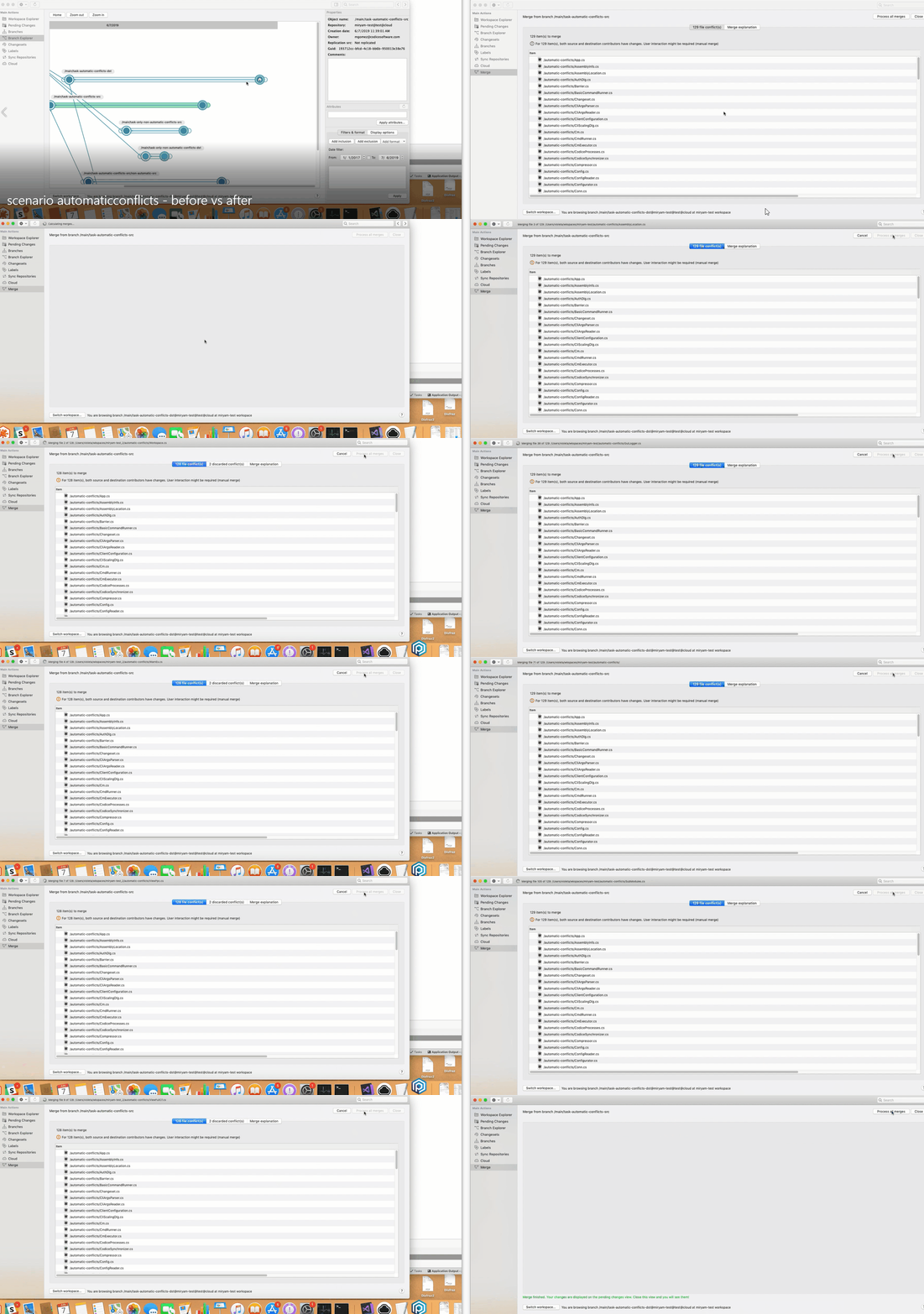
#### Windows - Plastic
Windows - Plastic: We have updated the column ordering for the Workspace Explorer, Pending changes, Changesets and Labels views to make the more logical, and present the more useful information first. They are also consistent across all 3 platforms now.
We also updated the default column widths, so, out of the box, users should no longer need to resize columns to see the full content.
Pending Changes:
**Screenshot:**
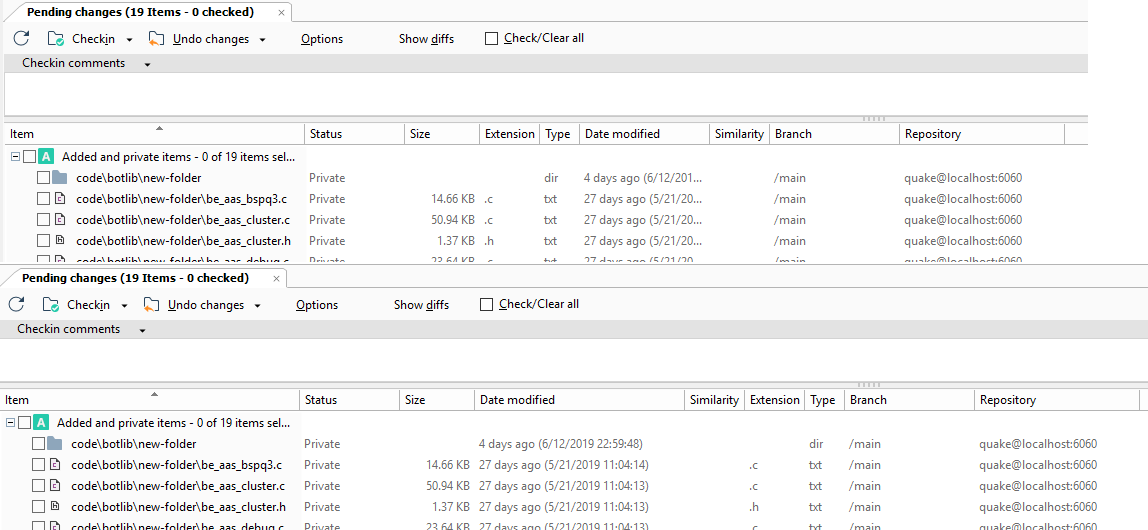
Workspace Explorer:
**Screenshot:**
Changesets:
**Screenshot:**
Labels:
**Screenshot:**
#### Visual Studio Integration - Windows
Visual Studio Integration - Windows: The Visual Studio integration was only compatible with some Visual Studio 2019 versions (v16.0 - Preview). Now, we extended the compatibility to support all Visual Studio 2019 versions.
As a side effect, the code base is not compatible with Visual Studio 2010 anymore. If you need support for Visual Studio 2010, please contact [support@codicesoftware.com](mailto:support@codicesoftware.com) and we'll help you get it going.
#### Linux - Plastic
Linux - Plastic: Conflict resolution is now incredibly faster!
This is because our merge tool is now launched within the same process instead of spawning a new one, which makes it start up super fast.
For automatic file conflicts, the resolution is immediate. Before this improvement, the conflict resolution speed is normal but now it flies!
**Screenshot:**
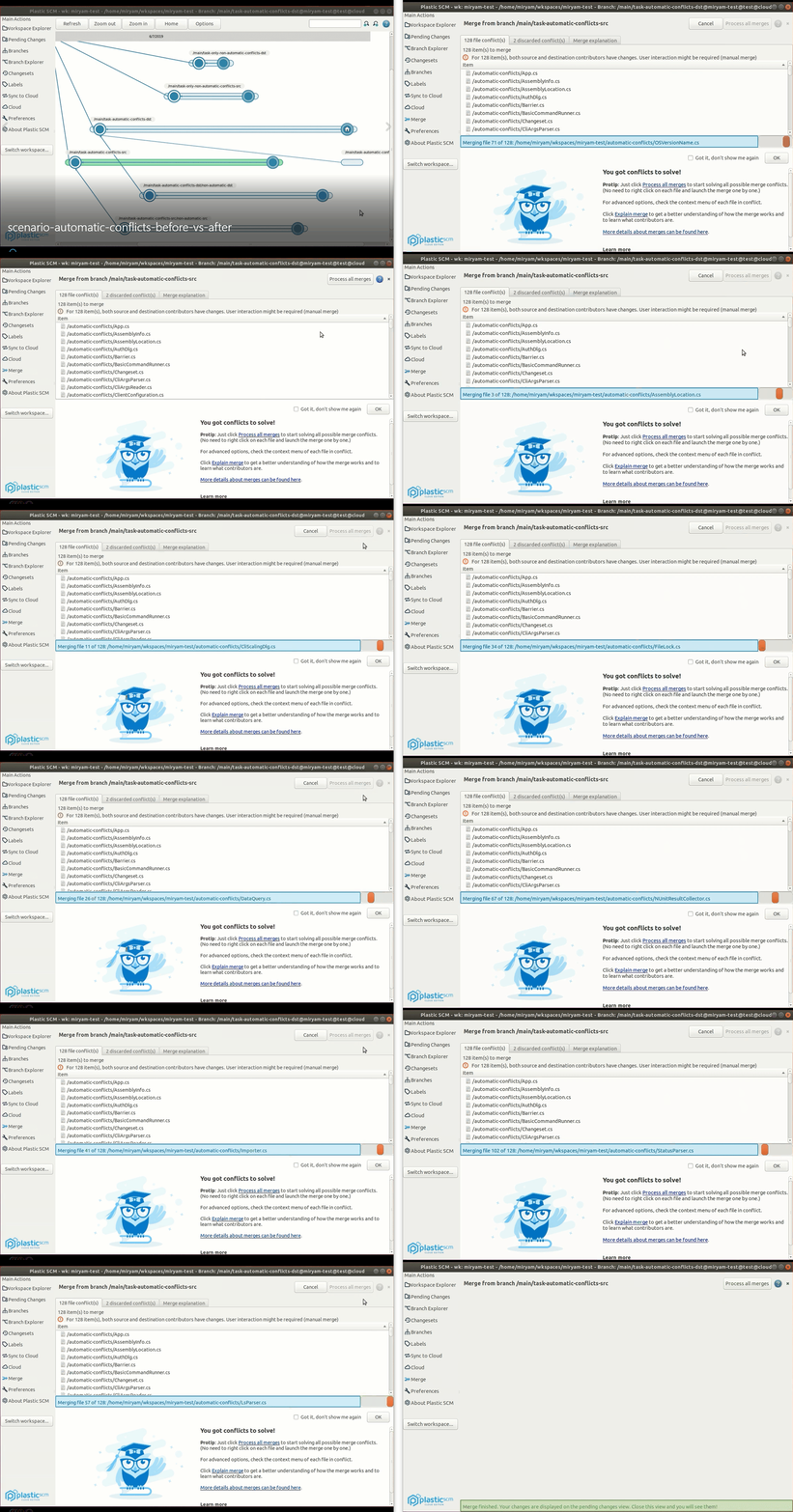
For file conflicts that require human intervention, the merge window appears also in 0 secs.
**Screenshot:**
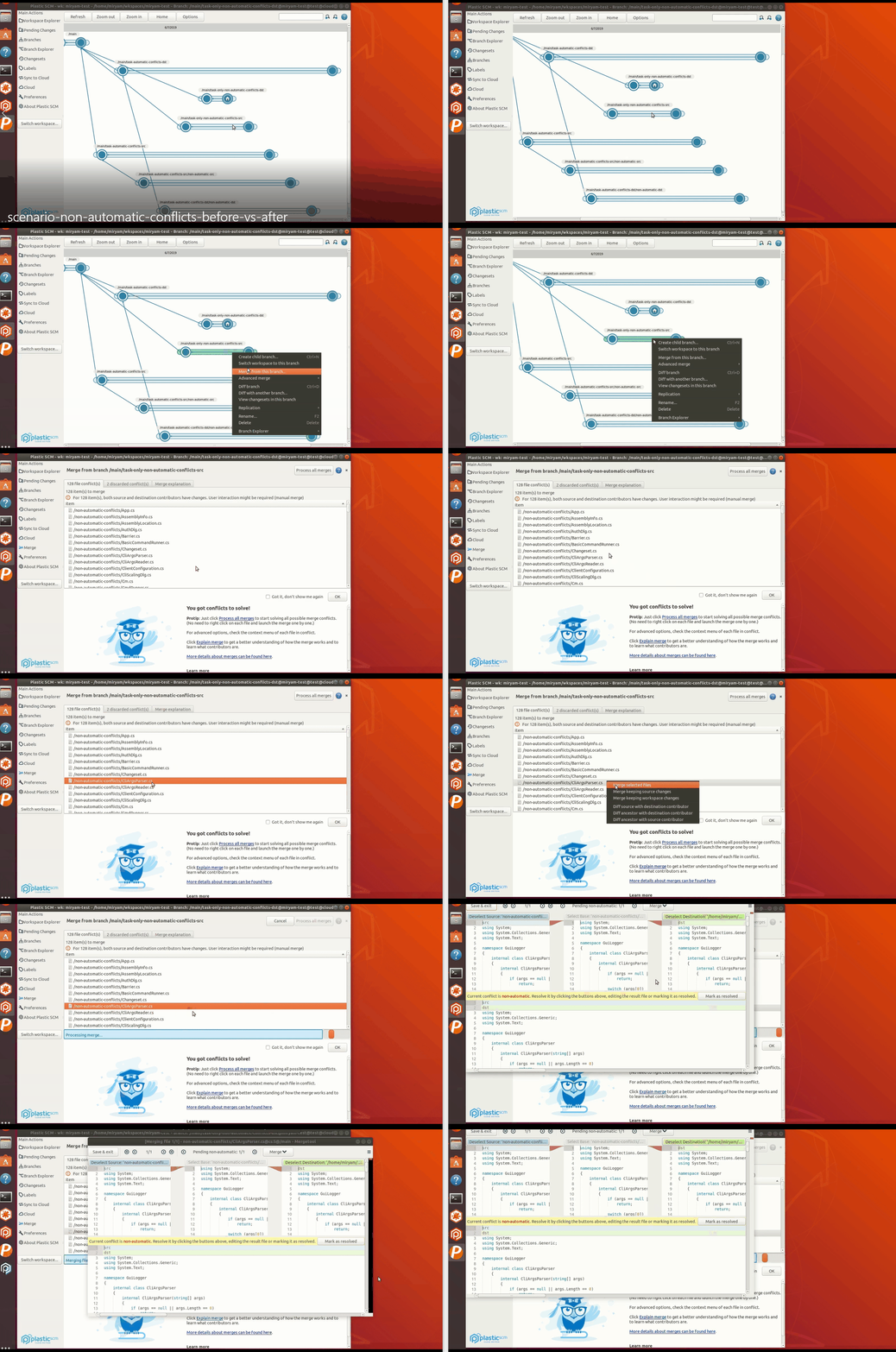
#### macOS - Plastic
macOS - Plastic: We added a small panel under the Workspace Window toolbar to show you the branch/changeset /label (and its repository) of the current workspace, the current workspace name and path and the current user's name. This info previously appeared next to the "Switch workspace" button and was hard to see sometimes. Enjoy!
#### Plastic, Gluon - macOS
Plastic, Gluon - macOS: Added a new option in the pending changes/checkin view, to enable or disable the auto-refresh feature.
#### Windows - Plastic
Windows - Plastic: concerned about wasting mouse clicks? We've got your back. Now, when you push a branch to a remote repository, and everything goes fine, we don't pop up an additional dialog to tell you this. Of course, we still let you know if anything goes wrong during the replication.
Say goodbye to this:
**Screenshot:**
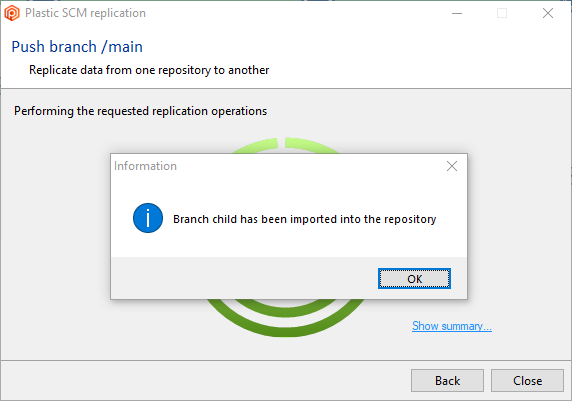
#### Linux - Gluon
Linux - Gluon: We have improved the default column widths for the "Explore workspace" view, and made the "Details" pane of the "Checkin" view a bit smaller, so it doesn't hide so much of the changelists table.
Existing users can reset their view configuration, and enjoy all our recent changes to column order and widths, by deleting the following configuration file:
```text
/home/your_username/.plastic4/gluon.conf
```
Here's how the GUI looks now:
**Screenshot:**

**Screenshot:**
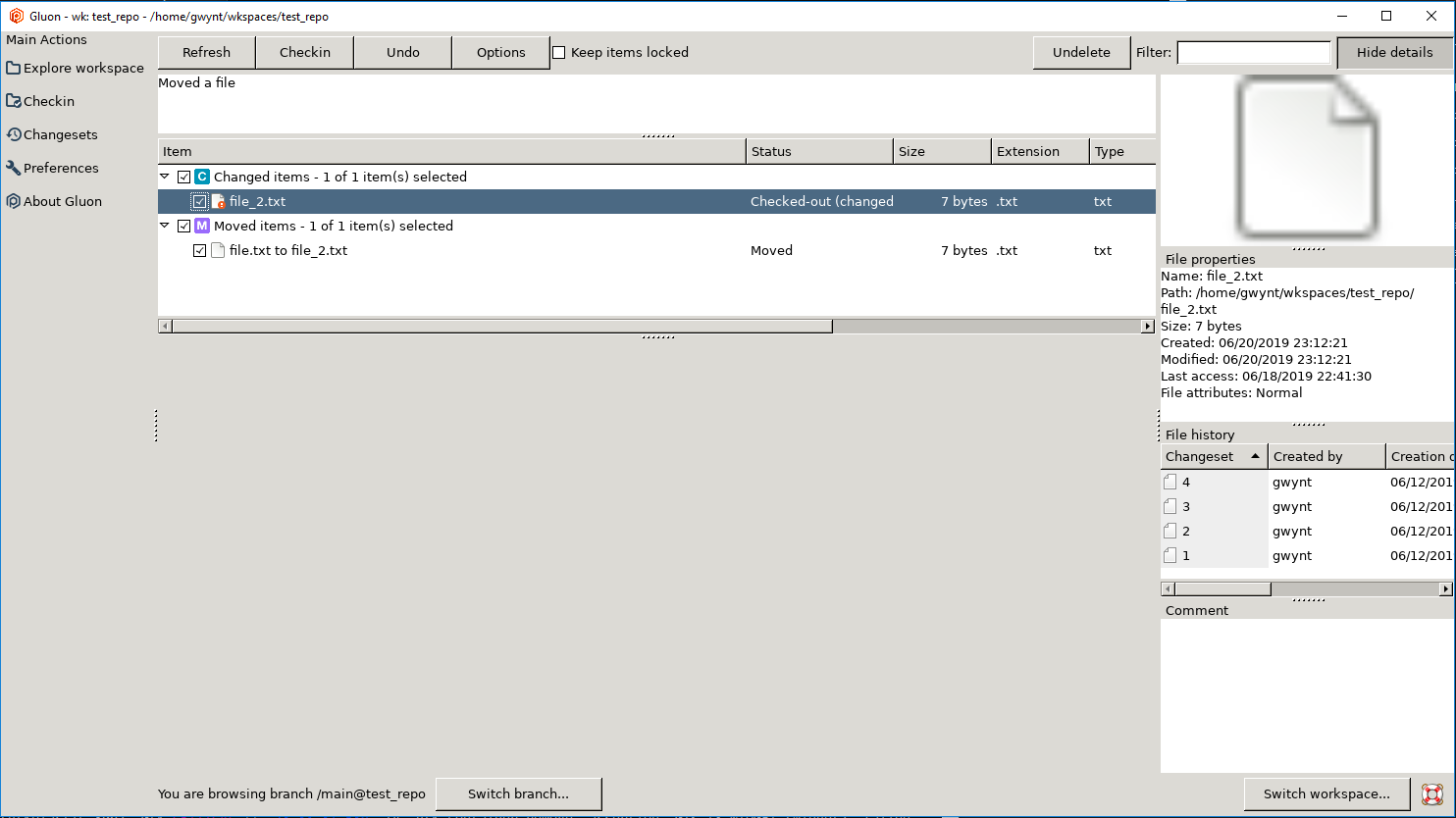
### Bug
#### Linux, macOS - Plastic
Linux, macOS - Plastic: there was an unexpected exception when committing the results of a merge-to operation if the source changes already existed in the destination and there was nothing to do. This case is now handled nicely.
#### DevOps
DevOps: Jenkins mergebot plugin (the plugin installed on jenkins server side): The jenkins job using mergebot could fail with "Workspace already exist" error when the Jenkins server is a Linux machine but the job runs in a Windows agent. This could happen if the configured Windows agent "Root directory" has a different drive letter case than the registered existing plastic workspace paths. Now it's fixed.
#### Jenkins Plugin
Jenkins Plugin: There were issues with shared libraries when two or more projects were consuming a single shared library. They were related to the workspace names assigned to the shared library workspace for each project, which turned out to be always the same. We fixed that to make every shared library workspace have its own self-generated workspace name.
#### When a check-in operation fails against the cloud…
When a check-in operation fails against the cloud due to a client network issue, if the same client is used to perform a new check-in under some corner circumstances a file content could be wrongly updated to the cloud. Although the issue is pretty rare and hard to reproduce, we strongly recommend updating your clients to this version.
#### macOS - Plastic
macOS - Plastic: An exception was thrown when you try to open a file or directory with whitespaces in the path using the 'Open > Reveal in Finder' context menu option. Now it is fixed.
#### macOS, Linux
macOS, Linux: The "merge selected files" action in the Merge view failed with an error ("The path `{file_path}` was not found in merge conflicts") if the path of the file conflict to resolve wasn't the same in the merge source and the destination. This can happen if the file or one of its parents was moved in any of the contributors.
#### macOs - Mergetool
macOs - Mergetool: Fixed window rendering error. The various selection colours and strikeouts would disappear and reappear when scrolling the merge window, so it looked like the merge was wrong, but in reality it was just the UI rendering that was wrong.
***
## 8.0.16.3282
> **Note:**
>
> **Public** | 2019-06-10
### New
#### Text differences in all GUIs
Text differences in all GUIs: We have tweaked a little bit difference navigation. Previously, if you restored or deleted the current selected difference, the new current one was the next difference, but the diff didn't jump to it. This way, if you clicked on "next", the diff jumped to the next difference of the new one, making you feel you skipped one. Is a little bit complicated to explain, but we hope that differences navigation feels more natural now that these skips are prevented.
#### All platforms - Gluon
All platforms - Gluon: The refresh of the 'Explore workspace' view is now instant even with big repositories.
Using a repository of almost 700.000 items the refresh time is:
* Before: 9200 ms
* After: 150 ms
What we do is just to skip some checks for the 'owl help' when there are big repositories involved.
#### Windows installers
Windows installers: We modified the installer to be downloaded when clicking in the "Download" button when "A new version available" message is notified:
**Screenshot:**
Before this version, the "Client only" installer was downloaded.
From now on, the "Client + Server" installer will be downloaded, and the components you selected to be installed before upgrading to the new version will be enabled by default when running the "Client + Server" installer.
#### Windows installers
Windows installers: If you initially installed Plastic using the "Client + Server" installer, and then you upgrade to a new version using the "Client only" installer, a warning message will be shown telling that the server component will be removed (although databases, logs and config will be kept). Before this version, the installer didn't want about this fact.
**Screenshot:**
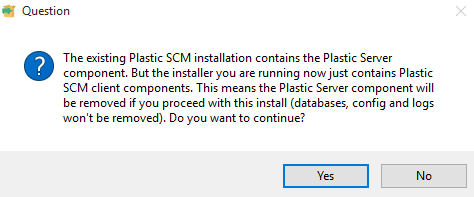
#### macOS - Plastic, Gluon
macOS - Plastic, Gluon: Calculating the pending changes in the GUI is remarkably faster now!
The Pending Changes view is now capable of detecting changes by monitoring the filesystem using the OS events API (FSEvents) instead of simply walking the workspace directory structure.
This way the client only walks down the workspace directory tree the first time (on GUI this means the first time the user refreshes the Pending Changes view). After that, only directories with changes under them will be checked.
Just to share some numbers: calculating the pending changes in a workspace with 600k files went down from 180s to 5.75s.
This is a first step to implement the auto-refresh you all need in macOS.
#### All platforms - Plastic
All platforms - Plastic: Until now, you could try to annotate binary files - it wasn't working well, was it? The annotate is meant for text files! Now, we detect if the file can be annotated, and if not, we display an alert. Worry not! In the (unlikely) scenario of we detecting as a binary what is really a text file, we tell you in that very same alert how to force the type on an item.
### Bug
#### macOS - Plastic, Gluon
macOS - Plastic, Gluon: Fixed several issues related to the pending changes view/checkin view:
* The UI hung when displaying some files, especially those that had very long lines or were big. Now it's fixed.
* The syntax highlight was slow with long lines. Now we skip coloring long lines.
* The UI thread was locked displaying big files (>\~2MB). Improved the performance by a 50%.
* When displaying added or private files, the width of the line numbers view was not correctly calculated. Now it's fixed.
* The progress spinner and text saying "Calculating diffs..." was overlapped. Now it's fixed.
***
## 8.0.16.3274
> **Note:**
>
> **Public** | 2019-06-07
### New
#### Windows - Gluon Performance
Windows - Gluon Performance: Improved checkin changes view performance when there are a large number of items.
For a workspace with 220k items, the gui got stuck around 20s after refreshing the view before showing the list of changes. Now it's much better, the time has reduced to 4s. More than 5 times faster!!
#### Plastic GUI (all platforms)
Plastic GUI (all platforms): As part of an ongoing series of gradual usability improvements in the Plastic GUI we made a small change to the order of the items in the sidebar. "Branch Explorer" now appears before "Changesets" and "Branches" as it is generally the more commonly used item.
**Screenshot:**
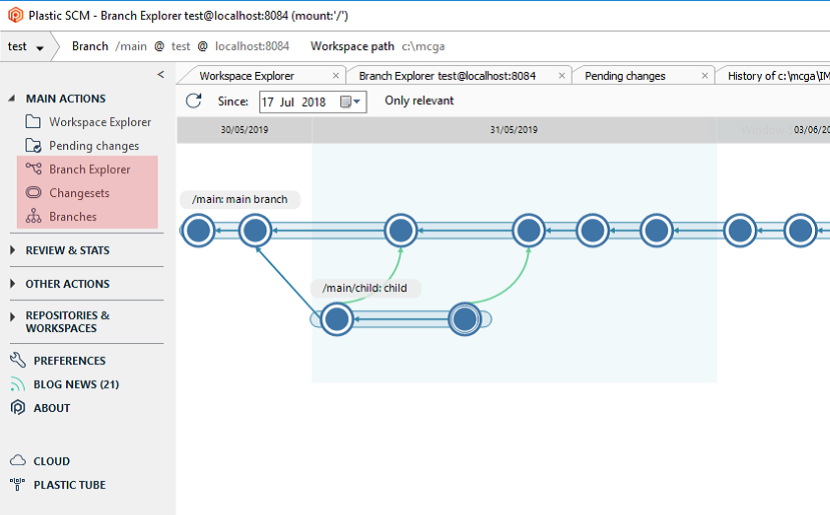
#### Command line client and Plastic GUI
Command line client and Plastic GUI: improved the progress for the partial checkin operation adding the operation status (starting, uploading, confirming, restoring file access, finished).
You can see it in the following image:
**Screenshot:**
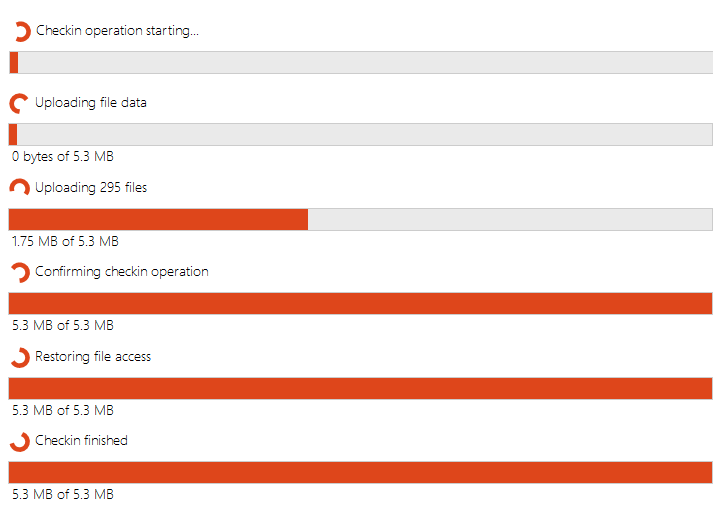
#### Plastic GUI and Gluon
Plastic GUI and Gluon: The performance of the Pending Changes view is now 5 times faster when searching for tons of private items in the workspace.
Let us give you a real example: we used the 3 copies of the 'gcc', 'mono', 'linux' and 'node' repos (that can be found in GitHub) - 632,555 files and 42,096 Folders, 4.76 GB.
And then opened the Pending Changes view in Plastic GUI or Gluon.
* Before: 40 s
* Now: 8 s
The main problem was in the log (which is enabled by default). With the log disabled, the improvement is smaller but very important anyway.
* Before: 16 s
* Now: 8 s
#### Windows - Gluon Performance
Windows - Gluon Performance: Improved checkin changes view key handling in the tree when there are a large number of items. Before you couldn't navigate with keys because it was terribly slow. Now it's much better!
#### Windows - Plastic SCM
Windows - Plastic SCM: sometimes we say hello, and sometimes we say goodbye. The "Change statistics" view is gone, and with it, the "Review & Stats" section. You can find now the Code Review below Sync Repositories (for regular users), or below Shelves (for Cloud Edition users).
**Screenshot:**
#### Mac Plastic
Mac Plastic: We made the Pending Changes view a bit prettier by moving the "Checkin comments" drop-down list to the same line as the other buttons.
**Screenshot:**
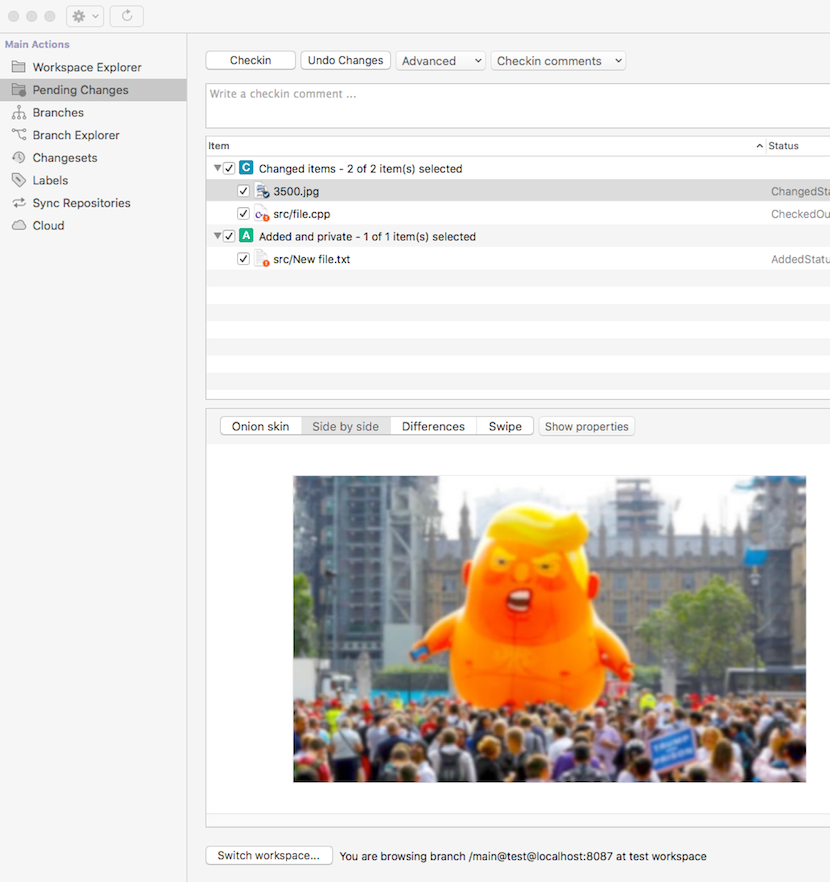
### Bug
#### Plastic GUI for Linux
Plastic GUI for Linux: a null exception was thrown when you type a filter during the load of the browse repository view. Now it is fixed.
#### Plastic GUI
Plastic GUI: Corrected the window title when performing an image diff from the History view using the built-in image diff tool. It used to show a temporary file path, now it shows the path of the item in the workspace.
#### Command line client
Command line client: we fixed an issue where "cm find" wouldn't work if you had extended characters in your object names. We were using the wrong encoder in the query parser.
You can now do this:
```text
c:\mcga>cm find changeset where branch='©®™'
27 3 /©®™ 27/05/2019 22:39:39 gwynt test
Total: 1
```
Reminder: if you're using the cm shell, then you can pass in the correct code page for the character set you are using like this:
```text
c:\mcga>cm shell
find changeset where branch='/©®™'
Total: 0
CommandResult 0
exit
c:\mcga>cm shell --encoding=windows-1250
find changeset where branch='/©®™'
27 3 /©®™ 27/05/2019 22:39:39 gwynt test
Total: 1
CommandResult 0
```
#### Command line client
Command line client: The progress bar for the "switch", "update" and "setselector" commands was accidentally disabled in build 8.0.16.3140. We have reinstated it to its former glory.
#### Plastic GUI
Plastic GUI: a null exception was thrown when you click to the cancel button for the checkin operation. Now it is fixed.
***
## 8.0.16.3257
> **Note:**
>
> **Public** | 2019-06-06
### New
#### Plastic - all platforms
Plastic - all platforms: When creating a new branch, the "Switch workspace to this branch" checkbox is now checked by default.
#### Plastic GUI
Plastic GUI: We greatly improved the checkin progress:
* Now the GUIs only show the details bar with slow operations. There was a small bug that made them appear when they shouldn't.
* Also, now the GUI shows the correct size unit when the upload operation for a 4MB block finishes.
* The GUI displays the checkin status when there is no info about the current file in the header.
These changes should make the checkin experience much smoother.
You can see the details in the following image:
**Screenshot:**
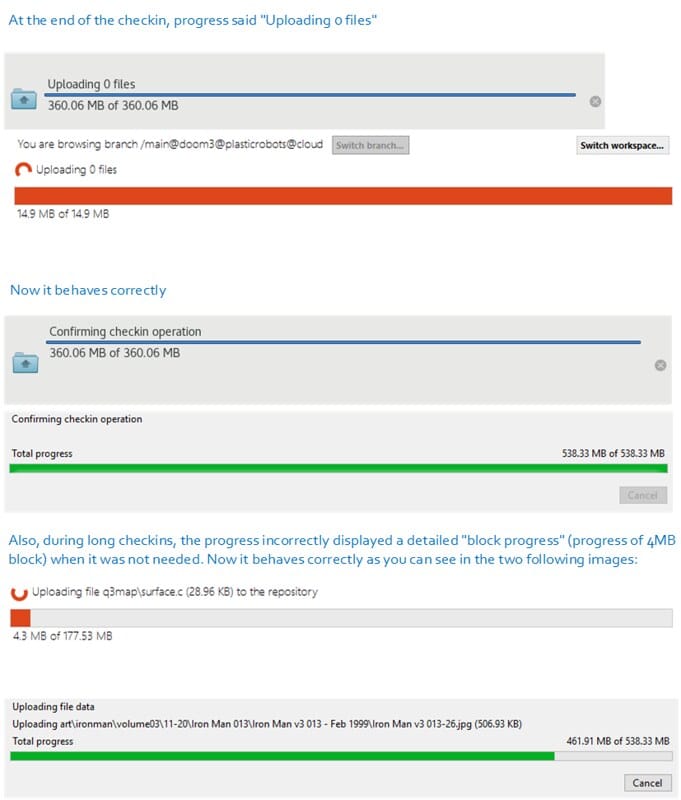
#### Plastic GUI
Plastic GUI: We improved the update progress:
* Now the GUIs only show the details message when the total files to update is calculated. There was a small bug that made them appear when they shouldn't.
* Also, the details message is not shown when there are no files to update.
### Bug
#### macOS - plastic
macOS - plastic: fixed an "unexpected error" that occurred if you double clicked on a group header in the changeset diff view.
#### Cloud Edition
Cloud Edition: The progress shown when pushing a branch to an empty cloud repository was incorrect on some stages of the push operation. Maybe you were seeing progress values > 100%, or abrupt progress decreasing inside the same stage. Now it's fixed.
Remark: This bug also affects on-premise plastic servers configured with a database backend different than Plastic Jet backend.
#### Linux - Gluon
Linux - Gluon: while configuring Gluon, the workspace path could not be changed exploring the filesystem through the "Choose…" button. Now that's fixed.
#### Cloud Edition
Cloud Edition: Performance improvement: Pulling a branch from Cloud Server to a local on-premise server were taking more than 2 minutes on fetching items to be pulled. The operation progress seemed to be hung on this stage (altought it wasn't).
This could happen when the branch to be pulled contains several thousands of items on its tree. Now it's fixed, and these extra 2 minutes were removed.
Remark: This improvement also affects on-premise plastic servers configured with a database backend different than Plastic Jet backend.
***
## 8.0.16.3250
> **Note:**
>
> **Public** | 2019-05-31
### New
#### DevOps
DevOps: MergeBot engine: Now the merge the mergebot API uses won't ignore whitespaces when resolving conflicts automatically.
More info about DevOps Mergebots can be found [here](http://blog.plasticscm.com/2018/09/mergebot-story-of-our-devops-initiative.html)
#### Command line client
Command line client: you can now use all the wonderful functionality of the new "undo" command on your Gluon workspaces, by calling "cm partial undo".
#### Plastic GUI
Plastic GUI: improved the checkin progress to show the correct size units when the uploading operation is finished.
#### macOS - Plastic Performance
macOS - Plastic Performance: Improved the "add directory tree to source control" operation from the workspace explorer view. When adding a directory with a large number of items, the gui got stuck for several seconds before showing any progress. For a workspace with 220k items, nearly 40s without a response :( Now it's much better!
#### Cloud Edition
Cloud Edition: The data transfer is now 3 times faster when uploading or downloading tons of small files to Plastic Cloud.
Let us give you a real example: we used the 'gcc' repo ([https://github.com/gcc-mirror/gcc](https://github.com/gcc-mirror/gcc)): 96423 files - 517 MB.
And then we ran a checkin to Cloud from Windows using a standard connection (100Mbps download - 60Mbps upload):
* Before: Upload time - 478 s (total checkin time - 564 s)
* Now: Upload time - 143 s (total checkin time - 223 s)
We modified how the number of upload/download threads are configured. Now we select a number dynamically depending on the number of files to upload/download.
#### macOS - Plastic Performance
macOS - Plastic Performance: Improved pending changes view performance when there are a large number of items. Loading, sorting and filtering times have been improved significantly.
For a workspace with 220k items, the pending changes refresh time has improved from 58447 ms to 3469 ms. Nearly 17 times faster!!
### Bug
#### macOS - Plastic, Gluon
macOS - Plastic, Gluon: Items search box: The search box lost the focus when the user stopped writing (e.g. to let the results list be updated). Now it's fixed.
We also improved the key navigation in the file search of the Workspace Explorer view. Now you can navigate the search results using the following keys: Up, Down, Home, End, PgUp, PgDn).
#### Plastic SCM Server, Linux/macOS
Plastic SCM Server, Linux/macOS: The Plastic SCM Cloud Edition local server threw an exception in the shutdown process on Linux or macOS. This prevented some of the shutdown routines from running, and that in turn could prevent some resources from being freed. It's now fixed.
#### Windows - Plastic
Windows - Plastic: When the diff window had unsaved changes and it was closed, it failed with a "File not found" exception. Now it's fixed.
#### Windows - Plastic
Windows - Plastic: The diff window did not update the diffs when editing the right content. Now it's fixed.
#### Windows GUI
Windows GUI: the progress bar for the checkin operation was not completely filled. Fixed.
#### GTK Plastic
GTK Plastic: the help panel in the Merge View prompted an error message when you clicked the "OK" button to close it, making it impossible to dismiss. Fixed.
#### Linux - Plastic, Gluon
Linux - Plastic, Gluon: When focusing main window, the pending changes view was auto-refreshed while a checkin operation was performed. Now, it's fixed.
#### Windows - Gluon
Windows - Gluon: When pressing 'End' key in the pending changes view, the files tree scrolled more than allowed, leaving half of the control blank. Now it's fixed.
#### macOS - Plastic
macOS - Plastic: after some time stalking the NSInternalInconsistencyException that our customers kept getting in the mac client when trying to open a diff window, we finally caught it and fixed it. Sorry for the inconvenience.
***
## 8.0.16.3231
> **Note:**
>
> **Public** | 2019-05-29
### New
#### Command line client
Command line client: the 'cm undo' command has arrived! It unifies the three (now deprecated) commands we had for undoing changes in a workspace: 'undocheckout', 'undochange' and 'uncounchanged'.
One Command to rule them all, One Command to find them,
One Command to bring them all and in the darkness undo them
The best thing is, the new undo it is smart enough to undo a change whether it be a local change (changed, locally moved, locally deleted) or a controlled change (added, checkout, moved, deleted). For more in-depth help and examples refer to the documentation ('cm help undo'), but let me quickly highlight how it replaces the old commands:
undocheckout:
```text
$ cm add file.txt
$ cm undo file.txt
$ cm co file.txt
$ cm undo file.txt
$ cm mv file.txt file-moved.txt
$ cm undo file-moved.txt
$ cm rm file.txt
$ cm undo file.txt
```
uncounchanged:
```text
$ cm co file1.txt file2.txt file3.txt
$ echo content >> file1.txt
$ cm undo --unchanged *
```
undochange:
```text
$ echo content >> file.txt
$ cm undo file.txt
```
The cm undo command also has flags to take into account only checked-out items (--checkout), or certain kinds of changes (--changed, --moved, --deleted and --added). It is automation-friendly too: with the --machinereadable flag and the format options, the output is easy to parse.
Limitations: the cm undo can undo deletions, but they are not detected automatically. If you want to undo a deletion, you have to either undo all of the changes in its directory recursively, or specify the full path of the deleted item.
This will work:
```text
$ rm dir/file.txt
$ cm undo dir -r
$ rm dir/file.txt
$ cm undo dir/file.txt
```
This won't:
```text
$ rm dir/file.txt
$ cm undo dir/*
```
#### Command line client
Command line client: "cm remove" has a brand new subcommand, "private", for deleting private files in your workspace.
Note: files are permanently deleted and are not recoverable. Use with caution! It is recommended that you perform a dry run of any delete operation (using the "--dry-run" option) before permanently deleting files.
The command has a "--verbose" option if you want to see all the paths of deleted items.
You can recursively delete private files and directories within controlled directories by using the "-r" option.
Enjoy!
Here are some examples of how to use the command:
```text
dir_c
-----file_p
-----file_c
-----dir_p
----------file2_p
-----dir2_c
-----------file3_p
To remove private file "file_p":
cm rm private dir_c\file_p
To remove private directory "dir_p":
cm rm private dir_c\dir_p
To remove all private and directories in tree:
cm rm private -r dir_c
```
#### WebAdmin
WebAdmin: We changed the position of the link "... branches processed today" in the DevOps dashboard. It's now aligned right and underlined to make it easier to notice!
#### IntelliJ IDEA plugin
IntelliJ IDEA plugin: We updated the README description to let you know from which URL you can download the old version, compatible with IntelliJ IDEA 15.x or older.
### Bug
#### Windows - Visual Studio Package - Cloud Edition
Windows - Visual Studio Package - Cloud Edition: The credentials dialog appeared every time you switch from using any Plastic GUI to Visual Studio plugin in Cloud Edition installations. Now it's fixed.
***
## 8.0.16.3221
> **Note:**
>
> **Public** | 2019-05-24
### New
#### Using Cloud Edition? Upgrade!
Using Cloud Edition? Upgrade!
You need to upgrade to this release to unlock the new "Activity reports".
You will receive an email like this every week:
**Screenshot:**
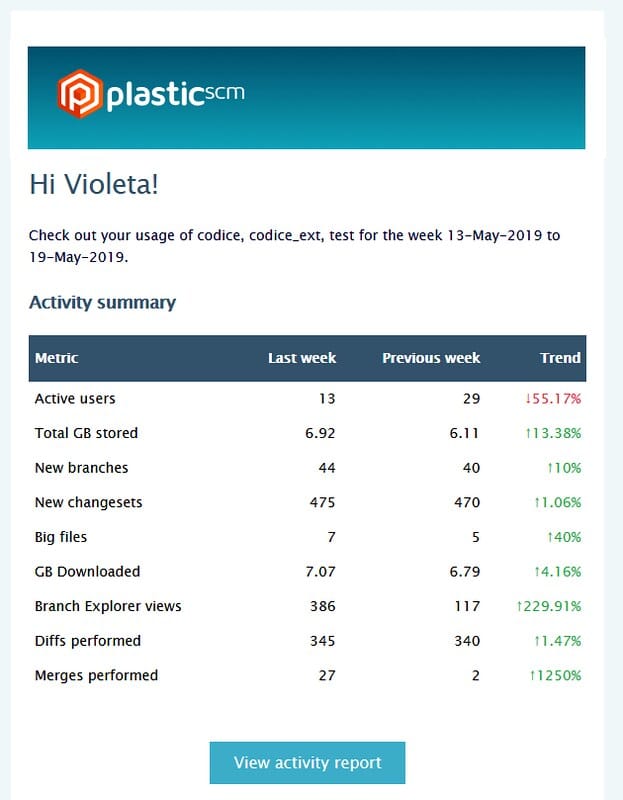
With a link to browse the full report online:
**Screenshot:**
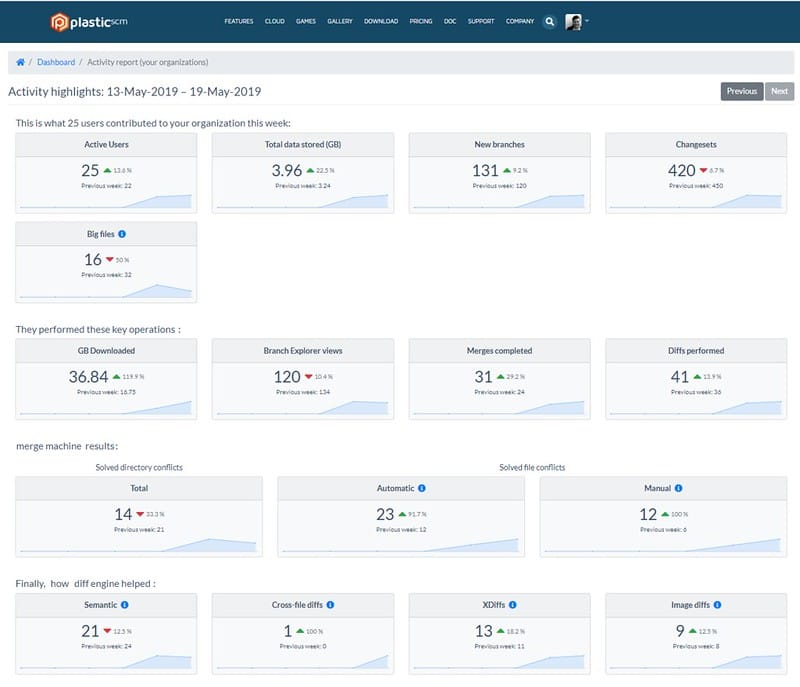
And the report will also be accessible from your Cloud dashboard:
[https://www.plasticscm.com/dashboard/cloud](https://www.plasticscm.com/dashboard/cloud)
**Screenshot:**
#### Command line interface
Command line interface: we improved the error message you get when you pass a shelveset specification to command, like setowner or showacl, that doesn't accept shelveset specs.
#### Command line client
Command line client: the error message when trying to run acl operations on workspaces wasn't very nice. We made it more user friendly.
#### Command line client
Command line client: we corrected some faulty indentation in the help text of the "showfindobjects" command.
#### WebAdmin
WebAdmin: We improved the form layout of the "New/Edit mergebot" page to make a better use of space.
#### Command line client
Command line client: we improved the phrasing of the help for commands that take piped input.
### Bug
#### Windows - Mergetool
Windows - Mergetool: After changing the color configuration in mergetool, selecting/unselecting a manual conflict contributor caused the application to crash. Now it's fixed.
#### JIRA extension
JIRA extension: when using JIRA Cloud, now you can't login with a password, as that authentication method is deprecated. You need to use your email address and a personal token generated [here](https://id.atlassian.com/manage/api-tokens) . This caused the assignee field of the tasks query to be your email instead of your name, returning zero tasks. That is fixed now. If you have to login using the email, the extension will solve your name before querying for tasks.
***
## 8.0.16.3219
> **Note:**
>
> **Public** | 2019-05-21
### New
#### Command line interface
Command line interface: we improved the error message you get when you pass a shelveset specification to command, like setowner or showacl, that doesn't accept shelveset specs.
#### Command line client
Command line client: the error message when trying to run acl operations on workspaces wasn't very nice. We made it more user friendly.
#### Command line client
Command line client: we corrected some faulty indentation in the help text of the "showfindobjects" command.
#### WebAdmin
WebAdmin: We improved the form layout of the "New/Edit mergebot" page to make a better use of space.
#### Command line client
Command line client: we improved the phrasing of the help for commands that take piped input.
### Bug
#### Windows - Mergetool
Windows - Mergetool: After changing the color configuration in mergetool, selecting/unselecting a manual conflict contributor caused the application to crash. Now it's fixed.
#### JIRA extension
JIRA extension: when using JIRA Cloud, now you can't login with a password, as that authentication method is deprecated. You need to use your email address and a personal token generated [here](https://id.atlassian.com/manage/api-tokens) . This caused the assignee field of the tasks query to be your email instead of your name, returning zero tasks. That is fixed now. If you have to login using the email, the extension will solve your name before querying for tasks.
***
## 8.0.16.3209
> **Note:**
>
> **Public** | 2019-05-17
### New
#### Command line interface
Command line interface: we made a few minor improvements to the inline help for the "branch" command. Remember, you can get help for any command by running "cm help" followed by the command name.
#### Gluon
Gluon: out-of-date items are now easier to identify! They now have a warning overlay icon to prevent you from modifying them before an update. Check it out (pun intended)!
**Screenshot:**
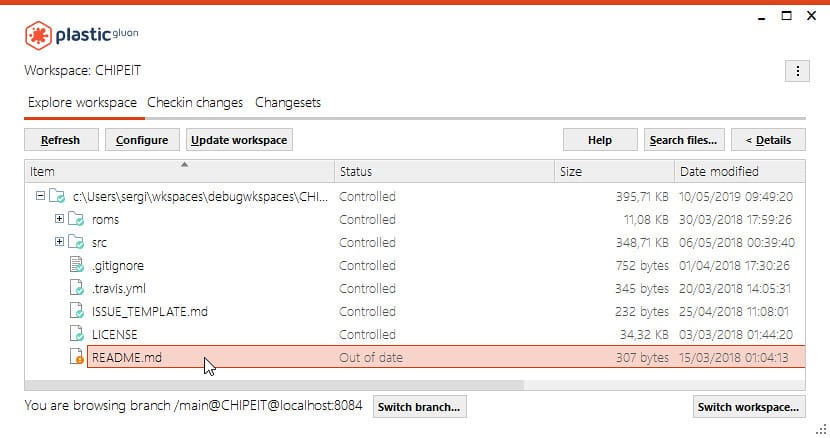
#### Plastic - Windows
Plastic - Windows: In the Windows branch explorer, the "Show excluded replication sources" checkbox was not persisted when you close and re-open the GUI. Now it's persisted.
#### Command line interface
Command line interface: we made some minor improvements to the help for the diff command. Hopefully, it should be a bit clearer what the 'revid', 'baserevid' and 'parentrevid' fields are when you get the results of a diff.
#### IDEA Plugin
IDEA Plugin: We've updated our plugin and it supports IntelliJ IDEA 2019.x now! On the other hand, we dropped support for IntelliJ IDEA 15 and older. Please have that in mind when upgrading the Plastic SCM plugin.
**Screenshot:**
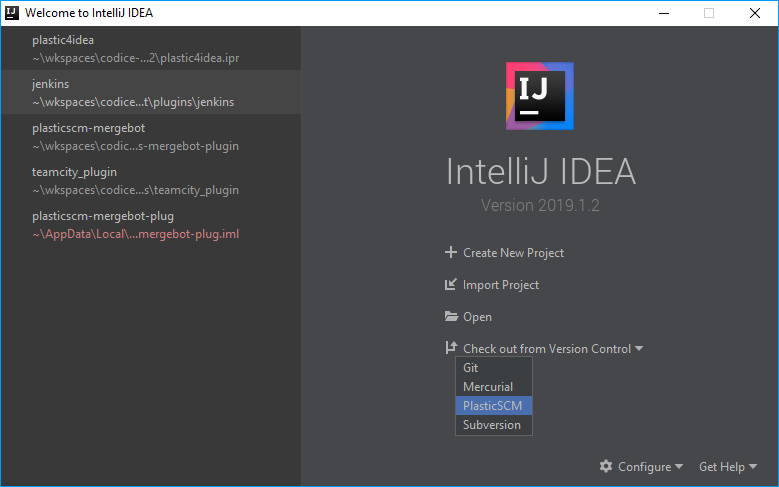
#### IDEA Plugin
IDEA Plugin: Great news, people! Our IntelliJ IDEA plugin can be installed as well in any other JetBrains IDE! Rejoice!
**Screenshot:**
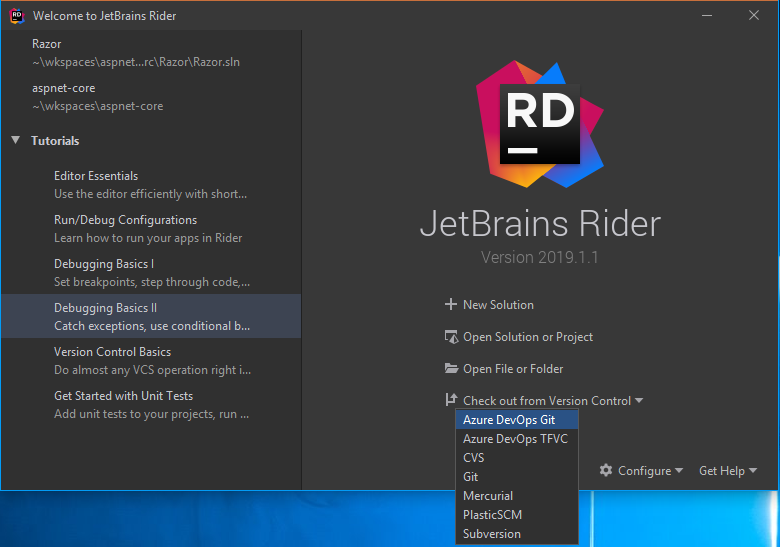
#### Command line client
Command line client: we updated the help for commands which take an `object_spec` argument to explicitly say which objects are valid for the command. Affected commands are `cm attribute`, `cm acl`, `cm showacl`, `cm setowner` and `cm showowner`.
#### Command line client
Command line client: did you know you can pipe directory listings to the `add` command like this:
```text
$ dir /S /B *.cs | cm add -
The selected items are about to be added. Please wait ...
Item c:\mcga\file.cs was correctly added
Item c:\mcga\dir\anotherfile.cs was correctly added
```
Cool, huh? This also works for checkin, checkout, getstatus, remove, undocheckout, uncounchanged and undochange. We updated the help with some more details about this.
### Bug
#### Windows - Visual Studio Package
Windows - Visual Studio Package: When diffing a branch, changeset or label, the diff window did not answered properly to some command keys (backspace, control, arrow keys, etc ...). The problem was that we were displaying the diff window as a non-modal window. The window was not getting messages, events, accelerators, etc... We fixed it displaying the diff window as a modal window.
***
## 8.0.16.3200
> **Note:**
>
> **Public** | 2019-05-16
### New
#### Command line client
Command line client: back by popular demand, "cm status" has regained the "--all" option. "--all" is a handy shorthand for "--controlledchanged --changed --localdeleted --localmoved --private" when using the "status" command.
We removed "--all" in build 8.0.16.2999, but, to be honest, we probably shouldn't have, as it is actually pretty useful. Sorry about that.
#### Server
Server: Logging subsystem: The `loader.log.conf` file appenders will now accept the following property in the "file" configuration: `%property{NodeName}`
This could be useful in multi-instance scenarios where several server nodes are configured to work in parallel.
Find below an example of a file appender configuration using the new property:
```text
```
REMARK: To use this property in the file name value, the file type has to be set to `log4net.Util.PatternString`
#### Command line client
Command line client: we've made it easy to run queries against all your repositories. Just use `*` as the repository name parameter:
```text
c:\mcga>cm find branch on repositories '*'
4 03/05/2019 15:46:50 /main all default T
4 03/05/2019 16:00:39 /main gwynt testrepo T
13 03/05/2019 16:02:17 /bugfix gwynt testrepo T
4 03/05/2019 16:00:48 /main gwynt anothertestrepo T
4 03/05/2019 16:01:00 /main gwynt productionrepo T
13 03/05/2019 16:02:31 /newbranch gwynt productionrepo T
```
In fact. you can use any wildcard expression:
```text
c:\mcga>cm find branch on repositories '*test*'
4 03/05/2019 16:00:39 /main gwynt testrepo T
13 03/05/2019 16:02:17 /bugfix gwynt testrepo T
4 03/05/2019 16:00:48 /main gwynt anothertestrepo T
Total: 3
c:\mcga>cm find branch on repositories '*production*'
4 03/05/2019 16:01:00 /main gwynt productionrepo T
13 03/05/2019 16:02:31 /newbranch gwynt productionrepo T
Total: 2
```
### Bug
#### Plastic, Gluon - all platforms
Plastic, Gluon - all platforms: When you use the items search to find a private item that is on disk, but is not present in the items view, because the items view is not refreshed, the item was not focused properly in the items view. Now it's fixed.
***
## 8.0.16.3189
> **Note:**
>
> **Public** | 2019-05-07
### New
#### GitSync. Applies both to the command line (all pl…
GitSync. Applies both to the command line (all platforms) and Windows GUI.
Suppose you have a repo "quake" synced to `https://github.com/psantosl/quakefromplastic.git`.
And now you try to sync with a different GitHub repo: `https://github.com/psantosl/newquaketest.git`.
Plastic will complain saying there are mappings for the old repo. We added info of where the mappings are stored, so that advanced users can go and delete the mappings or move them to be used later.
```console
$ cm sync quake\@localhost:6060 git https://github.com/psantosl/newquaketest.git --user=psantosl --pwd=my-personal-token
```
Error: The settings you've introduced don't match with the stored ones for branch/repo quake. Stored are: `https://github.com/psantosl/quakefromplastic.git`. Mappings are stored here: `C:\Users\pablo\AppData\Local\plastic4\sync\git\fbcb3273-0371-4821-92ac-01e380200c5a`.
We expect to remove this restriction in the future, so you can gitsync a repo to as many destinations as you want, but right now this is the behavior we support.
#### Command line client
Command line client: we have improved the formatting of the ls command output so that the columns are nicely aligned even when you have a mixture of long and short branch names.
Before:
```text
c:\mcga>cm ls -r
0 30/04/2019 11:15 dir br:/main#CO CO .
0 30/04/2019 11:18 dir br:/branchWithVeryLongName#1 A
6 30/04/2019 11:21 txt br:/bugfix#2 bug.cpp
7 30/04/2019 11:19 txt Private file.cs
4 30/04/2019 11:18 txt br:/branchWithVeryLongName#1 a.txt
0 30/04/2019 11:18 dir br:/branchWithVeryLongName#1 AA
```
After:
```text
c:\mcga>cm ls -r
0 30/04/2019 11:15 dir br:/main#CO CO .
0 30/04/2019 11:18 dir br:/branchWithVeryLongName#1 A
6 30/04/2019 11:21 txt br:/bugfix#2 bug.cpp
7 30/04/2019 11:19 txt Private file.cs
4 30/04/2019 11:18 txt br:/branchWithVeryLongName#1 a.txt
0 30/04/2019 11:18 dir br:/branchWithVeryLongName#1 AA
```
#### Plastic SCM GUI and Command Line Client
Plastic SCM GUI and Command Line Client: improved progress messages for one of the stages of the merge. When performing a merge with many added files on source, processing the copied files and directories can take a while (depending on the number of files and the performance of your computer), giving the impression that the tool hanged. Now, Plastic gives more granular progress messages, so you know what's going on under the hood.
#### Refactor part of the "find changes" code. Yes, no…
Refactor part of the "find changes" code. Yes, no new features, just code clean up. But, since if you are reading this you are probably a developer, we're sure you appreciate we spend time in refactors too ;-)
### Bug
#### Mantis integration
Mantis integration: we had a couple of bugs in the plastic.php file we distribute alongside the Plastic SCM client to integrate it with the Mantis issue tracker. Now it is fixed.
If your Mantis integration works OK, you don't need to do anything unless you update your server's PHP version to 7 or greater. In that case, you will have to replace the plastic.php file in your Mantis install directory with the new one.
For further info regarding Plastic SCM and Mantis extension configuration, please visit the following [documentation page](https://www.plasticscm.com/documentation/extensions/plastic-scm-version-control-task-and-issue-tracking-guide#Mantisintegration)
#### Windows - Visual Studio Package
Windows - Visual Studio Package: Visual Studio 2019 crashed when displaying some Plastic SCM views. Now it's fixed.
#### Linux and macOS
Linux and macOS: Uploading data to the cloud (through a checkin or push operation) with network issues make the operation fail due to the "Cannot access a disposed object" error. Now, the error is handled and the upload retried like it is done with the rest of network issues.
***
## 8.0.16.3177
> **Note:**
>
> **Public** | 2019-04-30
### New
#### Command line client
Command line client: we have renamed the "remove" subcommand of "cm changeset" to "delete" to make the naming consistent with the other commands.
#### Windows GUI and Gluon
Windows GUI and Gluon: Avoid weird "Invalid value for registry" errors when opening an URL from plastic or gluon. Some of them were causing the tool to crash. In this case, Plastic or Gluon will just log the error with the requested URL.
REMARK: The "Invalid value for registry" error is not caused in any case by Plastic or Gluon. Contact Microsoft support if you are experiencing such errors when opening URLs from outside your web browser. It will fail not only from Plastic or Gluon, but also from other tools, or even shortcuts to web pages.
### Bug
#### Command line client
Command line client: some fields of the 'cm status' XML output were obfuscated. Instead of their actual name ("MovedPath", "Size", "LastModified" and so on) all you could see was "a", "b", "c"... Now it is fixed.
Additionally, there are "printable" fields now. They contain redundant information, but in a human-readable format.
* "Type" contains a couple of characters to indicate the type of the change, but "TypeVerbose" uses the full word.
* "PrintableMovedPath" shows both "Path" and "OldPath" for moved files and directories, separated by an arrow.
* "Size" is the size of the file in bytes, but "PrintableSize" represents the size in the best suitable unit measure.
* "LastModified" field is a parseable DateTime, but "PrintableLastModified" is a human-friendly string of the type "9 hours ago".
```xml
MV
Moved
README-moved.md
README.md
README.md -> README-moved.md
952
952 bytes
2019-04-25T12:13:18.7890246+02:00
1 hours ago
```
#### Server
Server: multi-instance and heavy load. There was a bug that was reporting that all threads were busy (more than 10 seconds attending a request) when in reality only a few threads were.
***
## 8.0.16.3170
> **Note:**
>
> **Public** | 2019-04-26
### New
#### GUIs and Web
GUIs and Web: Great improvements in the Cloud Edition onboarding process.
We changed the first steps in Cloud Edition, so joining to an organization and creating a new one is now much easier.
Here is a summary of the improvements:
* All GUIs: New signup/login dialogs to help new users getting aboard.
* All GUIs: Links with relevant information during evaluation.
* The old cloud.plasticscm.com has been replaced by [https://www.plasticscm.com/dashboard/cloud](https://www.plasticscm.com/dashboard/cloud). The new dashboard has been redesigned too.
* Plastic Cloud Edition subscription information has been improved.
Let's now detail each of the improvements.
1. New signup/login dialogs
Now new users can signup to plasticscm.com directly from the GUIs, which makes the process much faster and reduces friction.
**Screenshot:**
And it is also possible to create the new organization and subscribe to Plastic Cloud without leaving the GUI:
**Screenshot:**
As a bonus, the GUI now selects your nearest datacenter by default.
2. Links with relevant information
Once you start the GUIs, there are new links to help you find your way during the evaluation:
**Screenshot:**
If you look at the bar in the bottom of the window, you'll find the following information:
* A message saying how many days are left to evaluate Cloud Edition.
* If you are the owner of the subscription, then a button will open the web-dashboard directly. This is the option to check your usage, invite new team mates, etc.
* Finally, a button helps you contact support in case you have any questions or found a problem.
3. New Cloud dashboard
We used to have cloud.plasticscm.com and plasticscm.com. They were part of the same domain, but implemented as separate applications. Now we unified the experience.
**Screenshot:**
We also used the opportunity to redesign the interface and make it much more intuitive.
4. Improved subscription information
Now you'll be able to access more information about your actual Plastic Cloud usage.
**Screenshot:**
Now it clearly shows the total storage use and also charts to quickly review the daily active users and the key operations performed in Plastic Cloud.
**Screenshot:**
Enjoy!
#### Command line client
Command line client: the 'cm clone' command can now clone a repository to a replication package. This is useful for moving data across servers when there is no direct connection between them.
To clone a repository to a replication package, do the following:
```text
> cm clone myRep@localhost:8084 --package=myRep.plasticpkg
```
You can then import that package using the pull command:
```text
> cm mkrep myNewRep@mordor.home:9095
> cm pull --package=myRep.plasticpkg myNewRep@mordor.home:9095
```
#### Command line client
Command line client: PowerShell receives autocompletion support! It only completes command names for now, but expect future improvements.
To install it, just run (from your Windows PowerShell):
```text
> cm autocomplete install
C:\Users\sergi\Documents\WindowsPowerShell\Microsoft.PowerShell_profile.ps1 modified.
You need to restart PowerShell for changes to take effect.
```
Remember that command autocompletion also works in Bash. Do you use another shell and you want to have cm autocompletion support? Let us know!
#### GitSync won't fail anymore if revision contents are not accessible
GitSync won't fail anymore if for whatever reason it can't access the contents of a given revision. It will add an empty revision in the Git package instead.
This way we allow syncing with Git even if an old revision is not present due to an old issue.
#### Windows, linux - Plastic, Gluon
Windows, linux - Plastic, Gluon: Windows will be maximized first time you open them. After that, their size, status and position will be restored when you close and reopen them. Please note that this doesn't apply to macOS since it's not usual to work with maximized windows in that OS.
#### Windows - Gluon
Windows - Gluon: We added a new context menu action in the diff window called "External diff". It's available when you right click a file in the diff window, i.e. the one that appears when you run a diff action. This is really useful when you have a specific diff tool that is best suited to diff a particular kind of files.
### Bug
#### Windows - Plastic
Windows - Plastic: When using parameters in view filters,
the parameter was not working ok for the first column. Now
it's fixed. You can use "columnName:value".
#### Linux/macOS GUI
Linux/macOS GUI: A `The item {id-value} cannot be found on tree` exception was thrown when the user tried to solve more than one delete-change conflicts for the same delete item keeping the delete as resolution. Now it's fixed.
#### CLI
CLI: The `--keepsource` option in the `cm merge` command didn't work for files that were modified on source and locally changed in the workspace at the same time, if they had to be checked out exclusively (locked). Now it's fixed.
#### Windows - Gluon
Windows - Gluon: The window title in the Windows task bar was not visible. Now it's fixed.
#### Linux/macOS, all GUIs and CLI
Linux/macOS, all GUIs and CLI: If the Plastic client didn't have access to a given directory (e.g. the current user doesn't have read/execute permissions), no error appeared in the pending changes view. It's now displayed including the failing path.
#### Gluon
Gluon: The update of an out-of-date file failed and displayed the error message `Could not find a part of the path '{filepath}'` when its parent was locally deleted. It also failed systematically if you tried to force update it in the update results dialog. Now it's fixed.
#### Linux - Plastic
Linux - Plastic: The second column title in the repository list was wrong. It's not "Repository"; it's "Server". Now it's fixed.
#### Cloud edition
Cloud edition: Windows GUI: Fixed a bug that caused Plastic GUI to be immediately closed after login with your cloud edition account and creating a workspace on a new install. This issue just happened in release 8.0.16.3165, which was published just for a few hours and then unpublished due to the described failure.
***
## 8.0.16.3148
> **Note:**
>
> **Public** | 2019-04-08
### New
#### Command line client
Command line client: When updating a single item, the cm update command now forces the `--cloaked` flag by default.
If you specify the item you want to update, then you know for sure what you are doing, so having to add the \`--cloake\`\` flag is just a hassle.
This means that, for the following directory structure:
```text
src (controlled)
|- file1.txt (controlled / cloaked)
\- file2.txt (controlled)
```
Then:
```text
> cm update .
(Won't update file1.txt)
> cm update src/*
(Won't update file1.txt)
> cm update src/file1.txt
(Will update file1.txt)
> cm update src/* --cloaked
(Will update file1.txt)
```
#### Command line
Command line. The progress of the cm push/pull/clone commands has been improved so that it shows the number of objects being fetched, like the GUI does, which gives a much better idea of what is going on.
In the example below, you see the tree count together with "fetching trees".
```console
$ cm push main@codice@localhost:6060 --package=codice.pkg
Enter credentials to connect to server [localhost:6060]
[#.............................................................]
/ Fetching trees (35735)
Fetching metadata [###...........................]
Pushing metadata [..............................]
Introducing data [..............................]
```
### Bug
#### Plastic GUI Windows
Plastic GUI Windows: We have fixed an error in the display of progress messages during replication. A bug was introduced in release 8.0.16.3114 which caused the tool to display some internal strings rather than the nice display strings you are used to.
***
## 8.0.16.3140
> **Note:**
>
> **Public** | 2019-04-04
### New
#### Server
Server: Performance: We implemented a new log4net appender in the server that performs a 38% better (overall server response time) when the server is stressed with requests.
New installations of Plastic will already take advantage of these improvements.
Regarding existent installations, it's a matter of changing each log4net appender in `loader.log.conf` file as follows:
Having the following appender:
```xml
```
1- change the appender name as follows, from:
```text
appender name="ErrorAppender"
```
to
```text
appender name="ErrorInternalAppender"
```
2- Create a new appender on top of previous one as follows:
```xml
```
3- Do the same with other appenders.
Full example can be found on the following [snippet](https://gist.github.com/JesusMG/8df7a076de5b2e6d45a9fc2b20fe0489)
#### Windows Cloud Edition installer
Windows Cloud Edition installer: We moved the selection of the client application to start to the last page of the installation wizard. Now, the last wizard page of the cloud edition installer looks like the following screenshot:
**Screenshot:**
### Bug
#### Plastic GUI
Plastic GUI: The Diff control showed the message 'Value cannot be null. Parameter name: key' when it loaded text files > 2MB. Fixed!
#### GitSync
GitSync: The rejected references (if they existed) were not always properly printed after a sync operation This could happen pushing big packages (>500 MB) with hundreds of references. Instead of printing the failed references, the sync command just failed with the error 'Stream terminated early'.
Remarks: Pushing a Plastic repo to GitHub through the 'cm sync' command will fail if the repo contains some file bigger than 100 MB. The error returned by GitHub is 'pre-receive hook declined'. This happens due to the GitHub disk quota policies: [https://help.github.com/en/articles/what-is-my-disk-quota](https://help.github.com/en/articles/what-is-my-disk-quota)
#### Server
Server: Permissions were not properly updated when the group members of the authentication provider were changed. The server should automatically update this information every 5 minutes, but it was only done after a server restart. Fixed.
#### Command line client
Command line client: we noticed that commands that update the workspace would tell you "Searching for changed items in the workspace..." lots of times when there were changes in the workspace. We fixed that so it only prints once.
***
## 8.0.16.3125
> **Note:**
>
> **Public** | 2019-04-01
### New
#### Command line client
Command line client: We modified the `cm objectspec` command so that it prints out lots of useful help on defining object specifications, without you having to specify the "help" option.
#### Command line client
Command line client: the obsolete findchanged, findcheckouts and findprivate commands have been hidden, although they still work if invoked.
Then why bother you with this? Just to tell you that if you use them in any automation script, you should migrate to cm status:
```text
1) findchanged
$ cm findchanged /path/to/search -r
$ cm status path/to/search --changed --compact --short
2) findcheckouts
$ cm findcheckouts path/to/search -r
$ cm status path/to/search --checkout --compact --short
3) findprivate
$ cm findprivate path/to/search -r
$ cm status path/to/search --private --compact --short
```
The reason to hide these commands is because they offer a redundant functionality. Moreover, the status command is way more powerful than findchanged, findcheckouts, and findprivate. Just check its documentation to find out the possibilities.
In any case we will warn you when these commands cease to exist.
#### Command line client
Command line client: The 'cm partial checkin' command now shows dynamic progress, just like its regular 'checkin' sibling! Check it out (pun intended) the next time you checkin something in a Gluon workspace from the CLI!
#### Command line client
Command line client: it is with great joy that we announce the arrival of the latest addition to our command family. We are sure "shelveset" will bring as much happiness to your daily coding life as it does to ours.
To create a shelveset:
```console
$ cm shelveset [paths]
```
To apply a shelveset:
```console
$ cm shelveset apply shelveset_spec
```
To delete a shelveset:
```console
$ cm shelveset delete shelveset_spec
```
Simples!
Note: the old "shelve" command is still available in the tool but is considered deprecated.
***
## 8.0.16.3112
> **Note:**
>
> **Public** | 2019-03-28
### New
#### Command line client
Command line client: the cm label command now comes with added subcommand goodness.
Check out these examples:
```text
cm label create BL001
```
Sets the label BL001 on the latest changeset in the current workspace.
```text
cm label BL001
```
'create' is the default subcommand for 'label', so this works too!
```text
cm label rename BL001 BL002
```
Rename the label
```text
cm label delete BL002
```
Delete the label
```text
cm label BL003 cs:1 -c="Label on changeset 1"
cm label BL004 cs:2@myrepo -c="Label on changeset 2 of repository 'myrepo'"
cm label BL005 \workspace_path - c="Label on current changeset of specified workspace"
```
Some other ways to set labels.
Note: 'makelabel', 'removelabel' and 'renamelabel' are now deprecated, but remain available in the tool.
#### Command Line Client
Command Line Client: the new 'clone' command joins the family! You probably already imagine what it does: the clone command clones a source repository (all of its branches, changesets, labels, code reviews, and so on) into a destination repository. If the destination repository does not exist, it is created automatically. If it does, it must be empty, or the clone is cancelled.
These are a few examples of how to use the clone command:
```text
cm clone codice@skull.home:9095
(Clones codice repository from skull.home:9095 into a repository also named codice in my default repository server.)
cm clone codice@skull.home:9095 codice-local
(Clones codice repository into a repository called codice-local in my default repository server.)
```
Like its push and pull siblings, the clone command also supports authentication and owner translation options:
```text
cm clone codice@skull.home:9095 --authmode=UPWorkingMode --user=sergio --password=pwd
(Clones codice repository using a user and a password to authenticate against skull.home:9095.)
cm clone codice@skull.home:9095 --trmode=table --trtable=table.txt
(Clones codice repository, translating the users using the content of the table defined in table.txt.)
```
You can also use the clone command to clone repositories from your Plastic Cloud organization:
```text
cm clone myRepo@tardis@cloud
(Clones the myRepo repository from Plastic Cloud tardis organization into a repository with the same name in my default repository server.)
```
For further information, you can execute:
```text
cm help clone
```
Hope you find it useful!
(This closes the UserVoice request [Simple repository clone operation](https://plasticscm.uservoice.com/forums/15467-general/suggestions/11624742-simple-repository-clone-operation)).
#### DevOps
DevOps: The trunk-bot CI Integration plug selection is now optional. This is done this way to ease the evaluation of the DevOps mergebot cycle for a repository without actually having to configure a CI system and its related plug. Therefore, no builds in any CI system will be triggered when merging a task branch.
#### Server
Server: DevOps: trunk-bot configuration for fixed recipients in the "notifications" section now allows entering a comma-separated list of values, where these values could be either a raw value (such as an email address) or a plastic user. In case of the latter, the actual value will be resolved with the defined user profile field, if possible.
Consider the following example, where a trunk-bot is configured with an email notifier:
**Screenshot:**
The "Always notify to" contains :
* An actual email address: `developers@plasticscm.com`
* Three plastic users: `jemago`, `will` and `andrea` -> their actual email addresses will be calculated getting their configured "email" profile value:
**Screenshot:**
(Before this release, the "Always notify to" field in trunk-bot configuration didn't allow specifying plastic users, just email addresses).
#### Command line client
Command line client: No need to checkout a changed file before checkin. Before, to checkin a locally changed file, you had to do one of the following actions:
```text
1) Check out the file, then check it in:
$ echo foo >> file.txt
$ cm co file.txt
$ cm ci file.txt
2) Checkin the file with the --applychanged flag:
$ echo foo >> file.txt
$ cm ci --applychanged file.txt
```
Now the flag is not necessary if you specify the files you want to checkin:
```text
3) Just change the file and check it in:
$ echo foo >> file.txt
$ cm ci file.txt
```
We think that if you explicitly specify the file then you know what you're doing, and forcing you to checkout the file first is just a hassle.
However, this does NOT work with directories nor wildcards, as it might be dangerous (we humans tend to overlook things!):
```text
a) This does NOT work:
$ echo foo >> src/file.txt
$ cm ci src
b) This does NOT work either:
$ echo foo >> src/file.txt
$ cm ci src/*.txt
c) This DOES work:
$ echo foo >> src/file.txt
$ cm ci src/file.txt
d) This ALSO works:
$ echo foo >> src/file.txt
$ cm ci --applychanged src/*.txt
```
All of these changes also apply to the 'cm partial ci' command, the checkin command for partial (Gluon) workspaces.
### Bug
#### Linux/macOS GUI
Linux/macOS GUI: After trying to process a merge conflict involving a readonly xlink, the operation never finishes and the user is stuck (the merge cannot be processed). Now it's fixed.
#### GitServer
GitServer: The issue "The revision for the git reference 0000000000000000000000000000000000000000 cannot be found" during the git push operation was fixed. It could happen when the same (or similar) directory structure was added to the local repo, committed and pushed to the central server multiple times.
***
## 8.0.16.3100
> **Note:**
>
> **Public** | 2019-03-26
### New
#### All platforms - Plastic, Gluon
All platforms - Plastic, Gluon: Improved the window default size (make it bigger). Also, adjust the window size to the screen size if it doesn't fit.
#### All platforms - Gluon
All platforms - Gluon: Added the "undo changes" option in the context menu. Now you can select several files in the checkin view, right click and select "undo changes" for the selected (highlighted) items, regardless of the files are checked or not.
#### Command Line Client
Command Line Client: the '--parents' option of the 'cm add' command has been deprecated. Now, it is the default behavior.
For example, let's say that you have the following (private) directory structure, and you want to add 'file.txt' to source control:
```text
src
|- 01plastic
| - client
| |- file.txt
| - code.cs
- 02thirdparty
```
Now, you can do so by executing:
```text
$ cm add src/01plastic/client/file.txt
```
...which we hope feels more natural.
#### Command line client
Command line client: We have introduced a new `workspace` command (short form, `wk`), for all workspace related activity.
Here are some usage examples (using the short form):
```text
cm wk
```
Lists workspaces
```text
cm wk MyNewWorkspace workspacePath
```
Create a workspace
```text
cm wk rename NewWorkspace
```
Rename the current workspace
```text
cm wk mv newWorkspacePath
```
Move the current workspace
```text
cm wk rm NewWorkspace
```
Delete a workspace
As always, you can check out the inline help (cm workspace --help) for full details and more examples.
Note: the existing workspace commands ("mkwk", "lwk", "rmwk" and "renameworkspace") are deprecated but will still work.
#### Command line client
Command line client: We have introduced a new trigger command for managing triggers. It has the following subcommands: create, delete, edit, list and showtypes.
```text
Usage:
cm trigger | tr command [options]
Commands:
create | mk
delete | rm
edit
list | ls
showtypes
cm tr mk before-mklabel new "/path/to/script" --server=myserver:8084
cm tr edit before-mklabel 7 --position=4 --server=myserver:8084
cm tr ls before-mkbranch --server=myserver:8084
cm tr rm after-setselector 4
cm tr showtypes
```
Note: the old trigger commands are deprecated but are still available in the tool for backwards compatibility.
#### Windows installer
Windows installer: A wizard step allows selecting which application should be started after the installation finishes. This application could be either Plastic SCM (classic GUI for developers) or Gluon (for documentation and game-dev artists). We improved the description of these apps to help choosing the desired app wisely. Note that both applications will be installed and available for you, regardless of this initial selection!
### Bug
#### CLI
CLI: The `unco --all` was failing with the error "Selector can't locate a revision for the item ``" under certain circumstances when there was a locally moved directory with local changes inside include other moved from the directory to outside or from outside into the directory. In order to fix it, we have improved the directory moved detection. See an example:
Starting with the following controlled, and up-to-date, content:
```text
/Assets/a.txt
/Assets/Scripts/s.txt
/Assets/Scripts/s1.txt
/Assets/Scripts/s2.txt
/Assets/Scripts/s3.txt
/Assets/Scripts/s4.txt
/Assets/Scripts/s5.txt
/Assets/Scripts/s6.txt
/Assets/Scripts/s7.txt
/Assets/Scripts/s8.txt
/Assets/Scripts/s9.txt
/Assets/Scripts/MainMenu/Testing/Editor/b.txt
/Assets/Scripts/MainMenu/m.txt
/Assets/Scripts/MainMenu/Testing/t.txt
```
We perform the following local changes:
* Create directory /Assets/Editor/MainMenu/Testing
* Move /Assets/Scripts/MainMenu/Testing/Editor to /Assets/Editor/MainMenu/Testing/Editor
* Move /Assets/Scripts to /Assets/Runtime
Now the detected local changes are:
```text
cm status
/main@default@localhost:8084 (cs:1 - head)
Moved
Status Size Similarity Path
Moved locally 100% Assets/Runtime/MainMenu/Testing/Editor -> Assets/Editor/MainMenu/Testing/Editor
Moved locally 91% Assets/Scripts -> Assets/Runtime
Added
Status Size Last Modified Path
Private 5 seconds ago Assets/Editor
Private 5 seconds ago Assets/Editor/MainMenu
Private 5 seconds ago Assets/Editor/MainMenu/Testing
```
But before they were:
```text
cm status
/main@default@localhost:8084 (cs:1 - head)
Deleted
Status Size Path
Removed locally Assets/Runtime/MainMenu
Moved
Status Size Similarity Path
Moved locally 100% Assets/Scripts/MainMenu/Testing/Editor -> Assets/Editor/MainMenu/Testing/Editor
Moved locally 91% Assets/Scripts -> Assets/Runtime
Moved locally 4 bytes 100% Assets/Scripts/MainMenu/m.txt -> Assets/Runtime/MainMenu/m.txt
Moved locally 4 bytes 100% Assets/Scripts/MainMenu/Testing/t.txt -> Assets/Runtime/MainMenu/Testing/t.txt
Added
Status Size Last Modified Path
Private 7 seconds ago Assets/Editor
Private 7 seconds ago Assets/Editor/MainMenu
Private 7 seconds ago Assets/Editor/MainMenu/Testing
Private 9 seconds ago Assets/Runtime/MainMenu
Private 7 seconds ago Assets/Runtime/MainMenu/Testing
```
***
## 8.0.16.3088
> **Note:**
>
> **Public** | 2019-03-21
### New
#### Command line client
Command line client: the following cm commands related to repository handling are now deprecated:
* `lrep`, replaced by `repository` (without any arguments) or `repository list`.
* `mkrep`, replaced by `repository [repname]` or `repository create`.
* `rmrep`, replaced by `repository delete`.
* `rnrep`, replaced by `repository rename`.
* `addrep`, replaced by `repository add`
These commands are now equivalent:
```text
cm lrep
cm repository
cm repository list
cm mkrep myNewRepo
cm repository myNewRepo
cm repository create myNewRepo
cm rmrep myOldRepo
cm repository delete myOldRepo
cm rnrep myOldRepo myOldRepoRenamed
cm repository rename myOldRepo myOldRepoRenamed
cm addrep rep_2 myRemovedRep repserver:localhost:8087
cm repository add rep_2 myRemovedRep repserver:localhost:8087
```
The arguments and flags supported by the old commands are supported by the new ones as well, in the same order (if applies) and of the same type as before.
The deprecated commands are still available if you call them, but we recommend you to migrate any automation or script that relies on them to the repository command.
In any circumstance, we will warn you through the release notes when the deprecated commands cease to exist.
#### Command line client
Command line client: There is now a single command for all your attribute management needs. We've called it... attribute.
Here is some example usage:
```text
cm att create Status
cm att set att:Status cs:512 InProgress
cm att unset att::Status cs:512
cm att delete att::Status
```
Note: the beautifully named commands `mkattr`, `rnatt`, `rmatt`, `statt` and `rmattr` are deprecated, but still available in the tool for the more masochistic amongst us.
#### Command line client
Command line client: There is now a new command for managing locks. You guessed it! We called it "lock".
Here are some examples:
```text
cm lock list
cm lock
(list is optional if there are no arguments)
cm lock unlock 91961b14-3dfe-4062-8c4c-f33a81d201f5
```
Note: the old lock commands can still be used, though they are now considered deprecated.
#### Command line client
Command line client: the following cm commands related to branch handling are now deprecated:
* `mkbr`, replaced by `branch` or `branch create`.
* `rmbr`, replaced by `branch delete`.
* `rnbr`, replaced by `branch rename`.
* `branchhistory`, replaced by `branch history`.
* `getmainbranch`, replaced by `branch showmain`.
* `getmergeneededbranches`, replaced by `branch showmerges`.
These commands are now equivalent:
```text
cm mkbr /main/scm20123
cm branch /main/scm20123
cm branch create /main/scm20123
cm rmbr /main/scm20123
cm branch delete /main/scm20123
cm rnbr /main/task001 task002
cm branch rename /main/task001 task002
cm branchhistory /main/scm20123@myrepo@myserver:8087
cm branch history /main/scm20123@myrepo@myserver:8087
cm getmainbranch
cm branch showmain
cm getmergeneededbranches file.txt
cm branch showmerges file.txt
```
The arguments and flags supported by the old commands are supported by the new ones as well, in the same order (if applies) and of the same type as before.
The deprecated commands are still available if you call them, but we recommend you to migrate any automation or script that relies on them to the branch command.
In any circumstance, we will warn you through the release notes when the deprecated commands cease to exist.
***
## 8.0.16.3079
> **Note:**
>
> **Public** | 2019-03-19
### New
#### Command line client
Command line client: the cm replicate command is now deprecated. It is replaced by push and pull, in an effort to make it easier to use, and improve the semantics of the command line.
These commands are now equivalent:
```text
cm replicate br:/main@project@remote:8087 project@local:8087
cm pull br:/main@project@remote:8087 project@local:8087
cm replicate main@project project@remote:8087 --push
cm push main@project project@remote:8087
cm replicate main@project --package=project.package
cm push main@project --package=project.package
cm replicate project@localhost:8087 --import=project.package
cm pull project@localhost:8087 --package=project.package
cm replicate main@project@remote:8087 project --nodata
cm pull main@project@remote:8087 project --nodata
cm replicate hydrate project
cm pull hydrate project
```
The authentication options (`--authmod`, `--authdata`, `--authfile`, `--user`, and `--password`), and the translation options (`--trmode` and `--trtable`) work exactly the same as before, both for pull and push.
The deprecated replicate command is still available if you call it, but we recommend you to migrate any automation or script that relies on it to the new push and pull.
In any circumstance, we will warn you through the release notes when the replicate command ceases to exist.
### Bug
#### Plastic GUI
Plastic GUI: The replication source aliases in the Branch Explorer view were lost when the GUI closed. We fixed that to make them persistent.
#### WebAdmin
WebAdmin: The DevOps dashboard didn't work if the Plastic SCM Server owner was a group. Now it's fixed.
#### CLI
CLI: The `cm listlocks --onlycurrentworkspace` command used the workspace name instead of the workspace ID to filter the locked files. This caused issues if two developers had workspaces with the same name. We fixed the code to use the workspace ID in the lock filter and prevent collisions.
However, this change will only affect locks created with this version or higher, so don't be alarmed if you don't see any changes in the `cm listlocks --onlycurrentworkspace` output immediately. As a side effect, old clients will see the workspace ID in the command output as part of the workspace name for locks created with a newer client version, example:
```text
e9f49aaf-c803-4639-8639-d71037d9d57d Borja wk:f09a621f-a16c-47f4-b60e-b864cb3d65ba /art/body.jpg
```
#### History commands (CLI history command and History…
History commands (CLI history command and History View in GUIs) didn't check permissions. As a result, all revisions were displayed regardless of what permissions the current user was granted. We fixed this issue so that users will only see revisions from branches available to them, according to their permissions.
***
## 8.0.16.3068
> **Note:**
>
> **Public** | 2019-03-14
### New
#### Eclipse plugin
Eclipse plugin: The plugin now handles a few merge conflict warnings that we previously missed. It will now display discarded change, discarded filesystem protection change and path in conflict warnings.
Here is a screenshot of the updated Eclipse plugin in action:
**Screenshot:**
#### Windows - Plastic
Windows - Plastic: Added more log to the differences window. Sometimes an unexpected error occurs and it's not written to the log.
### Bug
#### Command line client
Command line client: Calling 'cm status' for a path not in the current directory used to result in a pesky "Error: Object reference not set to an instance of an object." message. This bug was introduced when we recently added the head changeset info to the status output by default. We have now fixed this, and cm status works as expected.
#### CLI shell
CLI shell: The Shell processed quotes as if they were boundaries of arguments, which caused quotes in the middle of an argument to split it in two. For instance, "serverpath:/doc/Table of contents.md"#br:/main\@project was considered as two separate arguments: 'serverpath:/doc/Table of contents.md' and '#br:/main\@project'. It's fixed now.
***
## 8.0.16.3057
> **Note:**
>
> **Public** | 2019-03-08
### New
#### GUIs
GUIs: Improved password management for encrypted servers. Now, if the user enters an incorrect password the 'encryption configuration' dialog appears in order to allow the user to enter the correct one, instead of having to edit the 'cryptedservers.conf' file manually.
### Bug
#### Gluon for windows
Gluon for windows: The workspace name appeared in two locations when the user entered or exited the configuration mode in the Workspace Tree view. Now it's fixed.
#### Windows GUI
Windows GUI: we fixed the performance of the add operation. Once again, adding in the GUI is just as fast as with the command line (cm).
We didn't notice the slowdown in the GUI sooner because all our performance tests are done with the command line. But, of course, the performance in the GUIs has to be just as good as with the cm.
Linux and macOS GUIs were not affected.
For more info and performance results see [https://www.plasticscm.com/games/performance/performance-results-of-plastic-scm](https://www.plasticscm.com/games/performance/performance-results-of-plastic-scm)
#### The update operation didn't report the proper err…
The update operation didn't report the proper error when downloading a file bigger than 4MB and it wasn't completely downloaded. Fixed.
#### SemanticSCM
SemanticSCM: Under some circumstances, the semantic differences were not calculated fine when the source files were very large and several differences were being calculated concurrently (e.g. analyze refactors and file diffs). This is now fixed.
#### Windows GUI
Windows GUI: after an update operation, the gui would freeze for a while if the update had to report a lot of errors. This is now fixed.
***
## 8.0.16.3046
> **Note:**
>
> **Public** | 2019-03-07
### New
#### macOS installers
macOS installers: Now all the pkg installers are signed.
#### We improved the data update phase in the check-in…
We improved the data update phase in the check-in operation to improve how we handle network issues and try to reconnect if the network is gone for a few seconds. This was already implemented for check-in against our cloud, now it's available for any Plastic SCM server. Enjoy!
Remark: You'll need to upgrade your Plastic SCM client and server to take advantage of this feature.
#### Issue tracker extensions
Issue tracker extensions: The configuration files will encode/decode parameter values using URI-encoded strings. This means that you'll be able to use special characters, such as '#' (which is regularly used to start comments).
### Bug
#### Plastic and Mergetool for linux and macOS
Plastic and Mergetool for linux and macOS: The diff editor automatically added the UTF-8 BOM (byte order mask) when the file was saved to disk. Now it's fixed.
#### Plastic GUI
Plastic GUI: Changing quickly the selected file in the diff window could sometimes display empty contents in the diff panel. This was incorrect and it happened particularly when the diff was calculated in a distant server (high latency). Now it's fixed
#### Jira extension
Jira extension: protected queries to handle issue types project keys and "resolve status" names with special characters.
***
## 8.0.16.3037
> **Note:**
>
> **Public** | 2019-02-27
### New
#### Command line client
Command line client: We have given "cm switch" and "cm setselector" a nice new animated progress bar, so now you have something interesting to watch during a long update. Note: you can get the old multi-line output by redirecting the console output.
#### Windows GUI
Windows GUI: The "version tree" diagram now survives application restarts. When you close and reopen the Plastic SCM GUI for Windows, the 2D History diagram tab will be reloaded, and the custom display options, including date filters, will be restored as well, without affecting the settings of the regular Branch Explorer.
#### Plastic and Gluon (all platforms)
Plastic and Gluon (all platforms): Now Plastic and Gluon notify when a new version is available.
**Screenshot:**

When you close the notification using the "OK" button, this will be ignored in the future, until a new version is displayed.
When you close the notification, checking the "Got it, don't show me again" checkbox, you won't be notified again, until after 10 releases. Then you'll be notified again.
#### Command line client
Command line client: The cm status command output now includes the head changeset by default.
For example:
```text
>cm status
cs:1@test@localhost:8084 (head:3)
>cm switch my_label
Performing switch operation...
Searching for changed items in the workspace...
Setting the new selector...
Plastic is updating your workspace. Wait a moment, please...
CommandResult 0
>cm status
lb:my_label@test@localhost:8084 (cs:2 - head:3)
```
#### Plastic for Windows
Plastic for Windows: Improved the look and feel of the splitters, in the Pending Changes View and the Diff Window.
**Screenshot:**
#### Command line client
Command line client: Previously, when working with a Gluon workspace, you had to cd into the workspace to check items in. Now, you can checkin from outside the workspace - just like for a regular workspace.
#### Command line client
Command line client: We have given "cm replicate" an animated progress that better matches the GUI. You can still get the old output by redirecting the command output.
Here's a sneak preview of what you can expect (on a very small repository):
**Screenshot:**
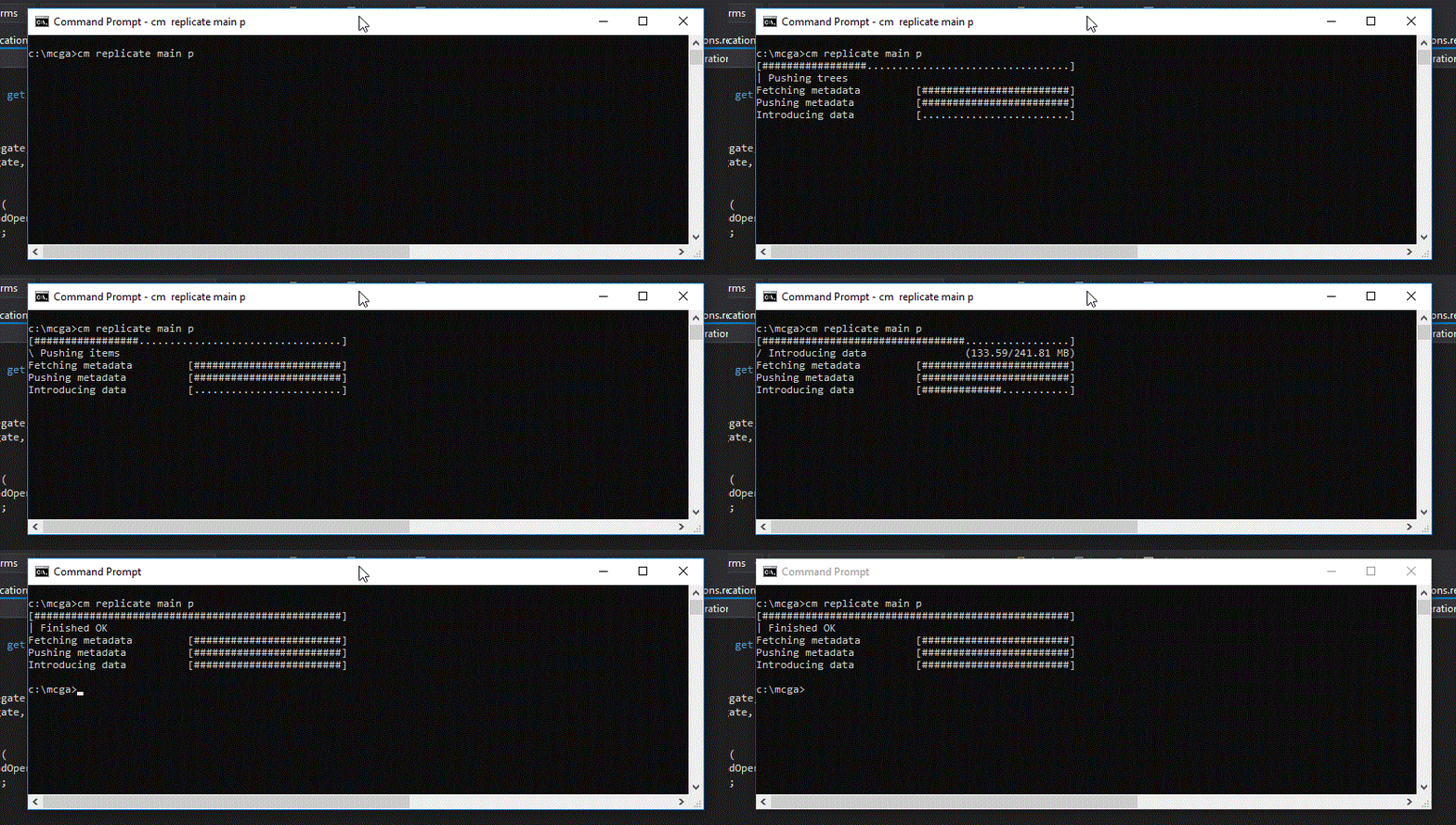
### Bug
#### Fix for misleading 'nodata' error message
We found out that file content downloads that failed due to network issues were incorrectly interpreted as items replicated without their data. The client displayed a message like "Cannot download revision 1432842 from server: Can't download '/wk/src/foo.c' (revid:1432842). It was probably replicated with --nodata, but it is not available in the repository test\@localhost:8084.", but that was misleading. We fixed it so that the client displays the original error, rather than the 'nodata' message.
#### GitServer
GitServer: Concurrent git clone operations could fail with the error "pack has bad object at offset XXX" since they wrongly share a buffer to build all the packages. Fixed.
#### Plastic Windows GUI
Plastic Windows GUI: We fixed the text color of the annotate view bottom panel when using the Montana-Dark theme. It blended with the background before, rendering it unreadable.
#### Creating a workspace sometimes failed with the er…
Creating a workspace sometimes failed with the error "The workspace cannot be initialized with the given selector. Probably you don't have enough permission to load the initial changeset of the repository of the selector". This happened when the user that performed the 'create workspace' operation only had permissions to see a subtree (e.g. '/game/art'). Now it's fixed.
#### Plastic GUI
Plastic GUI: Transformable workspace rules used to fail for paths containing spaces, but now you can enclose the path in double quotes, and the transformer rule will work as expected.
For example, the "plastic.transformerrules" file could contain:
```text
rm "/Path with/spaces in/"
mv /No/Spaces "/Dir with spaces"
```
***
## 8.0.16.3014
> **Note:**
>
> **Public** | 2019-02-20
### New
#### Command line client
Command line client: We have given the "cm update" command a nice new animated progress bar. Spoiler alert: it looks like this:
**Screenshot:**
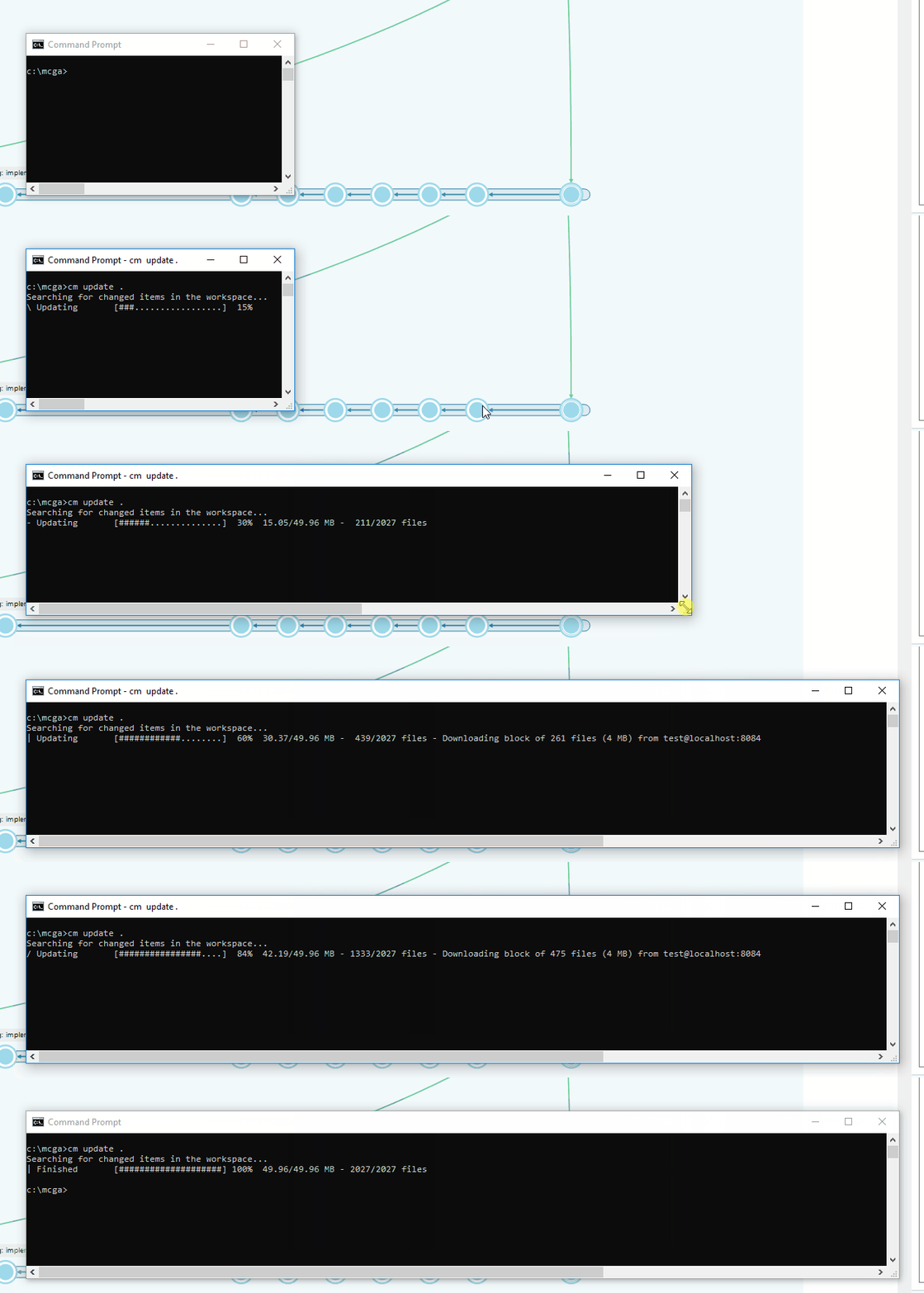
Note: if the command output is redirected, you will get the original output.
#### Command Line Interface
Command Line Interface: the 'cm' CLI utility has gained Bash superpowers! Now, the 'cm' command can provide command line autocompletion for Bash (more shells coming soon!).
To install it do the following:
```text
$ cm autocomplete install
```
**Screenshot:**
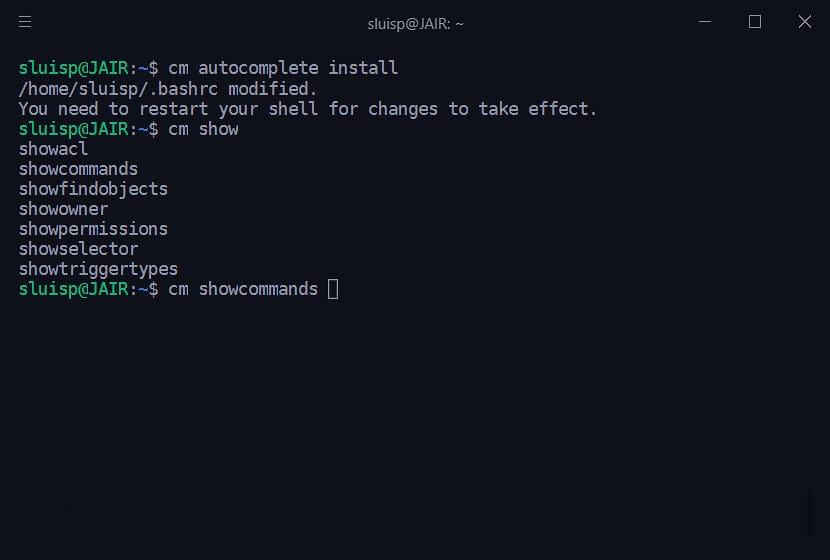
After that, your .bashrc file is modified with a script to hook 'cm' autocompletion to the 'cm autocomplete' command, so you need to restart your session for changes to take effect.
For now, 'cm' can only autocomplete command names (makeworkspace, showacl, renamerep and the like), but expect more improvements soon.
### Bug
#### Eclipse
Eclipse: The Diffs view crashed when it was displayed from the Window -> Show view -> Other -> PlasticSCM -> Diffs menu. Now it's displayed with a "No content to compare message". We also detected and fixed a layout issue in the view that now it's fixed.
***
## 8.0.16.3000
> **Note:**
>
> **Public** | 2019-02-18
### New
#### Command line client
Command line client: We have introduced a new, clearer format for the console output of the status command. This change brings the CLI inline with the Pending Changes view of the GUI.
However, don't worry - you can still get the output in the legacy format, if that's your thing.
First of all, here is an example of the new output.
**Screenshot:**
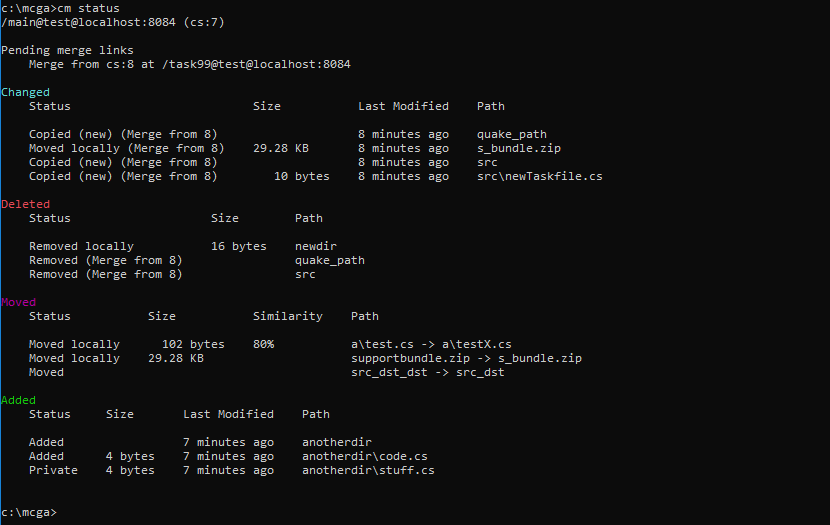
Beautiful, right? As you can see, we have a new format for the workspace status, we have made the pending merge list more prominent, and the changes lists have been updated with file sizes and last modified dates and are now organized similarity to the Pending Changes view.
We have added some new options to the command, including:
```text
--cset revert to the original format for workspace status (equivalent to the old cm status without args)
--compact revert to the original format for the changes lists (equivalent to cm status --all/--changed/etc but using the old format)
--head shows information for the head changeset
```
Please check-out the inline help "cm status --usage" or the online CLI Guide ([https://www.plasticscm.com/documentation/cli/plastic-scm-version-control-cli-guide](https://www.plasticscm.com/documentation/cli/plastic-scm-version-control-cli-guide)) for more information.
What's changed?
By default, all changes, controlled and local, are displayed. Since this is the default, we removed the `--all` option, but you can still use `--controlledchanged` to show only controlled changes.
The option `--nochanges` has been renamed to `--header`, and outputs just the workspace status.
The option `--nostatus` has been renamed to `--noheader`, and outputs just the changelists.
New option, `--head`, displays the head changeset status.
The `--selector` and `--wkconfig` options have been deprecated.
In case you still need the old format, for automation purposes:
The following options can be used to generate output in the legacy format:
`--cset` outputs the workspace status.
`--compact` outputs the workspace status and changelists.
`--noheaders` can be used with `--compact` and removes the changelist group headers from the output.
#### Windows GUI
Windows GUI: Improved readability in Branch Explorer label captions. When a label was too long, the caption was cut and added ellipsis, so the caption couldn't be read. Now, when a label that doesn't fit it's caption area is hovered with the mouse, we draw the complete caption, so it can be easily read:
**Screenshot:**
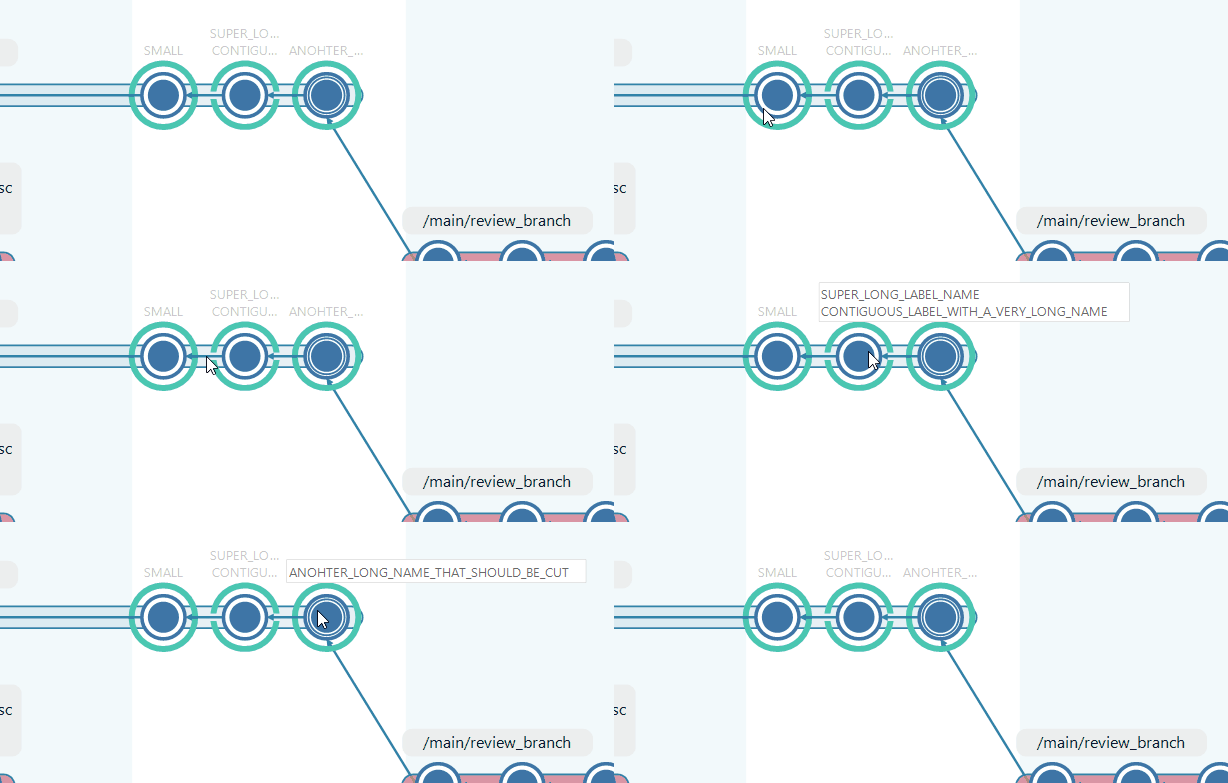
#### Gluon for Windows
Gluon for Windows: We added an option menu button in the top right corner that allows you to display the preferences and the about dialogs.
#### Gluon for Linux
Gluon for Linux: We added a button in the left sidebar that displays the about dialog.
#### Plastic (all platforms)
Plastic (all platforms): Some users reported that they got stuck when a merge was started and it was not finished. We added a help case to detect this situation and help the user to continue the merge, or undo (and cancel the merge in progress).
### Bug
#### Windows installer
Windows installer: The server-only installer was failing trying to extract 'vswhere.exe' file, a file needed to detect Visual Studio installations. Now it's fixed.
#### Eclipse plugin
Eclipse plugin: The Eclipse views (branches, labels, changesets, pending changes ...) failed to open due to a layout issue. Now it's fixed.
***
## 8.0.16.2974
> **Note:**
>
> **Public** | 2019-02-06
### New
#### Linux
Linux: Added an "Applications" shortcut to launch the Plastic SCM server administration page. This shortcut will open a browser on `http://127.0.0.1:7178`, which is the default admin page location of plastic server.
See screenshot below (Ubuntu):
**Screenshot:**
REMARK: the shortcut internally uses `xdg-open` to launch a browser, which is likely to be installed on supported linux desktop environments. Otherwise, you will have to install it using the package manager of your distro.
#### Plastic (windows, gtk, osx)
Plastic (windows, gtk, osx): When a user switches to a changeset, the last changes on the branch won't be downloaded when the workspace is updated. When a user clicks the "update workspace" button in the items view and we detect that they had previously switched their workspace to a changeset, Plastic displays a help message to warn about this situation.
#### Plastic all platforms
Plastic all platforms: Improved the performance calculating the cloud organization for a user in the welcome dialog.
#### Plastic for Windows
Plastic for Windows: When you show the changesets for a branch (branches view -> right click -> view -> view changesets in this branch), the following options were disabled:
* Merge from this changeset
* Cherry pick from this changeset
* Advanced merge
Now it's fixed.
#### Plastic GUI, Gluon and CLI
Plastic GUI, Gluon and CLI (Windows, Linux and macOS): Now all Plastic clients use the environment variable `PLASTIC_HOME` to load and save the settings.
If defined, Plastic will use the folder defined in the `PLASTIC_HOME` environment variable to save setting files. Otherwise, the default config folder will be used.
NOTE: The `PLASTIC_HOME` environment variable will is ignored by the java cm client (our java-based CLI).
### Bug
#### Gluon for windows
Gluon for windows: If you set a filter in the Checkin View, after refreshing it, the filter was not re-applied. Now it's fixed.
#### Plastic for windows
Plastic for windows: The option "Filter only parents" in the Version tree 2D was not correctly saved/restored. Now it's fixed.
#### The update operation didn't report the proper err…
The update operation didn't report the proper error when downloading a file locked by another process and bigger than 4MB. Fixed.
#### Plastic, Gluon and CLI (all platforms)
Plastic, Gluon and CLI (all platforms): Fixed a performance issue. The client configuration file (client.conf) was parsed thousands of times due a bug in the code. Now it's fixed.
***
## 8.0.16.2951
> **Note:**
>
> **Public** | 2019-01-30
### New
#### Plastic SCM turns 8.0!
Plastic SCM turns 8.0!
New year, new number. For all of you using subscriptions it will be transparent.
If you have an "unlimited license", remember to request a new license where "major version supported" is updated to 8.
As you know, we no longer release major super new versions anymore. We don't wait and package tons of new features together for a big launch. It seems the world has moved past that, and for us it is much better since it better fits the way we work.
We release a few times a week, so being subscribed to Plastic, or purchasing support+updates if you are on perpetual, means receiving a constant flow of updates.
The initial 8.0 won't be different from the latest 7.0, but in a few months 8.0 will be incredibly much evolved, week after week.
These are some of the things we are cooking:
* A brand new Unity plugin: While the current one, officially deployed by Unity, will still be there, we are working on a totally new one. Expect a more "plastic-style" UI with all the things you are used to in "Pending Changes".
* Multi-process Enterprise server: We are working at full speed right now in a greatly improved server that spawns multiple processes to increase reliability even on a single machine. This probably doesn't sound super exciting, but it will be the basis for the new upcoming Plastic Cloud infrastructure we are working on.
After these two big ones, we have plans for: Code Review (finally!), improved single-branch workflows, built-in cross-file semantic merge, and heavily focusing on usability.
#### Windows GUI
Windows GUI: SemanticMerge understands your PHP code now ;)
This feature closes one of the most requested UserVoice features: [PHP Please!](https://plasticscm.uservoice.com/forums/196398-semanticmerge/suggestions/3876536-php-please).
The PHP parser is released as a beta, so we'd love to have your feedback about things that don't work for you or any other suggestion.
**Screenshot:**
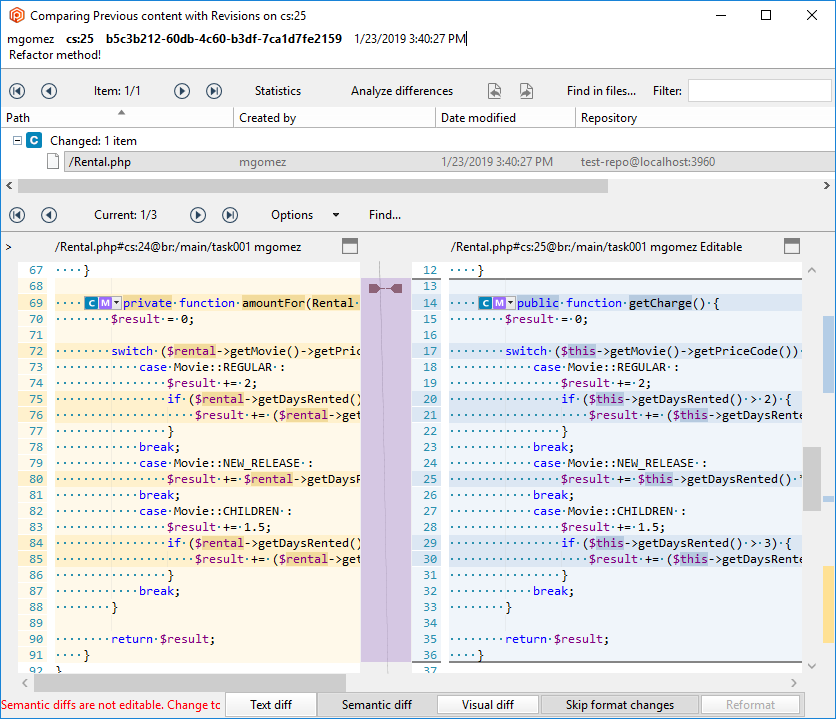
#### All platforms
All platforms: Filter rules confirmation dialog: we unified how the "apply for all workspaces" checkbox is displayed. Each platform (windows, gtk, osx) displayed this button in different ways, depending on whether the operation could be applied or not: Some platforms didn't show the checkbox, others displayed the checkbox in a disabled state, etc.
We unified the behavior this way (example with ignored files, but applies the same for cloaked items and hidden changes):
* Plastic (all platforms): Now it is possible ignore files for all workspaces, always displays the checkbox.
* Gluon (all platforms) Ignore files for all workspaces is not possible, the checkbox is not shown.
#### DevOps
DevOps: "trunk-bot" and "conflictsbot" are now able to track all configured repository's branches. To do that, just leave the "Branch prefix" field empty while configuring any of these mergebots. Nevertheless, the field description has been improved in order to explain how to configure this use case.
#### Command line tool. We have added a cool new abili…
Command line tool. We have added a cool new ability to the diff command. Previously, the process for viewing the diff of a file changed within a changeset was a little convoluted, because you had to call diff once to get the revisions and call diff again to see the differences. Now you can view the differences with a single call by specifying the filename as the last parameter.
For example `cm diff br:/main\@myrepo src\common\myfile.cs` will show any differences in the file `myfile.cs`.
In actual fact, you only need to specify enough of the path to uniquely identify the file. See the following output for an example of this intelligent path matching in action:
```text
c:\mcga>cm diff 4@test 6@test
C "src\client\dup.cs"
C "src\common\dup.cs"
C "src\server\net\dup.cs"
C "src\misc\net\dup.cs"
c:\mcga>cm diff 4@test 6@test dup.cs
Path 'dup.cs' not unique. Could refer to any of...
/src/client/dup.cs
/src/common/dup.cs
/src/misc/net/dup.cs
/src/server/net/dup.cs
c:\mcga>cm diff 4@test 6@test net\dup.cs
Path 'net\dup.cs' not unique. Could refer to any of...
/src/server/net/dup.cs
/src/misc/net/dup.cs
c:\mcga>cm diff 4@test 6@test server\net\dup.cs
Diff tool launched with 'server\net\dup.cs'
```
### Bug
#### Find queries that used the "like '%'" condition (…
Find queries that used the "like '%'" condition (i.e. a catch-all clause) returned a server error if it was configured to use Jet as backend. Fixed.
#### Server
Server: Using special characters, such as (# / ? :, etc. in bot/plug/bottype/plugtype names, caused the DevOps system to fail. Now, the following characters are forbidden: / : \* ? " \< > | #
Also in some circumstances, using blank spaces or other reserved characters caused the bots to fail when trying to communicate with the plugs. Now it's fixed.
#### Windows GUI
Windows GUI: The "explain merge" diagram was unable to draw the contributor labels properly when a changeset was the base and destination of the merge at the same time. A red label with "UNKNOWN" text was displayed instead. Now it's fixed.
#### Filter matching
Filter matching: We fixed a bug that caused name-only rules to be applied to the complete directory hierarchy of every workspace item. This means that writing e.g. 'wkspaces' as a rule in your /ignore.conf file would cause every private file in all workspaces inside /home/myuser/wkspaces to be ignored.
#### Windows GUI
Windows GUI: Fixed two bugs in the code review window.
* When a recently added file was commented in a revision that was not the last in the branch, the file content was displayed as empty. Now it's fixed.
* When a changed file was commented in a revision that was not the last in the branch, the action "show this revision in the left pane did nothing. Now it's fixed.